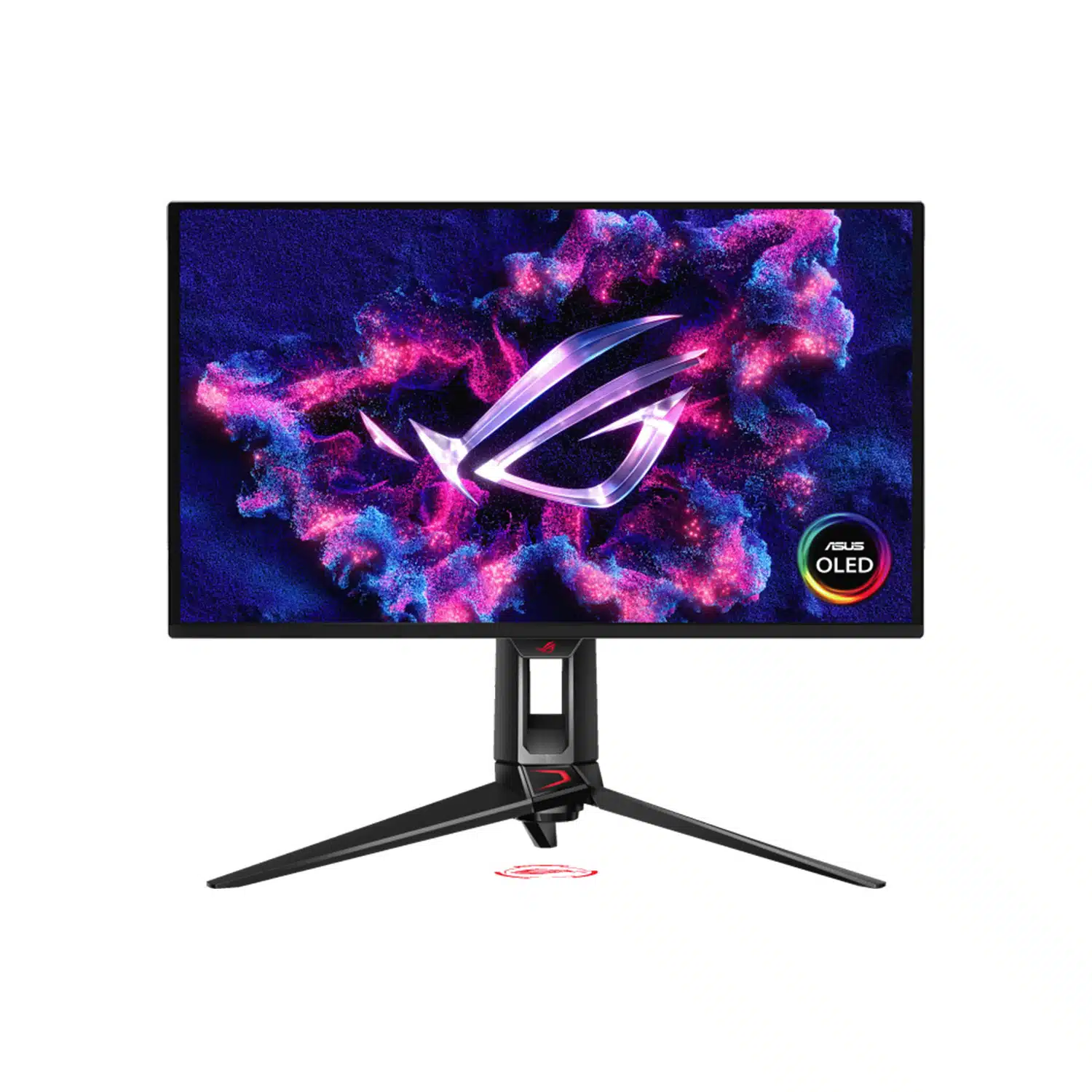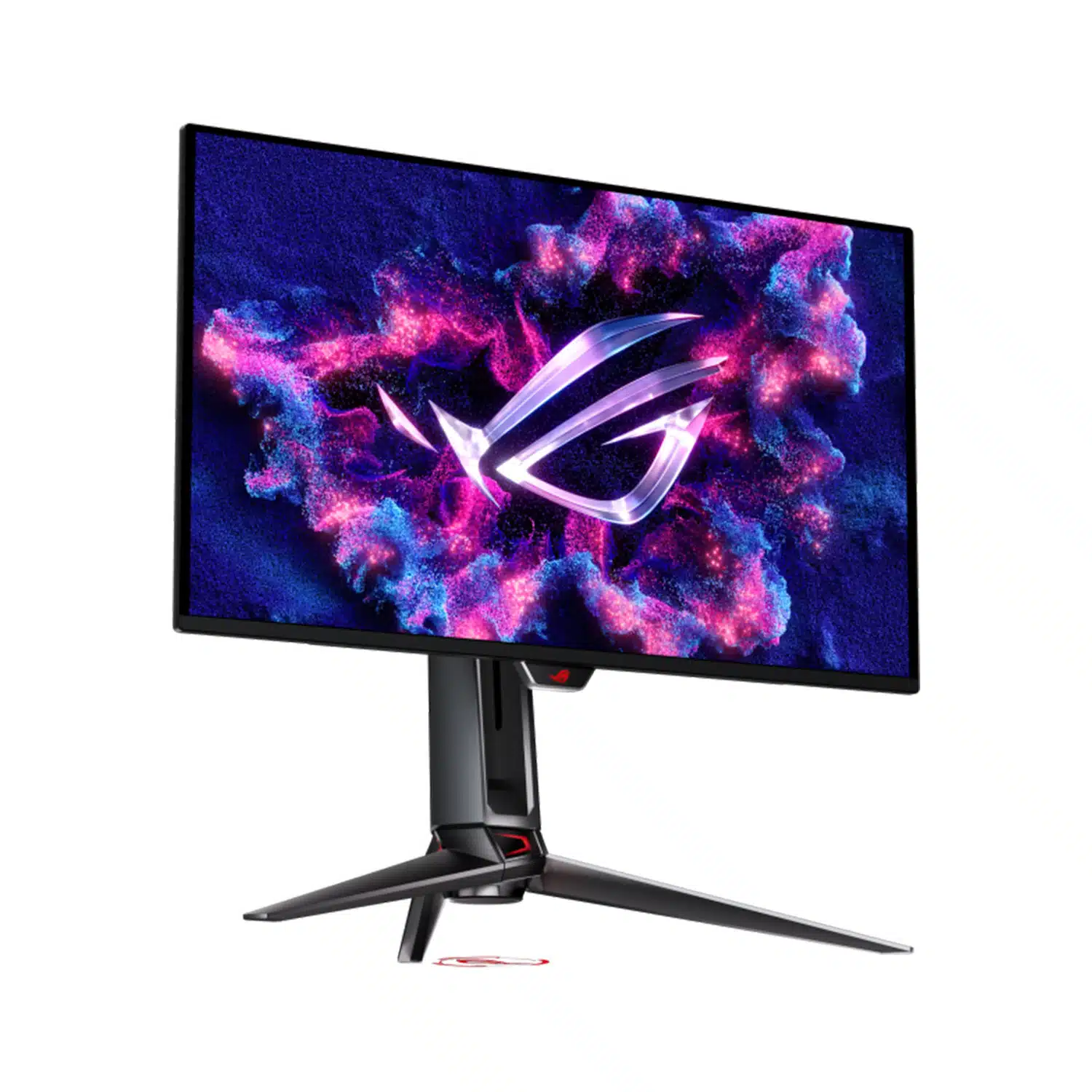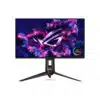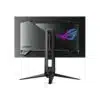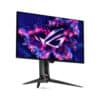

ASUS ROG Swift OLED PG27UCDM – 27-inch 4K 240Hz QD-OLED Monitor
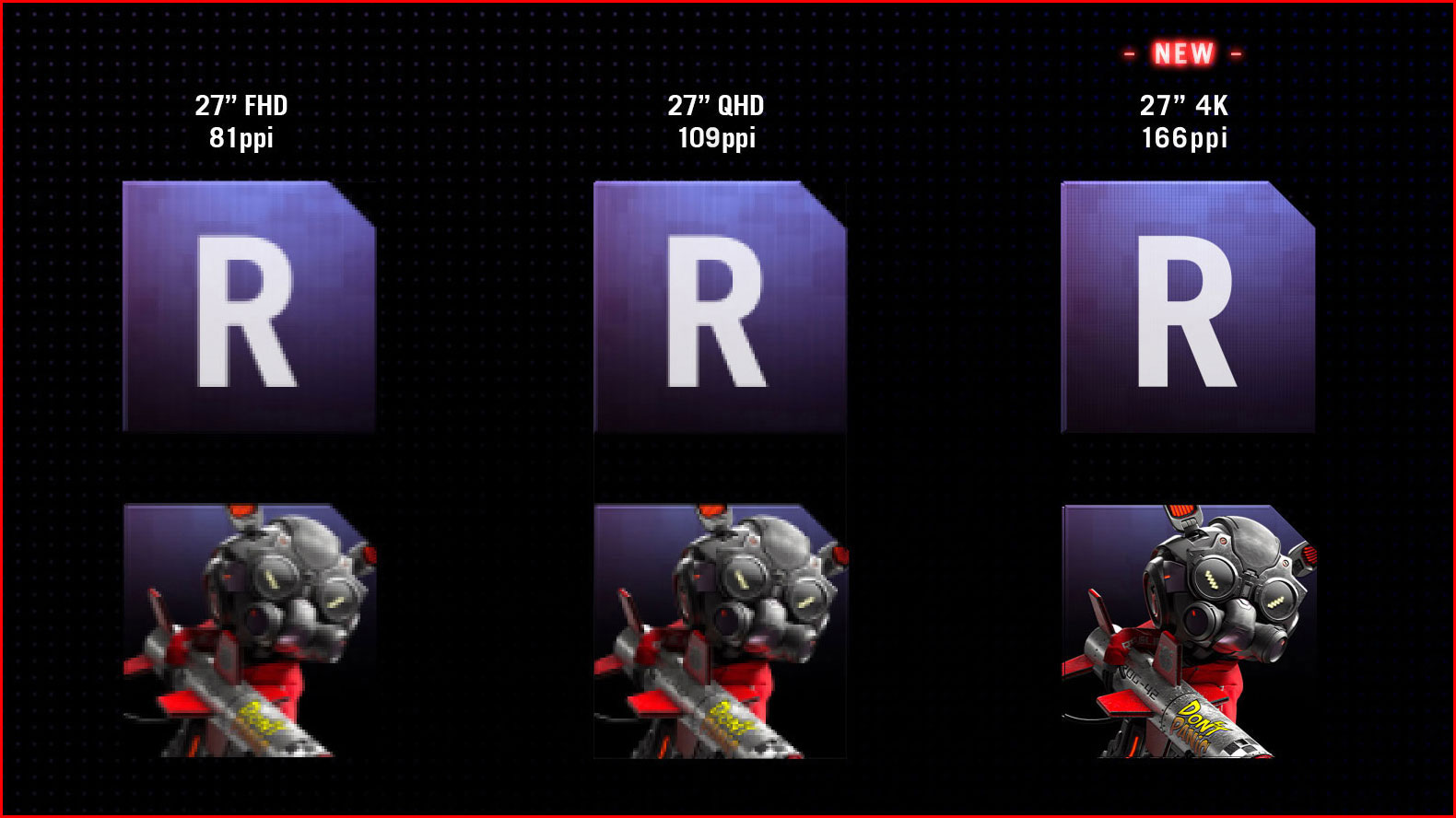
- 4K Detail at 166ppi
- Fourth-Generation QD-OLED Panel
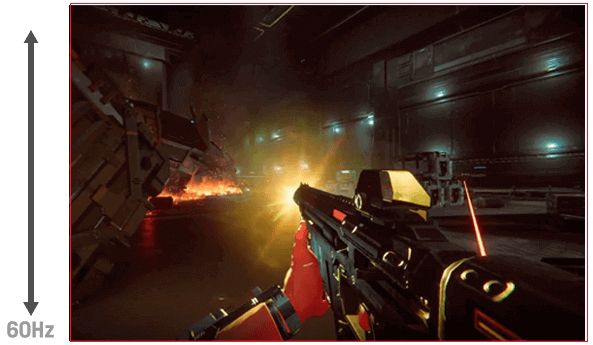
- 240Hz Refresh Rate
- 0.03ms GTG Pixel Response
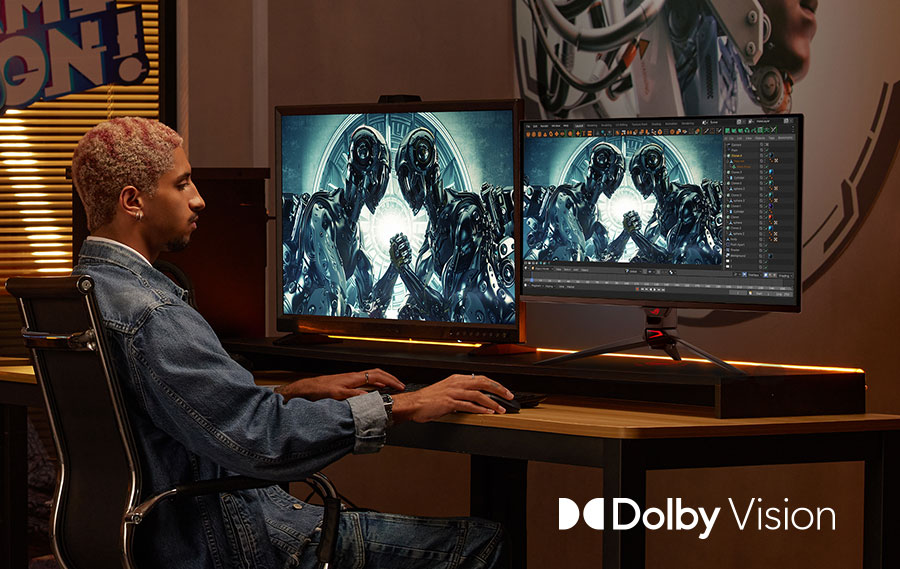
- HDR10 and Dolby Vision
- DisplayPort 2.1a UHBR20
- USB-C with Up to 90W Power Delivery
- OLED Care Pro
Out of stock
AX STORE KUWAIT / GAMING GEAR
ASUS ROG Swift OLED PG27UCDM – 27-inch 4K 240Hz QD-OLED Monitor
The ASUS ROG Swift OLED PG27UCDM combines 4K resolution and a 240Hz refresh rate in a compact 27-inch-class OLED monitor. Its 26.5-inch viewable QD-OLED panel gives a high pixel density for games, desktop work and media without moving to a larger screen.
The appeal is the complete desk package: fast pixel transitions, rich HDR capability, DisplayPort UHBR20 bandwidth, USB-C power delivery and a built-in KVM. OLED Care Pro and the Neo Proximity Sensor add practical panel-care controls for everyday use.
Explore the Features

FEATURE 01
4K Detail at 166ppi
A 3840 × 2160 image on a 26.5-inch viewable panel provides dense detail. Set comfortable desktop scaling for text and leave enough graphics performance for the resolution and quality settings you choose.

FEATURE 02
Fourth-Generation QD-OLED Panel
The QD-OLED panel combines deep black levels with a wide colour gamut. It suits visually rich games and media, while room lighting and screen reflections remain part of the viewing experience.
FEATURE 03
240Hz Refresh Rate
Up to 240 refreshes per second supports fluid motion when the source can provide it. The monitor does not create 240 frames per second from a game running at a lower frame rate.
FEATURE 04
0.03ms GTG Pixel Response
The quoted response time describes grey-to-grey pixel transitions under manufacturer conditions. It helps distinguish OLED motion behaviour, but it is not a measurement of complete mouse-to-screen latency.

FEATURE 05
HDR10 and Dolby Vision
Support for both formats gives compatible sources a route to HDR playback. VESA DisplayHDR 400 True Black certification describes the OLED HDR capability; the actual result depends on source content and selected mode.
FEATURE 06
Wide Gamut and 10-Bit Colour
ASUS lists 99% DCI-P3 coverage, true 10-bit colour and Delta E below 2. Use the appropriate mode and colour-management workflow for editing rather than treating a vivid gaming preset as a universal reference.

FEATURE 07
DisplayPort 2.1a UHBR20
The full 80Gbps link is designed for uncompressed 4K 240Hz input with a compatible source and cable. Confirm the graphics card’s actual port capability; a DisplayPort-shaped connector alone does not guarantee UHBR20.
FEATURE 08
HDMI 2.1 and USB-C Inputs
Two HDMI 2.1 ports and USB-C DisplayPort Alt Mode support different desk devices. Check the source output mode and cable so resolution and refresh settings match the connection path.
FEATURE 09
USB-C with Up to 90W Power Delivery
A compatible laptop can carry display data and receive up to 90W over USB-C. Some high-performance laptops still need their own power adapter under load, so compare the laptop power requirement.
FEATURE 10
KVM and Three-Port USB Hub
The built-in KVM helps share connected peripherals between compatible source devices. Plan the display and USB upstream connections together; changing the picture input alone is not always the complete USB setup.
FEATURE 11
OLED Care Pro
Pixel cleaning, screen movement and dimming controls help manage static-content exposure. Taskbar, logo and boundary detection address common desktop patterns. Keep the relevant care features enabled according to the usage guidance.
FEATURE 12
Neo Proximity Sensor
The sensor can turn the image black when you step away and restore it when you return. Set the detection distance for your seating position and keep the sensor unobstructed.

FEATURE 13
OLED Anti-Flicker 2.0
Luminance compensation and refresh-rate controls aim to reduce visible OLED flicker when frame rates vary. It is a mitigation feature, not a promise that every game and refresh pattern will be completely flicker-free.
FEATURE 14
Adaptive Sync and Motion Options
G-SYNC Compatible and FreeSync Premium Pro support variable-refresh workflows. ASUS also provides ELMB; select modes for your specific source and review mode restrictions rather than assuming every motion option operates together.

FEATURE 15
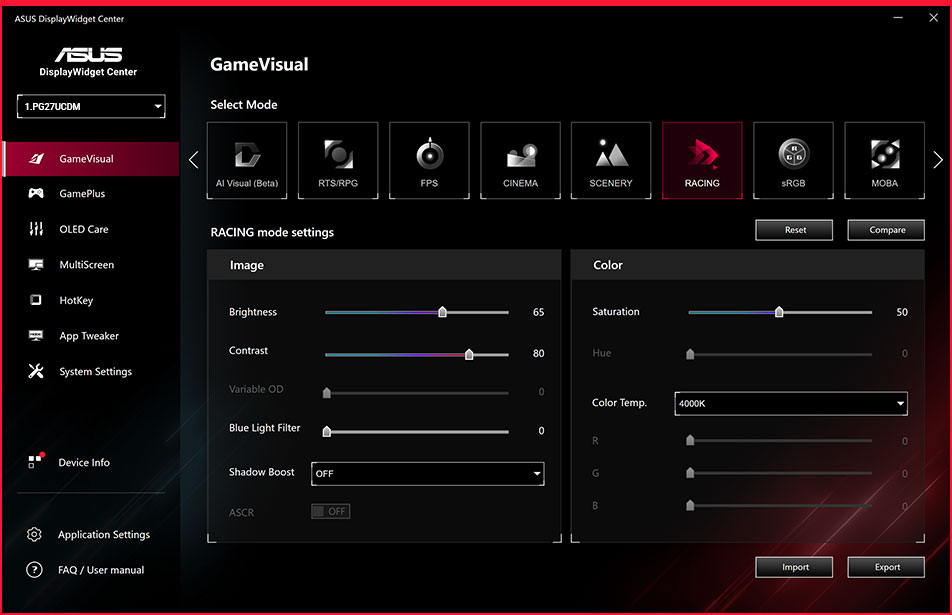
Uniform Brightness and DisplayWidget Center
Uniform Brightness helps keep ordinary desktop luminance more consistent as window sizes change. DisplayWidget Center brings supported monitor adjustments and care settings to mouse-driven software control.

FEATURE 16
Custom Heatsink
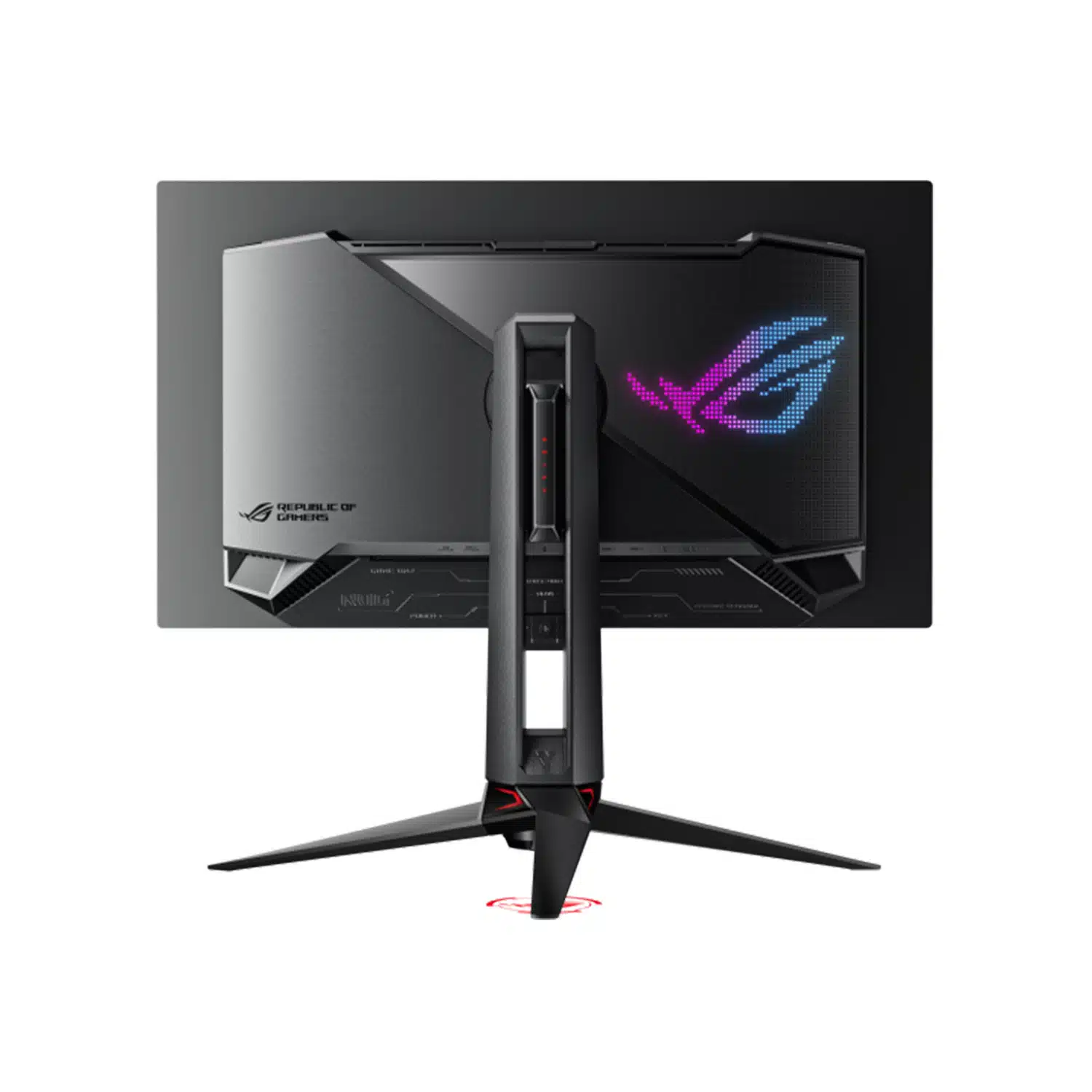
The thermal design supports the OLED panel during operation. Keep ventilation areas clear and let the monitor complete its maintenance cycles rather than routinely cutting power immediately after use.

FEATURE 17
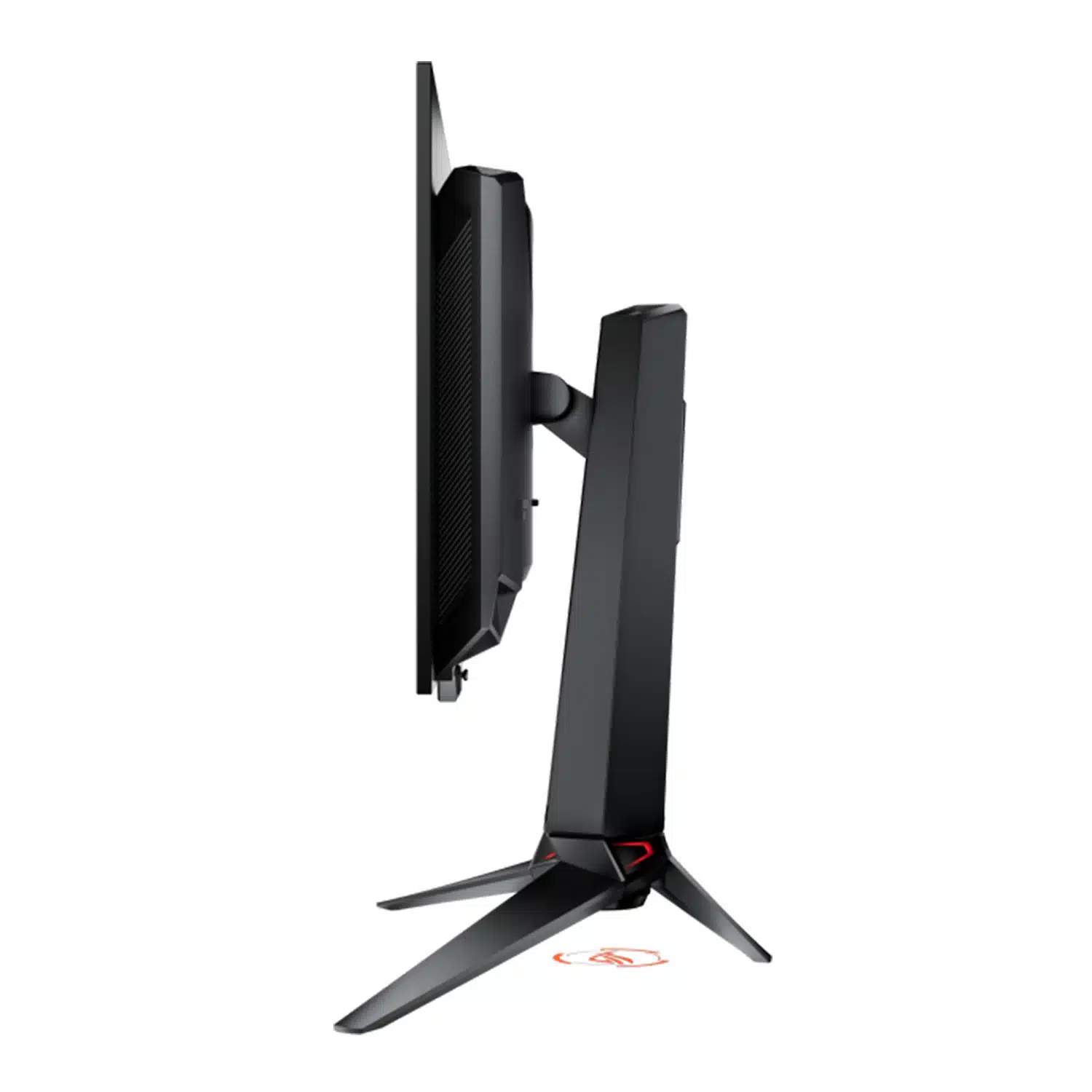
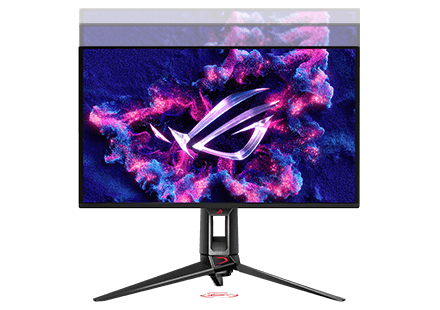
Ergonomic Stand and VESA Mount
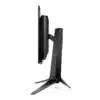
Height, tilt, swivel and pivot adjustments help put the image at a comfortable position. A 100 × 100mm VESA pattern supports compatible arms, and the monitor weighs approximately 4.97kg without its stand.

FEATURE 18
Gaming Tools and Desk Details
GamePlus, GameVisual, Shadow Boost and aspect controls offer practical on-screen options. Aura Sync lighting and the quarter-inch tripod socket round out the desk setup without requiring you to replace the display’s core image settings.
Complete the Display Setup
If you want to move away from the included stand, compare the SADES APEP dual monitor arm against the display’s VESA pattern and weight without its stand. The PRO X SUPERLIGHT 2 and Wooting 80HE TenZ offer high-rate input devices, while game frame rate still depends on the PC and settings.
Frequently Asked Questions
Is this a 1440p monitor?
No. PG27UCDM is a 3840 × 2160 4K monitor with a maximum 240Hz refresh rate.
Does 240Hz guarantee 240fps in my game?
No. The computer or console, game settings and output connection determine frame rate. The monitor displays the signal it receives within its supported limits.
What is required for the UHBR20 connection?
A compatible DisplayPort UHBR20 source and suitable cable are required to use the full 80Gbps link.
Can it charge a USB-C laptop?
It supports up to 90W USB-C Power Delivery. Check the laptop requirements; some systems still need their own charger during demanding use.
Does it have speakers?
No. Use a suitable external audio system or the supported headphone connection.
Do OLED care features eliminate burn-in risk?
They help manage risk but do not make OLED immune to persistent static-content exposure. Follow the care guidance and allow maintenance cycles to finish.
Can I mount it on an arm?
Yes, with a compatible 100 × 100mm VESA arm rated for the monitor’s approximate 4.97kg weight without its stand, with suitable physical clearance.
Can one keyboard and mouse serve two devices?
The built-in KVM supports sharing compatible USB peripherals when the display and USB connections are configured correctly.
Why Buy from AX Store Kuwait?
Choose the exact model and connection that suit your setup at AX Store Kuwait. The specifications, setup guidance and related accessories on this page help you build a practical system around the product.
Technical Specifications
| Display | |
|---|---|
| Brand | ASUS ROG |
| Model | Swift OLED PG27UCDM |
| Viewable Size | 26.5 inches, 27-inch class |
| Resolution | 3840 × 2160 / 4K UHD |
| Aspect Ratio | 16:9 |
| Panel | 4th-generation QD-OLED |
| Maximum Refresh Rate | 240Hz |
| Response Time | 0.03ms GTG |
| Surface | Anti-reflection |
| Colour and HDR | |
| Colour Depth | 10-bit |
| DCI-P3 Coverage | 99% |
| Colour Accuracy | Delta E <2 |
| HDR Formats | HDR10; Dolby Vision |
| HDR Certification | VESA DisplayHDR 400 True Black |
| Peak HDR Brightness | Up to 1000cd/m²; varies with mode and measurement conditions |
| Typical Contrast | 1,500,000:1 |
| Connections | |
| DisplayPort | 1 × DisplayPort 2.1a UHBR20, 80Gbps |
| HDMI | 2 × HDMI 2.1 |
| USB-C | DisplayPort Alt Mode; up to 90W Power Delivery |
| USB Hub | 3 × USB 3.2 Gen 1 Type-A |
| KVM | Yes |
| Headphone Output | Yes |
| Built-in Speakers | No |
| Care and Synchronisation | |
| Variable Refresh | G-SYNC Compatible; FreeSync Premium Pro |
| Panel Care | ASUS OLED Care Pro with Neo Proximity Sensor |
| Anti-Flicker | OLED Anti-Flicker 2.0 |
| Software Control | DisplayWidget Center |
| Stand and Mounting | |
| Height Adjustment | 0–110mm |
| Tilt | +20° / -5° |
| Swivel | +30° / -30° |
| Pivot | +90° / -90° |
| VESA Mount | 100 × 100mm |
| Weight Without Stand | Approximately 4.97kg |
| Weight With Stand | Approximately 7.62kg |
| Tripod Socket | 1/4 inch |
Shure SM7B
Empower Your Sound with the Legendary Shure SM7B Microphone
Shure SM7B Cardioid Dynamic Microphone

DT 990 Pro
Where Audio Fidelity Meets Unparalleled Comfort
beyerdynamic DT 990 PRO 250 Ohm open Studio Headphone

Join the best gaming community!
Join our Discord server for a community of like-minded individuals, where you can stay up to date with all the offers, new arrivals and much more.
Join the discord serverOur benefits
Secure Payments
K-NET & Credit cards
Fast shipping
Delivery in next day
Live support
Get in touch with us
Easy returns
14 days after purchase (Check Return Policy)
Subscribe to our newsletter
Subscribe to be the first to hear about our exclusive deals, special offers and upcoming products and collections.
By submitting you agree to the Terms and Conditions of our store.