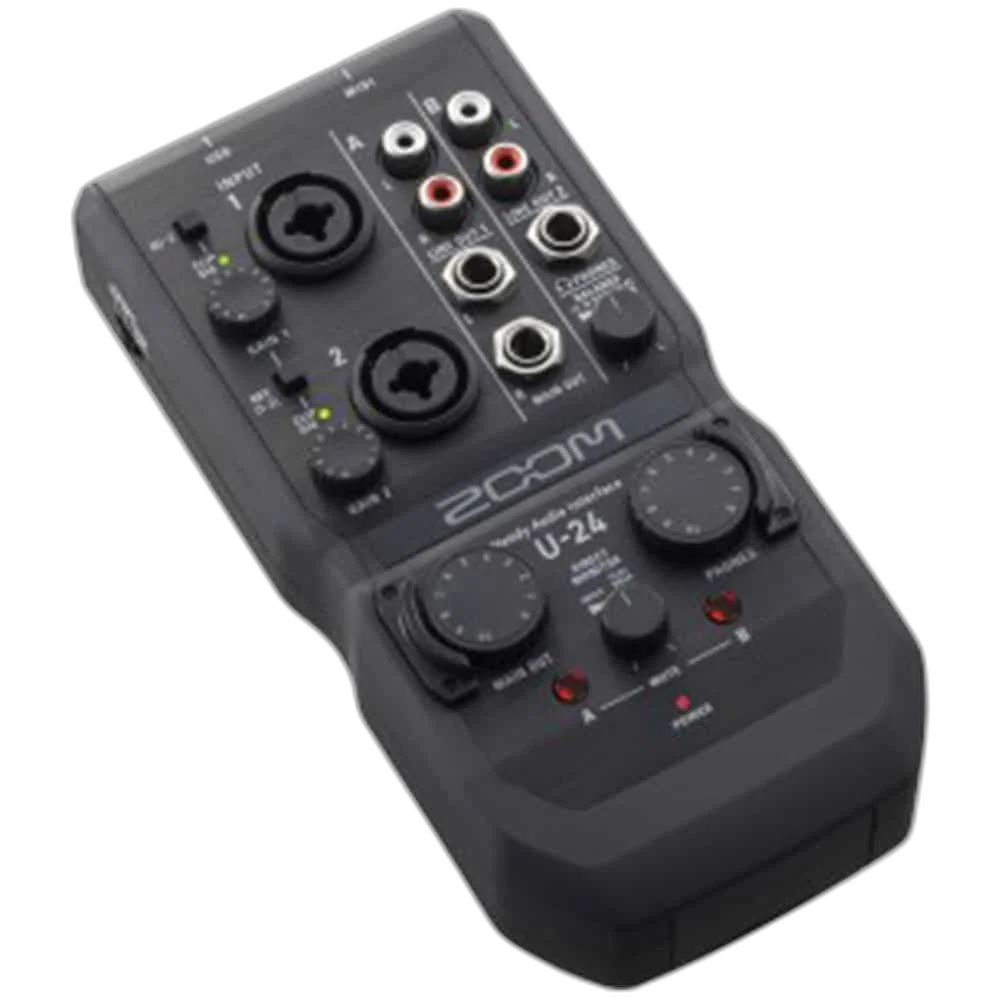
Zoom
Zoom U-24 USB Audio Interface
Zoom U-24 is a 2-in/4-out USB audio interface with two mic/line preamps, Hi-Z on input 1 and MIDI input/output. Record up to 24-bit/96kHz, balance computer playback for cue monitoring, and power the interface from USB or two AA batteries.
Regular price
52.500 KWD
or 4 payments of 13.125 KWD with
Pay with card & save


50.000 KWD
Save 2.500 KWD
Overview
ZOOM U-24 USB AUDIO INTERFACE
A compact interface for recording and cue mixes
Zoom U-24 is a 2-in/4-out USB audio interface with two mic/line preamps, Hi-Z on input 1 and MIDI input/output. Record up to 24-bit/96kHz, balance computer playback for cue monitoring, and power the interface from USB or two AA batteries.
2
Analogue Recording Channels
2
Microphone Preamps
Up to 24-bit / 96 kHz
Maximum Recording Format
USB
Interface USB Connector
Connect voice, instruments and MIDI hardware
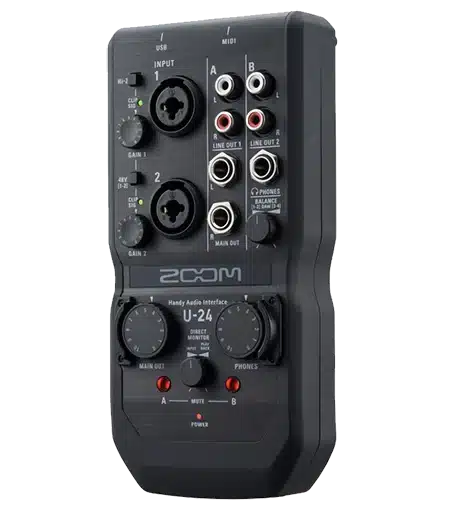
Two XLR/TRS combo inputs accept microphones or line sources, with independent gain controls and level indicators. Switch input 1 to Hi-Z for a passive guitar or bass. The 5-pin MIDI input and output connect compatible keyboards, controllers and external instruments.
Build the listening mix you need
Direct Monitor blends live inputs with computer playback. Separate main and headphone level controls let you set listening levels, while the A/B balance control blends computer output pairs 1–2 and 3–4 for the headphone and second line-output path. This is useful for a click track or DJ cue signal.
Connect to monitors or a mixer
The U-24 provides a main 6.35 mm output pair, two RCA stereo output pairs and a headphone socket. These connectors share the interface's four playback channels; they do not represent extra independent channels. The main and RCA line connections are unbalanced.
Use a mobile recording setup
The interface connects to a computer through USB Type-B and records at up to 24-bit/96 kHz. It can also operate with compatible iOS devices using the required connection adapter and separate power. Two AA batteries, USB bus power or a suitable 5V Micro-B supply provide flexible power options.
Plan the Session Around the Actual Inputs
Two microphone/line/instrument input paths provide two analogue recording channels. Choose the input mode for each source; a combo connector’s different plug options do not multiply the available channels. Assign the live sources before recording and choose the appropriate microphone, instrument or line setting for the connection you use.
Supply the Host Power the Interface Needs
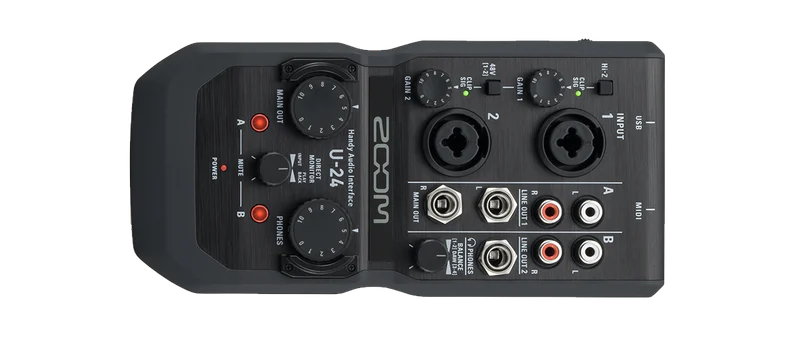
The power arrangement is USB Type-B bus power; 2 × AA; or 5 V Micro-B supply. Use the specified cable and adequate host or external power. Check a mobile setup separately, as a matching USB connector does not guarantee the connected device supplies the required current.
Complete Your Workspace
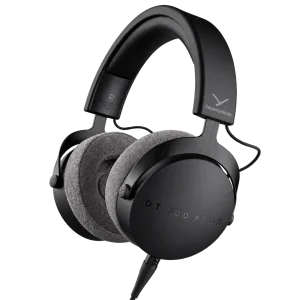
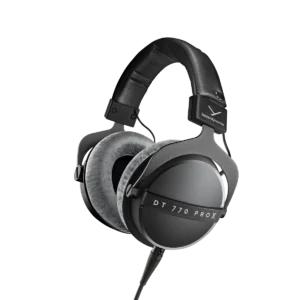
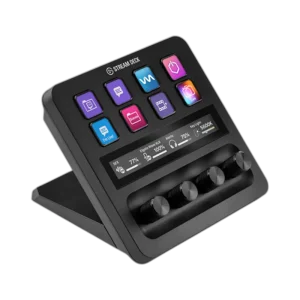
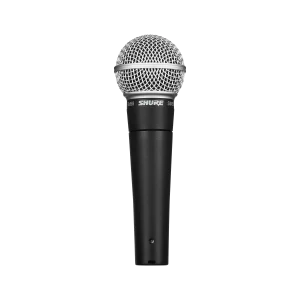
Explore Audio-Technica ATH-M40x closed-back headphones, XLR microphones, Compare audio interfaces and mixers, Browse monitoring headphones for your setup. Suggested products are sold separately. Check the number of analogue recording channels, microphone preamps, digital expansion, MIDI, mobile support and supplied accessories when comparing interfaces. An Audio-Technica AT2020 XLR microphone requires 48 V phantom power; a Shure SM58 is a separate dynamic microphone choice. Use the correct XLR cable and microphone input. Beyerdynamic and Audio-Technica headphones provide listening alternatives, and Elgato controls complement a supported computer workflow. iD14 MKII desktop and ADAT functions do not include iD4 MKII’s supported iOS use. Mobile setups may require an adapter and external power. Choose the actual cables and recording software for the selected host.
Frequently Asked Questions
How many physical recording channels does it provide?
Two microphone/line/instrument input paths provide two analogue recording channels. Choose the input mode for each source; a combo connector’s different plug options do not multiply the available channels.
Which USB format and power should I plan for?
USB is the stated connection family. USB Type-B bus power; 2 × AA; or 5 V Micro-B supply. Check the required cable, host power and current driver support.
Which microphone connection should I use?
Connect an analogue XLR microphone to the supported microphone input. Use switchable 48 V phantom power only for a microphone or active accessory that requires it. USB microphones connect to their supported host separately.
Which recording format is supported?
Up to 24-bit / 96 kHz. Select a compatible sample rate and bit depth in the application; the stated maximum does not replace input-gain setup or guarantee an unclippable recording.
Can I use a supported iPad or iPhone?
Supported mobile operation needs the correct USB connection and adequate power. An appropriate adapter or powered hub may be required; desktop control software and bundled applications have separate system requirements.
Build Your Setup with AX Store Kuwait
Explore computers, displays and accessories for your workspace at AX Store Kuwait. For help choosing the right model or checking an accessory, contact AX Store.
THE DETAILS
Technical specifications
Interface and inputs
U-24
2 recording channels / 4 playback channels
24-bit
44.1 / 48 / 88.2 / 96 kHz
2 × XLR / TRS combo
0–43 dB
2.6 kΩ
1.1 MΩ; input 1
+2.7 dBu
+20.7 dBu
+48 V
-119.5 dB, IHF-A, 43 dB gain / 150 Ω input
Outputs and monitoring
2 × 6.35 mm TRS, unbalanced
+10 dBu at 0 dBFS
330 Ω
2 × stereo RCA pairs
+8 dBu at 0 dBFS
1 kΩ
6.35 mm stereo
30 mW × 2 into 32 Ω
+10 dBu at 0 dBFS
33 Ω
Yes
Computer playback 1–2 / 3–4 for line output 2 and headphones
Connectivity and power
USB 2.0 via Type-B
5-pin DIN input and output
USB Type-B bus power; 2 × AA; or 5 V Micro-B supply
ZOOM AD-17
About 4 hours with phantom power off; conditions affect runtime
5 W
92.3 × 191.8 × 42.7 mm
285 g
COMPLETE YOUR SETUP