Wooting
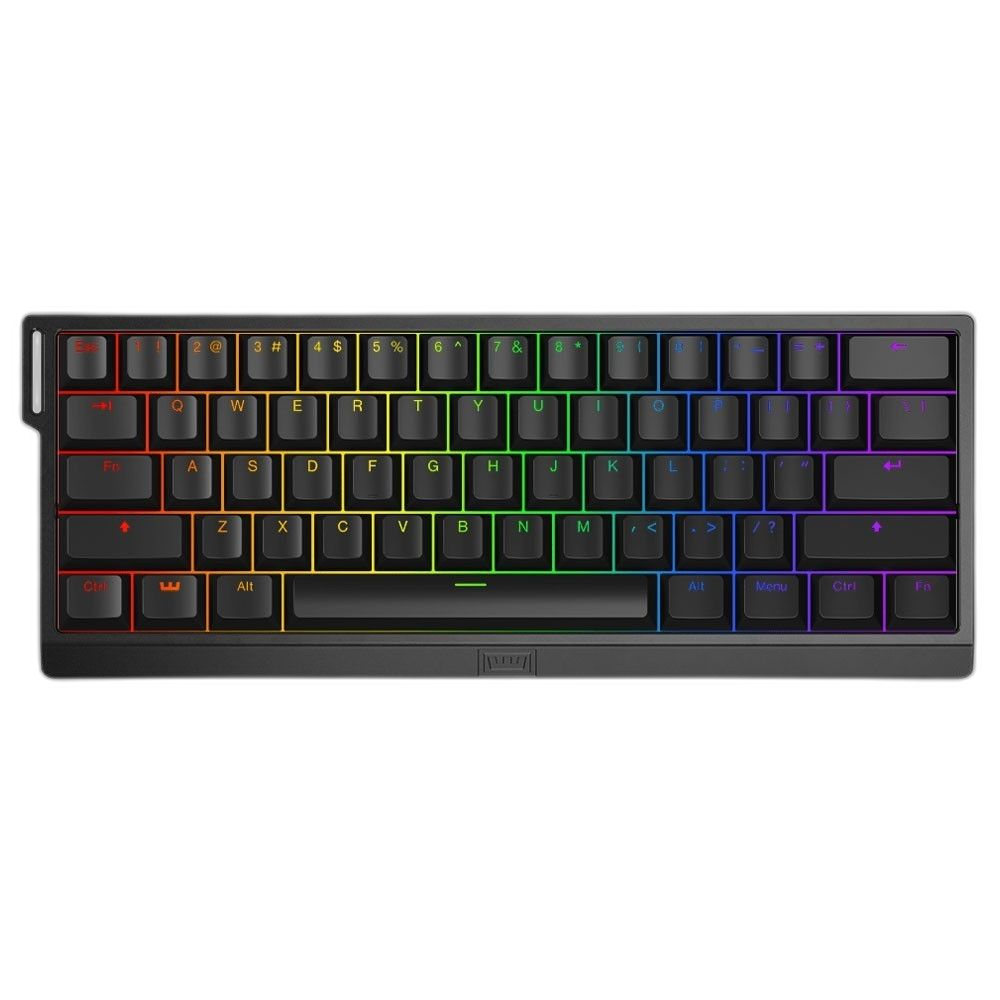
Wooting 60HE+ 60% Rapid Trigger Gaming Keyboard, Black
Make room for your mouse with the compact Wooting 60HE+. Lekker L60 Hall effect switches offer per-key actuation from 0.1 to 4.0 mm, while Rapid Trigger controls key reset behavior. Configure your layout and save up to four onboard profiles in Wootility. This model uses 1,000 Hz polling.
Regular price
84.000 KWD
or 4 payments of 21.000 KWD with
Pay with card & save


79.900 KWD
Save 4.100 KWD
Overview
WOOTING / HALL EFFECT KEYBOARDS
Wooting 60HE+
More room for movement. More control per key.
The Wooting 60HE+ puts adjustable Hall effect input into a compact 60% keyboard. Its short footprint leaves space beside the board for mouse movement, while Rapid Trigger and per-key actuation let you tune how your fingers start and stop an input. The black ABS case and wired USB connection keep the setup straightforward.
60%
Compact keyboard layout
1,000 Hz
Polling rate
0.1–4.0 mm
Adjustable actuation
4 profiles
Saved onboard
COMPACT BY DESIGN
Build your layout around the keys you use
The 60% format removes the separate function row, arrow cluster and number pad. Function layers and remapping give you access to those commands when you need them, while the physical keyboard remains compact.
Before deciding on a 60% board, think about how often you use navigation keys. If you mainly want mouse space during games and are comfortable learning shortcuts, the smaller layout can be a useful fit. If you use dedicated arrows constantly, the larger 80HE offers those controls directly.
HALL EFFECT INPUT
Choose how far each key needs to travel
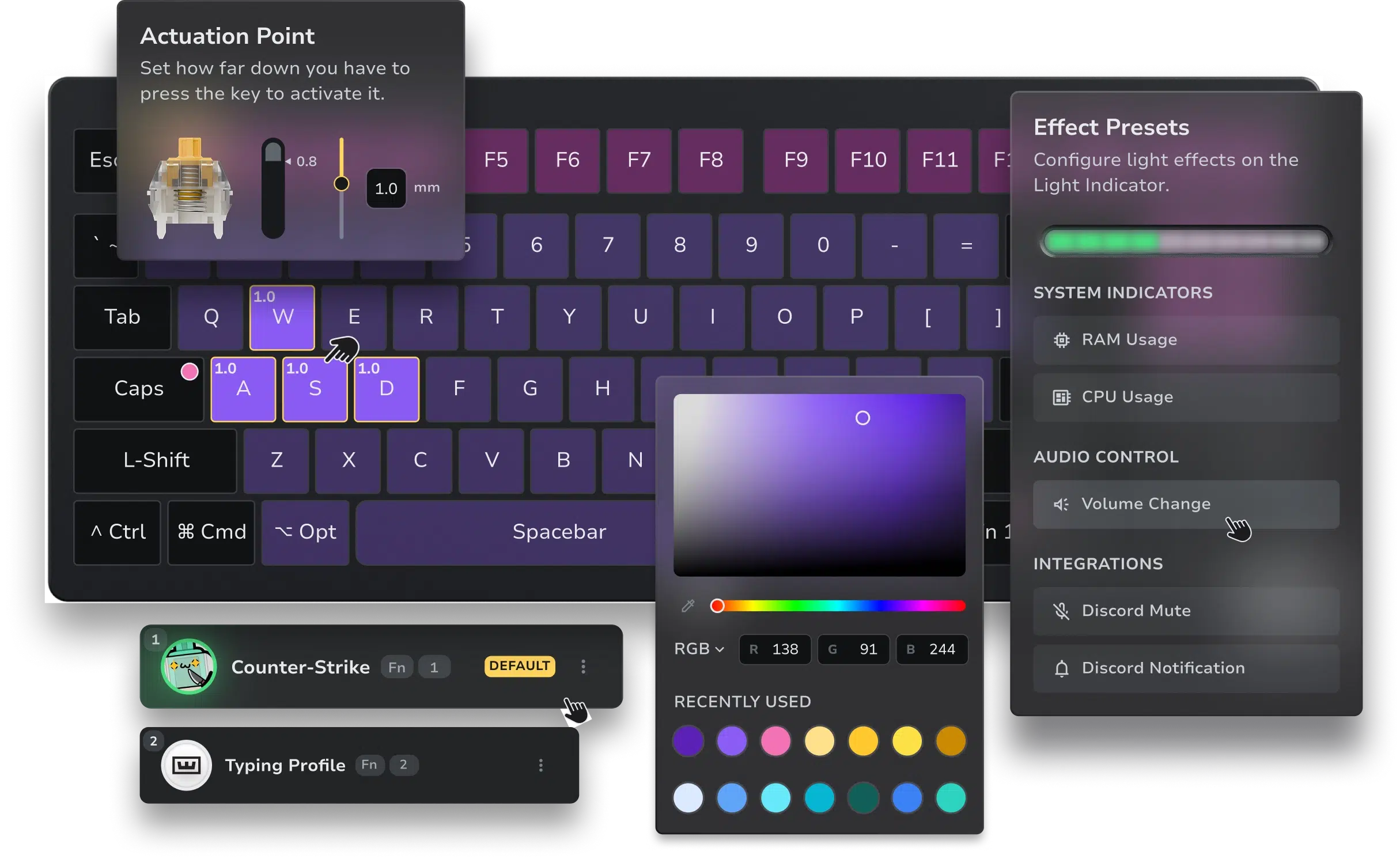
Lekker L60 magnetic switches measure press depth, allowing individual actuation settings between 0.1 and 4.0 mm. Set an earlier activation point for a frequently used action, or a deeper one when you want a more deliberate press.
Keep a typing profile alongside your gaming profile. That lets you experiment with sensitive movement keys without making every email or search field feel equally sensitive.
RAPID TRIGGER
Make the release part of your setup
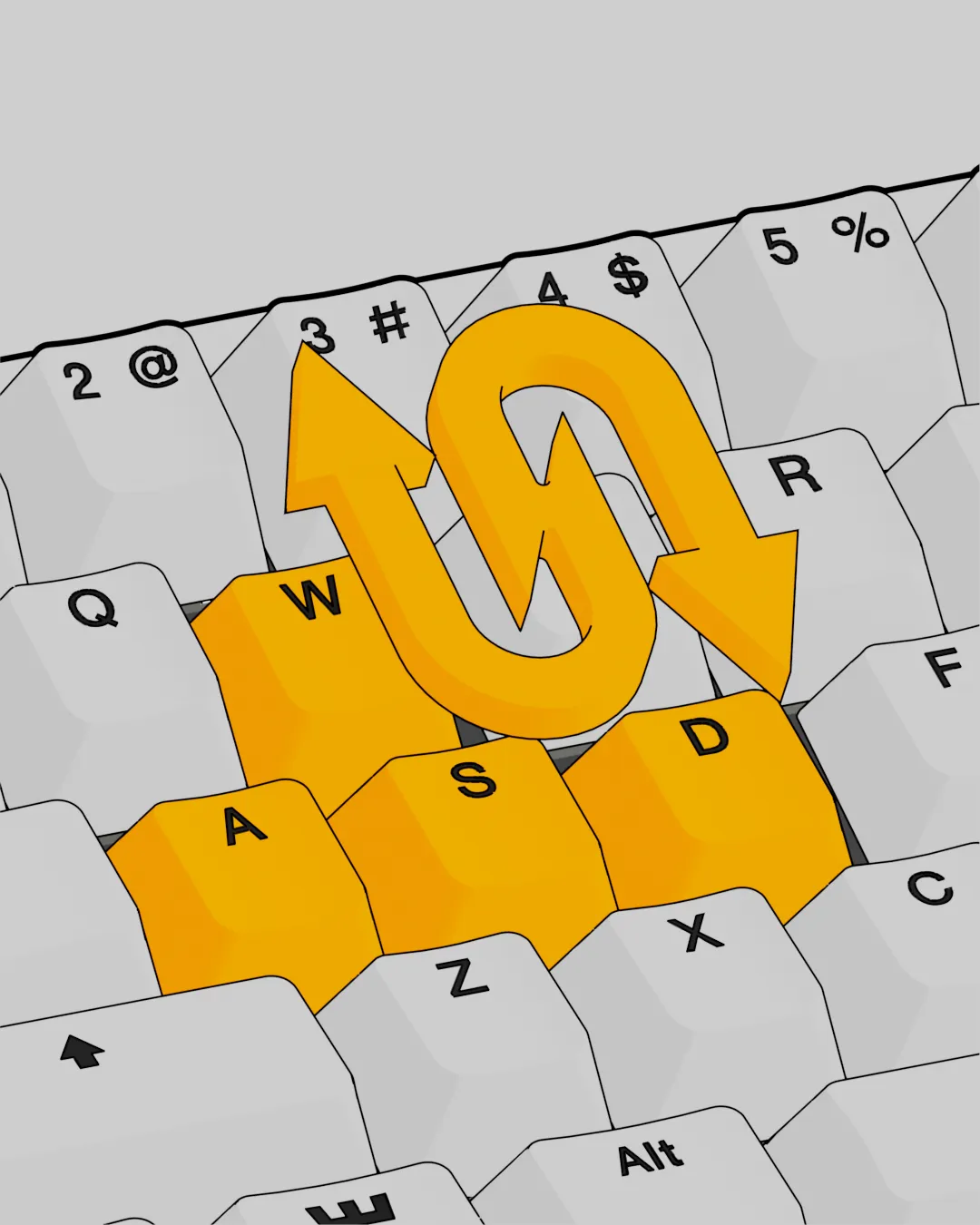
Rapid Trigger adjusts the reset point according to key movement. A partial release can reset an input without requiring the switch to cross one fixed reset position, making repeated presses easier to tune.
Configure it per key rather than assuming every control needs the same behavior. Movement keys may benefit from a responsive release, while a key you sometimes brush accidentally can use more conservative settings.
1K USB PERFORMANCE
Understand what the polling number means
The 60HE+ uses 1,000 Hz polling, corresponding to a 1 ms report interval. Tachyon Mode is available to prioritize scanning. The report interval is one part of the input path; it does not describe the entire delay through your game and display.
This is the 60HE+, not the 60HE v2. The v2 supports True 8K and has a different switch and mounting design. Choose between them by comparing those changes along with the layout and case you prefer.
WOOTILITY
Save a setup you can return to
Use Wootility to edit key mappings, actuation and profiles, then save up to four profiles onboard. The saved configuration remains available when you close the configurator, which is useful when moving the keyboard between setups.
Wootility is available through compatible Chromium-based browsers or desktop apps. Start by locating your function-layer shortcuts, then create the profiles you need instead of changing every setting at once.
BUILD AND INCLUDED ACCESSORIES
A ready-to-use board with room to personalize
The prebuilt 60HE+ uses an ABS case, steel switch plate and plate-mounted stabilizers. Its standard tray-mounted construction differs from the newer v2’s friction-fit assembly.
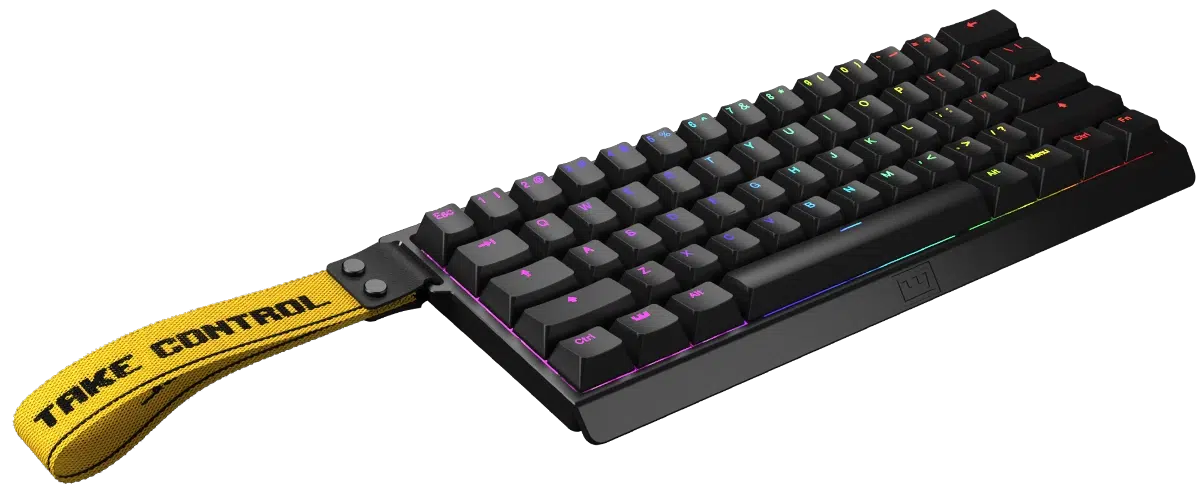
The package includes a 2 m USB-C to USB-A cable, Wooting strap, keycap/switch puller, spare Lekker switches and a dust-cover blister. Connect it, check for firmware updates in Wootility and keep your preferred setup saved before experimenting with new mappings.
BEFORE YOU CHOOSE
A few useful answers
Does the 60HE+ have 8K polling?
No. It uses 1,000 Hz polling. The 60HE v2 and 80HE are the models in this comparison with True 8K support.
How do I access arrow and function keys?
Use function layers or assign the commands to keys in Wootility. This 60% layout does not have separate arrow or function-key rows.
Do I need analog support to use it as a keyboard?
No. Normal keyboard input and adjustable actuation are available independently. Controller-style analog movement needs suitable gamepad and mixed-input support from the game.
Is software required to stay open?
No. Saved onboard profiles and manual profile switching work without leaving Wootility open.
EXPLORE THE SETUP
THE DETAILS
Technical specifications
Model and configuration
Wooting
Wooting 60HE+
60%
Performance and features
Lekker L60 linear magnetic Hall effect
0.1–4.0 mm, adjustable per key
1,000 Hz
Per-key configurable
USB-C wired; included 2 m USB-C to USB-A cable
Up to four onboard profiles
Wootility web or desktop
Materials and dimensions
Black / ABS
Steel / tray-mounted
Plate-mounted on the prebuilt keyboard
302 × 116 × 38 mm
605 g, manufacturer specification
COMPLETE YOUR SETUP
Pairs well with