
Category
Mac Studio
26 PRODUCTS
Apple Mac Studio with M5 Max and M5 Ultra chips for demanding creative and studio workflows. Delivered across Kuwait.
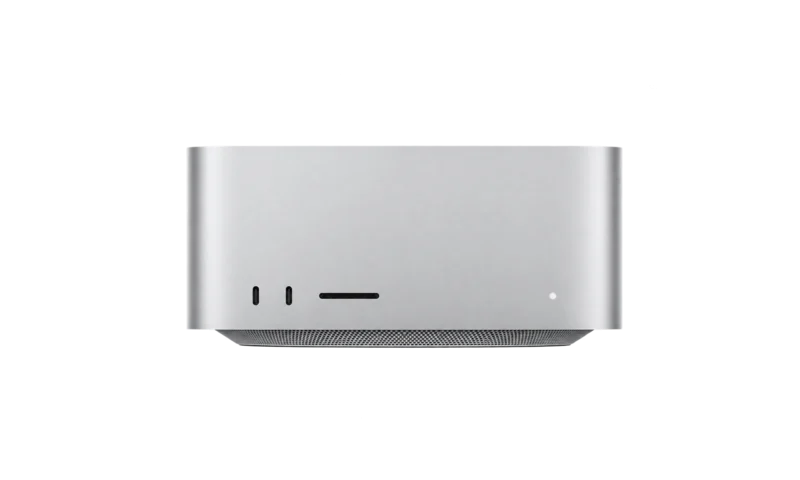

OUT OF STOCK
2,183.000 KWD
or 4 × 545.750 KWD with


WITH CARD

OUT OF STOCK
2,309.000 KWD
or 4 × 577.250 KWD with
WITH CARD

OUT OF STOCK
2,624.000 KWD
or 4 × 656.000 KWD with
WITH CARD

OUT OF STOCK
2,508.500 KWD
or 4 × 627.125 KWD with
WITH CARD

OUT OF STOCK
2,256.500 KWD
or 4 × 564.125 KWD with
WITH CARD
OUT OF STOCK
1,910.000 KWD
or 4 × 477.500 KWD with
WITH CARD

OUT OF STOCK
1,878.500 KWD
or 4 × 469.625 KWD with
WITH CARD

OUT OF STOCK
2,099.000 KWD
or 4 × 524.750 KWD with
WITH CARD
Load More Products
Showing 12 of 26 products
MAC STUDIO AT AX
Studio power in a compact box.
Shop Apple Mac Studio in Kuwait in M5 Max and M2 Max configurations, a compact desktop for video, audio, 3D and development work that outgrows a laptop. Choose the chip for your heaviest workload, then size memory and storage around it.
How to choose a Mac Studio
- Chip: Max chips handle demanding photo, video, music and development work. Ultra chips are built for the heaviest 8K video, 3D rendering and large AI models.
- Memory: Unified memory cannot be upgraded after purchase, so choose for your largest projects. Big timelines, 3D scenes and large music sessions benefit from more.
- Storage: Internal storage is fixed as well. Keep active projects on the internal SSD and archive to fast external drives.
- Desk setup: Mac Studio has no built-in screen, keyboard or mouse, so plan a display and input devices alongside it.
Mac Studio models in stock now: the Apple Mac Studio M5 Max 36GB 512GB, Apple Mac Studio M5 Max 32-Core GPU 36GB 512GB and Apple Mac Studio M2 Max 38-Core GPU 32GB 1TB.
M5 Max · M2 Max
Apple silicon
Compact
desktop power, small footprint
Multi-display
pairs with Studio Display
MAC STUDIO FAQ
Before you buy.
Straight answers to the questions we hear most about Mac Studio.
Max or Ultra: which Mac Studio chip should I choose?
Max chips, such as the M5 Max and M2 Max, handle demanding photo, video, music and development work. Ultra chips add more CPU and GPU cores and higher memory options for the heaviest 8K video, 3D rendering and large AI models. If your apps rarely use every core, Max is usually enough.
How much memory and storage should I choose?
Neither can be upgraded later, so choose for your heaviest work. The M5 Max starts at 36GB of unified memory, which suits most pro photo and video work, while 64GB or more helps with big timelines, 3D and large music sessions. For storage, 1TB to 2TB suits most creators, with fast external drives for archives.
What else do I need to use a Mac Studio?
Mac Studio is a desktop without a built-in screen, keyboard or mouse. Plan a display, plus a keyboard and a mouse or trackpad. Its front and rear ports, including an SD card slot, make it easy to connect drives and audio gear.
Mac Studio or MacBook Pro with a similar chip?
Both can use Max chips, but Mac Studio's larger cooling system holds performance through long renders while staying quiet, and it is the one that offers Ultra chips and more ports. MacBook Pro is the choice when you need the same class of power on the move.