Category
Case Fans
28 PRODUCTS
High-airflow and static-pressure case fans in 120mm and 140mm from Lian Li, Noctua, Corsair, NZXT and Cooler Master, with RGB and non-RGB options.


OUT OF STOCK
18.000 KWD
or 4 × 4.500 KWD with


WITH CARD

OUT OF STOCK
11.000 KWD
or 4 × 2.750 KWD with
WITH CARD
OUT OF STOCK
9.500 KWD
or 4 × 2.375 KWD with
WITH CARD
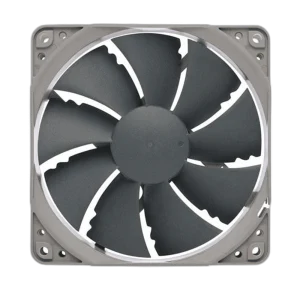
OUT OF STOCK
5.500 KWD
or 4 × 1.375 KWD with
WITH CARD

OUT OF STOCK
24.000 KWD
or 4 × 6.000 KWD with
WITH CARD
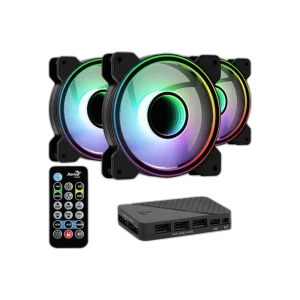
OUT OF STOCK
33.500 KWD
or 4 × 8.375 KWD with
WITH CARD

OUT OF STOCK
7.500 KWD
or 4 × 1.875 KWD with
WITH CARD

OUT OF STOCK
2.500 KWD
or 4 × 0.625 KWD with
WITH CARD
Load More Products
Showing 12 of 28 products
CASE FANS AT AX
Airflow is the cheapest upgrade.
Shop PC case fans in Kuwait from Lian Li, Corsair, Noctua, NZXT, MSI and Xigmatek, from interlocking UNI FAN and wireless ARGB packs to quiet black 120mm fans and 200mm intake fans. Check what your case and radiator support, then plan the airflow.
How to choose case fans
- Size: 120mm fits almost every case and radiator. 140mm and 200mm fans move more air at lower speeds where the case has mounts for them.
- Fan type: Airflow fans suit open intakes and exhausts. Static-pressure fans push air through radiators, mesh fronts and dust filters.
- Cabling: Interlocking and wireless fan systems cut down on cables, but they connect within one series, so plan all fans from the same line.
- Control: 4-pin PWM fans let the motherboard adjust speed with temperature. RGB runs from an ARGB header or the maker’s own controller.
- Layout: Front or bottom intake with rear and top exhaust is the common setup, and slightly more intake than exhaust helps keep dust down.
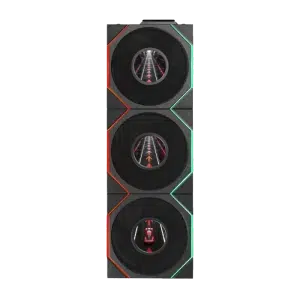
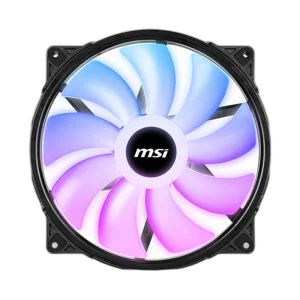
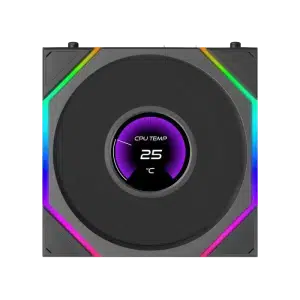
Popular case fans in stock now: the Lian Li UNI FAN TL LCD 120mm 3-Pack, the Corsair iCUE SP120 RGB ELITE triple pack, the Lian Li UNI FAN TL LCD FLEX Wireless 3-Pack, the Lian Li UNI FAN TL LCD FLEX Reverse Blade and the MSI MAG MAX F20A-1 200mm. Shop by brand: Lian Li, Corsair and MSI.
120 · 140mm
both common sizes
Airflow · Static pressure
for panels or radiators
Daisy-chain RGB
UNI FAN and iCUE systems
CASE FANS FAQ
Before you buy.
Straight answers to the questions we hear most about case fans and PC airflow.
120mm or 140mm fans: which size should I buy?
Check what your case and radiator support first, as fan mounts are sized for specific fans. 140mm fans move more air at lower speeds, while 120mm fans such as the Corsair iCUE SP120 RGB ELITE fit almost every case and radiator.
How should I set up intake and exhaust fans?
A common layout is two or three intake fans at the front, with rear and top fans exhausting warm air. Slightly more intake than exhaust helps keep dust down. Reverse blade fans, like the LIAN LI UNI FAN TL LCD FLEX Reverse Blade, let bottom or side fans pull air in while their clean side faces the glass.
How do LIAN LI UNI FAN interlocking fans work?
LIAN LI UNI FAN models slide together and connect as a group, which cuts down on cables compared with separate fans. Interlocking is designed for fans of the same series, so plan all your fans from one line, such as the UNI FAN TL LCD 3-Pack or the TL LCD FLEX Wireless 3-Pack.
Can I control fan speed and RGB from software?
Yes, with the right controller or motherboard header. Corsair iCUE fans like the SP120 RGB ELITE are managed in Corsair iCUE, and LIAN LI UNI FAN models use LIAN LI L-Connect. Standard ARGB fans can also sync through your motherboard's RGB software.