
Category
Monitors
311 PRODUCTS
Shop gaming monitors in Kuwait: OLED and IPS displays, Full HD, QHD, ultrawide and 4K options. Compare resolution, refresh rate and connections at AX Store.
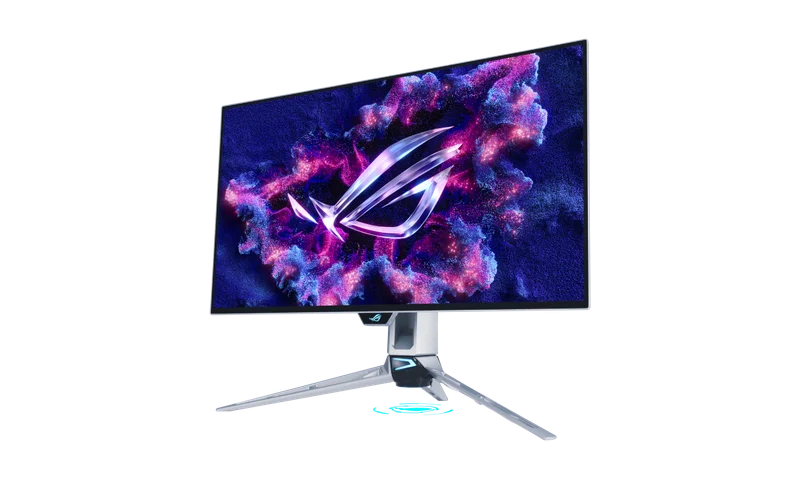


Load More Products
Showing 12 of 311 products
GAMING MONITORS AT AX
Gaming Monitors in Kuwait
Shop gaming monitors in Kuwait from ASUS ROG, Samsung, LG, Alienware, AOC and more, from fast 1080p esports screens to 27 inch OLED, ultrawide and 4K displays. The right gaming monitor depends on your graphics card, the games you play and your desk space.
How to choose a gaming monitor
- Resolution: 1080p suits competitive play at very high frame rates. 1440p on a 27 inch screen is the sweet spot for most players. A 4K gaming monitor looks sharpest but needs a powerful graphics card to hold high refresh rates.
- Refresh rate: 144 to 180Hz is a clear upgrade from 60Hz. 240Hz and above pays off in fast shooters when your PC can keep up.
- Panel: an OLED monitor gives true blacks and near-instant response. IPS is brighter, costs less for the size and suits long sessions and work.
- Connection and mounting: use DisplayPort or HDMI 2.1 for high refresh rates, and check the VESA pattern and weight before adding a monitor arm.
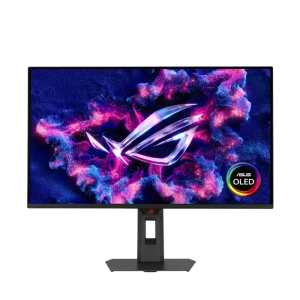
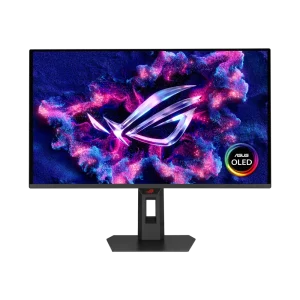
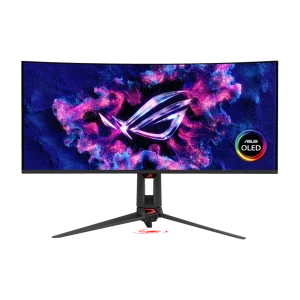
OLED gaming monitors in stock now: the ASUS ROG Strix XG27AQDPG 500Hz, ROG Strix XG27ACDNG 360Hz, ASUS PG27AQWP-G Edition 20, the 34 inch ultrawide ROG Swift OLED PG34WCDN and the Alienware AW2725DF. For a high-refresh QHD screen on a tighter budget, see the AOC CQ27G3Z 240Hz. Shop by brand: ASUS ROG, Samsung and LG.
Buying guides: ASUS ROG OLED monitors guide, 1080p vs 1440p gaming monitors and high-refresh monitor setup in Windows.
144 to 360Hz
high-refresh panels
QD-OLED · IPS
fast response, true blacks
1080p to 4K
24 to 49 inch sizes
OLED or IPS: which gaming monitor should I choose?
OLED panels like the ASUS ROG Strix OLED XG27AQDPG, ROG Swift OLED PG27AQWP-G Edition 20 and LG UltraGear 27GS95QE give true blacks and near-instant response, ideal for dark rooms and fast games. IPS monitors are brighter, cost less for the size and suit long sessions, work and mixed use.
What refresh rate do I need?
144 to 180Hz is a clear step up from 60Hz for any gamer. 240Hz and above, like the 280Hz ASUS ROG Strix XG27ACDMS or the 360Hz Alienware AW2725DF, pays off in competitive shooters, as long as your graphics card can push frame rates that high.
Is 1440p or 4K better for gaming?
A 27 inch 1440p (QHD) monitor is the sweet spot for most players: sharp, and easy to run at high frame rates on cards like the RTX 5070. 4K looks sharper on larger screens but needs a much stronger graphics card to hold high refresh rates.
Which cable should I use for high refresh rates?
Use DisplayPort or HDMI 2.1, ideally with the cable that comes with the monitor. Older HDMI ports and cables can cap the refresh rate below what the monitor supports.
Do I need a monitor arm?
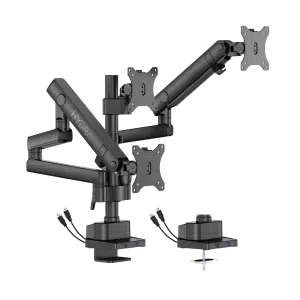
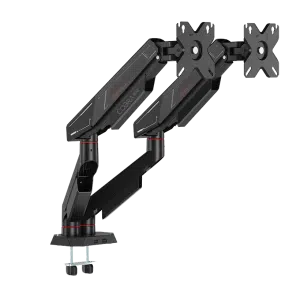
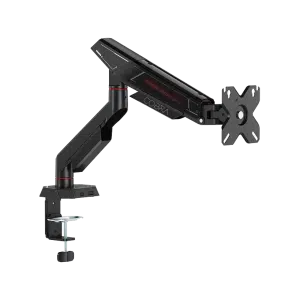
It is not required, but an arm frees desk space and lets you set height and angle precisely. Check that your monitor has VESA mounting holes and that its size and weight are within the arm's limit, such as the SADES Cobra arms rated up to 40 inch and 12 kg.