
Alienware
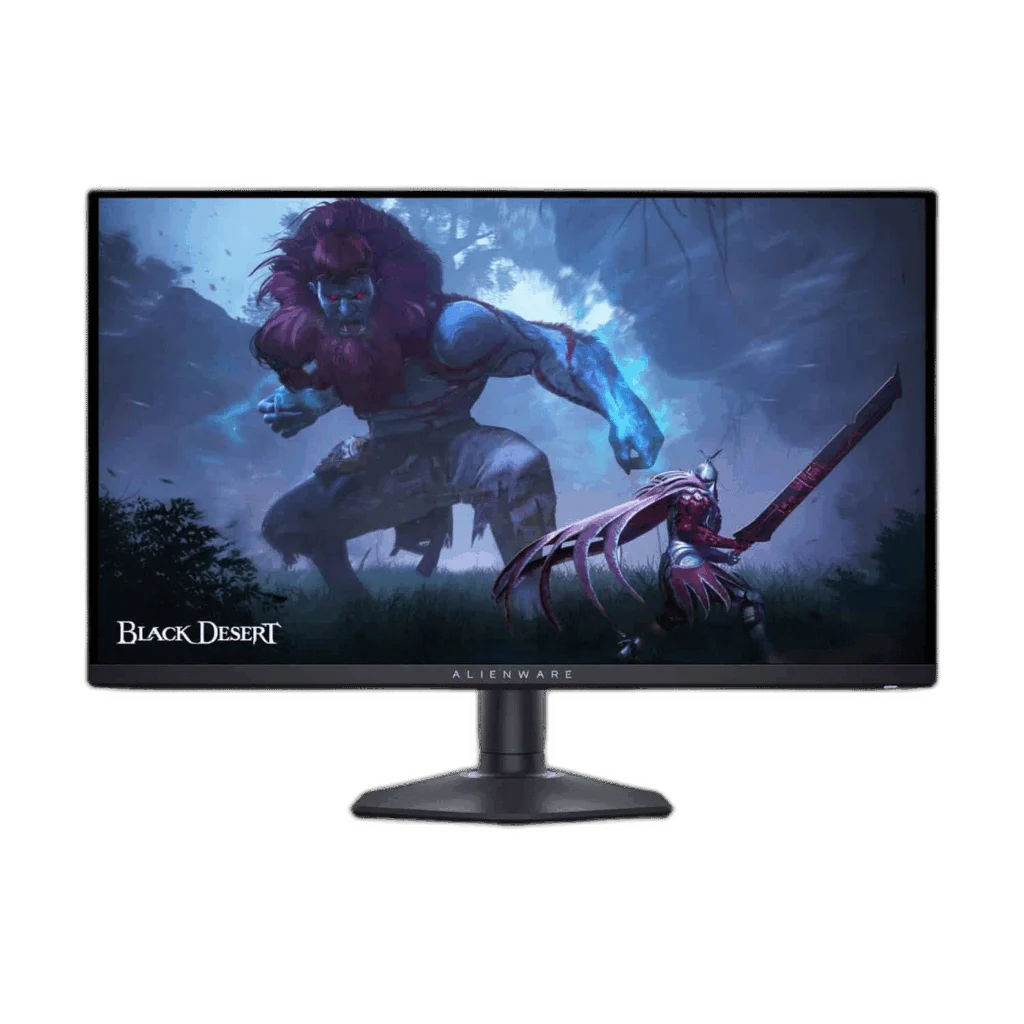
Dell Alienware AW2725DF 27 inch QD-OLED QHD 360Hz Monitor
Alienware AW2725DF is a 27-inch-class QHD QD-OLED gaming monitor with up to 360Hz through DisplayPort and a 0.03ms GtG response. It supports DisplayHDR True Black 400 and FreeSync Premium Pro; HDMI supports QHD up to 144Hz.
Regular price
268.000 KWD
or 4 payments of 67.000 KWD with
Pay with card & save


255.000 KWD
Save 13.000 KWD
Overview
DELL ALIENWARE AW2725DF 27 INCH QD-OLED QHD 360HZ MONITOR
alienware aw2725df
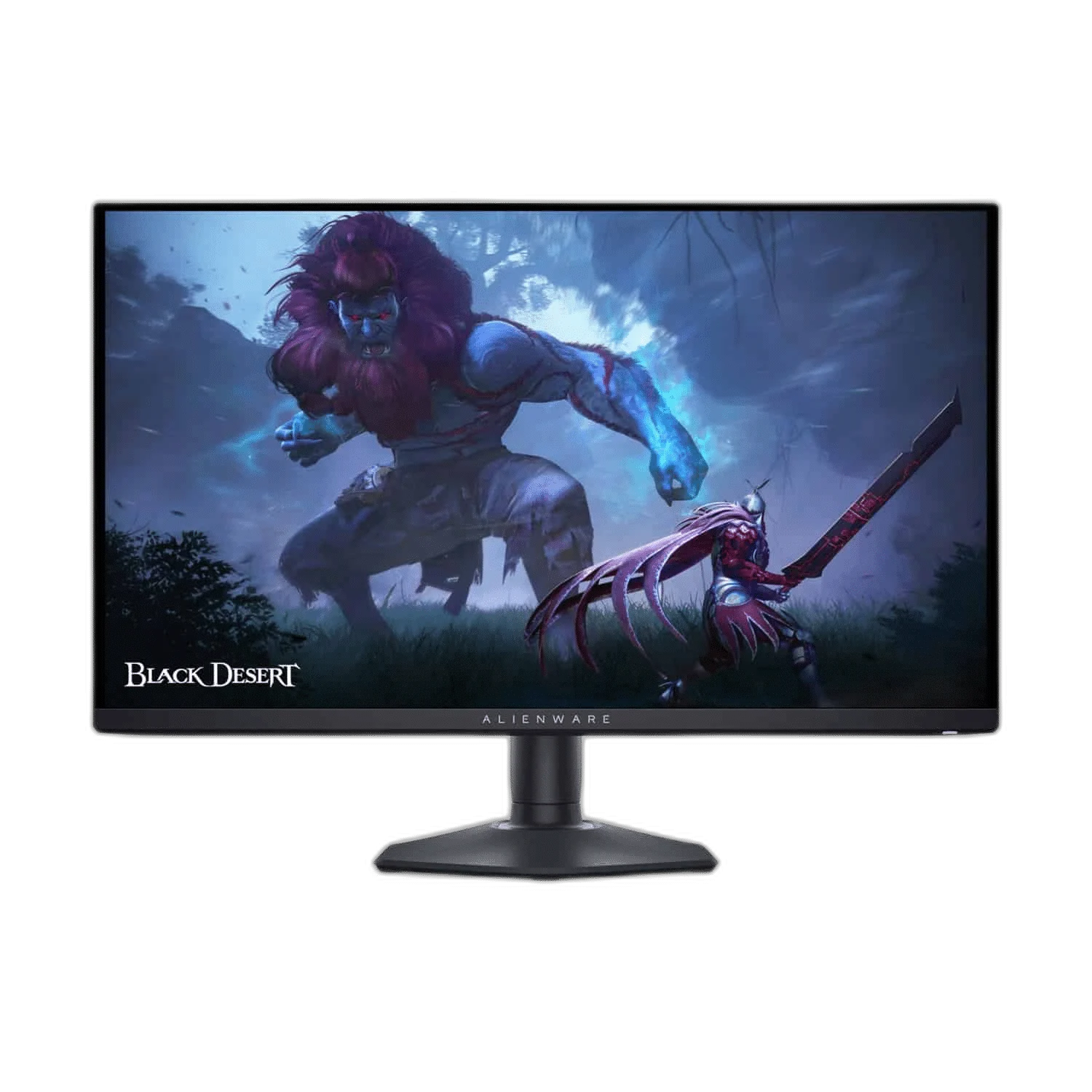
Alienware AW2725DF is a 27-inch-class QHD QD-OLED gaming monitor with up to 360Hz through DisplayPort and a 0.03ms GtG response. It supports DisplayHDR True Black 400 and FreeSync Premium Pro; HDMI supports QHD up to 144Hz. Available from AX Store in Kuwait.
27-inch Class
Display Size
2560 × 1440
Native Resolution
360 Hz
Supported Refresh Mode
QD-OLED
Panel Technology
Choose DisplayPort for 360Hz
The two DisplayPort 1.4 inputs support 2560 × 1440 at up to 360Hz. HDMI supports the same resolution at up to 144Hz, so choose the connection that matches your intended refresh rate.
OLED detail and colour
A QD-OLED panel, 99.3% typical DCI-P3 coverage and DisplayHDR True Black 400 bring contrast and wide colour to compatible content. Match the actual device connections and the supported setup before using the product in the workspace.
A practical gaming setup
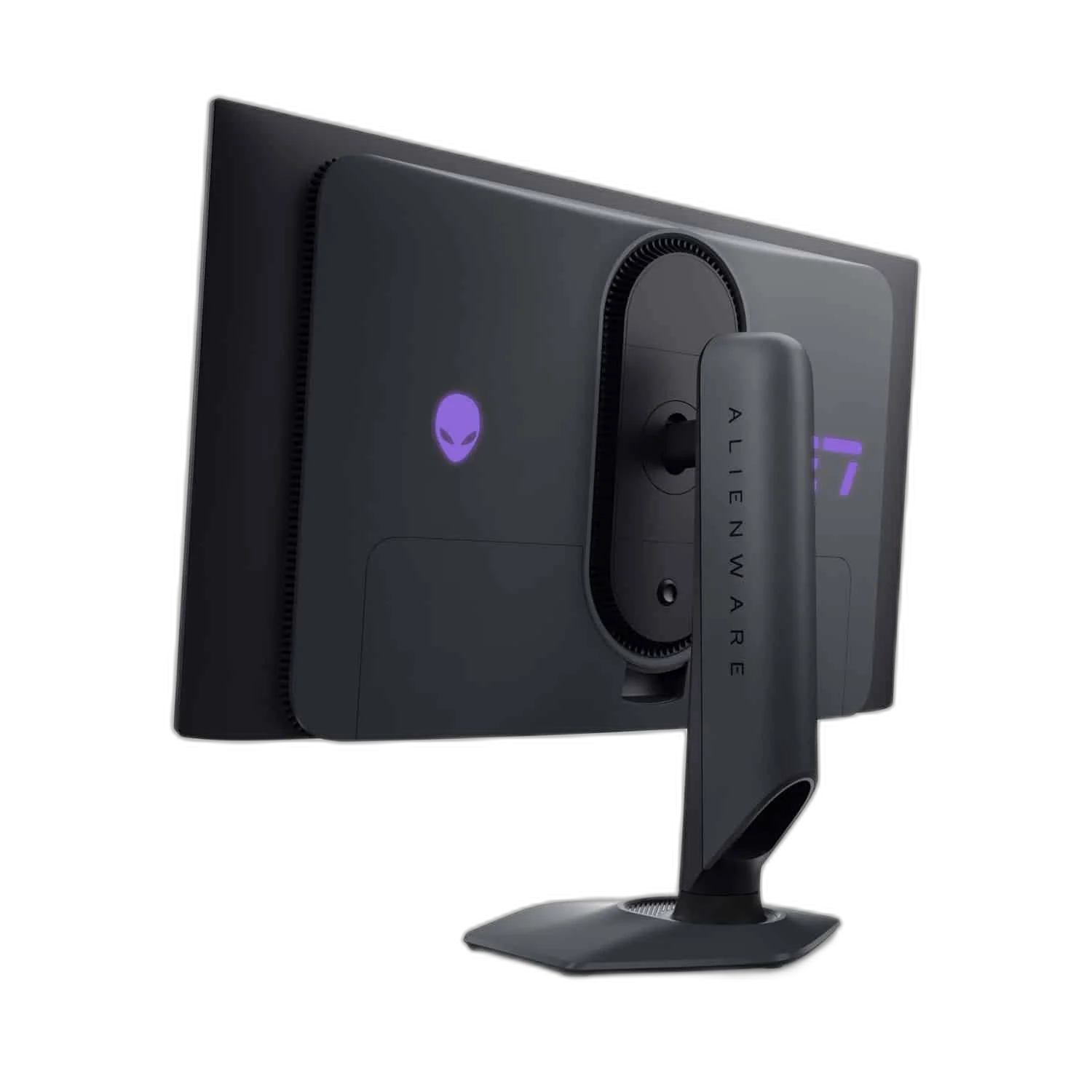
Adjust height, tilt, swivel and pivot. Connect peripherals through the USB hub; its USB-C port is a downstream data/charging port, not a USB-C display input.
Choose the Mode for the Actual Setup
Use DisplayPort for native QHD at up to 360 Hz. The HDMI 2.1 TMDS input is limited to QHD at up to 144 Hz. The USB-C socket is downstream data and charging, not a USB-C display input or laptop video connection.
Connect the Ports for Their Stated Roles
The connection arrangement includes DisplayPort maximum refresh: 360 Hz; HDMI maximum refresh: 144 Hz; DisplayPort: 2 × DisplayPort 1.4; HDMI: 1 × HDMI 2.1 (TMDS; QHD up to 144 Hz); USB-C downstream: 1 × USB 3.2 Gen 1; BC1.2 charging. Select the correct video input and source output for the intended mode, keeping USB data, charging and display functions tied to the actual port specification.
Set the Viewing Position for the Desk
Use the supplied stand’s supported adjustments for the desk and seating position. If choosing another support, match the actual monitor size, load and mounting arrangement, leaving enough space for the display and its connected cables.
Plan the Display and the Rest of Your Desk
Compare resolution, refresh rate, screen size and the input you will actually use. Match the computer or console output to the chosen display mode, and leave room for the monitor stand and mouse movement. Compare related options such as AOC CQ27G3Z 27 Inch 240Hz QHD Curved Gaming Monitor or ASUS ROG Strix XG27ACDMS 27 inch QHD 280Hz Gaming Monitor, keeping the exact model and configuration in the decision. For the wider setup, explore Logitech G PRO X SUPERLIGHT 2 LIGHTSPEED Wireless Gaming Mouse - Black and check the connection, size or mounting requirements before pairing accessories. Browse the Alienware range at AX for more choices.
alienware aw2725df Setup Choices
Compare resolution, refresh rate, screen size and the input you will actually use. Match the computer or console output to the chosen display mode, and leave room for the monitor stand and mouse movement. Explore Wooting 60HE v2 60% Gaming Keyboard, Aluminium, Pulsar Pro Series Susanto-X Wireless Gaming Mouse Size 2, 50g, ARTISAN NINJA FX ZERO Gaming Mousepad – SOFT/XSOFT, XL/XXL.
Frequently Asked Questions
What native resolution is specified?
2560 × 1440.
What should I check for the refresh mode and connection?
Use DisplayPort for native QHD at up to 360 Hz. The HDMI 2.1 TMDS input is limited to QHD at up to 144 Hz. The USB-C socket is downstream data and charging, not a USB-C display input or laptop video connection.
Which video and port details are listed?
DisplayPort maximum refresh: 360 Hz; HDMI maximum refresh: 144 Hz; DisplayPort: 2 × DisplayPort 1.4; HDMI: 1 × HDMI 2.1 (TMDS; QHD up to 144 Hz); USB-C downstream: 1 × USB 3.2 Gen 1; BC1.2 charging.
What mounting pattern should an arm match?
100 × 100 mm. Match the actual screen size, weight and clearance as well as the hole pattern.
Build Your Setup with AX Store
Explore computers, displays and accessories for your workspace at AX Store. For help choosing the right model or checking an accessory, contact AX Store.
THE DETAILS
Technical specifications
Display
AW2725DF
26.7 inches (27-inch class)
QD-OLED
2560 × 1440
360 Hz
144 Hz
16:9
0.03 ms (GtG)
178° horizontal / 178° vertical
VESA DisplayHDR True Black 400
FreeSync Premium Pro
1,500,000:1
99.3% DCI-P3
250 cd/m²
400 cd/m²
1000 cd/m²
1.07 billion colours
Connectivity
2 × DisplayPort 1.4
1 × HDMI 2.1 (TMDS; QHD up to 144 Hz)
1 × USB-B 3.2 Gen 1 (5 Gbps)
3 × USB 3.2 Gen 1 (5 Gbps)
1 × USB 3.2 Gen 1; BC1.2 charging
None
None
Stand and power
110 mm
-5° to +21°
-20° to +20°
-90° to +90°
100 × 100 mm
130 W
AC 100–240 V
COMPLETE YOUR SETUP
Pairs well with




