Elgato
Elgato Stream Deck Plus Multi-Touch Controller
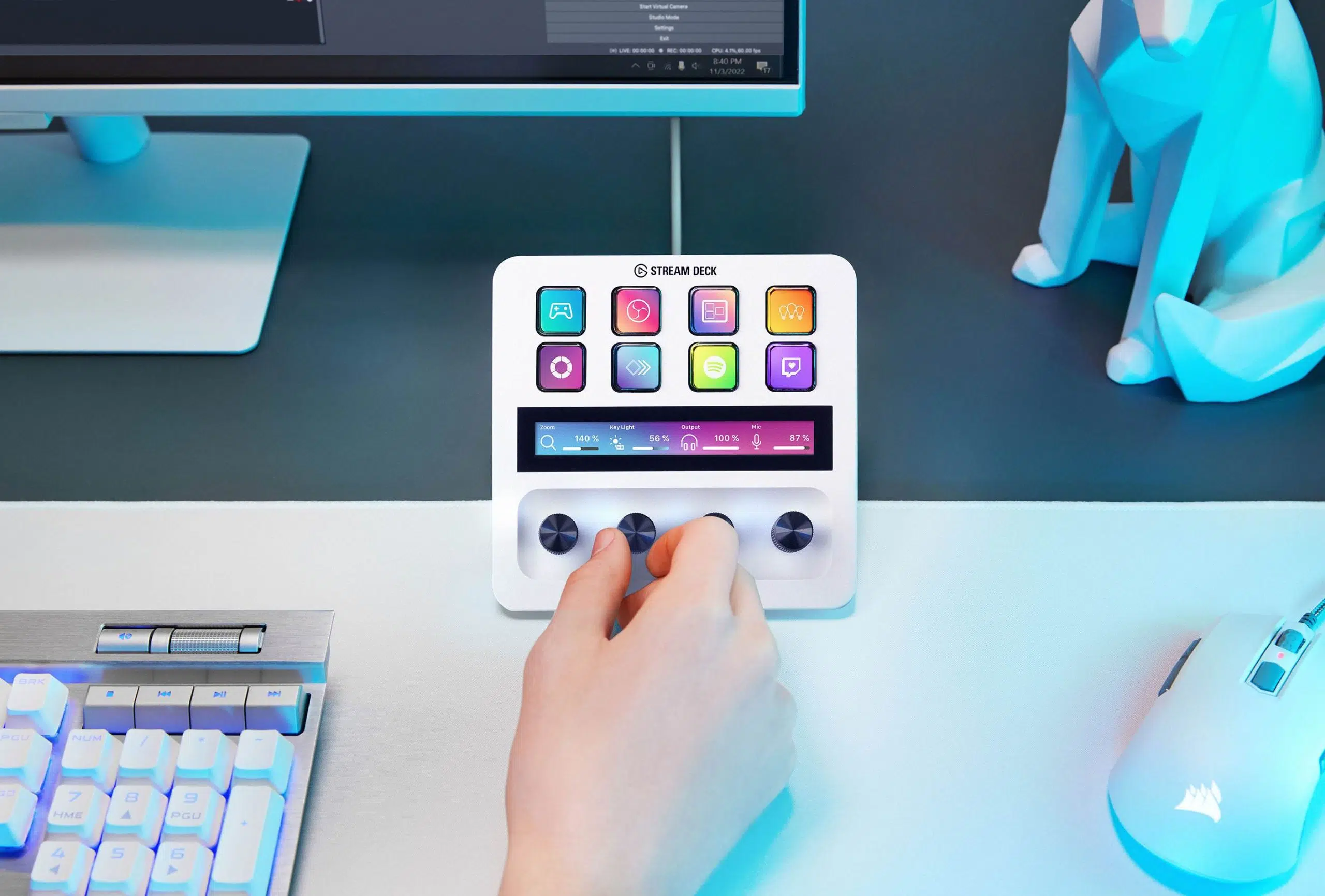
Elgato Stream Deck Plus. Stream Deck+ combines visual shortcuts with rotary controls, making it easy to switch scenes and fine-tune supported audio or creative settings without hunting through windows.
Color
Regular price
84.000 KWD
or 4 payments of 21.000 KWD with
Pay with card & save


79.900 KWD
Save 4.100 KWD
Overview
ELGATO STREAM DECK PLUS
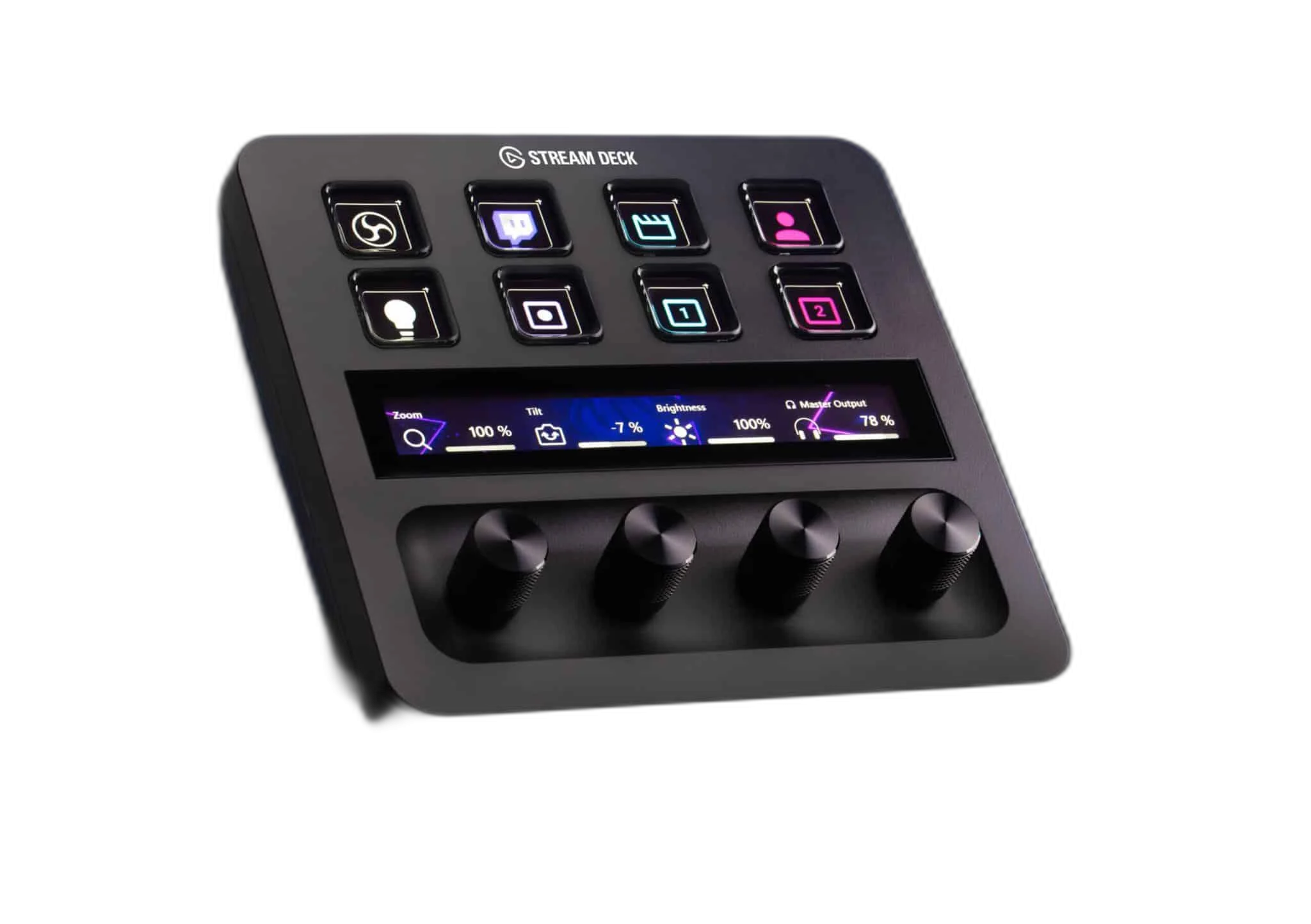
Elgato Stream Deck Plus
Elgato Stream Deck Plus: Stream Deck+ combines visual shortcuts with rotary controls, making it easy to switch scenes and fine-tune supported audio or creative settings without hunting through windows. Available from AX Store in Kuwait.
8 LCD keys
Visual actions
4 dials
Push-function rotary encoders
Touch strip
Control display and interaction
USB
Wired computer connection
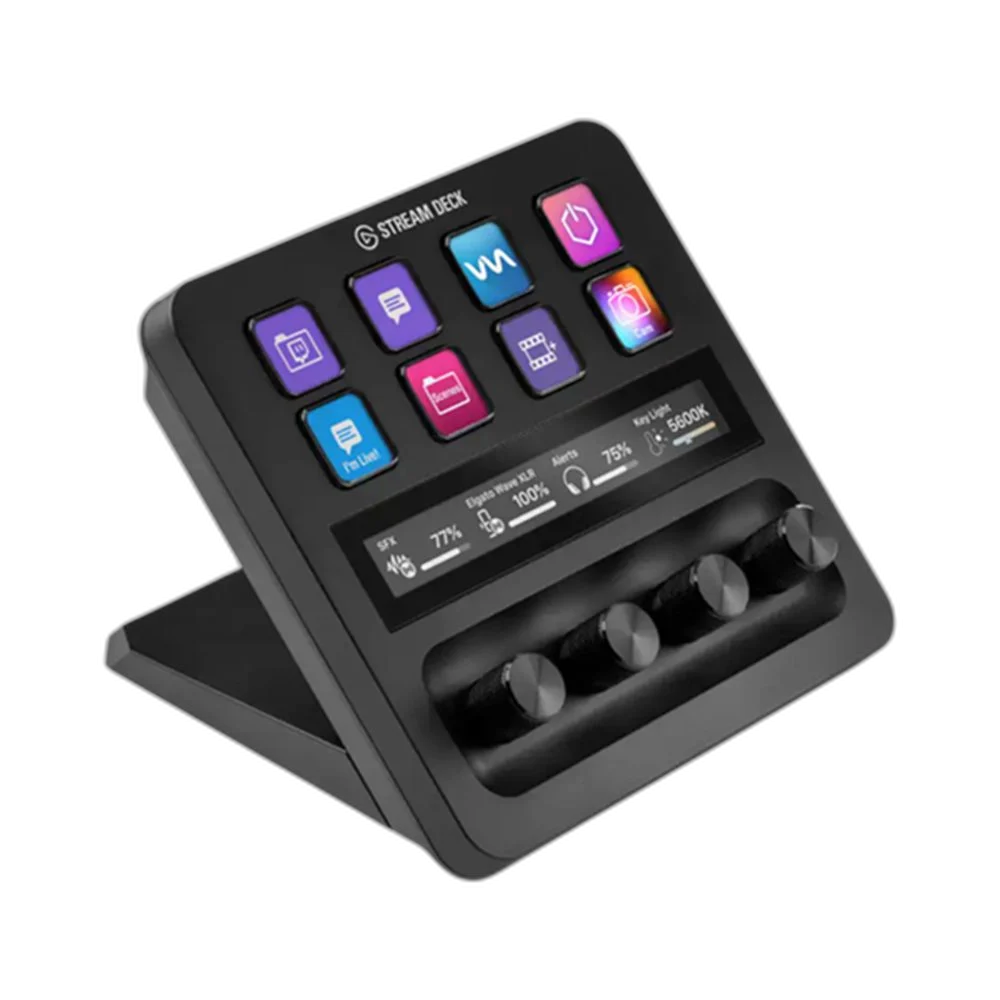
Four dials, more hands-on control
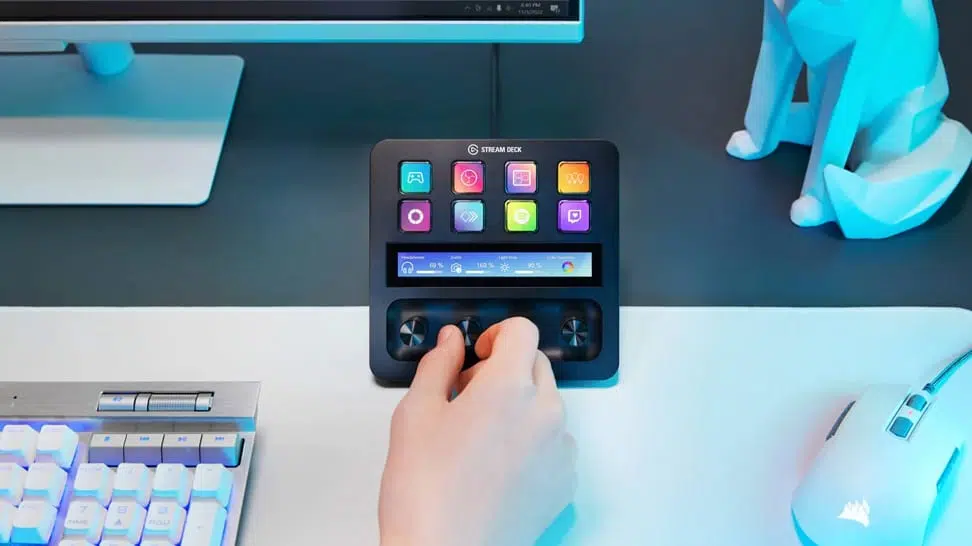
Turn the 360° encoders for adjustments and press to trigger an action. The touch strip shows assigned controls and lets you interact directly with your layout.
A layout for every workflow
Build profiles, folders and Multi Actions with Stream Deck software. Use supported plugins to control your apps, and adapt the layout as your workflow grows.
Organise Actions Around the Way You Work
Use the Stream Deck application to give frequently used commands a clear place on the control surface. Keep related actions together and choose recognisable icons. Profiles and supported software actions make the layout useful beyond streaming, with the exact capabilities depending on the applications and plugins used.
Check Plugin and Application Support
An LCD key is an assignable control rather than a promise that every installed application can be controlled in the same way. Choose supported integrations or appropriate hotkeys, check the current plugin requirements and test important actions in the actual program before relying on them live.
Prepare Repeatable Workflows
Where the software supports them, arrange profiles, folders and Multi Actions around repeated tasks. Give each control a clear purpose and test the sequence in the intended application. A useful layout keeps routine commands easy to recognise while leaving room for the work that still needs manual judgement.
Choose the Controls for the Actual Workspace
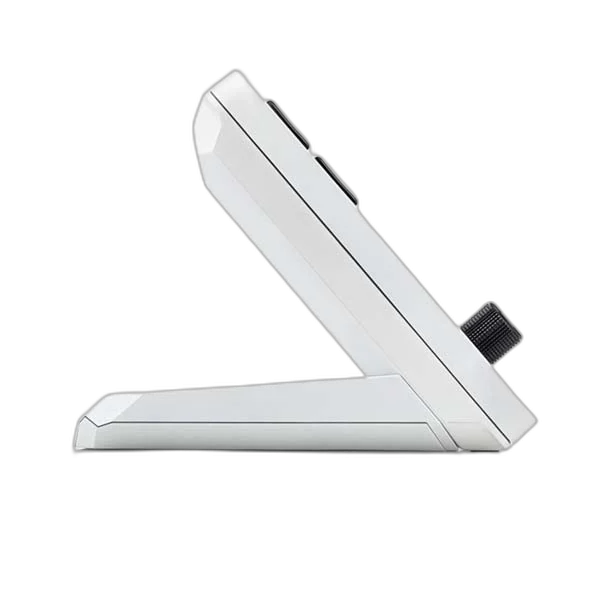
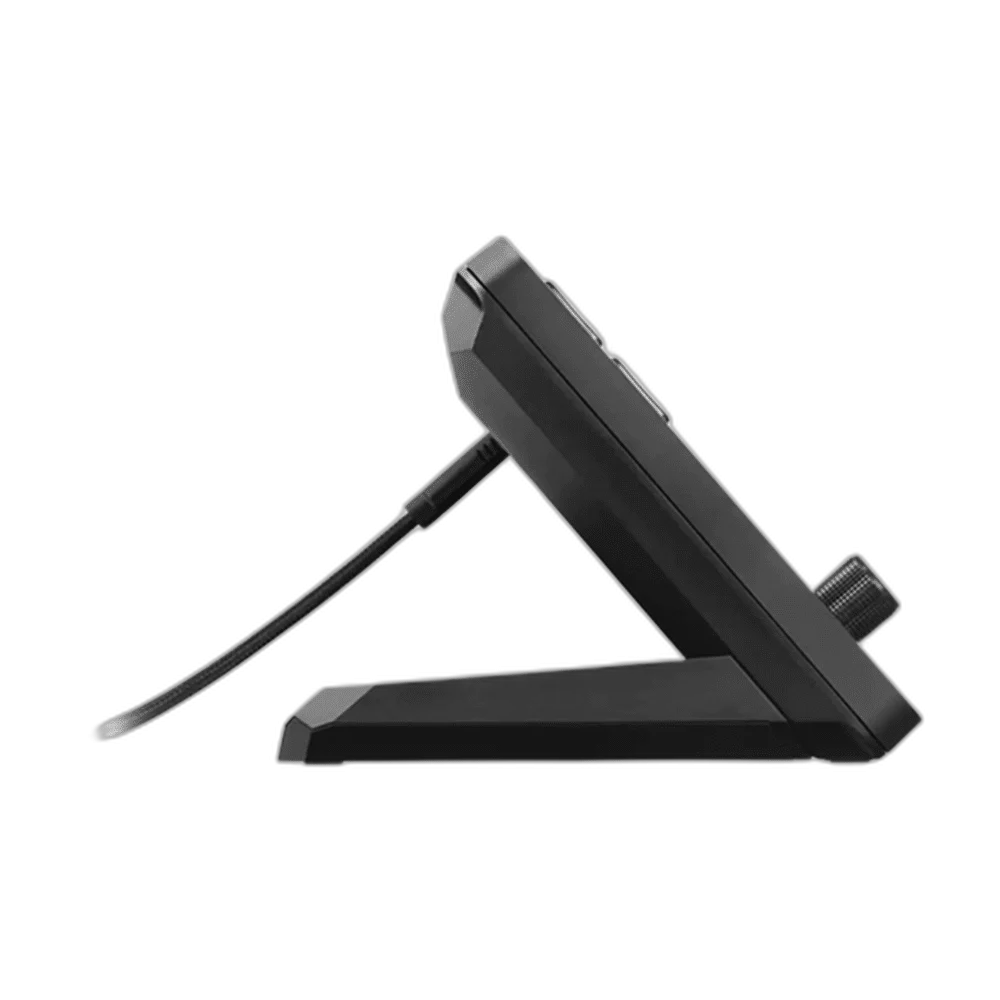
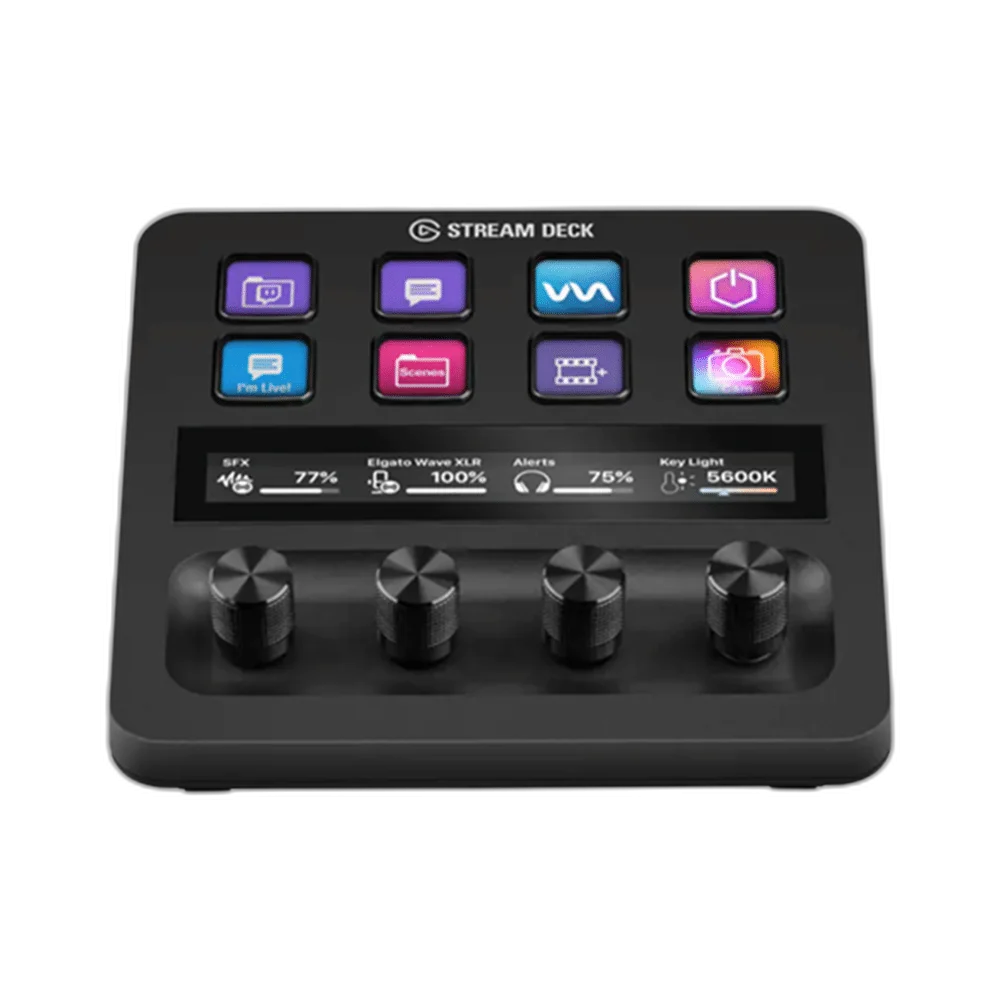
Stream Deck Plus combines eight LCD keys with four push-function dials and a touch strip. Arrange key actions separately from dial adjustments and choose supported plugins for each control. It offers a different control layout from a larger thirty-two-key grid.
Plan the Controls You Will Actually Use
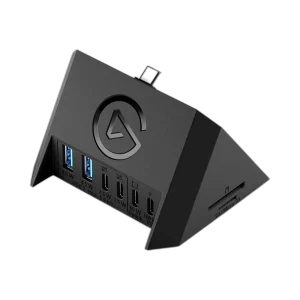
Choose the keys, dials or other controls that suit your applications and desk space. Check the exact model and supported software before adding accessories or moving between computers. Compare related options such as Elgato Stream Deck Neo - White Version or Elgato USB Hub for Stream Deck Plus - Multiport Connection, keeping the exact model and configuration in the decision. For the wider setup, explore ASUS C501 ROG CARNYX RGB Wired Gaming Microphone, White and check the connection, size or mounting requirements before pairing accessories. Browse the Elgato range at AX for more choices.
Elgato Stream Deck Plus Setup Choices
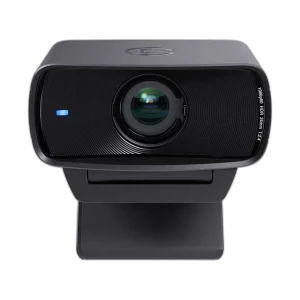
Choose actions and dial assignments for supported software. Select accessories specifically designed for Stream Deck Plus rather than another Stream Deck model. Explore Elgato Facecam MK.2 1080p Premium Webcam, Elgato Wave 3 MK.2 USB Condenser Microphone - Wave FX / Black, Razer Key Light Chroma - All-In-One Lighting Kit.
Frequently Asked Questions
How many physical controls are provided?
Stream Deck Plus has eight LCD keys, four push-function dials and a touch strip.
Does it work without a computer application?
Use the supported Stream Deck app and a compatible Windows or macOS computer. Check the current software and plugin requirements for the actions you want to assign.
Can it replace a capture card or audio interface?
It is a control surface. Video capture and microphone recording still need their own appropriate hardware and connections.
Are all plugins included or supported forever?
Plugin and application requirements vary. Check the current integration, version and any licence requirements before building an important workflow around it.
Is Stream Deck Plus simply a larger key grid?
Plus combines fewer LCD keys with dials and a touch strip. Choose that alternative for its control style; a user needing many visible keys should compare the actual physical key count.
How should I set up the first page?
Begin with the actions used most often, choose clear icons and test each control in its actual application. Keep live-session controls distinct from shortcuts that close, mute or stop work.
Does this include an XLR microphone input?
The base Stream Deck Plus is a controller. The separately sold XLR Dock is an optional audio accessory; do not assume the dock or an XLR input is included here.
Build Your Setup with AX Store
Explore computers, displays and accessories for your workspace at AX Store. For help choosing the right model or checking an accessory, contact AX Store.
Complete Your Setup
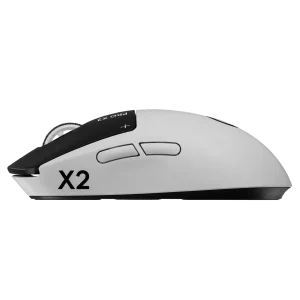
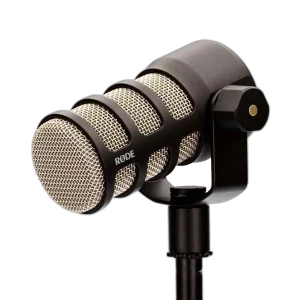
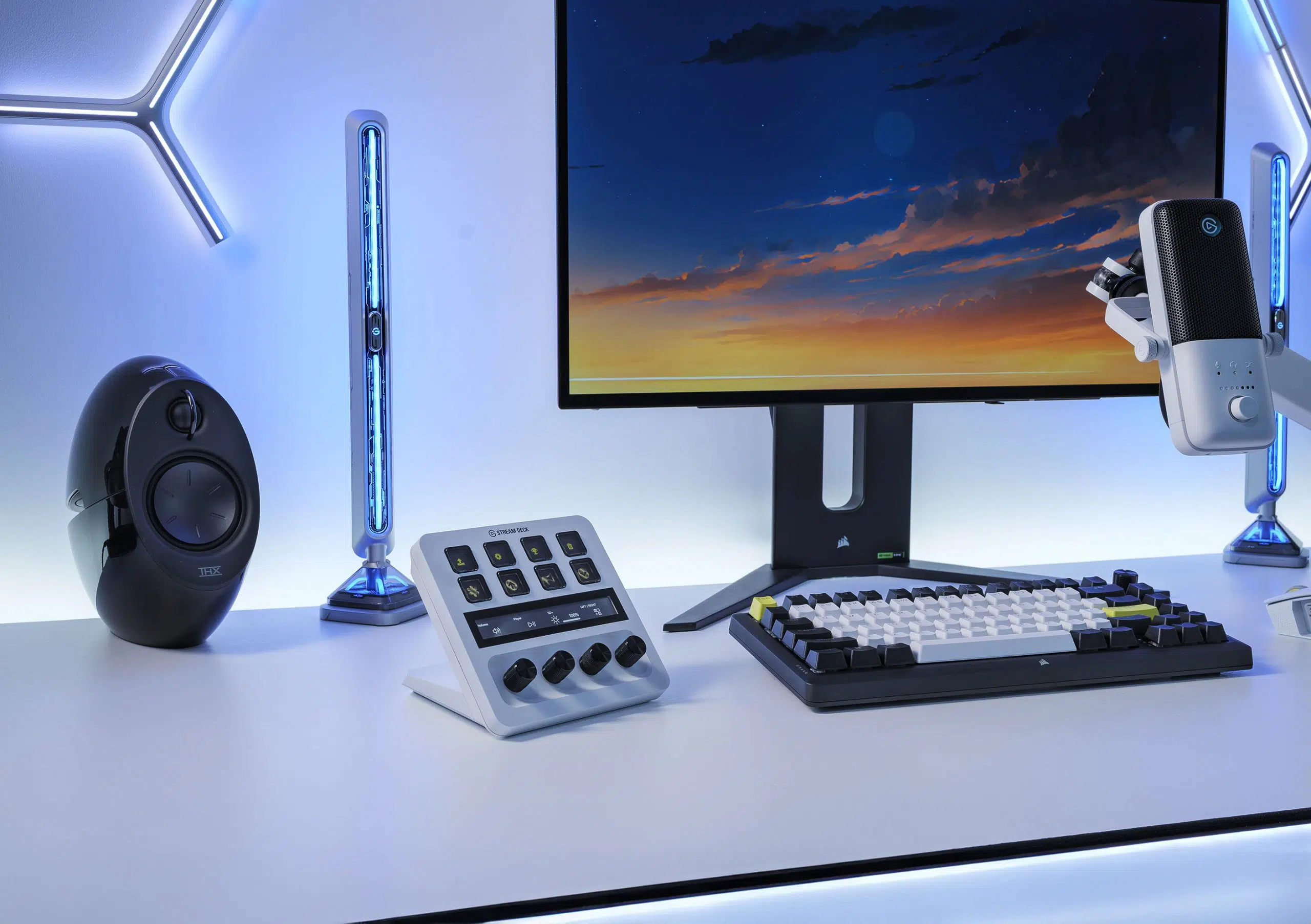
Explore equipment for your workspace: Wooting 60HE v2 60% Gaming Keyboard, Aluminium, Logitech G PRO X2 SUPERSTRIKE Wireless Gaming Mouse, RØDE PodMic Dynamic Podcasting Microphone, XLR.
THE DETAILS
Technical specifications
Controls
8 customizable LCD keys
Classic (membrane)
4 × 360° encoders with push function; interchangeable dial caps
108 × 14 mm | 4.2 × 0.5 in
Tap to control assigned actions; swipe to change pages
Dimensions and Construction
140 × 138 × 110 mm | 5.5 × 5.4 × 4.3 in
465 g | 1 lb
Integrated
Black or White; one controller in the selected colour
Connection and Cable
USB 2.0
USB-C to USB-C
150 cm | 59 in (1.5 m)
USB 3.0 or later Type-C; Elgato lists a USB-C 3.0 port in the current system requirements
Software and Workflow Features
Elgato Stream Deck; free download
Wave Link digital mixer integration
Drag-and-drop actions; supported plugins and keyboard shortcuts for keys and dials
Custom layouts with Smart Profiles for automatic switching between applications
Up to 10 pages of layouts; folders for grouped actions
Trigger multiple commands in a sequence or at the same time
Assign multiple actions to a dial and push to cycle through them
Assign separate actions to single-press, double-press and press-and-hold
Community plugins, profiles and icons; availability and requirements depend on each integration
On-screen virtual keypad support
System Requirements
Windows 11 or newer
USB-C 3.0 port
Stream Deck (free download)
macOS 13 or newer
USB-C 3.0 port
Stream Deck (free download)
Package Contents and Optional Accessories
Stream Deck + in the selected colour, USB-C to USB-C cable (150 cm | 59 in), Quick Start Guide
Colour dial sets, Network Dock, USB Hub for Stream Deck +, XLR Dock for Stream Deck +
Requires the separately sold XLR Dock; the base Stream Deck + does not include an XLR microphone input
Product identification
Elgato
ELGATO-STREAM-DECK-PLUS
10GBD9901
840006645146
10GBD9911
840006601043
COMPLETE YOUR SETUP
Pairs well with