Elgato
Elgato Facecam MK.2 1080p Premium Webcam
Elgato Facecam MK.2. Facecam MK.2 pairs smooth Full HD video with controls that let you shape your image. Adjust exposure and white balance in Camera Hub to suit your lighting.
Regular price
66.000 KWD
or 4 payments of 16.500 KWD with
Pay with card & save


63.000 KWD
Save 3.000 KWD
Overview
ELGATO FACECAM MK.2
Elgato Facecam MK.2
Elgato Facecam MK.2. Facecam MK.2 pairs smooth Full HD video with controls that let you shape your image. Adjust exposure and white balance in Camera Hub to suit your lighting. Available from AX Store in Kuwait.
1080p60
Uncompressed video mode
1080p30 HDR
Supported HDR mode
Fixed focus
30–120 cm working range
Sliding shutter
Built-in privacy control
Sharp where you sit
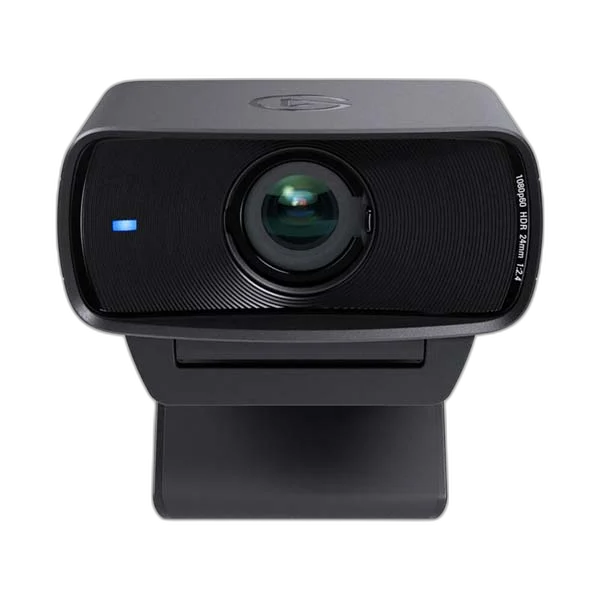
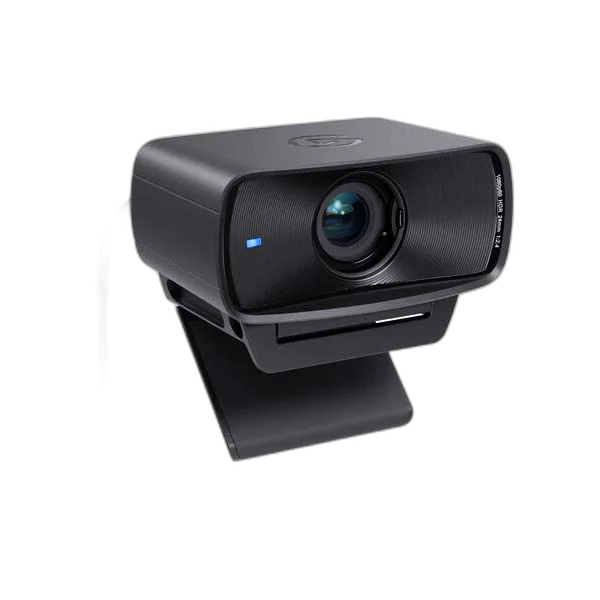
The fixed-focus Elgato Prime Lens covers a 30–120 cm working range with an 84° field of view. Frame your desk setup without autofocus shifting during a call.
More control over your image
Use HDR for challenging contrast and save settings to onboard memory. Connect directly through USB 3.0 for uncompressed video, then slide the privacy shutter closed when you finish.
Choose the Focus Mode for the Camera
Facecam MK.2 uses fixed focus over its listed thirty-to-one-hundred-and-twenty-centimetre working range. Frame the presenter around that position before recording rather than expecting autofocus to track every change in distance. Its sliding privacy shutter closes the camera view between sessions.
Connect a Suitable USB Data Path
Use USB 3.0 for the listed uncompressed video modes. USB 2.0 uses MJPEG, and a Type-A connection needs a suitable adapter. Full HD at sixty frames per second and HDR at up to thirty frames per second are separate choices, not a combined HDR60 promise.
Give Voice Capture a Separate Input
This Facecam configuration does not include a built-in microphone. Choose a suitable USB microphone or a complete headset microphone path for voice, then select both the video and audio inputs in the application. A headphone-only DAC does not supply a recording microphone for the camera.
Set Up a Repeatable Desk Scene
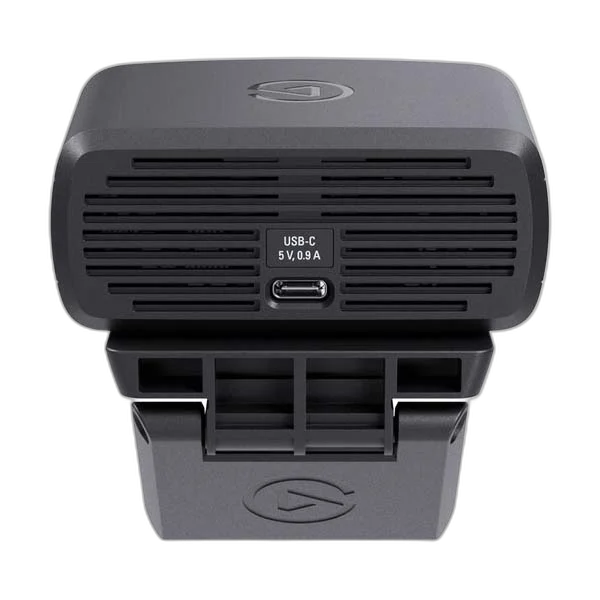
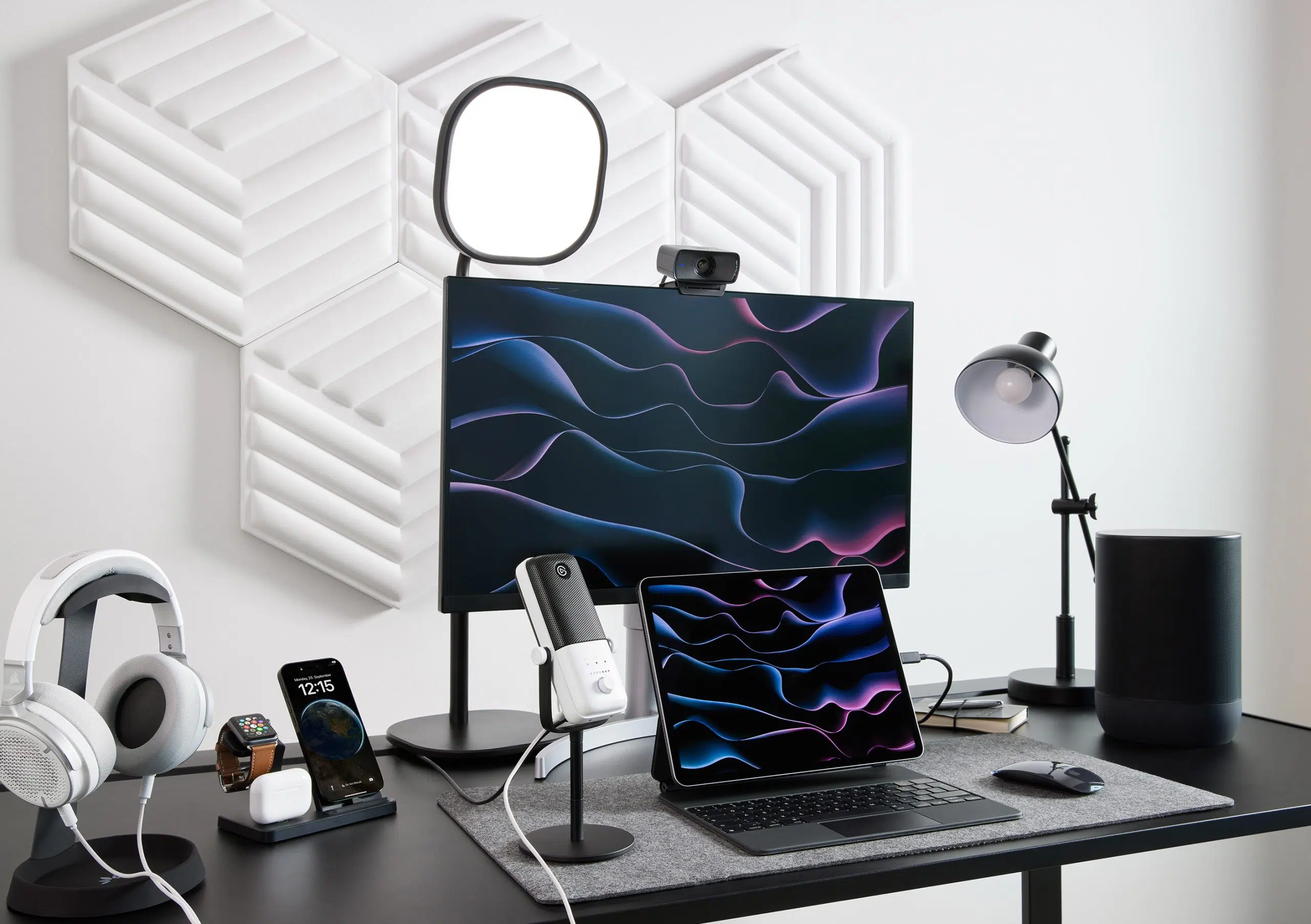
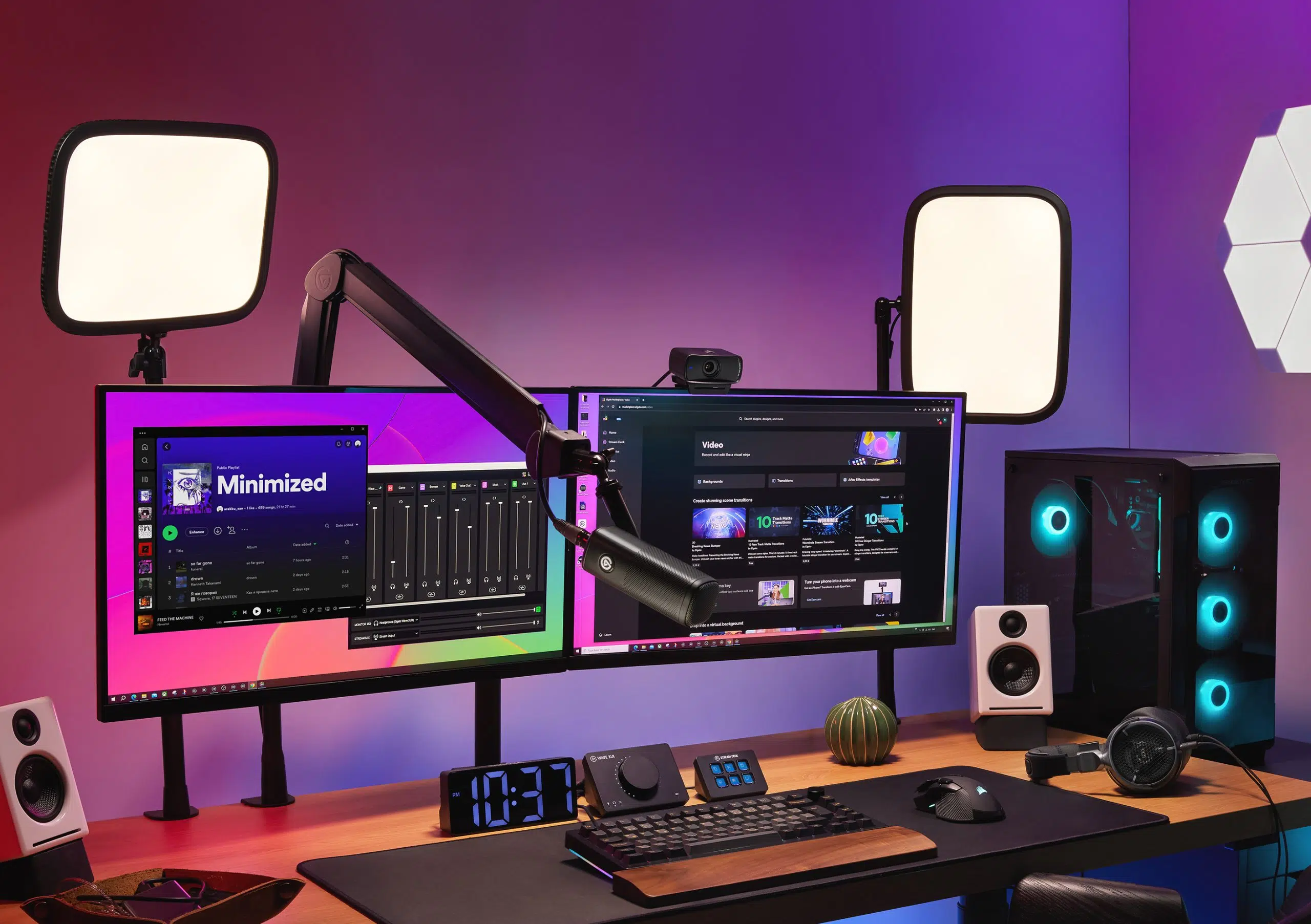
Arrange the camera, lighting and normal working distance before adjusting the image in Camera Hub. Review the result in the actual recording or call application, where resolution and processing options may differ. A suitable 1/4-inch mounting arrangement offers another positioning route alongside the supplied monitor support.
Choose a Camera Route for Your Streaming Desk
Decide between a direct computer webcam and a separate camera workflow. Check the selected resolution, frame rate, power and connection requirements, then arrange lighting around the picture you see in the application. Compare related options such as Logitech C270 HD Webcam with Light Correction or Logitech MX Brio 4K Webcam - 4K30 / 1080p60, keeping the exact model and configuration in the decision. For the wider setup, explore Razer Key Light Chroma - All-In-One Lighting Kit and check the connection, size or mounting requirements before pairing accessories. Browse the Elgato range at AX for more choices.
Elgato Facecam MK.2 Setup Choices
Set the camera position and lighting before adjusting exposure. Add a separate microphone for commentary and leave a suitable USB connection for the camera. Explore Elgato Wave 3 MK.2 USB Condenser Microphone - Wave FX / Black, Elgato Stream Deck MK.2, 15-Key Customizable Controller, Elgato Mini Mount Desktop Stand | Compact & Versatile.
Frequently Asked Questions
Does it include a built-in microphone?
No. Use a separate microphone or suitable headset input for voice capture.
Does it use autofocus?
Facecam MK.2 is fixed focus, with a listed 30–120 cm working range.
Which video formats are described?
Facecam MK.2 supports uncompressed 1080p60 and HDR up to 1080p30. HDR should not be assumed at 60 fps.
Will every application use the maximum resolution?
The selected format depends on the application, connection and computer setup. Confirm the actual recording mode in the program before the session.
Can it use a separate desk mount?
The listed mounting arrangement includes a 1/4-inch connection. Choose a compatible support for the camera and any attached equipment within its load rating.
Which software requirements apply?
Check the current Camera Hub version and compatible operating system as well as the camera’s published hardware requirements before installation or an update.
Build Your Setup with AX Store
Explore computers, displays and accessories for your workspace at AX Store. For help choosing the right model or checking an accessory, contact AX Store.
Complete Your Setup
Explore equipment for your workspace: Elgato Cam Link 4K Streaming Capture Device, Elgato Stream Deck Plus Multi-Touch Controller, RØDE PodMic USB Dynamic Microphone – USB-C & XLR – Black / White.
THE DETAILS
Technical specifications
Video and optics
1080p60, 1080p30, 720p60, 720p30, 540p60, 540p30
Up to 1080p30
Elgato Prime Lens, fixed focus
30–120 cm
f/2.4
24 mm, full-frame equivalent
84°
Sony STARVIS CMOS, 1/2.5-inch
Connection and hardware
USB Type-C
Uncompressed
MJPEG
UVC 1.5
1/4-inch thread
84 × 38 × 61 mm (W × H × D)
90 g without mount; 136 g with mount
Built-in sliding shutter
No
Onboard flash memory
System requirements and contents
Windows 11 or newer; Intel or AMD CPU
13.3 Ventura or newer; Intel or Apple CPU
USB 3.0 or USB 2.0 Type-C; Type-A requires an adapter, sold separately
Elgato Camera Hub
Facecam MK.2, monitor mount with 1/4-inch thread, USB-C to USB-C 3.0 braided cable
1.8 m
Product identification
Elgato
20WAC9901
COMPLETE YOUR SETUP
Pairs well with