Logitech
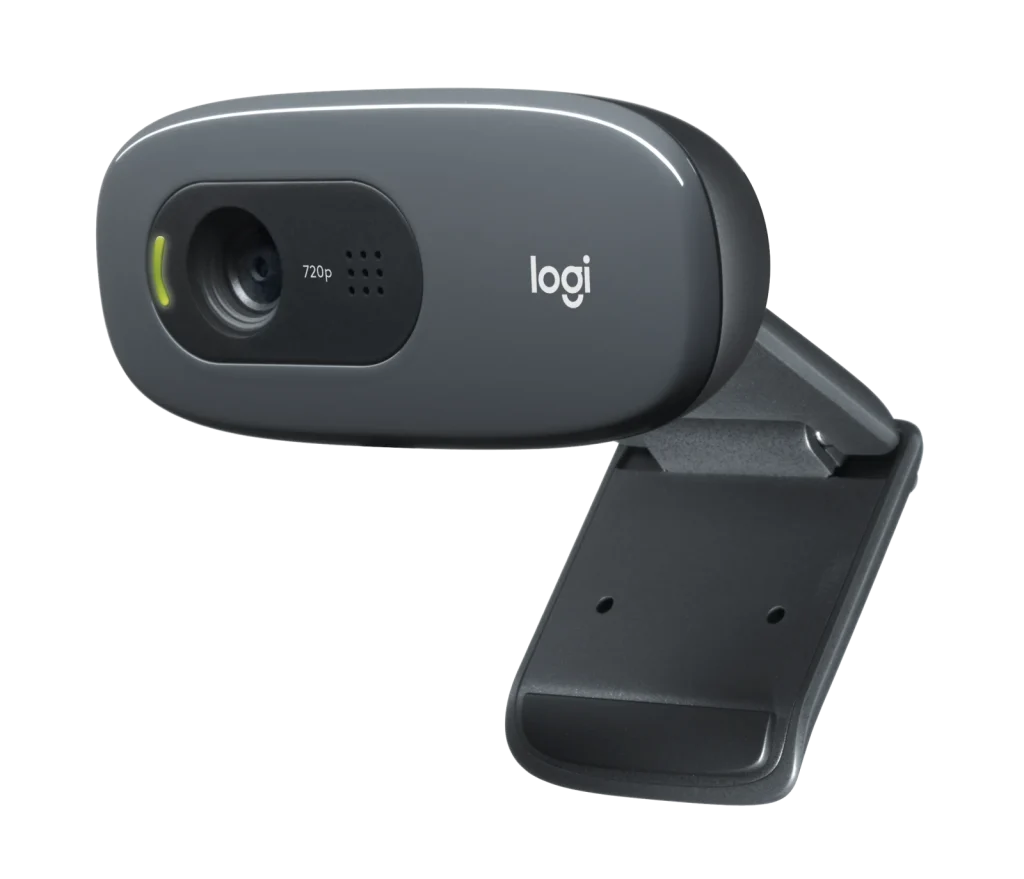
Logitech C270 HD Webcam with Light Correction
The Logitech C270 HD Webcam offers 720p video at 30 fps, a 55° field of view and a noise-reducing mono microphone. RightLight 2 adjusts to room lighting, while the universal mounting clip and 1.5 m USB-A cable make it easy to position.
Regular price
8.500 KWD
or 4 payments of 2.125 KWD with
Pay with card & save


8.100 KWD
Save 0.400 KWD
Overview
LOGITECH C270 HD WEBCAM WITH LIGHT CORRECTION
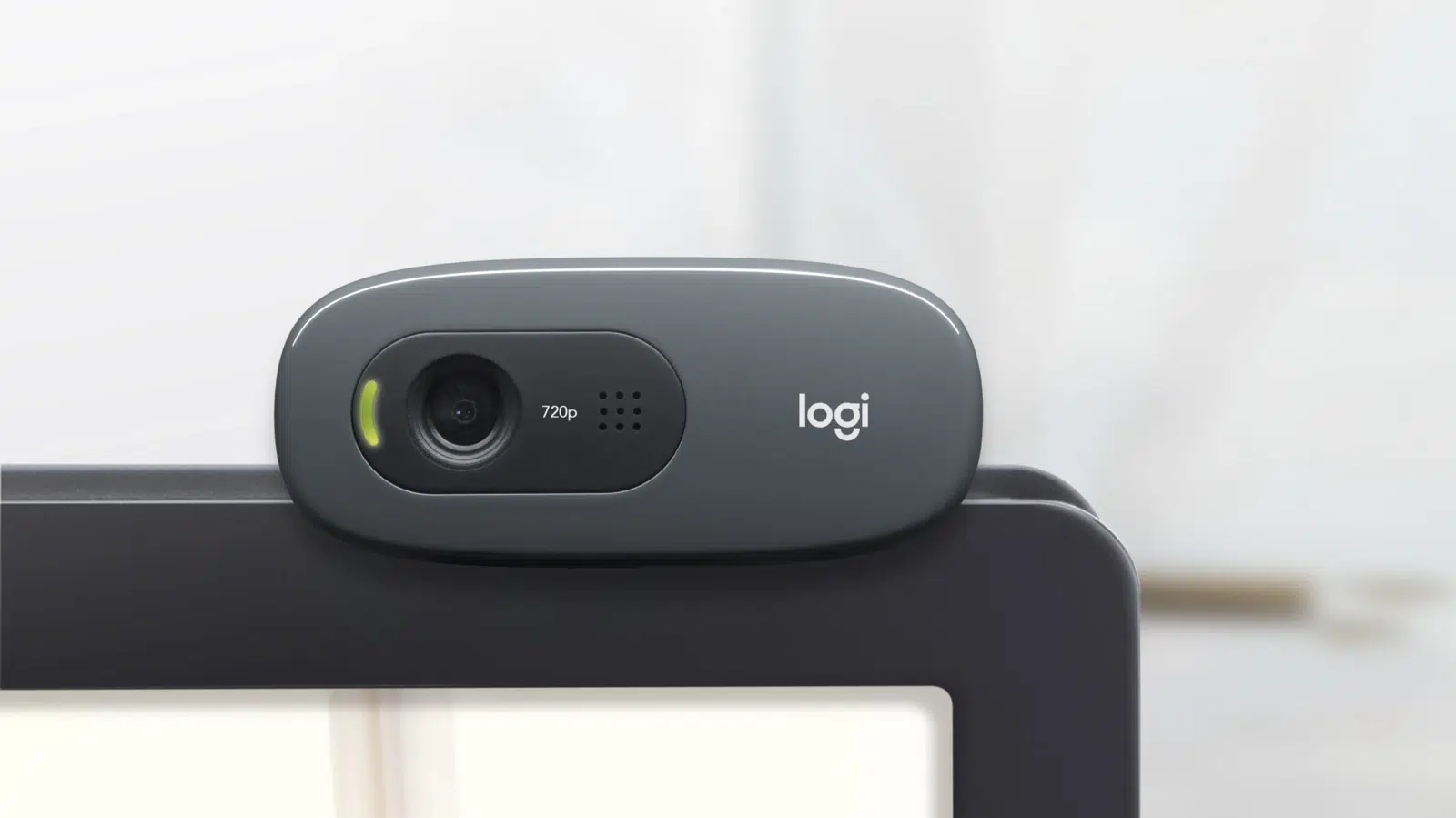
Logitech C270
The Logitech C270 HD Webcam brings 720p video and a built-in microphone to your everyday calls. Its fixed-focus lens, automatic light correction and attached USB-A cable keep the setup straightforward for home, work or study. Available from AX Store in Kuwait.
720p30
Maximum Video Mode
Fixed
Focus
55°
Diagonal Field of View
USB-A
Connection
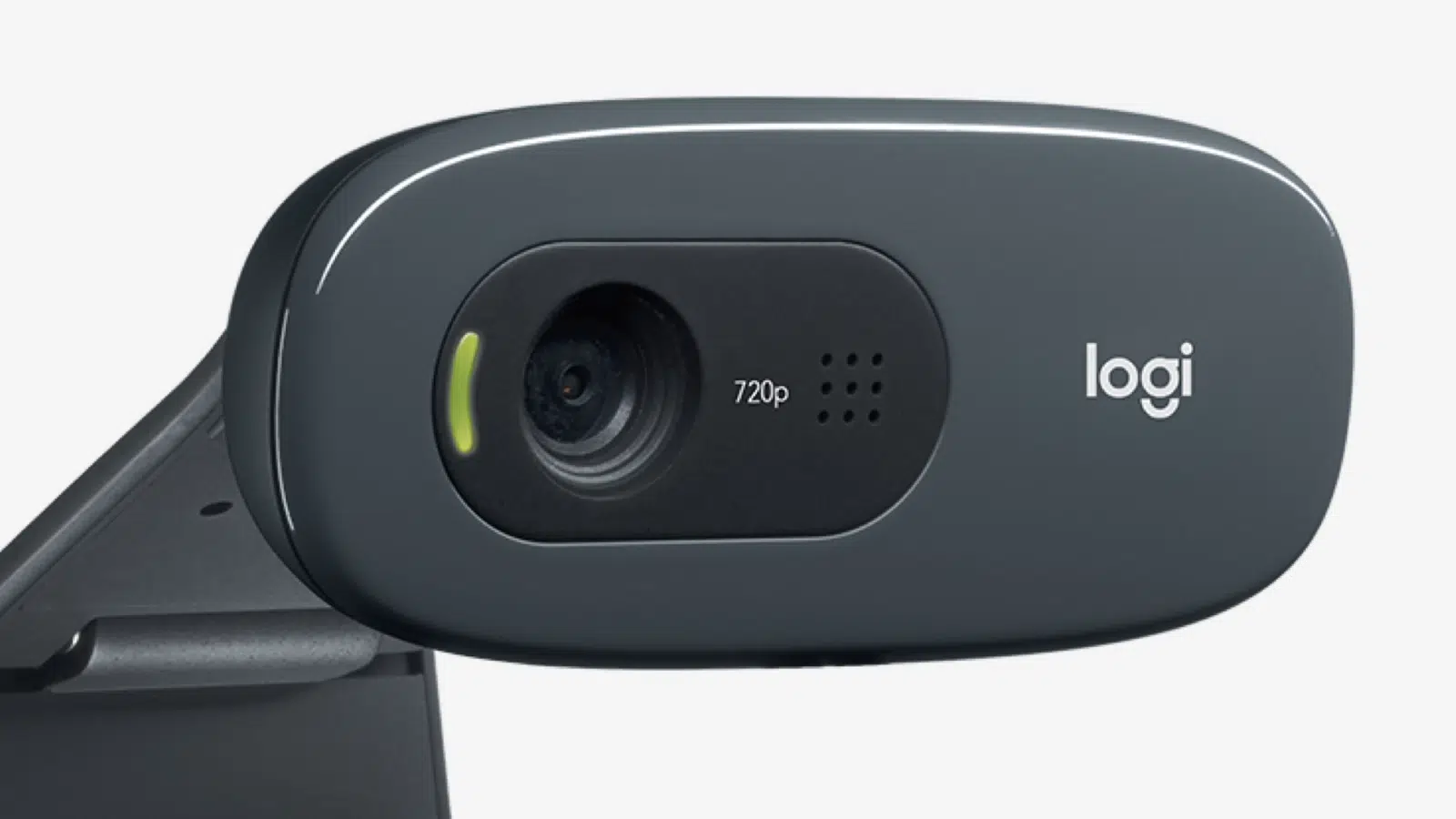
HD video for everyday calls
Capture 1280 × 720 video at up to 30 fps. The fixed-focus lens and 55° diagonal field of view give you a straightforward, personal framing for meetings, classes and conversations.
Light correction built in
Logitech RightLight 2 automatically adjusts to your surroundings, helping produce a brighter, more balanced image as room lighting changes. The camera handles these adjustments without manual exposure controls.
Position it and connect
The mounting clip lets you attach the C270 to a screen or place it on a shelf or desk. Its noise-reducing mono microphone is rated for pickup from up to 1 metre, and the attached 1.5 m USB-A cable provides the wired connection.
Choose the Video Mode for the Session
The listed video modes are 1280 × 720 at 30 fps. Choose the required resolution and frame rate in supported software, taking the host connection and application settings into account.
Keep the Focus System with This Model
The focus system is listed as Fixed focus. Position the camera for your normal seating arrangement and subject distance, keeping that focus behaviour in mind when setting up the shot.
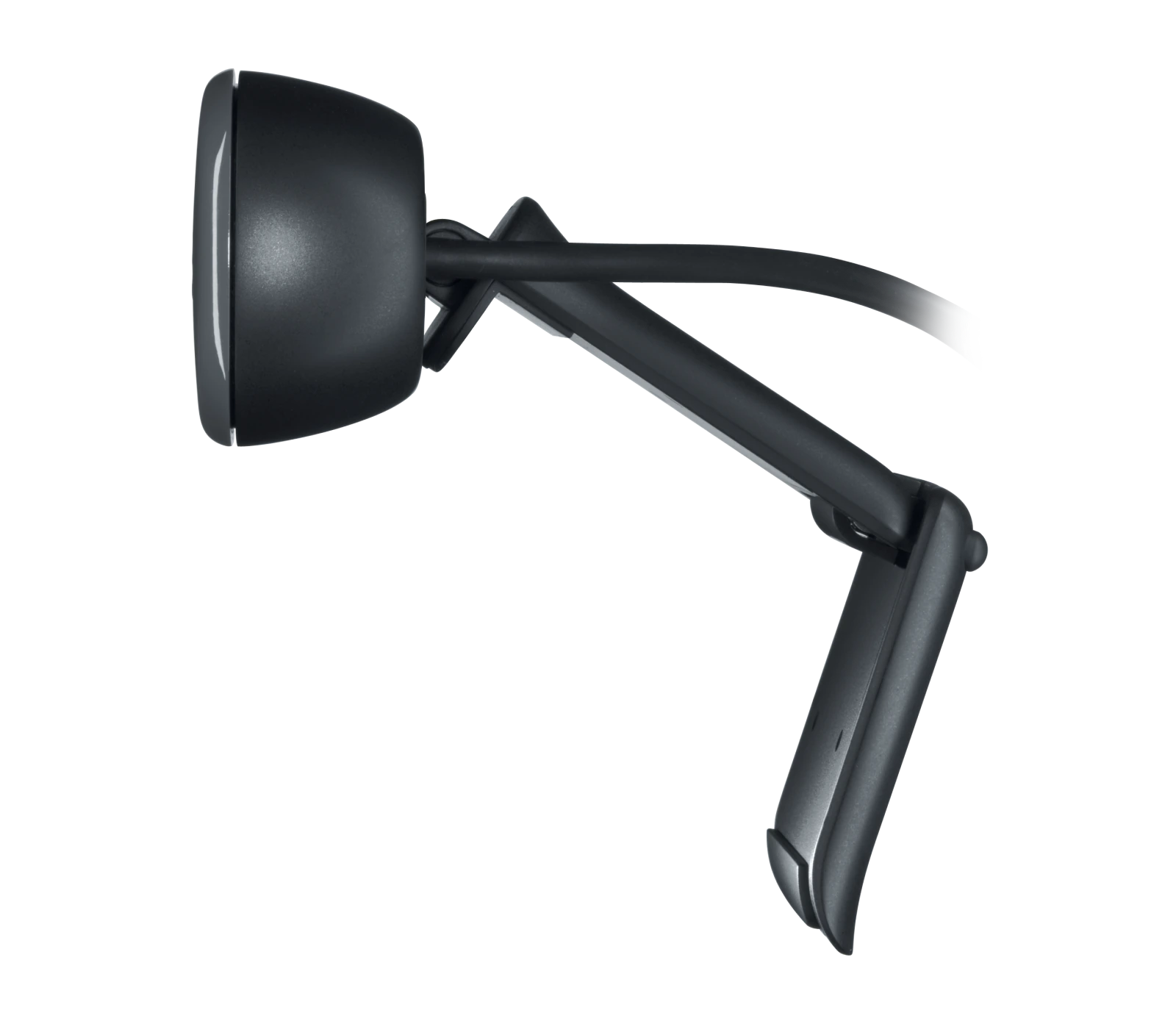
A Camera Connection You Can Plan
The connection is specified as USB-A. Check the available computer port and the required video mode before fitting adapters, since the connector shape alone does not establish the supported data rate.
Choose a Camera Route for Your Streaming Desk
Decide between a direct computer webcam and a separate camera workflow. Check the selected resolution, frame rate, power and connection requirements, then arrange lighting around the picture you see in the application. Compare related options such as Canon PowerShot SX740 HS 20.3MP Digital Camera – 40x Optical Zoom, 4K – Black or Logitech C922 HD Pro Streaming Webcam, keeping the exact model and configuration in the decision. For the wider setup, explore Razer Key Light Chroma - All-In-One Lighting Kit and check the connection, size or mounting requirements before pairing accessories. Browse the Logitech range at AX for more choices.
Logitech C270 Setup Choices
Decide between a direct computer webcam and a separate camera workflow. Check the selected resolution, frame rate, power and connection requirements, then arrange lighting around the picture you see in the application. Explore Elgato Wave 3 MK.2 USB Condenser Microphone - Wave FX / Black, Elgato Stream Deck MK.2, 15-Key Customizable Controller, Elgato Mini Mount Desktop Stand | Compact & Versatile.
Frequently Asked Questions
Which video modes are listed?
1280 × 720 at 30 fps.
How does it connect?
USB-A.
What focus system is specified?
Fixed focus.
Which microphones are included?
Mono, with noise reduction.
Build Your Setup with AX Store
Explore computers, displays and accessories for your workspace at AX Store. For help choosing the right model or checking an accessory, contact AX Store.
THE DETAILS
Technical specifications
Camera and connectivity
Logitech
C270 HD Webcam
960-001063
Dark Grey
1280 × 720 at 30 fps
0.9 megapixels
Fixed focus
Plastic
55°
Mono, with noise reduction
Up to 1 m
Logitech RightLight 2
USB-A
1.5 m
72.91 × 31.91 × 66.64 mm
75 g
Windows 8 or later; macOS 10.10 or later; ChromeOS; USB-A port
COMPLETE YOUR SETUP
Pairs well with