Elgato
Elgato Wave 3 MK.2 USB Condenser Microphone - Wave FX / Black
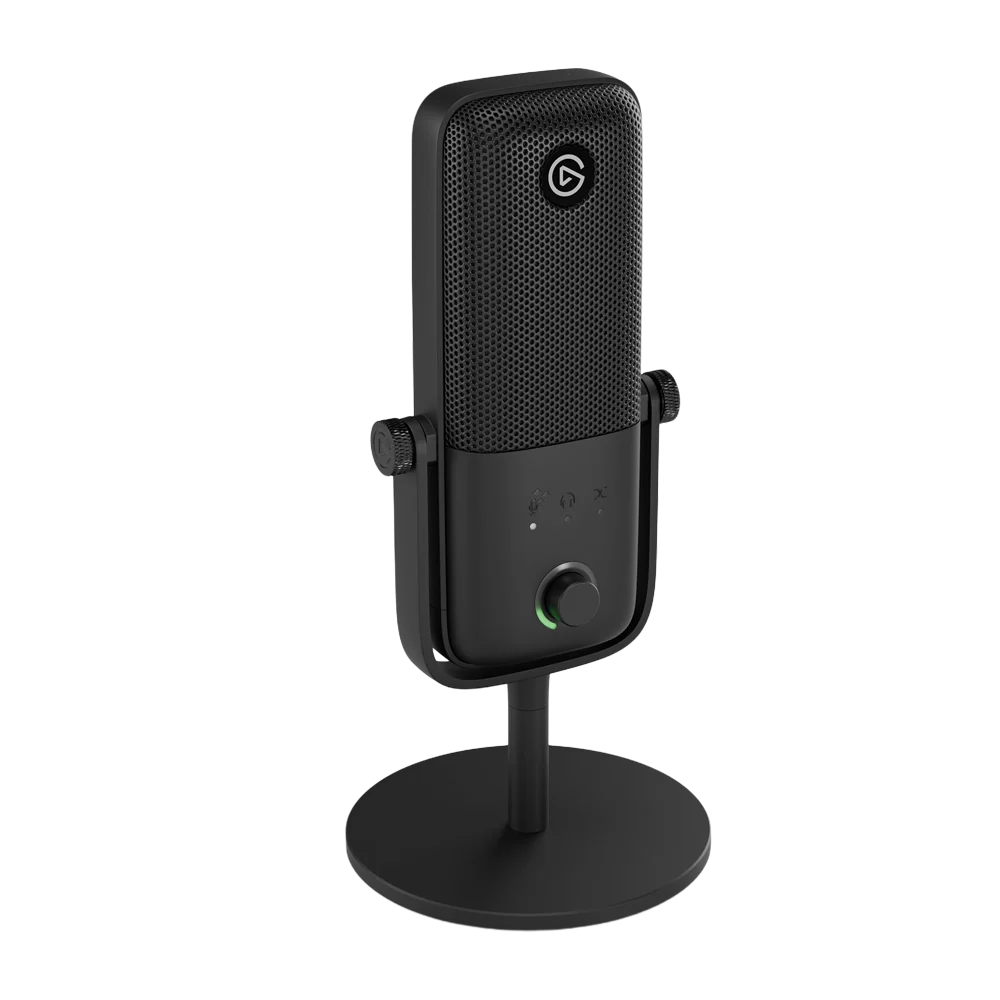
Elgato Wave:3 MK.2 Black. Wave:3 MK.2 brings a cardioid condenser capsule, Wave FX processing and direct headphone monitoring into a USB microphone setup. Start with the included stand and cable, then configure the hardware effects in Wave Link or add supported computer-based VST processing when the production needs it.
Regular price
60.000 KWD
or 4 payments of 15.000 KWD with
Pay with card & save


57.000 KWD
Save 3.000 KWD
Overview
ELGATO WAVE:3 MK.2 BLACK
Elgato Wave:3 MK.2 Black
Elgato Wave:3 MK.2 Black: Wave:3 MK.2 brings a cardioid condenser capsule, Wave FX processing and direct headphone monitoring into a USB microphone setup. Start with the included stand and cable, then configure the hardware effects in Wave Link or add supported computer-based VST processing when the production needs it. Available from AX Store in Kuwait.
24-bit / 48 kHz
USB recording format
Wave FX
Onboard DSP processor
Auto Gain
Voice-level calibration
3.5 mm
Direct headphone monitoring

A Capsule and Position for Spoken Voice
The sixteen-millimetre condenser capsule was developed with LEWITT and uses a front-facing cardioid pickup pattern. Speak toward the front of the grille and start around the recommended working distance, then listen while setting the final position. The built-in pop filtering supports that arrangement without replacing sensible microphone placement.
Five Hardware Effects, Configured in Wave Link
Wave FX processes the voice on the microphone. The low-cut filter manages unwanted low-frequency content, the expander controls quieter passages, Voice Tune provides voice shaping, compression manages dynamics and the four-band equalizer adjusts tone. Configure these hardware effects in Wave Link, keeping them distinct from VST plugins that need the computer.
Auto Gain, Metering and Mute Within Reach
The multifunction dial selects and adjusts microphone gain, headphone level and the monitor mix. A long press starts the Auto Gain workflow, while the mute sensor provides a separate way to silence the microphone. Clipguard 2.0 helps handle sudden loud moments; this model records at twenty-four-bit, forty-eight-kilohertz rather than thirty-two-bit float.
Keep VST Inserts with Their Computer Workflow
Supported VST Inserts add computer-based processing alongside the microphone’s hardware DSP. Use the supported Wave Link setup on the recording computer for those effects. Hardware DSP settings and host plugins have different requirements; adding a plugin does not make that plugin run inside the microphone or travel automatically to a phone.
USB Recording and a Direct Listening Connection
USB-C supplies the documented recording connection, while the three-point-five-millimetre stereo jack serves headphones. Direct monitoring provides a listening path for the microphone, with the blend control balancing microphone and computer sound. Compatible mobile devices need the supported USB Audio Class 2.0 connection; software VST effects remain part of the computer workflow.

Start with the Included Stand, Then Choose the Support
The package includes the microphone, desk stand, USB-C-to-USB-C cable and the listed thread adapters. Use the quarter-inch mount and appropriate supplied adapter when moving to an arm. Calculate the microphone’s weight without the desktop base, then add the shock mount and other parts actually attached to the chosen support.

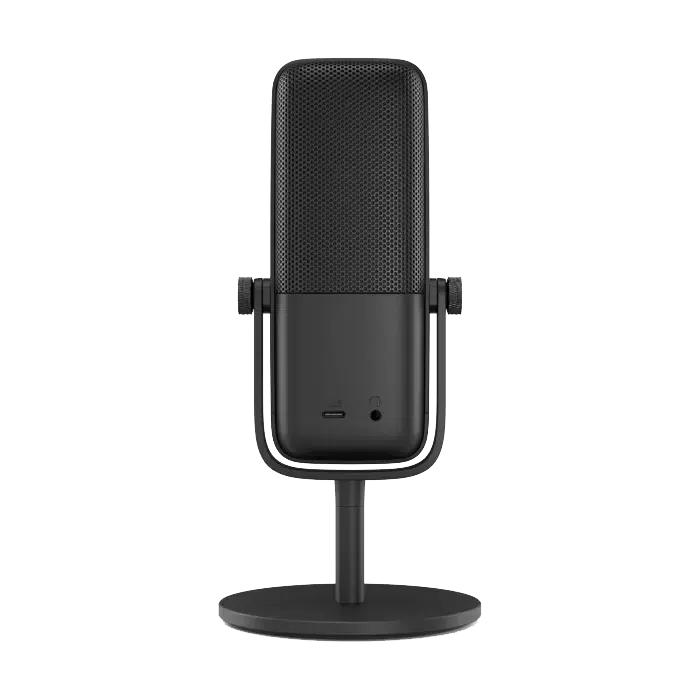
What's in the Box
- Wave:3 MK.2 Black microphone
- Desk stand
- 2.5 m USB-C-to-USB-C cable
- 5/8-inch and 3/8-inch thread adapters
Build a Direct Computer Recording Setup
Check the supported computer connection, microphone controls and headphone-monitoring arrangement. Set the intended input in your recording application and choose a mount with the correct thread and supported load. Compare related options such as ASUS C501 ROG CARNYX RGB Wired Gaming Microphone, White or HyperX QuadCast 2 S USB Gaming Microphone, RGB Lighting, keeping the exact model and configuration in the decision. For the wider setup, explore Audio-Technica ATH-M40X 40mm Closed-Back Studio Headphones and check the connection, size or mounting requirements before pairing accessories. Browse the Elgato range at AX for more choices.
Elgato Wave:3 MK.2 Black Setup Choices
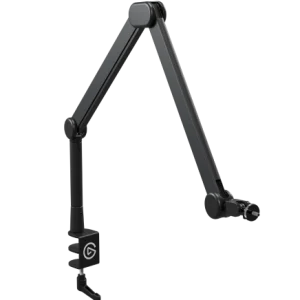
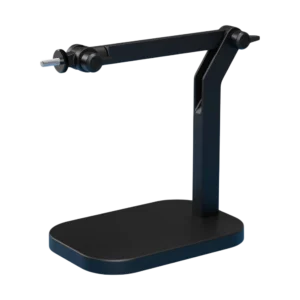
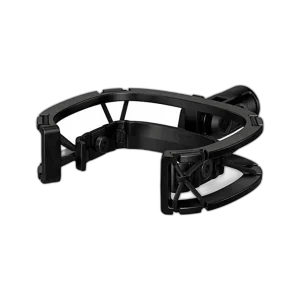
Check the supported computer connection, microphone controls and headphone-monitoring arrangement. Set the intended input in your recording application and choose a mount with the correct thread and supported load. Explore Elgato Wave Shock Mount for Wave Microphones, Elgato Wave Mic MK.2 Studio Boom Arm, All-Metal Design, Elgato Wave Desk Stand for Microphones - Compact Design.
Frequently Asked Questions
Do I need an external audio interface or Wave Link to use the microphone?
No external audio interface is needed. Connect Wave:3 MK.2 directly by USB-C and select it as your microphone. Basic operation works without Wave Link. Install Wave Link to customize hardware effects, use VST Inserts and manage audio mixes. The desktop requirements are Windows 11 or newer, or macOS 14.2 or newer.
What is the difference between onboard DSP and VST Inserts?
The five onboard DSP effects run on the microphone’s Wave FX Processor. VST Inserts run through Wave Link on your computer, then return the processed signal to the microphone’s audio path. VST effects require the computer and software, and may add latency depending on the plugin and setup.
Does Wave:3 MK.2 record at 24-bit or 32-bit float?
Its recording specification is 24-bit at 48 kHz. Clipguard 2.0 uses 32-bit float processing internally as part of its protection system. That internal processing does not change the microphone’s specified 24-bit recording output.
Can I use it with a phone or tablet?
Yes, if the device supports USB Audio Class 2.0 (UAC2). Your configured hardware effects transfer to the compatible mobile device, but VST effects do not. Reconnect the microphone to a Windows or Mac computer with Wave Link when you need to adjust hardware effect settings.
How should I position the microphone?
Speak into the front of the microphone, where the Elgato logo and control dial are located. Position it about 10–20 cm from your mouth. The included desk stand supports tabletop use, and the 1/4-inch mounting thread with supplied adapters supports compatible microphone arms.
How do I use Auto Gain?
Press and hold the front dial for 5 seconds, then speak at your normal volume while the wizard calibrates the level. When the LED ring fills and turns green, calibration is complete. If it turns red, run the calibration again.
Can I monitor my voice with headphones?
Yes. Connect wired headphones to the rear 3.5 mm jack. Wave Link lets you monitor the raw signal, hardware DSP, or DSP plus VST effects. Raw and onboard DSP monitoring are zero latency; VST monitoring may add delay. Headphones up to 250 ohms are supported, with lower available volume at higher impedance.
Are the stand, cable and shock mount included?
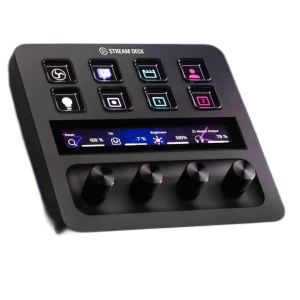
The box includes Wave:3 MK.2 Black, a desk stand, a 2.5 m USB-C-to-USB-C cable, and 5/8-inch and 3/8-inch thread adapters. Wave Shock Mount, microphone arms, headphones and Stream Deck are sold separately.
Does the original magnetic Wave Pop Filter have the same compatibility list?
The original separate magnetic pop filter is specified for Wave:1 and Wave:3 MK.1. Wave Shock Mount explicitly supports MK.2; use the exact accessory compatibility list rather than transferring one accessory’s fit to another.
Build Your Setup with AX Store
Explore computers, displays and accessories for your workspace at AX Store. For help choosing the right model or checking an accessory, contact AX Store.
Complete Your Setup
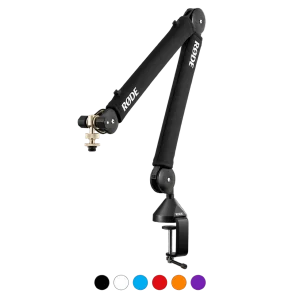
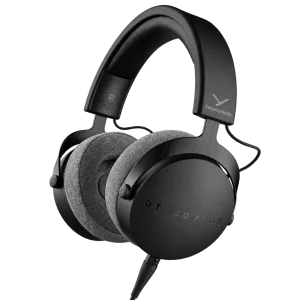
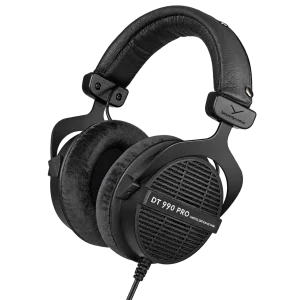
Explore equipment for your workspace: RØDE PSA1+ Professional Studio Microphone Boom Arm, beyerdynamic DT 700 Pro X Studio Headphones, beyerdynamic DT 990 PRO 80 Ohm Open-Back Studio Headphones.
THE DETAILS
Technical specifications
Elgato
Wave
Wave:3 MK.2
10MAO9901
USB condenser microphone
Black
16 mm condenser with integrated JFET
Cardioid
Side address; speak into the front
Developed in partnership with LEWITT
24-bit
48 kHz
70–20,000 Hz
−20 dBFS typical at 1 kHz
130 dBSPL typical at 1 kHz
110 dB
Built-in
10–20 cm / 4–8 in
Elgato Wave FX Processor
Clipguard 2.0
Low-Cut Filter; Expander; Voice Tune; Compressor; 4-Band Equalizer
Configure hardware effects in Wave Link
Voice-level calibration; start by holding the dial for 5 seconds
Input gain, Voice Tune, headphone volume and monitor mix
Tap-to-mute sensor on top
Status ring with level and mute feedback; colors and brightness configurable in Wave Link
Computer-based effects processed in Wave Link and returned to the hardware audio path
VST3 on Windows; AU on macOS, through Wave Link
USB-C, USB 2.0 High Speed
3.5 mm stereo jack
Up to 250 ohms; available volume decreases with higher impedance
Raw microphone or onboard DSP monitoring with zero latency
Ultra-low latency; additional delay depends on plugins and setup
Adjust the balance of microphone and computer audio
Direct USB-C connection
Elgato Wave Link; free download
Windows 11 or newer
macOS 14.2 or newer
Up to 5 with Wave Link 3
Supported through the Wave Link plugin; Stream Deck sold separately
Devices supporting USB Audio Class 2.0 (UAC2)
Hardware DSP settings transfer to compatible mobile devices; VST effects do not
Included
1/4-inch
1/4-inch to 5/8-inch and 3/8-inch
46 × 85 × 167 mm, D × W × H
213 × Ø100 mm / 8.4 × Ø3.9 in
250 g / 0.55 lb
570 g / 1.26 lb
Wave Shock Mount available separately
Wave:3 MK.2 Black; desk stand; USB-C cable; 5/8-inch and 3/8-inch thread adapters
USB-C-to-USB-C, 250 cm / 2.5 m / 98 in
Product identification
Elgato
10MAO9901
840440416227
COMPLETE YOUR SETUP