Category
Capture Devices
20 PRODUCTS
Internal and external capture cards from Elgato and AVerMedia to record and stream console and PC gameplay in 1080p and 4K.



OUT OF STOCK
68.000 KWD
or 4 × 17.000 KWD with


WITH CARD
OUT OF STOCK
54.500 KWD
or 4 × 13.625 KWD with
WITH CARD
OUT OF STOCK
95.500 KWD
or 4 × 23.875 KWD with
WITH CARD

OUT OF STOCK
114.900 KWD
or 4 × 28.725 KWD with

OUT OF STOCK
156.500 KWD
or 4 × 39.125 KWD with
WITH CARD
Load More Products
Showing 12 of 20 products
CAPTURE CARDS AT AX
Capture the console. Keep the quality.
Shop capture devices in Kuwait from Elgato, AVerMedia, ASUS, RØDE and more, from external USB capture boxes and internal PCIe cards for PlayStation, Xbox and dual-PC streaming to HDMI camera adapters and video production consoles. Start with how the device connects to your PC, then match it to your source.
How to choose a capture card
- Internal or external: Internal PCIe cards install inside a desktop, which suits a dedicated streaming PC. External USB devices also work with laptops and move easily between setups.
- Resolution and frame rate: Match the capture resolution to what you stream or record. 1080p60 covers most live streams, while 4K capture pays off for high-quality recordings and edits.
- Passthrough: Passthrough sends the signal on to your TV or monitor, so you play with virtually no added delay while it records. Capture and passthrough specs can differ, so check both.
- Source: Consoles need an HDMI game capture device. A camera with clean HDMI output needs an HDMI-to-USB adapter, and multi-camera shows suit a production console.
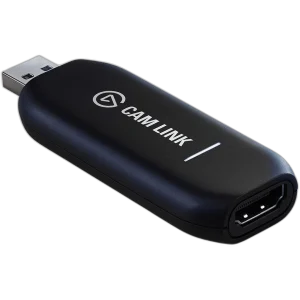
Popular capture devices in stock now: the Elgato Cam Link 4K, AVerMedia Live Gamer Portable 2 PLUS, AVerMedia GC573 Live Gamer 4K, AVerMedia Live Gamer HD 2 and ASUS TUF Gaming CU4K30. Shop by brand: AVerMedia, Elgato and ASUS.
4K60
capture with passthrough
PCIe · USB
internal and external cards
PS5 · Xbox · PC
console and dual-PC setups
CAPTURE DEVICES FAQ
Before you buy.
Straight answers to the questions we hear most about capture cards and capture devices.
Internal or external capture card: which should I choose?
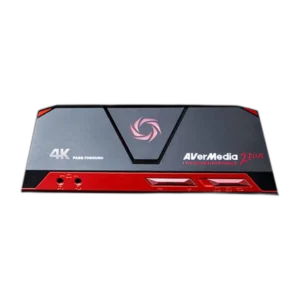
Internal PCIe cards, like the AVerMedia GC573 Live Gamer 4K, install inside a desktop and connect directly to the motherboard. External devices, such as the AVerMedia Live Gamer Portable 2 PLUS or ASUS TUF Gaming CU4K30, plug in over USB and also work with laptops and dual-PC setups.
What is passthrough and do I need it?
Passthrough sends the console signal straight through the capture device to your monitor or TV, so you play with virtually no added delay while it records. Capture and passthrough resolutions can differ, as with the ASUS TUF Gaming CU4K30, which captures at 4K30 and passes through 4K60 HDR.
Can I use a capture device with a camera?
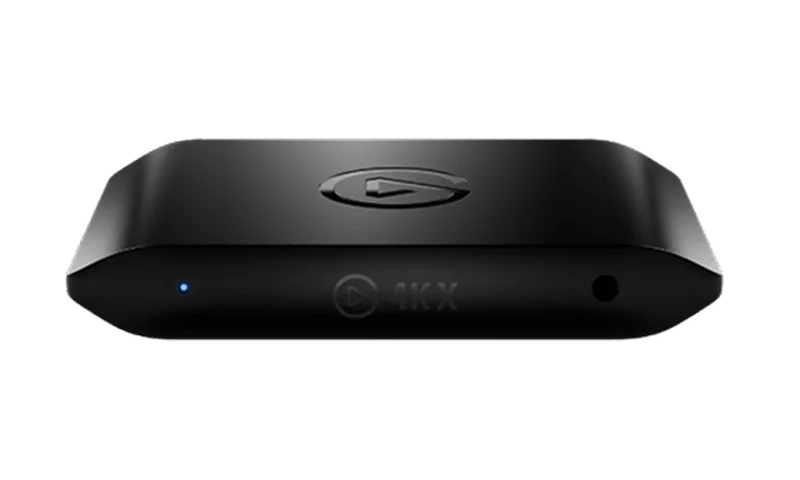
Yes. To use a DSLR, mirrorless camera or camcorder as a webcam, you need a device that turns its HDMI output into a USB video source. The Elgato Cam Link 4K does exactly that, as long as your camera offers clean HDMI output without on-screen overlays.
Capture card or video production console: what is the difference?
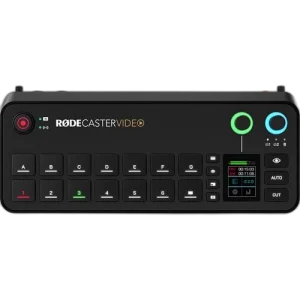
A capture card brings one HDMI source, like a console or camera, into your PC. A production console such as the RØDE RCV-G RODECASTER Video handles several video sources and audio together, letting you switch cameras and mix sound live for multi-camera streams and podcasts.