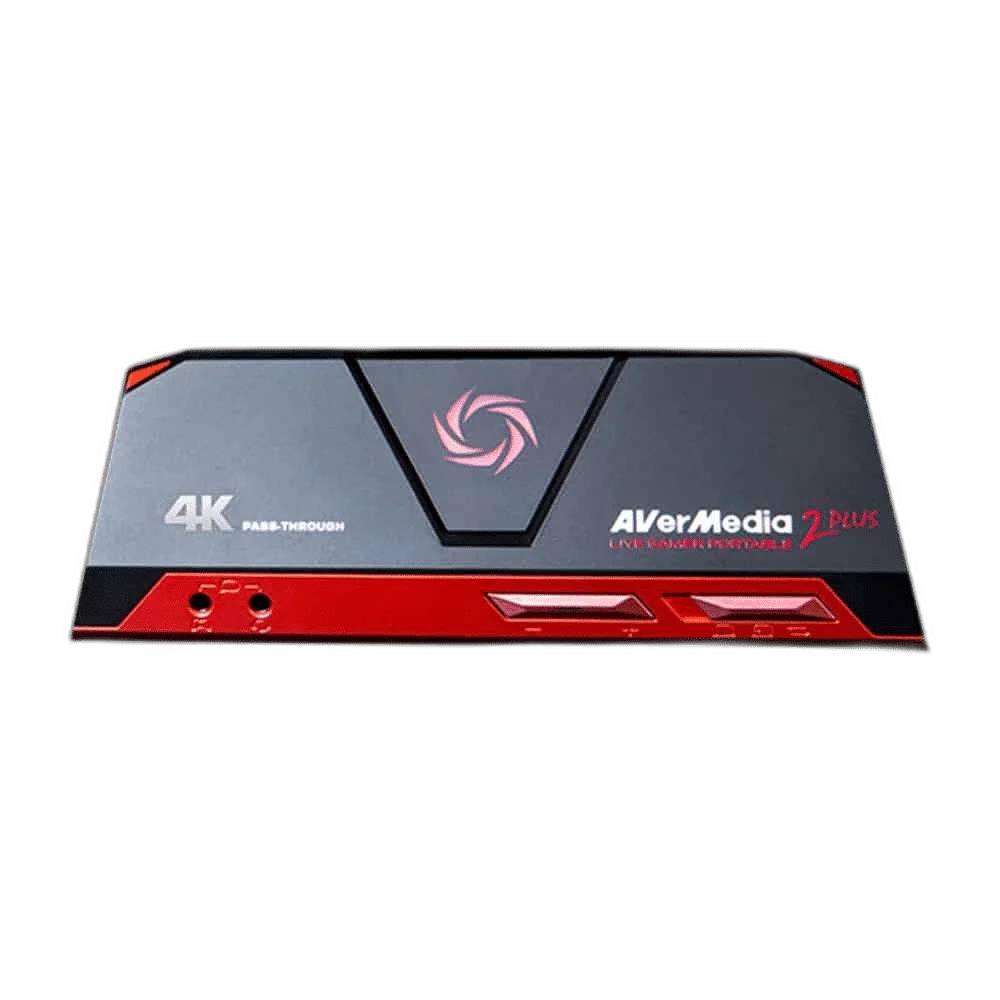
AVerMedia
AVerMedia Live Gamer Portable 2 PLUS Capture Device
Capture up to 1080p60 while passing through a 4K60 HDMI signal. PC-free recording, microSD storage and controller/headset audio connections support a flexible capture setup. MicroSD card is sold separately.
Regular price
30.500 KWD
or 4 payments of 7.625 KWD with
Pay with card & save


29.000 KWD
Save 1.500 KWD
Overview
AVERMEDIA LIVE GAMER PORTABLE 2 PLUS CAPTURE DEVICE
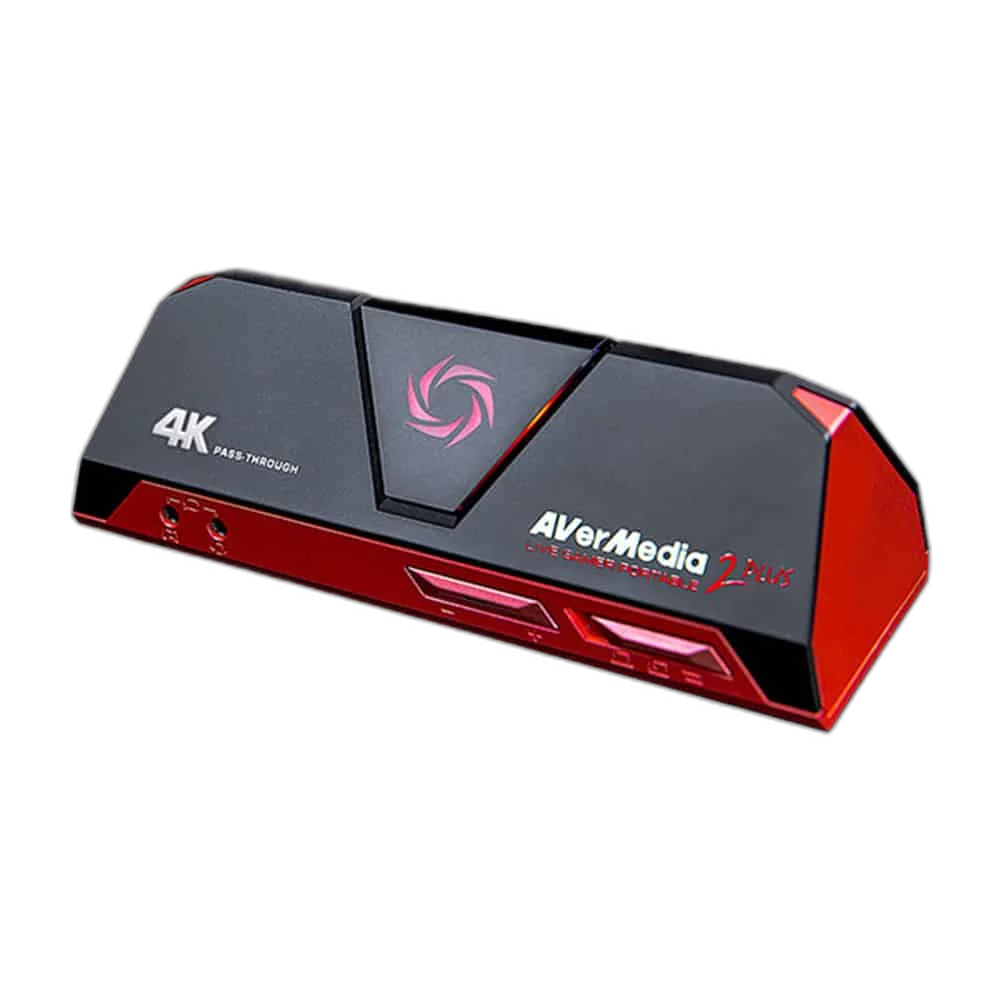
AVerMedia Live Gamer Portable 2 PLUS GC513
Keep your display running at up to 4K60 while capturing at up to 1080p60. Live Gamer Portable 2 PLUS gives you PC-connected recording and a PC-free mode that saves footage to a compatible microSD card, making it a flexible choice for different capture setups.
1080p60
Maximum Recording
4K60
Maximum Passthrough
PC-Free
Supported Recording Mode
MicroSD
Class 10; Up to 128 GB
Play in 4K, capture in Full HD
HDMI 2.0 input and output support up to 4K60 passthrough. Recording is limited to 1080p60: the 4K capability applies to the signal sent to your display, not to recorded video.
Record without a capture computer
Switch to PC-free mode to record directly to a compatible microSD card. Use a Class 10 card up to 128 GB, sold separately. Card-reader mode provides another way to access stored recordings.
Connections for game audio
Alongside HDMI audio, four-pole 3.5 mm connections support a compatible controller and headset setup. Check your device connections and audio routing before recording game or voice audio.
Choose the right recording setup
Hardware encoding produces H.264 video with AAC audio. FAT32 recordings split into 4 GB files; exFAT supports continuous files. HDCP-protected signals cannot be captured, and Apple Silicon M1 systems are not supported.
Separate Recording from HDMI Passthrough
Capture and HDMI passthrough are separate functions with different listed limits. Check the mode you want to record as well as the signal sent to your display, instead of treating the passthrough number as a recording specification.
Plan the Video and USB Routes
The listed video connection is HDMI 2.0 input and output. Check the route from the source to the capture device and display, together with the required computer connection.
Complete Your Workspace
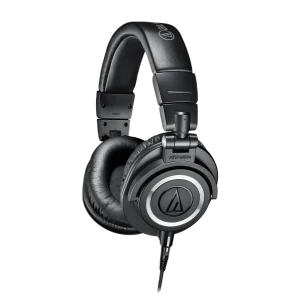
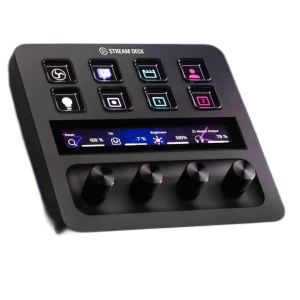
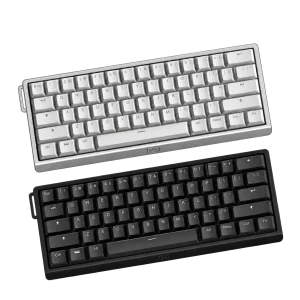
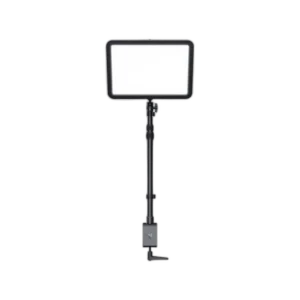
Explore capture devices, streaming gear for your setup. Suggested equipment is sold separately. Check the input, output, host-port and software requirements for your chosen workflow. USB microphones and desktop controls serve a compatible computer-based production workflow. They are not implied additions to every standalone capture mode or to the capture card’s own audio connections. PC-free recording keeps its specified memory-card and four-pole audio-connection requirements.
Frequently Asked Questions
What can be captured or recorded?
1920 × 1080 at 60 fps.
What is the maximum HDMI passthrough?
3840 × 2160 at 60 fps. This is a passthrough figure, separate from capture or recording.
What computer connection is required?
USB 2.0 Micro-USB.
Which video connections are listed?
HDMI 2.0 input and output.
Can protected HDCP content be captured?
HDCP capture not supported.
Which recording modes are supported?
PC, PC-free, card reader.
Which memory card is required?
MicroSD Class 10; up to 128 GB; sold separately.
What Apple Silicon limitation is listed?
M1 processors not supported.
Build Your Setup with AX Store Kuwait
Explore computers, displays and accessories for your workspace at AX Store Kuwait. For help choosing the right model or checking an accessory, contact AX Store.
THE DETAILS
Technical specifications
Capture and connections
3840 × 2160 at 60 fps
1920 × 1080 at 60 fps
HDMI 2.0 input and output
USB 2.0 Micro-USB
HDMI; 4-pole 3.5 mm controller and headset connections
PC, PC-free, card reader
Hardware H.264 + AAC; MP4 / MJPEG
PC-free storage
MicroSD Class 10; up to 128 GB; sold separately
FAT32 and exFAT
Recordings split into 4 GB files
Continuous recording files
Physical details and compatibility
147 × 57 × 47 mm
185.5 g
GC513
Windows 10 / Windows 11 or later
M1 processors not supported
HDCP capture not supported
Capture device, HDMI cable, Micro-USB to USB-A cable, 4-pole 3.5 mm audio cable, quick-start guide
COMPLETE YOUR SETUP