
Logitech
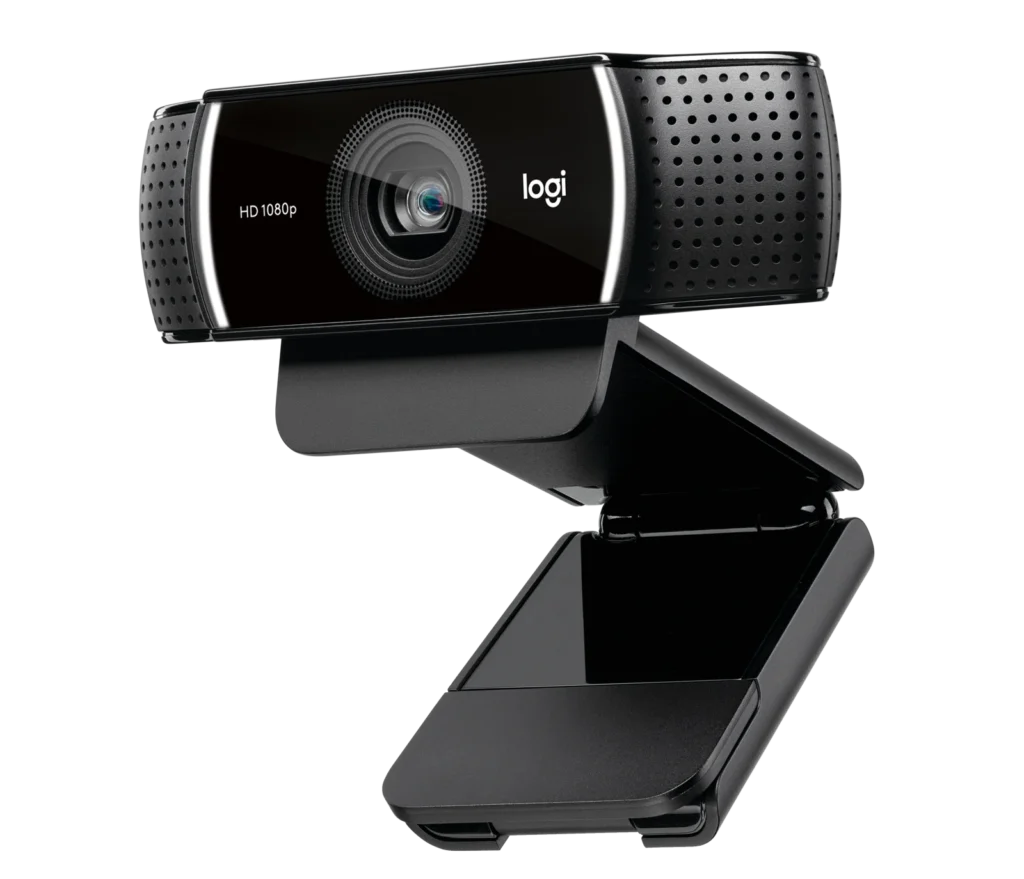
Logitech C922 HD Pro Streaming Webcam
The Logitech C922 Pro Stream Webcam combines 1080p video at 30 fps and 720p at 60 fps with glass autofocus, a 78° field of view and stereo microphones. Its adjustable clip and 1.5 m USB-A cable make it a practical upgrade for streaming and video calls.
Regular price
29.000 KWD
or 4 payments of 7.250 KWD with
Pay with card & save


27.500 KWD
Save 1.500 KWD
Overview
LOGITECH C922 HD PRO STREAMING WEBCAM
Logitech C922
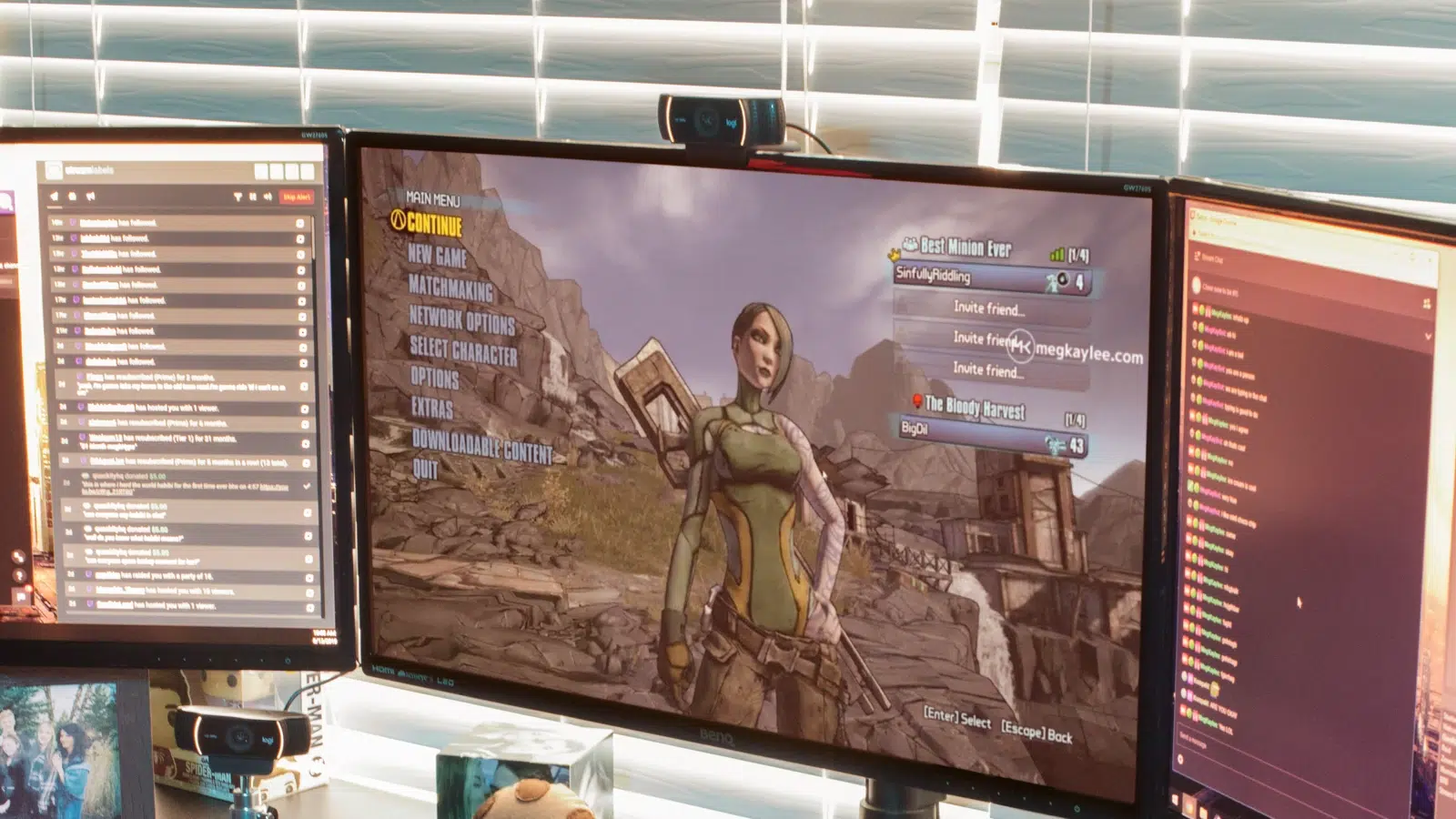
Logitech C922 brings a direct USB webcam connection to your streaming desk. Choose Full HD 1080p at 30 fps for detailed video or 720p at 60 fps for smoother motion, with a glass autofocus lens and two built-in microphones. Available from AX Store in Kuwait.
1080p30
Full HD Mode
720p60
Higher Frame-Rate Mode
Autofocus
Glass Lens
Stereo
Two Built-In Microphones
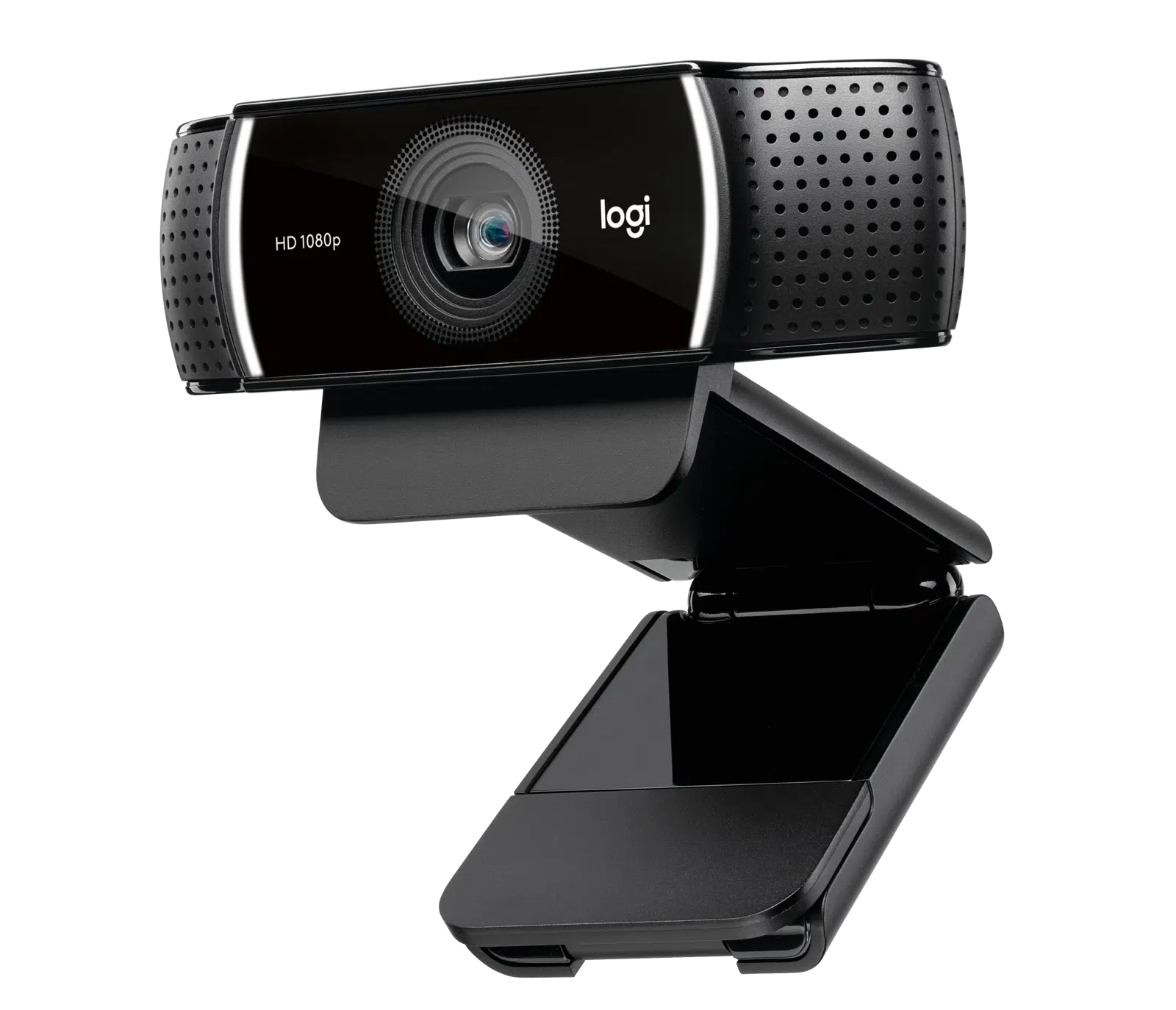
Full HD detail or 60 fps motion
Choose the video mode to suit your broadcast: 1920 × 1080 at 30 fps for detail, or 1280 × 720 at 60 fps when fluid movement matters. Set the resolution and frame rate in your streaming application.
Stay in focus on camera
The glass autofocus lens adjusts as you move, while automatic light correction adapts the image to your surroundings. A 78° diagonal field of view frames you and part of your setup.
Stereo sound, straightforward USB setup
Two microphones capture stereo audio with a rated pickup range of up to 1 metre. Connect the attached USB-A cable and position the webcam using its adjustable mounting clip. A dedicated microphone can be added separately for more control over your voice.
Choose the Video Mode for the Session
The listed video modes are 1920 × 1080 at 30 fps; 1280 × 720 at 60 fps. Choose the required resolution and frame rate in supported software, taking the host connection and application settings into account.
Keep the Focus System with This Model
The focus system is listed as Autofocus. Position the camera for your normal seating arrangement and subject distance, keeping that focus behaviour in mind when setting up the shot.
A Camera Connection You Can Plan
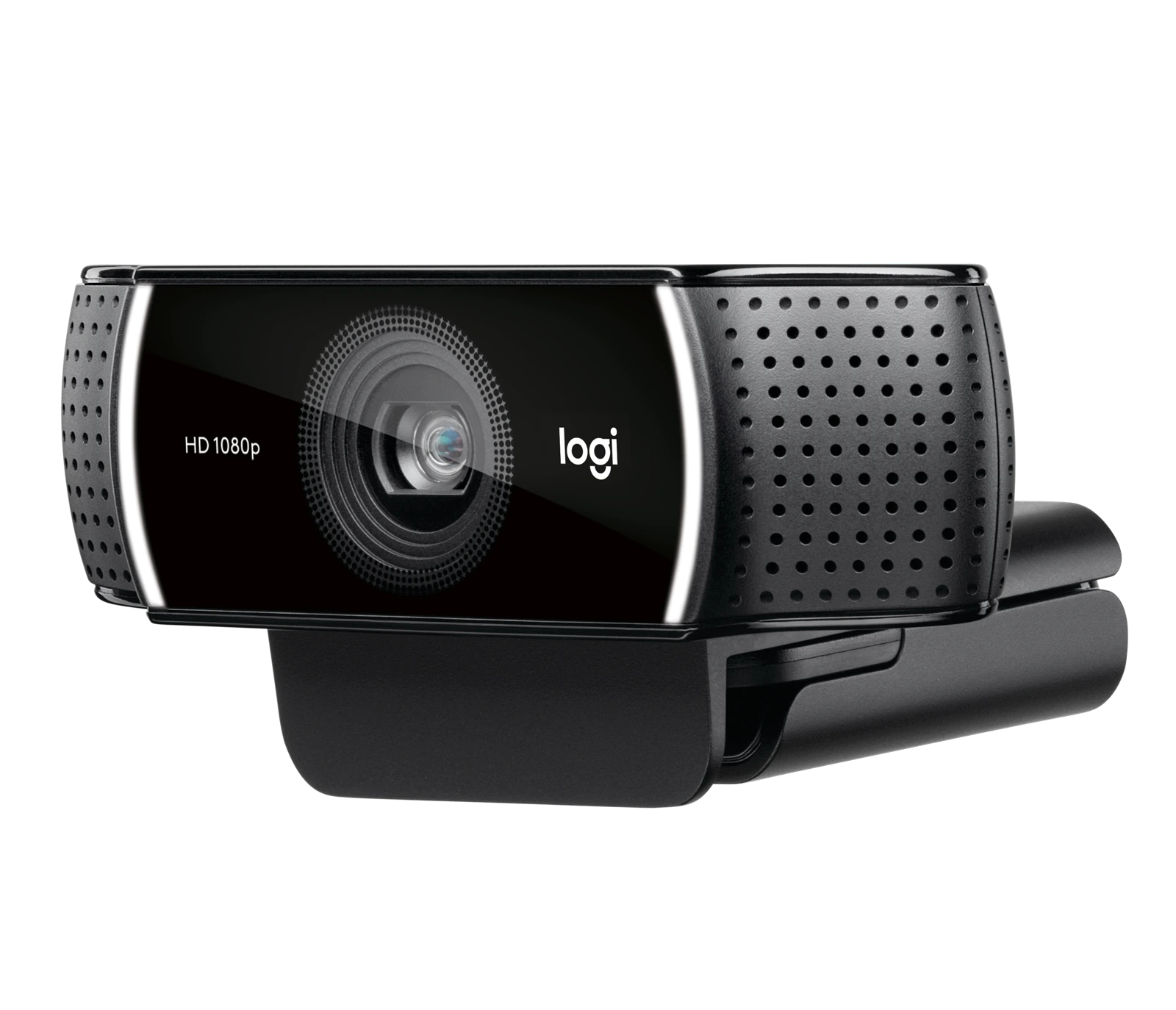
The connection is specified as USB-A. Check the available computer port and the required video mode before fitting adapters, since the connector shape alone does not establish the supported data rate.
Build a Clearer Streaming Desk
Start by selecting the C922’s video mode in your application: 1080p30 for Full HD or 720p60 for the higher frame rate. Position a Razer Key Light Chroma around your desk to control face lighting, then adjust exposure while looking at the actual camera image. If you want a separate commentary microphone, RØDE PodMic USB gives you a dedicated USB audio path alongside the webcam. Add Elgato Stream Deck MK.2 for production shortcuts when your setup needs them. These are optional additions, not items required to use the C922.
Logitech C922 Setup Choices
Decide between a direct computer webcam and a separate camera workflow. Check the selected resolution, frame rate, power and connection requirements, then arrange lighting around the picture you see in the application. Explore Elgato Wave 3 MK.2 USB Condenser Microphone - Wave FX / Black, Elgato Mini Mount Desktop Stand | Compact & Versatile, RØDE PSA1+ Professional Studio Microphone Boom Arm. Browse the Logitech range at AX.
Frequently Asked Questions
Which video modes are listed?
1920 × 1080 at 30 fps; 1280 × 720 at 60 fps.
How does it connect?
USB-A.
What focus system is specified?
Autofocus.
Which microphones are included?
Stereo; two built-in microphones.
Build Your Setup with AX Store
Explore computers, displays and accessories for your workspace at AX Store. For help choosing the right model or checking an accessory, contact AX Store.
THE DETAILS
Technical specifications
Camera and connectivity
Logitech
C922 Pro Stream
960-001088
1920 × 1080 at 30 fps; 1280 × 720 at 60 fps
3 megapixels
Autofocus
Glass
78°
1.2×
Stereo; two built-in microphones
Up to 1 m
Automatic
USB-A
1.5 m
44 × 95 × 71 mm
162 g
Windows 8 or later; macOS 10.10 or later; ChromeOS; USB-A port
COMPLETE YOUR SETUP
Pairs well with




