
Logitech
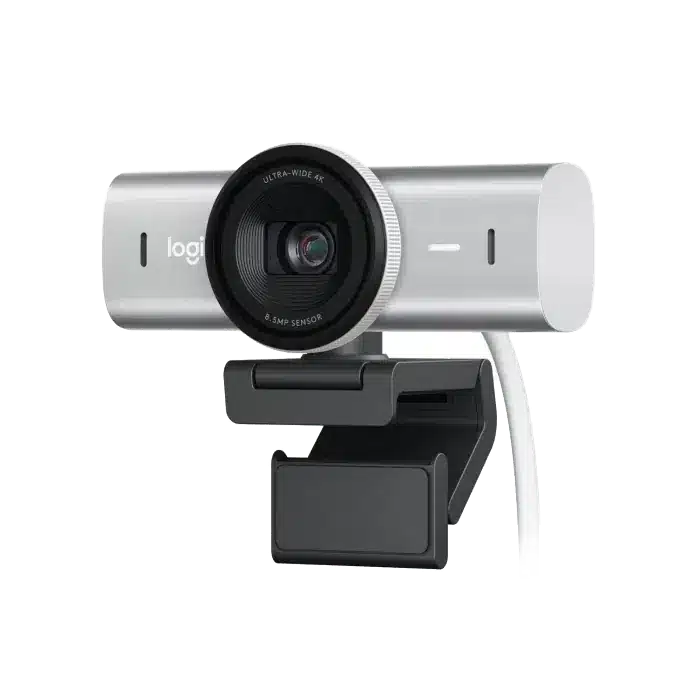
Logitech MX Brio 4K Webcam - 4K30 / 1080p60
Bring sharp 4K30 or smooth 1080p60 video to meetings and streams with Logitech MX Brio. Autofocus, dual beamforming microphones and a built-in privacy shutter support daily calls, while Show Mode lets you share items on your desk.
Regular price
59.000 KWD
or 4 payments of 14.750 KWD with
Pay with card & save


56.000 KWD
Save 3.000 KWD
Overview
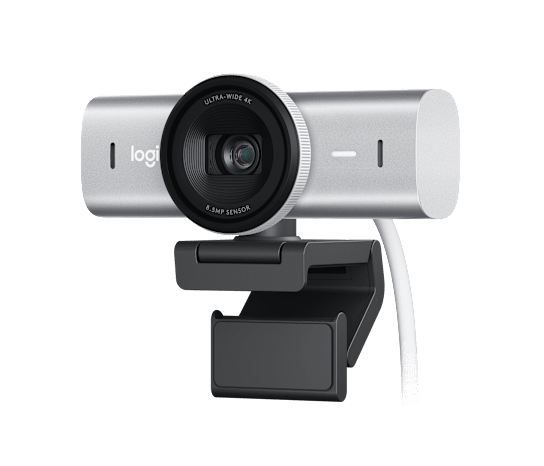
Logitech MX Brio
The Logitech MX Brio is a premium 4K Ultra HD collaboration and streaming webcam designed for professional meetings, livestreaming, content creation and hybrid work. Available from AX Store in Kuwait.
Its 8.5MP Sony STARVIS sensor, advanced autofocus, glass lens and AI-powered image enhancement deliver detailed and color-accurate video at up to 4K 30fps or Full HD 1080p at 60fps.
4K 30fps
Ultra HD Video
1080p 60fps
Smooth Full HD
8.5MP
Sony STARVIS Sensor
4x
Digital Zoom
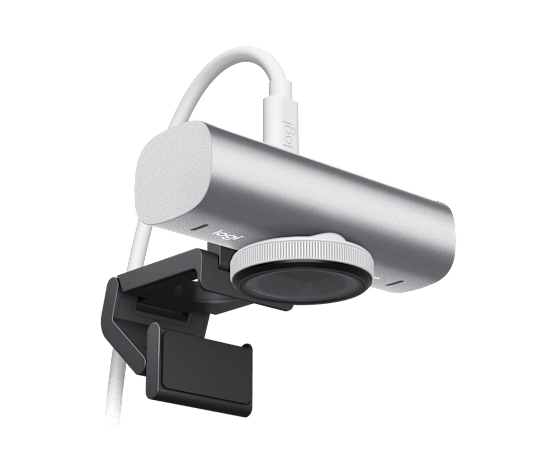
Premium Pale Gray Design
The MX Brio combines a premium aluminum-finished webcam body with a removable monitor mount and a clean Pale Gray finish designed to complement modern professional and creator workspaces.
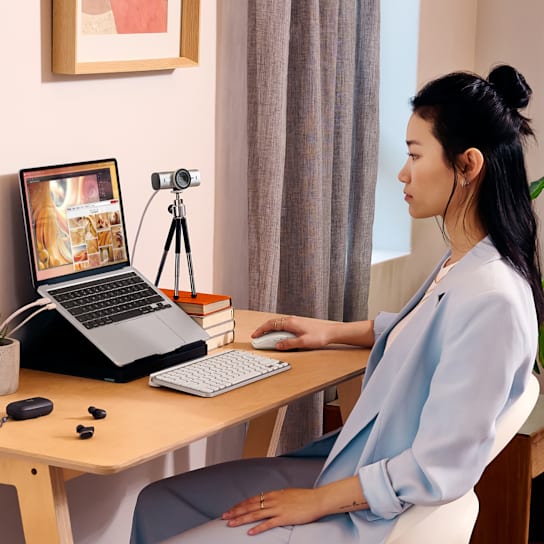
Its flexible mounting design allows the camera to tilt and reposition easily for meetings, streaming or Show Mode.
8.5MP Sony STARVIS Sensor
MX Brio uses Logitech's most advanced webcam sensor platform with an 8.5MP Sony STARVIS sensor and glass lens.
Its larger pixels are designed to preserve more detail and improve face visibility in challenging low-light and backlit environments.
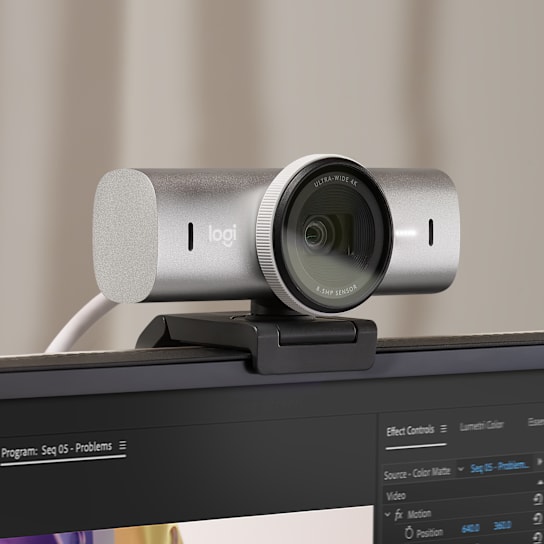
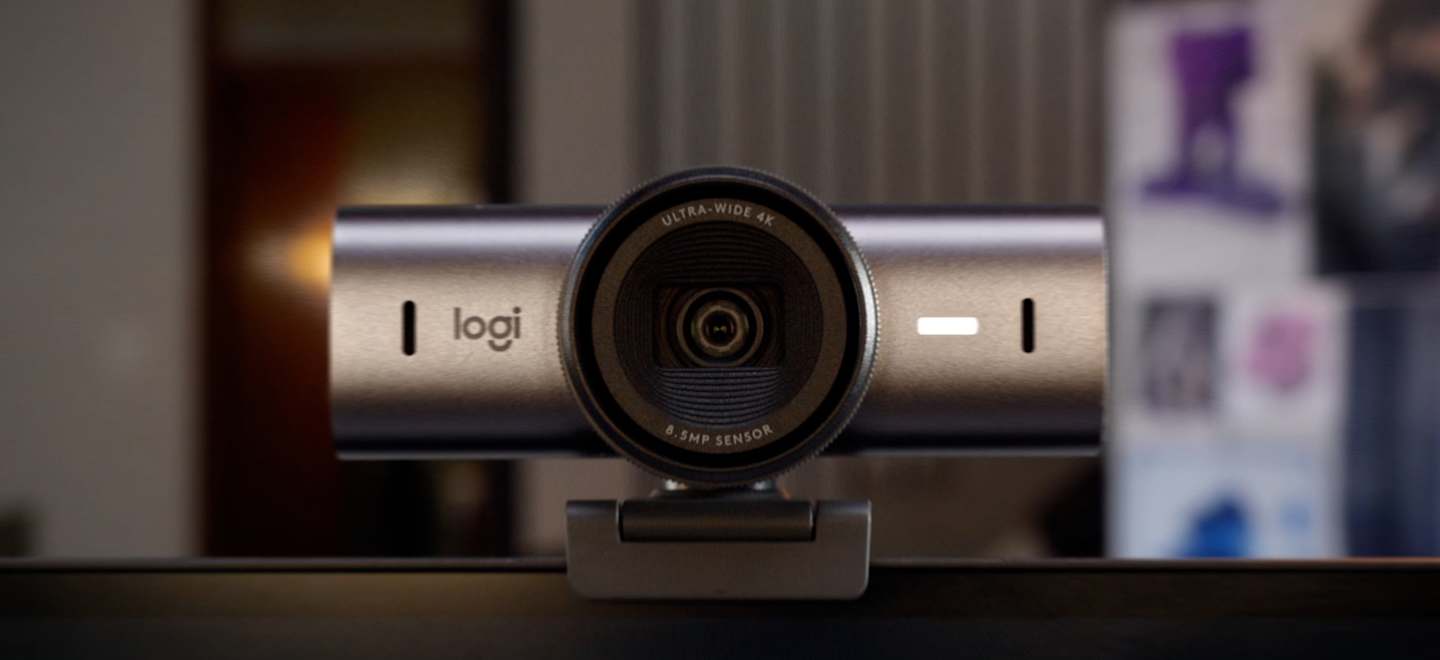
Ultra HD 4K Video
Capture video at up to 3840 × 2160 4K resolution at 30fps for maximum detail, or switch to 1920 × 1080 Full HD at up to 60fps when smoother motion is preferred.

Up to 2x Finer Image Detail
Logitech states that MX Brio delivers up to twice the image detail and face visibility compared with Brio 4K.
AI face-based image enhancement, auto exposure, automatic white balance and noise reduction work together to maintain a clear, natural-looking image.
RightLight 5 with HDR
RightLight 5 intelligently adjusts exposure and image processing to handle difficult environments ranging from darker rooms to bright windows and strong backlighting.
HDR, autofocus and AI face-based processing help keep skin tones, facial detail and overall exposure balanced during meetings and streams.
Choose Your Field of View
90°
Wide View
Show more of the desk, room or workspace.
78°
Balanced View
A balanced frame for meetings and everyday desktop use.
65°
Focused View
Creates a tighter frame focused more closely on the user.
Show Mode
Tilt MX Brio downward during a call to show physical items on your desk without adding a second camera.
Show Mode is useful for sharing notes, sketches, documents, products and other objects during collaboration sessions.

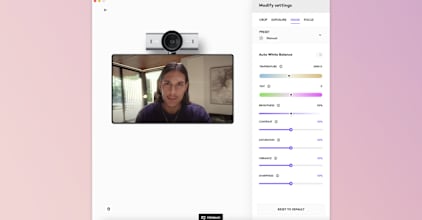
Fine Image Controls
Compatible Logitech software provides deeper control over MX Brio's image settings when automatic processing is not enough.
Manually adjust lighting, white balance, ISO, shutter speed, tint, vibrance and other compatible parameters, or switch back to automatic control.
Dual Beamforming Microphones
Two integrated beamforming microphones are designed to focus on the user's voice while suppressing distracting background noise.
The microphone system has a specified pickup range of up to 1.2 meters for meetings, calls and everyday collaboration.
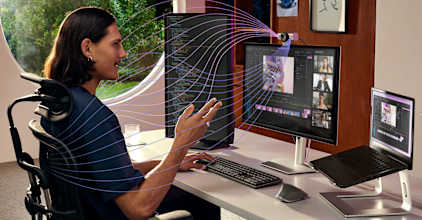
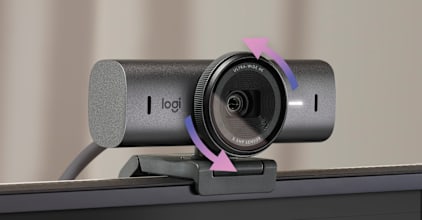
Built-In Privacy Shutter
The privacy shutter is integrated directly into MX Brio.
Rotate the lens ring to physically cover the camera between calls or recording sessions without needing a separate removable cover.
Detachable USB-C Connection
MX Brio connects using a detachable USB-C to USB-C cable with USB 3.0 support.
The removable cable simplifies desktop cable management and makes it easier to move the webcam between different workstations.
Universal Monitor Mount
The removable mounting clip is designed for compatible laptops, desktop monitors and displays.
1/4-Inch Tripod Thread
A standard tripod thread allows MX Brio to be used with compatible camera tripods and mounting accessories.
Logitech Software Control
MX Brio supports compatible Logitech software for deeper image customization, firmware management and collaboration settings.
Logi Options+
Fine image controls and integration with compatible MX devices.
Logitech G HUB
Advanced control for compatible streaming and creator workflows.
Logi Tune
Configure compatible camera and meeting settings.
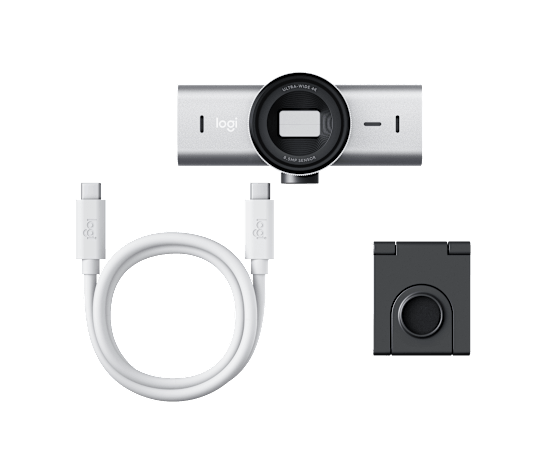
What's in the Box
- Logitech MX Brio Webcam - Pale Gray
- Mount Clip with Removable Adapter
- USB-C to USB-C 3.0 Cable
- User Documentation
Complete Your Streaming & Creator Setup
- Audio Equipment - add microphones, mixers and audio interfaces
- Monitors - expand your work, streaming or collaboration space
- Headsets - add private monitoring and voice communication
- Logitech Products - explore more Logitech productivity and creator equipment
Logitech MX Brio Setup Choices
Decide between a direct computer webcam and a separate camera workflow. Check the selected resolution, frame rate, power and connection requirements, then arrange lighting around the picture you see in the application. Explore Elgato Wave 3 MK.2 USB Condenser Microphone - Wave FX / Black, Elgato Stream Deck MK.2, 15-Key Customizable Controller, Razer Key Light Chroma - All-In-One Lighting Kit.
Frequently Asked Questions
What resolution and frame rates does the Logitech MX Brio support?
The Logitech MX Brio supports Ultra HD 4K at 3840 × 2160 up to 30fps and Full HD 1080p at 1920 × 1080 up to 60fps.
What image sensor does the Logitech MX Brio use?
The Logitech MX Brio uses an 8.5MP Sony STARVIS image sensor with a glass lens and advanced autofocus.
What field of view options does the Logitech MX Brio provide?
The Logitech MX Brio provides selectable 90°, 78° and 65° diagonal field-of-view options together with up to 4x digital zoom.
What does RightLight 5 do on the Logitech MX Brio?
RightLight 5 combines HDR, automatic exposure, white balance, autofocus and face-based image enhancement to improve image quality across different lighting conditions.
Does the Logitech MX Brio have built-in microphones?
Yes. The Logitech MX Brio includes dual beamforming noise-reducing microphones with a specified pickup range of up to 1.2 meters.
What is Show Mode on the Logitech MX Brio?
Show Mode allows the Logitech MX Brio to be tilted downward so compatible calls can show physical items such as notes, sketches and objects on the desk.
Does the Logitech MX Brio have a privacy shutter?
Yes. The Logitech MX Brio has an integrated rotating privacy shutter that physically blocks the camera lens when engaged.
What warranty does the Logitech MX Brio have?
Logitech lists a 2-year limited hardware warranty for the MX Brio.
Why Buy from AX Store?
- Gaming, creator and productivity products for complete setups
- Delivery across for available products
- Returns information in our return policy
- KNET, Credit Card, Deema, and Taly payment options
- Shop more products through AX Store
THE DETAILS
Technical specifications
Video and optics
3840 × 2160 at 30 fps; 1920 × 1080 at 60 fps
Advanced autofocus
Glass
8.5MP Sony STARVIS
90° / 78° / 65°
4×
RightLight 5 with face-based enhancement, HDR, white balance and exposure
Yes
Logi Options+ or G HUB
Audio and connection
Dual beamforming microphones with noise reduction
Up to 1.2 m
Built-in
Detachable USB-C to USB-C; USB 3.0
1.5 m
Detachable universal clip; standard 1/4-inch tripod thread
Dimensions
44 × 98 × 36 mm (H × W × D)
137 g
62 × 98 × 52 mm (H × W × D)
176 g
20 × 38 × 45 mm (H × W × D)
141 × 136 × 68 mm (H × W × D)
362 g
Compatibility and contents
Windows 10 or later; macOS 10.15 or later; ChromeOS; Linux
Basic UVC webcam support; Logitech software requires Windows or macOS
USB-C port supporting USB 3.0
Microsoft Teams, Zoom, Google Meet, Works With Chromebook, Streamlabs
MX Brio, mount clip with removable adapter, USB-C to C 3.0 cable, user documentation
2-year limited hardware warranty
COMPLETE YOUR SETUP
Pairs well with

