
Brand
Alienware
9 PRODUCTS
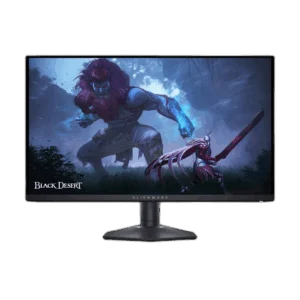
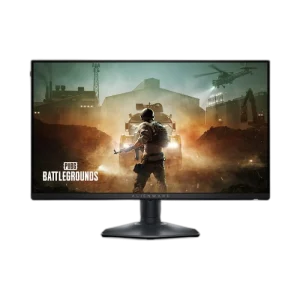
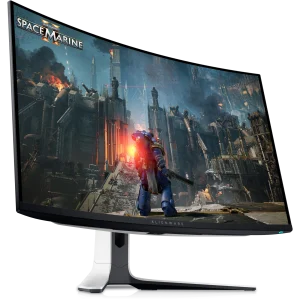
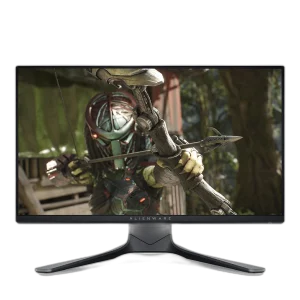
Alienware AW2725DF and AW3225QF QD-OLED monitors, plus AW2721D, AW2521H and AW2523HF high refresh gaming screens up to 360Hz. Monitors built for fast, competitive play.


OUT OF STOCK
104.000 KWD
or 4 × 26.000 KWD with


WITH CARD
OUT OF STOCK
338.000 KWD
or 4 × 84.500 KWD with
WITH CARD

OUT OF STOCK
261.500 KWD
or 4 × 65.375 KWD with
WITH CARD

OUT OF STOCK
198.500 KWD
or 4 × 49.625 KWD with
WITH CARD
OUT OF STOCK
135.500 KWD
or 4 × 33.875 KWD with
WITH CARD
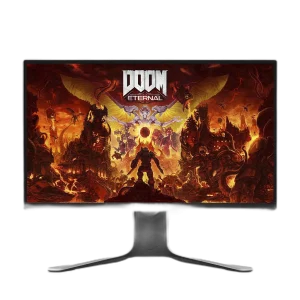
OUT OF STOCK
168.000 KWD
or 4 × 42.000 KWD with
WITH CARD
Showing 9 of 9 products
ALIENWARE AT AX
Built for high refresh play.
Shop Alienware in Kuwait: QD-OLED gaming monitors such as the 27 inch QHD 360Hz AW2725DF and the 32 inch 4K 240Hz AW3225QF, plus high refresh IPS models including the 27 inch QHD 240Hz AW2721D, the 25 inch 360Hz AW2521H, the 25 inch 240Hz AW2521HF and the 24.5 inch 360Hz AW2523HF. Match resolution and refresh rate to what your graphics card can drive.
QD-OLED gives deep blacks and near-instant response for dark rooms and mixed gaming and media; IPS models are a strong fit for long sessions in bright rooms. Pick a 25 inch 360Hz screen for fast shooters, the AW2725DF for competitive play at QHD, and the AW3225QF for 4K detail with a strong graphics card.
In stock now: the Alienware AW2725DF 27 inch QD-OLED QHD 360Hz Monitor. More in Monitors.
QD-OLED
true blacks, vivid color
Up to 360Hz
for competitive shooters
FHD · QHD · 4K
from 24.5 to 32 inches
ALIENWARE FAQ
Before you buy.
Straight answers to the questions we hear most about Alienware gaming monitors.
QD-OLED or IPS: which Alienware monitor should I choose?
QD-OLED models like the AW2725DF and AW3225QF give true blacks, vivid color and near-instant response, ideal for dark rooms and mixed gaming and media. IPS models such as the AW2721D and AW2521H are brighter overall and suit long sessions in bright rooms.
AW2725DF or AW3225QF: what is the difference?
The AW2725DF is a 27 inch QHD QD-OLED at 360Hz, built for high frame rates in competitive games. The AW3225QF is a larger 32 inch 4K QD-OLED at 240Hz, giving more detail and screen space for immersive games, but it needs a stronger graphics card to drive.
Who are the 25 inch 360Hz Alienware monitors made for?
The AW2521H and AW2523HF pair a compact FHD screen with a 360Hz refresh rate, a setup favored by competitive players who want the whole screen in view and very high frame rates. They suit fast shooters where frame rate matters more than resolution.
Which cable should I use with an Alienware monitor?
Use DisplayPort, ideally with the cable that comes with the monitor, to reach the full refresh rate. HDMI ports on many monitors top out at a lower refresh rate than DisplayPort, so check the spec before relying on HDMI for high refresh gaming.