Alienware
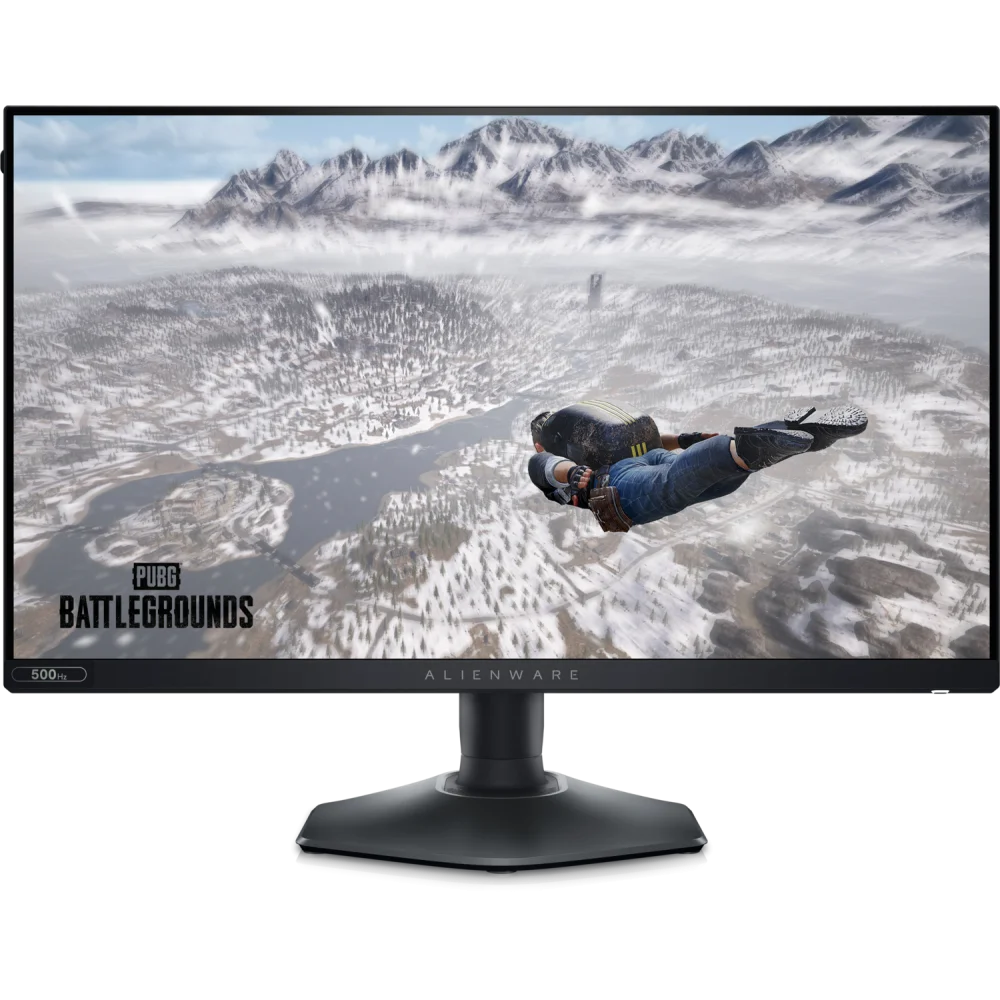
Alienware AW2524HF 24.5" FHD 500Hz Fast IPS Gaming Monitor
Alienware AW2524HF 24.5-inch Full HD Fast IPS monitor with 480Hz native DisplayPort refresh and up to 500Hz overclocked. HDMI supports up to 255Hz. Includes an adjustable stand and USB hub.
Regular price
194.500 KWD
or 4 payments of 48.625 KWD with
Pay with card & save


185.000 KWD
Save 9.500 KWD
Overview
ALIENWARE AW2524HF 24.5" FHD 500HZ FAST IPS GAMING MONITOR
A 500Hz overclocked display for high-frame-rate competition.
The Alienware AW2524HF combines a 24.5-inch Full HD Fast IPS panel with native 480Hz DisplayPort refresh and up to 500Hz when overclocked. AMD FreeSync Premium and VESA Adaptive-Sync support compatible graphics output. Its adjustable stand, USB hub and Dark Side of the Moon finish suit a focused competitive gaming desk, with exact input limits detailed below.
1920 × 1080
24.5-inch Fast IPS
500Hz OC
Maximum via DisplayPort
480Hz
Native DisplayPort refresh
0.5ms min.
GTG minimum response
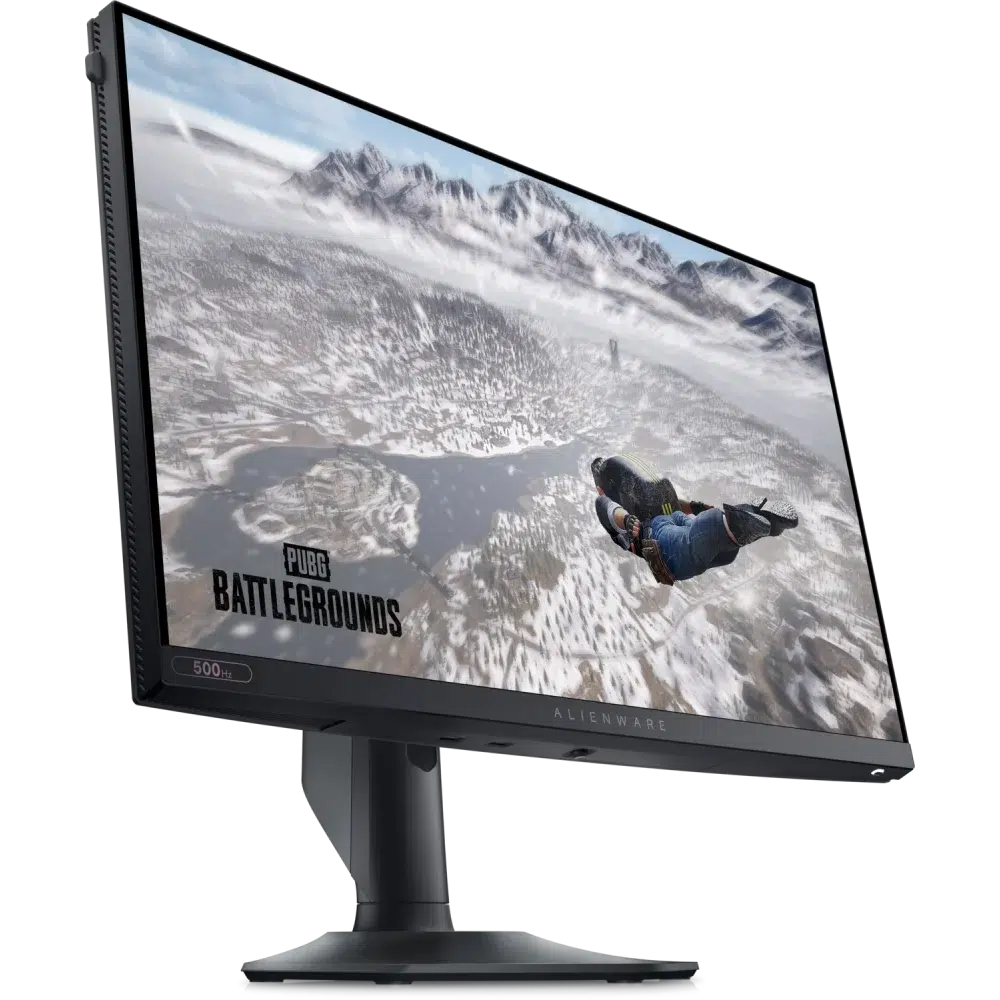
Panel performance and supported refresh modes
The native 1920 × 1080 Fast IPS panel emphasizes high update rates while maintaining 178° viewing angles and 99% sRGB coverage. Dell lists 400cd/m² brightness, a 1000:1 contrast ratio and support for 1.07 billion colors. Response is specified as 1ms gray-to-gray in Extreme mode, with a 0.5ms minimum gray-to-gray figure. Maximum refresh depends on the input: DisplayPort supports 480Hz natively and 500Hz with overclocking, while HDMI is limited to 255Hz. Reaching these modes requires compatible graphics hardware, cables and settings.
Match the connection to the required refresh rate
Use DisplayPort for the highest refresh modes and enable the supported overclock setting when targeting 500Hz. The HDMI 2.1 label does not mean this particular monitor supports 500Hz over HDMI. The manufacturer specifies a 255Hz HDMI limit at Full HD.
Adaptive synchronization and panel control
AMD FreeSync Premium and VESA Adaptive-Sync coordinate compatible frame delivery. Fast IPS viewing angles and 99% sRGB coverage preserve flexibility for everyday desktop use between games. Refresh rate, pixel response and input latency are separate measurements; performance depends on the complete system.
ComfortView Plus and an adjustable stand
Dell ComfortView Plus, Low Blue Light and Flicker Free technology provide viewing-comfort controls. Integrated cable management helps organize the connections, and the height, tilt, swivel and pivot adjustments help position the screen for the desk. The Dark Side of the Moon finish gives the housing a dark, understated appearance.
Connections, peripherals and desk positioning
Two DisplayPort 1.4 inputs and one HDMI 2.1 input provide the video connections. The USB 3.2 Gen 1 hub includes an upstream connection and four downstream ports, two of which support Battery Charging 1.2. A USB-C-to-DisplayPort cable is listed among the accessories; that cable does not turn the monitor into a USB-C video-input or laptop-charging dock. Built-in speakers are not included. The stand supports 110mm height adjustment, -5° to +21° tilt, ±20° swivel and ±90° rotation, with 100 × 100mm VESA mounting.
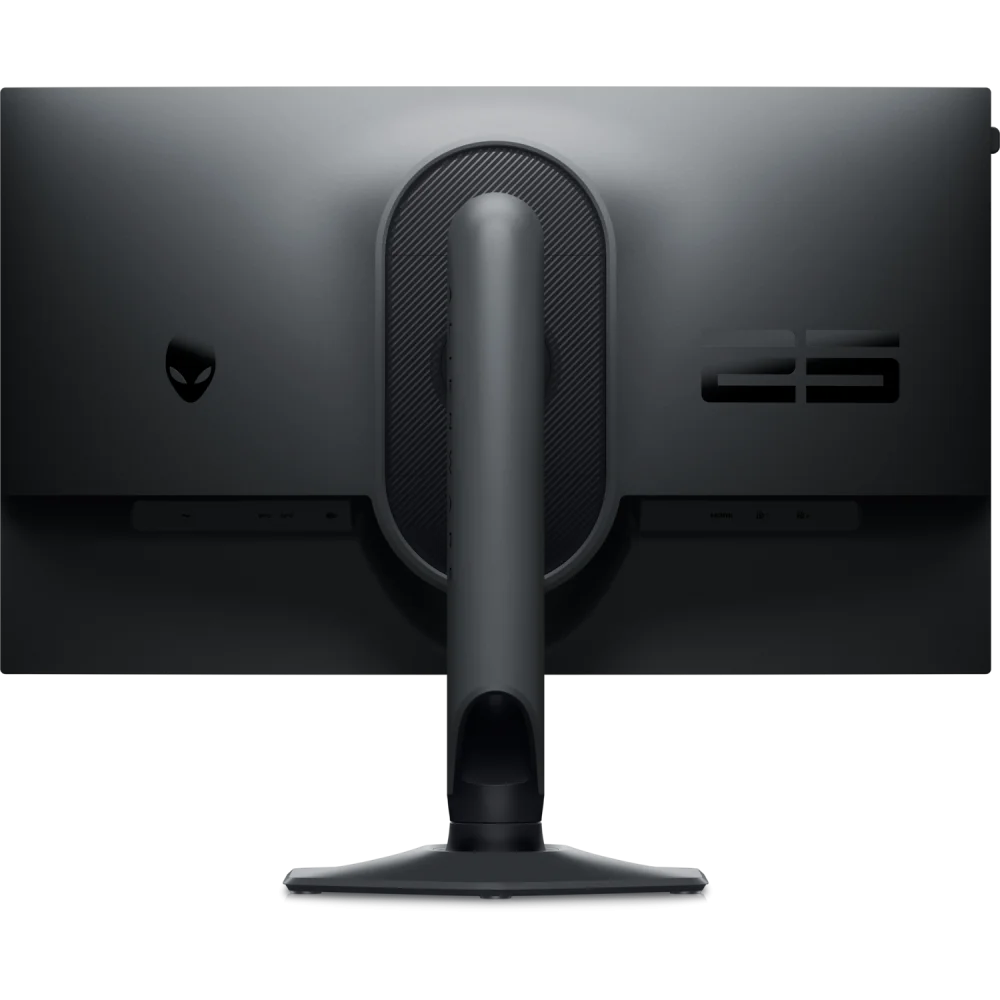
In the box
Manufacturer-listed supplied items (regional contents may vary): Sticker; DisplayPort cable - DisplayPort to DisplayPort - 1.8 m USB-C to DisplayPort cable - 1 m USB 3.2 Gen 1 upstream cable - 1.8 m
Complete Your Gaming Setup
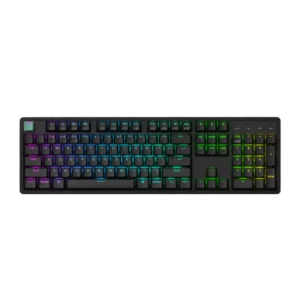
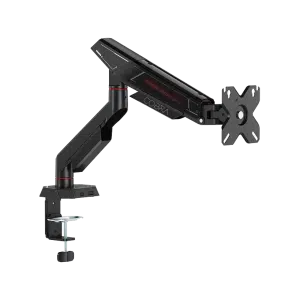
Build your gaming desk with the Keychron K10 HE keyboard and ASUS ROG Sheath II XXL desk pad. For compatible VESA desk mounting, consider the SADES Cobra Single Monitor Arm and check the screen weight and desk fitting. Browse more gaming monitors or the Alienware range at AX Store.
Frequently Asked Questions
Is the AW2524HF refresh rate 500Hz on every input?
No. DisplayPort supports 480Hz natively and 500Hz with overclocking. HDMI supports up to 255Hz at Full HD.
What does the 0.5ms response figure mean?
It is the minimum gray-to-gray response specification. Dell also lists 1ms gray-to-gray in Extreme mode.
Does it have a native USB-C video input?
No. The listed video inputs are two DisplayPort 1.4 ports and one HDMI 2.1 port. A supplied USB-C-to-DisplayPort cable is an adapter cable, not a USB-C port on the monitor.
What are the actual screen size and VESA mounting pattern?
The viewable diagonal is 24.5 inches. The VESA mounting pattern is 100 × 100mm, and the supplied stand offers 110mm height adjustment, tilt, swivel and pivot.
Build Your Setup with AX Store Kuwait
Need help choosing the right model or a compatible accessory? Contact AX Store and our team will help you build the right setup.
THE DETAILS
Technical specifications
Product identification
Alienware
AW2524HF
210-BJPH
Dark Side of the Moon
General
LED-backlit LCD monitor / TFT active matrix
24.5"
24.5"
VESA Adaptive-Sync, AMD FreeSync Premium
USB 3.2 Gen 1 hub
Fast IPS
16:9
Full HD (1080p) 1920 x 1080 (DisplayPort(OC): 500 Hz, DisplayPort: 480 Hz, HDMI: 255 Hz)
0.2832 mm
90
400 cd/m²
1000:1 / 1000:1 (dynamic)
1.07 billion colours
99% sRGB
1 ms (grey-to-grey extreme), 0.5 ms (grey-to-grey min)
Yes
178 °
178 °
Anti-glare, 3H Hard Coating, Haze 25%
WLED edgelight backlight
Flicker Free technology, Low Blue Light technology, Dell ComfortView Plus
No
Dark Side of the Moon
55.514 cm x 24.371 cm x 39.051 cm - with stand (lowest position)
6.01 kg
Connectivity
HDMI 2.1 (HDCP 1.4) 2 x DisplayPort 1.4 (HDCP 1.4) USB 3.2 Gen 1 upstream 2 x USB 3.2 Gen 1 downstream 2 x USB 3.2 Gen 1 downstream with Battery Charging 1.2
Mechanical
Height, pivot (rotation), swivel, tilt
-5 ° /+21 °
-20 ° /+20 °
-90 ° /+90 °
110 mm
100 x 100 mm
Miscellaneous
Integrated cable management, VESA interface support
Sticker
DisplayPort cable - DisplayPort to DisplayPort - 1.8 m USB-C to DisplayPort cable - 1 m USB 3.2 Gen 1 upstream cable - 1.8 m
TUV Rheinland
Power
AC 100-240 V (50/60 Hz)
18.5 W
74 Watt
0.5 Watt
0.3 Watt
Yes
Dimensions & Weight
With stand (lowest position) - width: 55.514 cm - depth: 24.371 cm - height: 39.051 cm - weight: 6.01 kg With stand (highest position) - width: 55.514 cm - depth: 24.371 cm - height: 50.051 cm - weight: 6.01 kg Without stand - width: 55.514 cm - depth: 8.4 cm - height: 32.886 cm - weight: 3.65 kg
Dimensions & Weight (Shipping)
9.1 kg
Manufacturer Warranty (manufacturer regional listing; local terms vary)
3-Year Advanced Exchange Service and Premium Panel Exchange
Environmental Parameters
0 °C
40 °C
10 - 80% (non-condensing)
COMPLETE YOUR SETUP
Pairs well with