
BUYING GUIDES
Same-day delivery · Official warranty · Taly & Deema
ASUS OLED Monitors in Kuwait offer different resolution, refresh-rate and screen-shape choices; match the exact model to your games and desk.
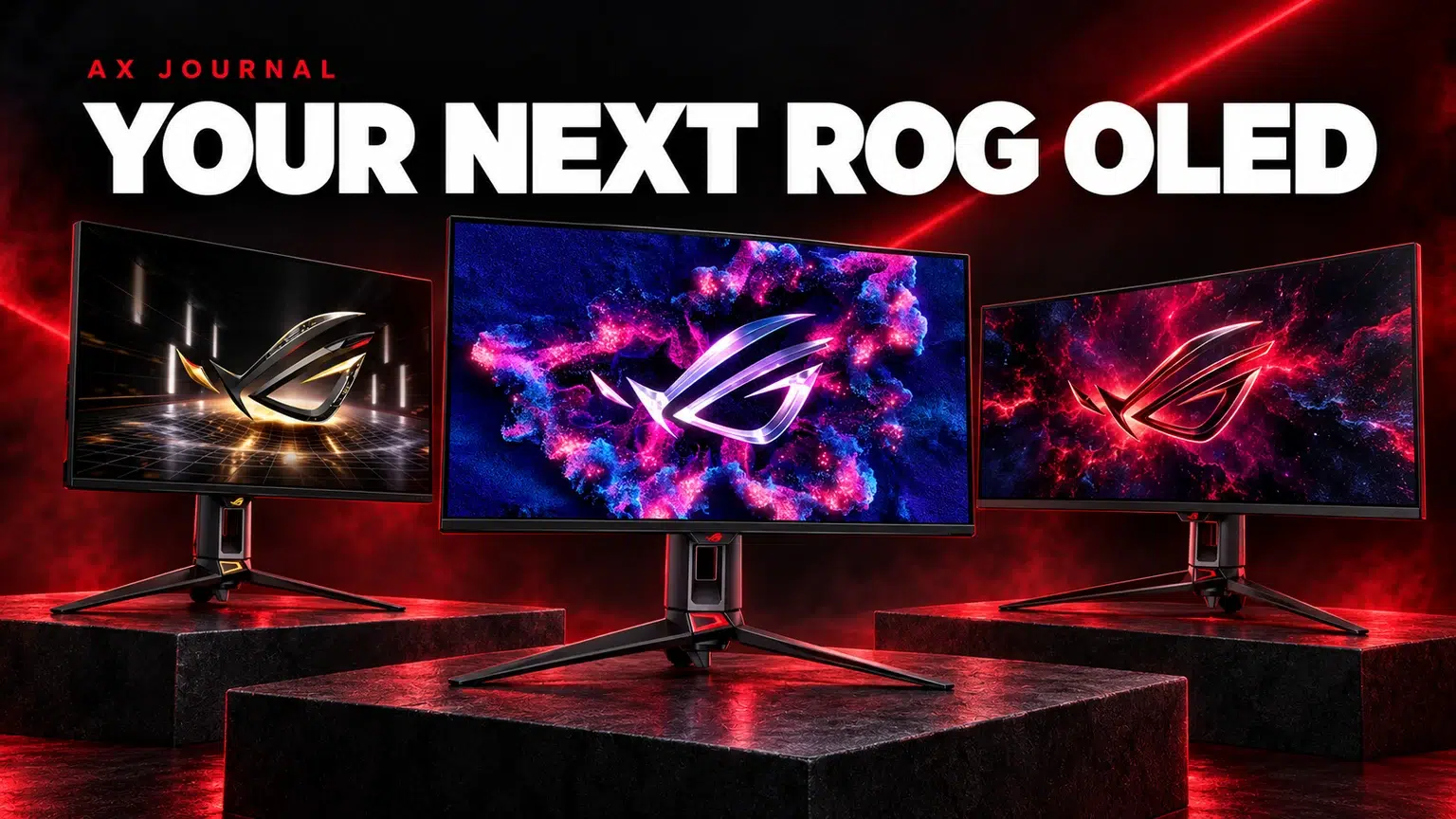
ASUS OLED Monitors in Kuwait offer different resolution, refresh-rate and screen-shape choices; match the exact model to your games and desk.
Resolution determines how much image detail the system must render; refresh rate determines how often the panel can update. A high refresh ceiling is useful when the game and computer can supply appropriately consistent frames. It does not force the game to run at that rate.
For a mixed desk used for games, work and detailed imagery, 4K can be compelling. For competitive games where your priority is rapid updates and a compact view, a high-refresh QHD option may be more relevant. An ultrawide offers a different workspace and field of view, with game support and desk size becoming part of the decision.
| Model | Official headline display mode | Why to shortlist it |
|---|---|---|
| PG27UCDM | 27-inch class, 4K 240Hz QD-OLED | Detailed image in a compact format |
| PG27AQWP-G Edition 20 | QHD 540Hz / HD 720Hz dual mode | Very high refresh with a deliberate resolution trade-off |
| PG32UCWM | 32-inch class, 4K 240Hz / FHD 480Hz | Larger 4K workspace with an alternative competitive mode |
| PG34WCDN | 34-inch, 3440 × 1440, 360Hz, 1800R | Ultrawide gaming and a wider desktop |
Check the full suffix. ASUS models with similar names can have different panels, ports and charging capabilities. In particular, the PG27AQWP-G’s 720Hz mode is HD, not a claim that it runs QHD or Full HD at 720Hz. Dual-mode specifications should always name both the resolution and refresh rate.
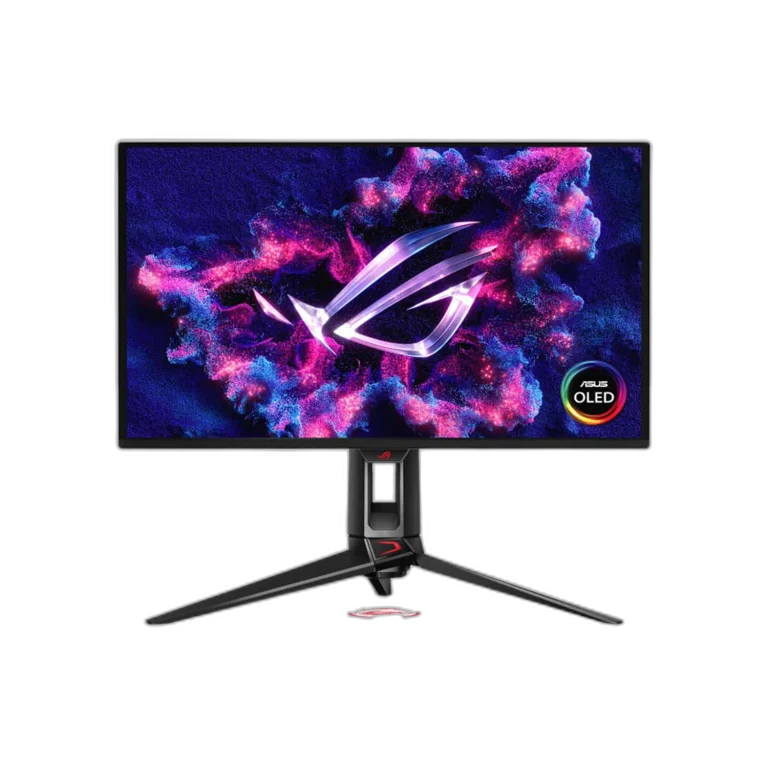
The PG27UCDM is a useful shortlist for a desk that needs a detailed 4K image and a fast OLED panel in a 27-inch class format. Consider viewing distance and desktop scaling: smaller text at native 4K may need scaling for comfortable work.
Before buying, check how the display will connect to your exact GPU or laptop. A USB-C connector on a computer does not automatically carry video, and a dock can change the available modes. Verify the complete connection path, including the cable, rather than assuming the headline refresh rate is available through every input and adapter.
A 540Hz QHD mode is a specialised choice. It makes more sense for someone who regularly plays a competitive title at settings that favour frame consistency, and who values a compact visual field. It is less persuasive if most of your time is spent in visually demanding games at maximum graphics settings.
Consider frame-time consistency alongside the frame-rate average. An occasional high number does not describe the feel of an entire match. Select the monitor mode, confirm the operating system has applied it and compare actual gameplay before changing several other settings at once.
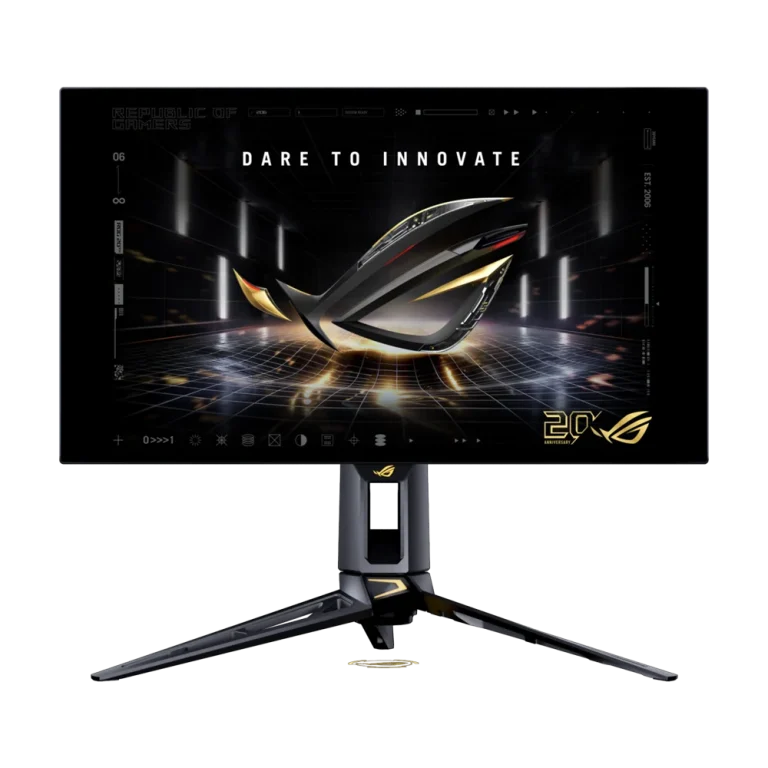
The 32-inch route provides a larger physical image and workspace. Its alternative Full HD mode trades detail for a higher refresh ceiling. That flexibility is useful only if both modes fit your games and viewing distance. Measure the desk and consider how the stand or mount affects keyboard space.
The 34-inch ultrawide route is a different shape, not simply a larger 27-inch monitor. Check support in your favourite games, streaming layout and work applications. A wider desktop can help side-by-side windows, while some competitive games or video sources may use a different aspect ratio and show side areas or borders.
OLED’s contrast and fast pixel transitions are attractive, but care features are part of ownership. Follow the exact model’s instructions for panel maintenance and screen protection. Protection systems reduce particular risks; they are not a promise that permanent image retention is impossible.
Read regional warranty terms for the actual purchased SKU. Do not assume an international advertisement describes Kuwait coverage. Likewise, confirm USB-C charging wattage, DisplayPort version and dock compatibility on the exact regional specification. Similar-looking ROG displays should not share a copied port table.
Our resolution and high-refresh monitor guide explains the underlying trade-offs. For a Mac desk, also read MacBook Air vs Pro and check the exact laptop’s external-display limits. Choose the display for the system you will connect, not an isolated maximum specification.
No. The display’s refresh ceiling and the computer’s delivered frame rate are different. Actual performance depends on the game, settings and complete PC.
Its advertised dual modes are QHD at 540Hz and HD at 720Hz. Check ASUS’s exact-model page for the mode and connection requirements.
Choose ultrawide for a wider aspect ratio and compatible games or workspace. Choose 4K for a denser detailed image; screen size, scaling and GPU demands still matter.
For the related buying decision, read our High-refresh monitor buying guide.
Explore Monitors. For help matching exact model numbers, contact AX Store Kuwait.
AX price check, 26 October 2026: ASUS ROG Swift PG27UCDM 27 inch 4K QD-OLED 240Hz Monitor — KWD 379.000 (out of stock); ASUS ROG Swift OLED PG27AQWP-G Edition 20 27″ Gaming Monitor – QHD 540Hz / HD 720Hz — KWD 431.900 (in stock). The product cards show the current price and availability when you shop.
Explore ASUS at AX Kuwait for the rest of the range.
Continue with High-Refresh Monitor Setup: Windows, Cables and Modes to plan the related part of your setup.
KEEP READING
All Buying Guides guides
Build a setup that fits how you use it
Tell AX your equipment models and what you want to do. We can help you choose the right connections and products.
Added to cart
Subscribed
We'll email you as soon as it's back in stock.
Saved to wishlist
