COMPARISON
Gaming
1000Hz vs 4000Hz vs 8000Hz: Choose Mouse Polling Rate
1000Hz vs 4000Hz vs 8000Hz is a polling-rate choice that should suit your mouse, game and computer rather than a number selected in isolation.
AS
AX Store
1000Hz vs 4000Hz vs 8000Hz: the essentials
1000Hz vs 4000Hz vs 8000Hz is a polling-rate choice that should suit your mouse, game and computer rather than a number selected in isolation.
What the numbers actually mean
Polling rate describes the nominal frequency at which a mouse reports to the computer. The interval is the reciprocal of that rate: 1000Hz corresponds to 1 ms, 4000Hz to 0.25 ms and 8000Hz to 0.125 ms.
Those are report intervals, not measured click-to-photon results. Game processing, frame timing, rendering, display refresh, sensor and switch behaviour remain part of the complete path. Going from a 1 ms interval to 0.125 ms does not make the entire computer eight times faster.
Compare the useful trade-offs
| Setting | Nominal interval | When to try it |
|---|---|---|
| 1000Hz | 1 ms | Baseline for compatibility, battery and stable operation |
| 4000Hz | 0.25 ms | A higher-rate experiment when hardware and games support it well |
| 8000Hz | 0.125 ms | When the full setup supports it and the remaining trade-offs are acceptable |
Moving from 1000Hz to 4000Hz reduces the nominal interval by 0.75 ms. Moving from 4000Hz to 8000Hz reduces it by a further 0.125 ms. These are arithmetic differences in reporting cadence, not promises about what you will perceive.
The receiver is part of the purchase
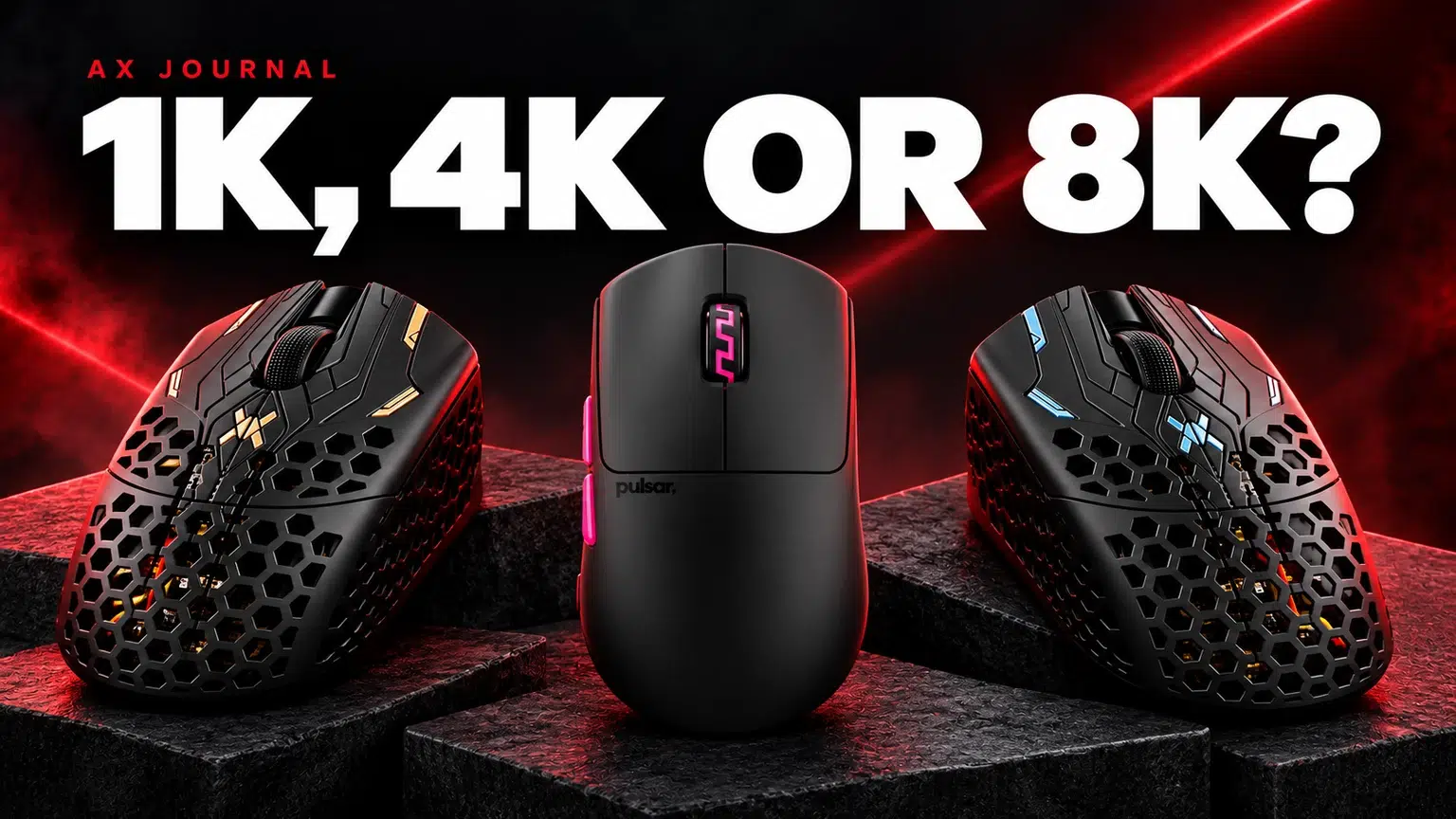
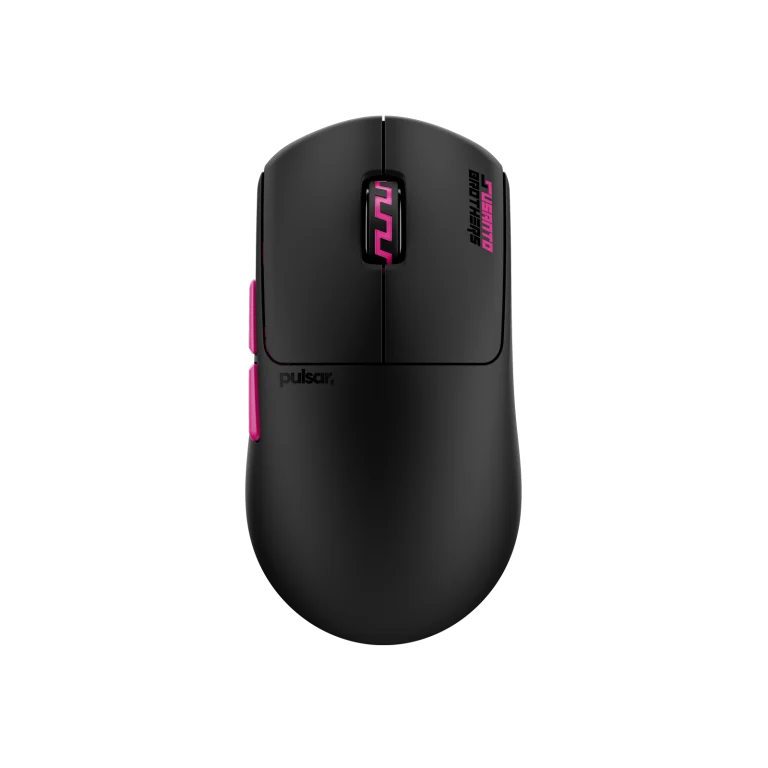
The Pulsar Susanto-X supports up to 8K with a compatible 8K wireless dongle according to Pulsar. Check the exact package and receiver requirement before ordering; support in a product family does not establish that every box includes the required dongle.
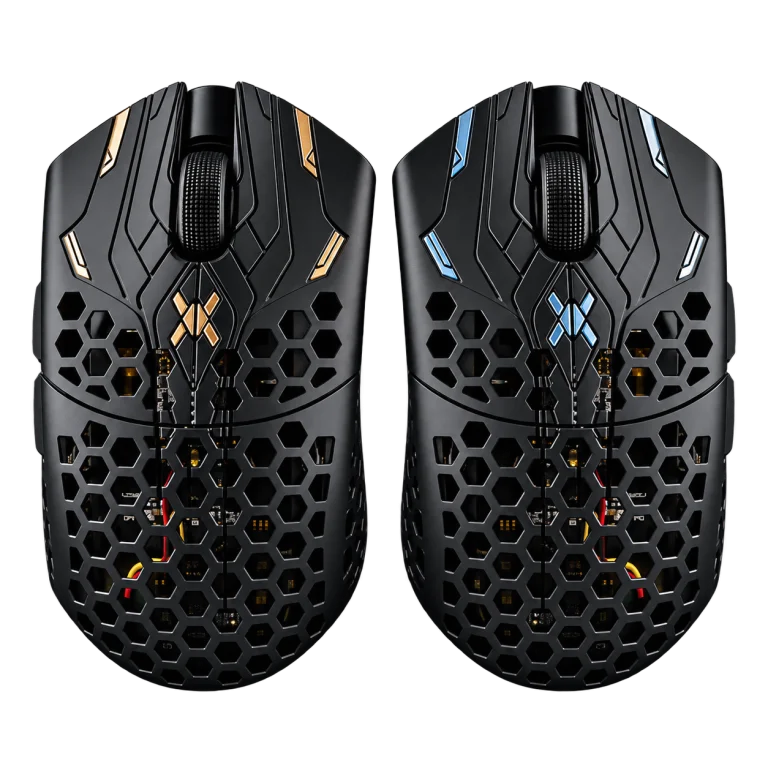
For Finalmouse UltralightX Lion, check the exact release, firmware and receiver documentation. Do not transfer a maximum rate from a newer product onto an older release simply because both are called UltralightX.
Keep DPI and polling rate separate
DPI controls the relationship between physical movement and reported counts. Polling controls how frequently reports are sent. They are connected in how movement feels, but they are not interchangeable settings.
If you change DPI, in-game sensitivity and polling simultaneously, you cannot tell which change altered your control. Keep your usual sensitivity initially and compare polling alone. Do not copy a professional player’s complete configuration as though it is an upgrade preset for every hand and game.
Run a useful comparison on your actual PC
- Confirm mouse and receiver compatibility and follow official update instructions.
- Connect the receiver as instructed, with a clear nearby position rather than hidden behind metal equipment.
- Start at 1000Hz in the games you actually play.
- Try a higher supported rate while keeping the other settings unchanged.
- Look for consistent frame delivery, cursor behaviour and battery use during a normal session.
- Keep the highest setting that gives you a useful, stable result; returning to a lower rate is a valid choice.
A browser polling test can help confirm that reports are arriving, but it is not a complete gaming-latency benchmark.
If a higher rate causes stutter or unreliable behaviour
Return to the baseline and check the game, firmware, receiver position and USB connection one at a time. Higher reporting rates create more host activity and can affect wireless battery life; the size of the effect depends on the exact mouse, firmware and use.
Do not claim a specific battery-life reduction without testing that model. Equally, do not buy a new processor solely on the assumption that an 8K mouse requires it. Evaluate the symptom in your own setup before making a costly change.
Prioritise control across the whole desk
Shape, grip comfort and a predictable mousepad still matter. A well-fitting mouse on an appropriate ARTISAN Zero can be a more useful change than a polling-rate upgrade attached to a shape you cannot control comfortably.
Choose a maximum specification as an option to use when it helps, not an obligation. Consistency and a repeatable setup give you a better basis for judging your equipment.
For the related buying decision, read our Wooting keyboard buying guide.
Frequently asked questions
Is 8000Hz eight times faster than 1000Hz in a game?
It reports eight times as often nominally. Total input-to-display latency includes many other stages, so the complete system is not eight times faster.
Does a 4K monitor need a 4K mouse?
No. 4K display resolution and 4K mouse polling are unrelated uses of the same shorthand.
Does every 8K-capable wireless mouse include an 8K receiver?
No universal rule applies. Check the exact package, required dongle and firmware for that product.
Continue planning your setup
- Gaming Mouse Shape and Size: Choose for Palm, Claw or Fingertip Grip
- Wooting Rapid Trigger Settings: Build a Reliable FPS Profile
- ARTISAN XSOFT vs SOFT vs MID: Choose the Right Mousepad Base
Check current configurations, included accessories and availability on the linked AX product pages. Ask AX about your exact setup.
Shop the equipment in Kuwait
AX price check, 26 October 2026: Pulsar Pro Series Susanto-X Wireless Gaming Mouse Size 2, 50g — KWD 44.900 (in stock); Finalmouse UltralightX Lion Wireless Gaming Mouse – Medium — KWD 69.000 (in stock). The product cards show the current price and availability when you shop.
Explore Pulsar at AX Kuwait, Finalmouse at AX Kuwait, Artisan at AX Kuwait for the rest of the range.
AS


Build a setup that fits how you use it
Tell AX your equipment models and what you want to do. We can help you choose the right connections and products.