
BUYING GUIDES
Same-day delivery · Official warranty · Taly & Deema
ARTISAN XSOFT vs SOFT vs MID compares base firmness, a separate choice from whether you select a Zero, Hien or Type-99 surface.
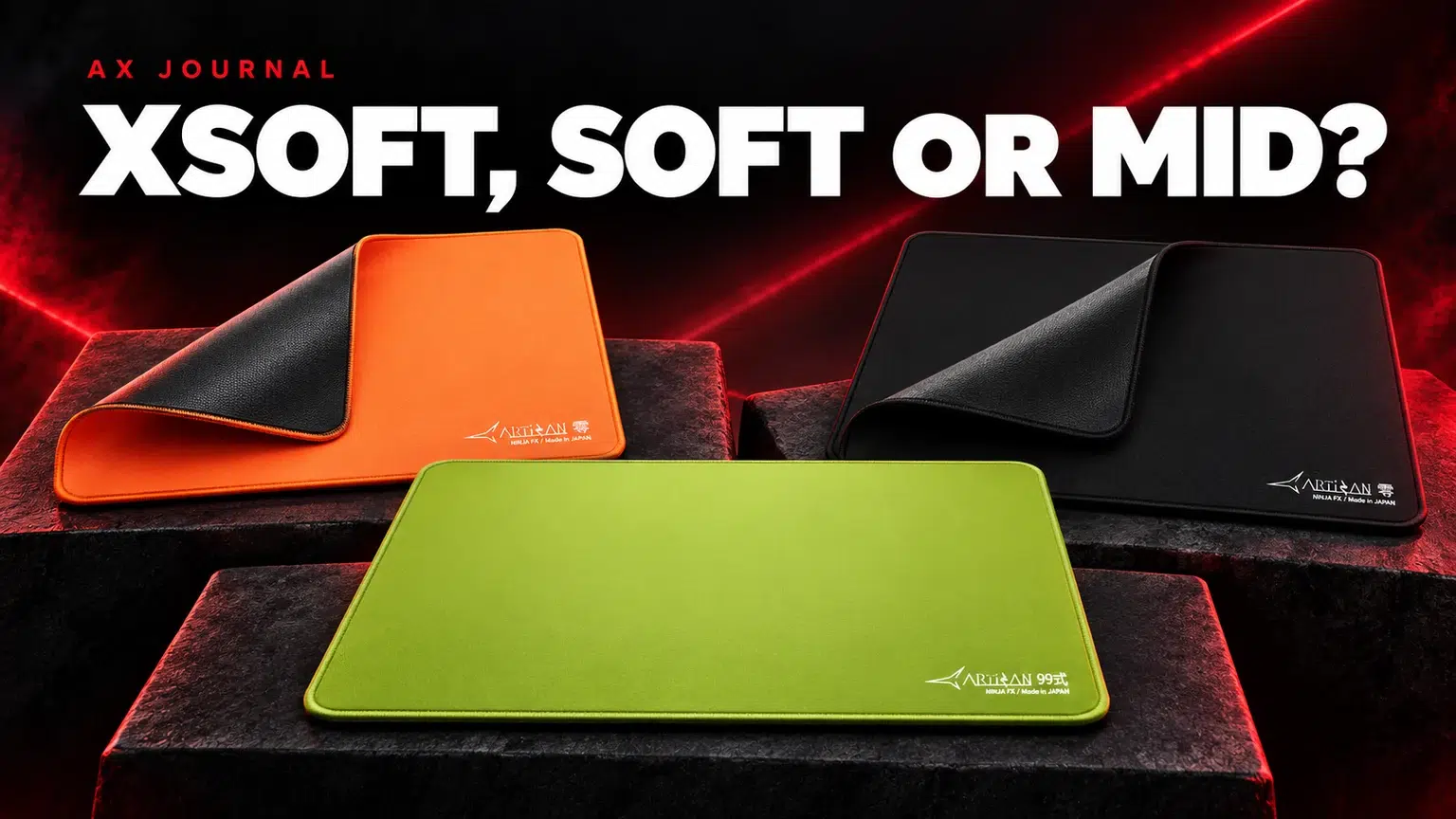
ARTISAN XSOFT vs SOFT vs MID compares base firmness, a separate choice from whether you select a Zero, Hien or Type-99 surface.
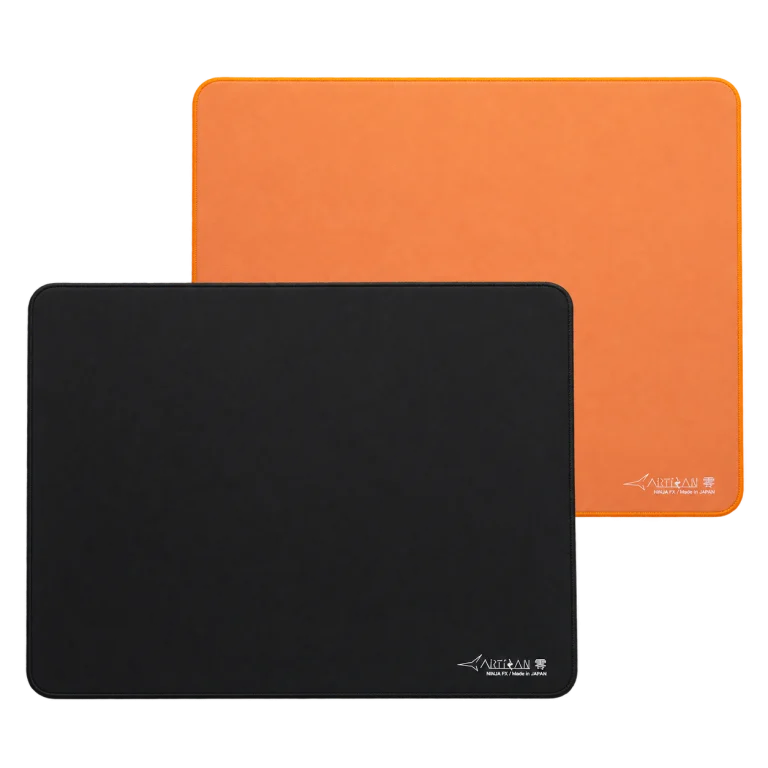
Zero, Hien and Type-99 describe different surface models. XSOFT, SOFT and MID describe base firmness options in relevant ARTISAN ranges. A model name does not automatically tell you its base, and a base name does not make two different fabrics glide alike.
That means two decisions belong on your order checklist: the surface you want and the firmness you want under it. Confirm both on the exact SKU, together with size and colour. Do not treat a product photograph as proof of firmness.
| Base | ARTISAN describes it as | Practical consideration |
|---|---|---|
| XSOFT | Very soft | More compression can make hand pressure more influential |
| SOFT | Moderately soft and versatile | A useful starting point when you do not want an extreme |
| MID | Very firm | A firmer platform when you prefer less compression |
ARTISAN presents SOFT as its general recommendation in the selection guide, but that does not make it correct for every player. The decision depends on how much you press into the pad and what kind of feedback you prefer.
Your mouse does not glide in isolation from your hand. When you press down, a softer base can deform under the skates and change the contact conditions. A player who consciously presses to stop the mouse may value that behaviour; a player who wants the glide to feel less sensitive to pressure may prefer a firmer base.
Skate geometry matters too. Small contact areas can behave differently from broad skates on a soft pad. That is why copying someone’s firmness choice without considering their mouse and pressure habits can produce a different result.
ARTISAN Zero, Hien and Type-99 are useful AX examples to compare by their exact listings. Do not assume that an XSOFT version of a faster surface becomes identical to a SOFT version of a slower one.
If you already know and like a surface, changing firmness is a more focused experiment than changing model, size, skates and sensitivity together. If you are choosing your first premium cloth pad, keep the rest of the setup stable while learning it.
Measure the usable mouse area with the keyboard in its actual position. Include room for a full comfortable movement and lift-and-reset pattern. A large pad that curls against a monitor stand or falls off the desk edge may be less usable than a properly fitted one.
ARTISAN size and thickness details are model-dependent. Confirm the dimensions of the selected option rather than applying one XL or MID measurement to every product family. Desk surface cleanliness also affects how securely a pad stays put.
If a Pulsar Susanto-X or another mouse feels inconsistent, inspect skates, dust and desk flatness before deciding that the firmness is wrong. Different symptoms need different fixes.
If you dislike how much your normal grip pressure changes resistance, firmness may be worth reconsidering. If the pad is too small, sensitivity changes alone may not give you the movement space you want. If one patch suddenly slows down, investigate cleanliness and wear first.
The useful upgrade is the one that fixes the specific problem. A firmer or softer label is not a guaranteed improvement in accuracy, and no base can promise better scores.
For the related buying decision, read our ARTISAN surface buying guide.
Not as a universal ranking across models and pressure conditions. Surface fabric, compression, skates and hand pressure all affect the result.
It is a reasonable general shortlist and ARTISAN presents it as versatile, but check your pressure preference, surface choice and exact product options.
No. Confirm the actual base option and SKU in the listing.
Check current configurations, included accessories and availability on the linked AX product pages. Ask AX about your exact setup.
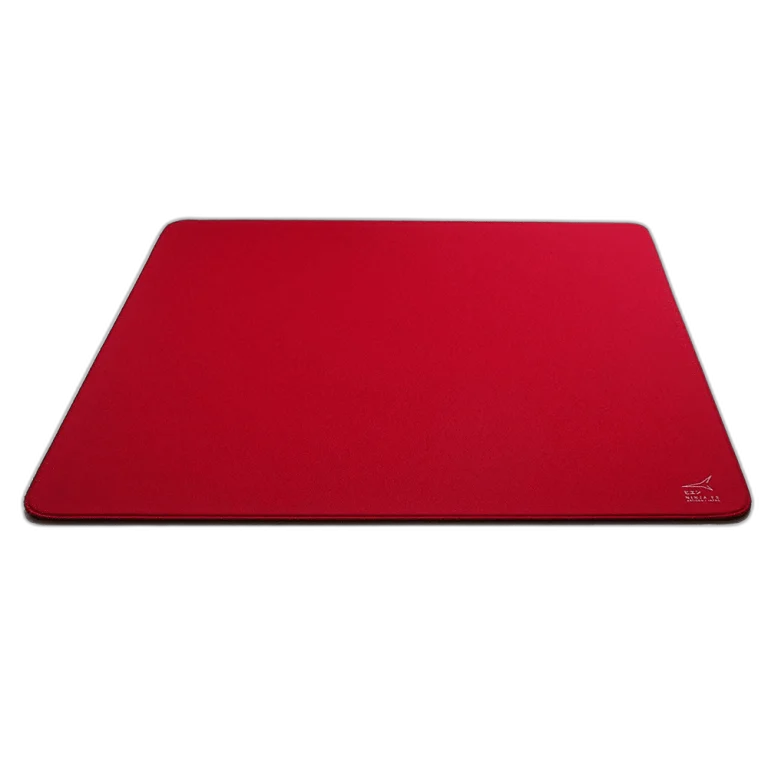
AX price check, 26 October 2026: ARTISAN NINJA FX ZERO Gaming Mousepad – SOFT/XSOFT, XL/XXL — KWD 39.900 (in stock); ARTISAN Ninja FX hien XSoft XL Wine Red Mousepad — KWD 39.900 (out of stock). The product cards show the current price and availability when you shop.
Explore Artisan at AX Kuwait, Pulsar at AX Kuwait for the rest of the range.
KEEP READING
All Buying Guides guides

Build a setup that fits how you use it
Tell AX your equipment models and what you want to do. We can help you choose the right connections and products.
Added to cart
Subscribed
We'll email you as soon as it's back in stock.
Saved to wishlist

