
BUYING GUIDES
Same-day delivery · Official warranty · Taly & Deema
Clean an ARTISAN Mousepad with a careful routine suited to its construction, using gentle handling instead of aggressive scrubbing or heat.
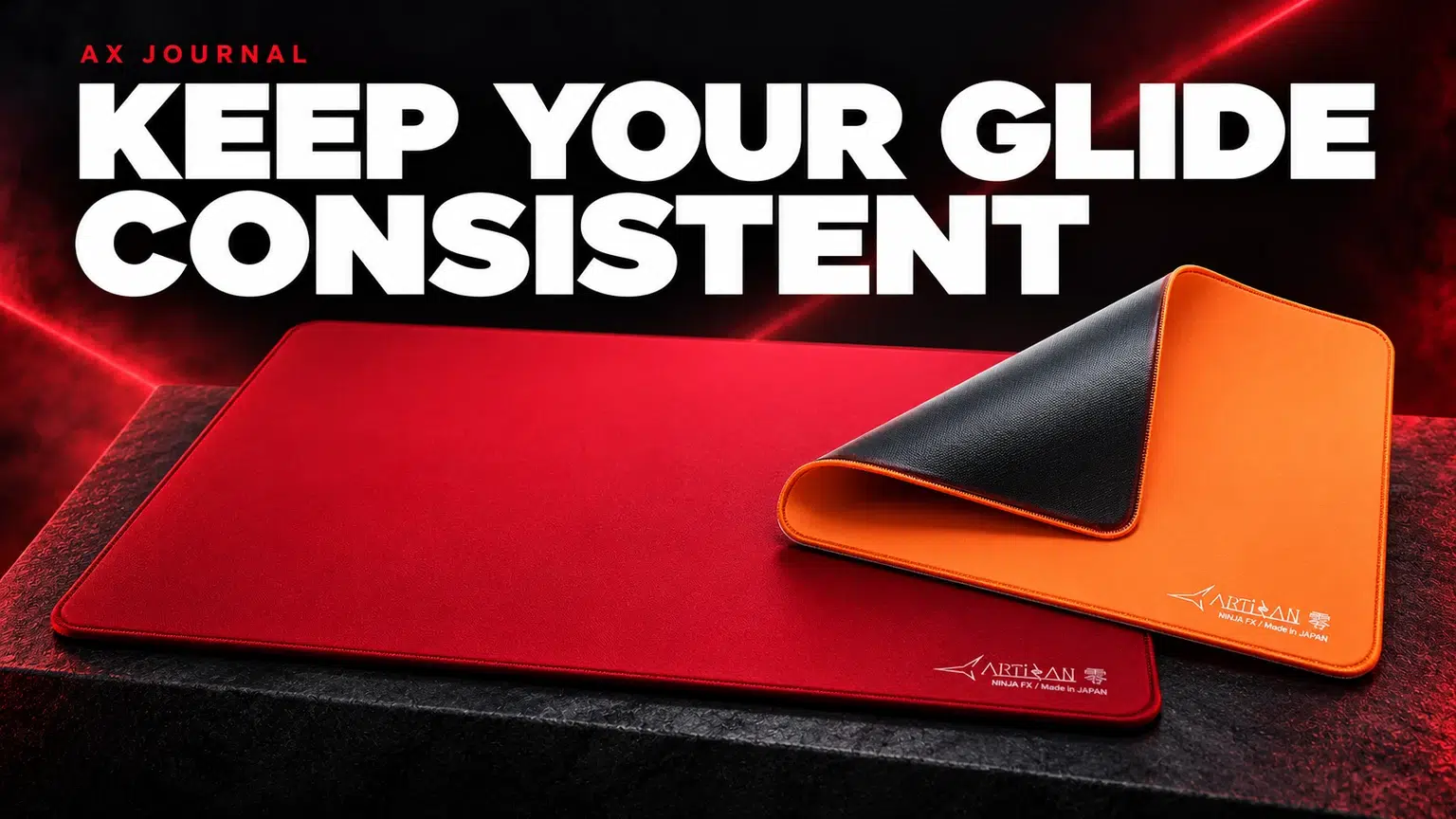
Clean an ARTISAN Mousepad with a careful routine suited to its construction, using gentle handling instead of aggressive scrubbing or heat.
ARTISAN current English FAQ advises keeping the environment clean and cleaning the top glide surface and bottom anti-slip surface. It recommends removing dust and hair with a horsehair brush or lint roller and mentions its dedicated Mousepad Sweeper.
That differs from many widely shared soak-and-scrub routines. Do not assume a tutorial for another cloth pad is suitable for your ARTISAN model. If instructions change, use the manufacturer guidance for the exact product rather than an undated social post.
Lift the mouse and inspect its feet under good light. Look for trapped hair, dust, a loose skate edge or residue. Then inspect the pad surface and check whether the pad is flat. An uneven desk, objects under the pad or contamination on the base can affect use without being fabric wear.
Move the mouse across several areas using similar hand pressure. If the issue follows the mouse, examine the skates. If it stays in one part of the pad, compare that area for visible contamination or physical damage. This is a simple observation process, not a laboratory friction measurement.
| Area | Care approach | Avoid guessing |
|---|---|---|
| Top surface | Remove loose dust and hair with the tools ARTISAN recommends | Do not default to soaking or aggressive scrubbing |
| Anti-slip base | Inspect and clean according to manufacturer surface-care guidance | Do not assume household solvents are suitable |
| Mouse feet | Inspect for trapped material or loose edges | Do not scrape or alter the skates without a reason |
| Desk | Keep the contact area clean and flat | Do not trap debris beneath the pad |
Work gently and stop if the surface, edge stitching or base appears damaged. If there is a spill, stain or adhesive residue that ordinary recommended surface care does not address, ask the manufacturer or AX about the exact material and incident before experimenting with chemicals.
Do not improvise a hot wash, tumble-dry or hair-dryer treatment for a pad whose manufacturer does not recommend water washing. Heat and aggressive handling can create a different problem from the one you were trying to solve.
Likewise, forcing a curled pad flat by sharply bending it is not a universal remedy. Keep the pad stored and handled in a way that avoids unnecessary creases, and consult the product instructions for any specific deformation issue.
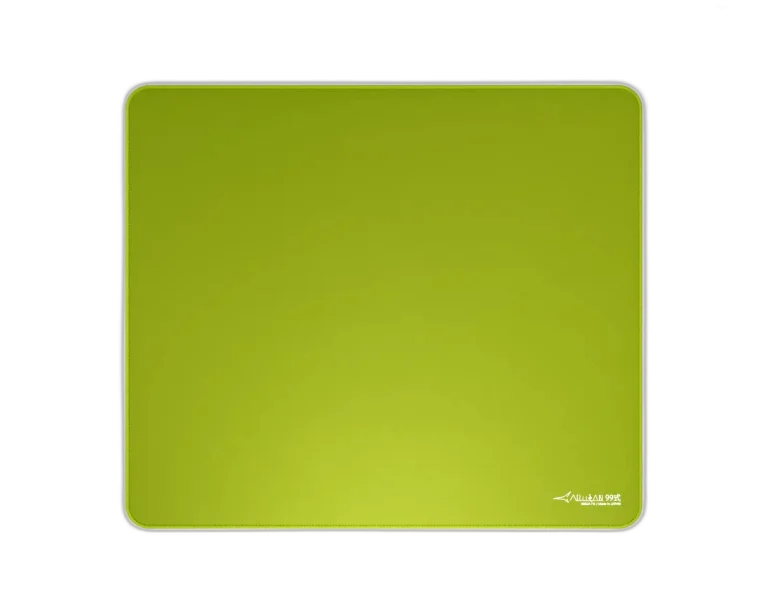
Hand pressure, mouse skates and base firmness influence glide. A softer base can feel different when you press harder, so a change in playing posture may be mistaken for a dirty pad. Compare under the same conditions before buying a replacement.
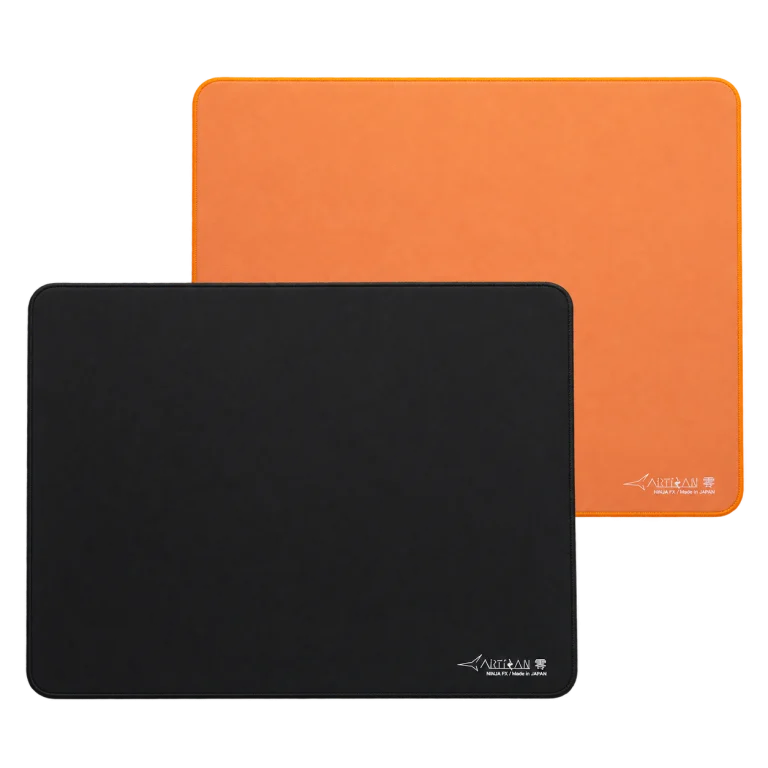
For AX products such as ARTISAN Zero, Type-99 and Hien, the model and firmness should be recorded with any care question. Advice for one surface should not automatically be applied to every ARTISAN range.
This prevents some avoidable contamination and makes changes easier to identify. It does not promise that a pad will last forever or that every stain is reversible.
If the surface is physically damaged, the base no longer sits properly or the pad remains unsuitable after appropriate care, replacement may be more useful than repeated improvised cleaning. Choose the replacement around the original problem: surface speed, firmness, size or actual wear.
Before ordering, check whether a different base or larger size addresses your need. Replacing a pad with an identical one will not fix a desk that is too small or a grip that consistently presses harder than you intend.
For the related buying decision, read our ARTISAN surface buying guide.
ARTISAN current FAQ does not recommend water washing. Follow its surface-care guidance rather than treating a generic wash recipe as approved.
No. Check contamination, skates, flatness and hand pressure first. Physical wear is one possible explanation, not the only one.
Do not assume compatibility. Ask about the exact product and stain before applying chemicals that the manufacturer has not recommended.
Check current configurations, included accessories and availability on the linked AX product pages. Ask AX about your exact setup.
AX price check, 26 October 2026: ARTISAN NINJA FX ZERO Gaming Mousepad – SOFT/XSOFT, XL/XXL — KWD 39.900 (in stock); ARTISAN NINJA FX TYPE-99 SOFT XL Mousepad – Matcha — KWD 39.900 (in stock). The product cards show the current price and availability when you shop.
Explore Artisan at AX Kuwait for the rest of the range.
KEEP READING
All Buying Guides guides

Build a setup that fits how you use it
Tell AX your equipment models and what you want to do. We can help you choose the right connections and products.
Added to cart
Subscribed
We'll email you as soon as it's back in stock.
Saved to wishlist

