BUYING GUIDE
Gaming
ARTISAN Mousepads in Kuwait: Zero, Hien and Type-99
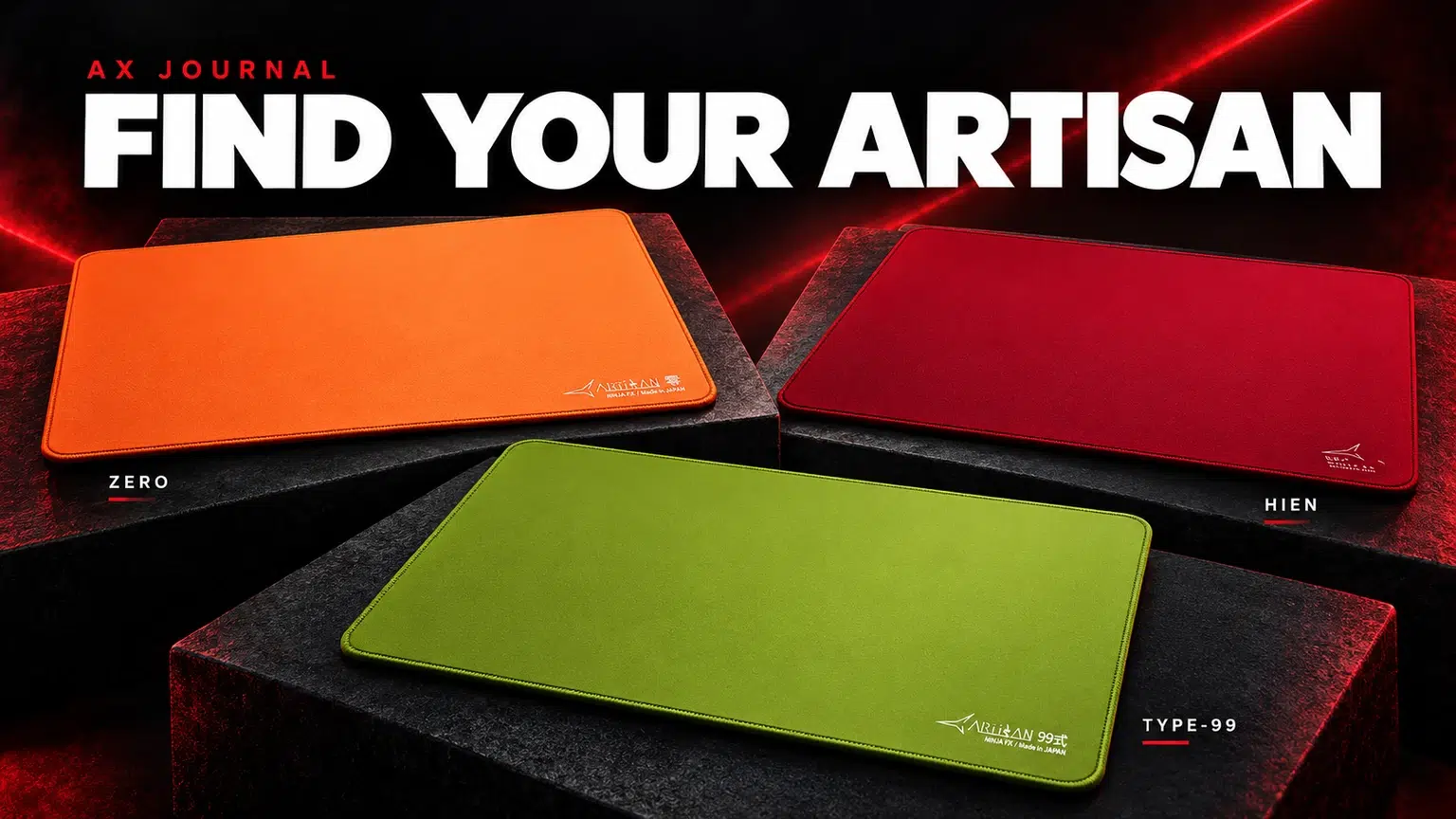
ARTISAN Mousepads in Kuwait offer three distinct starting points in this guide: Zero, Hien and Type-99, with surface choice separate from base softness.
AS
AX Store
ARTISAN Mousepads in Kuwait: the essentials
ARTISAN Mousepads in Kuwait offer three distinct starting points in this guide: Zero, Hien and Type-99, with surface choice separate from base softness.
Read the product name in layers
A long ARTISAN name contains several separate decisions: the series, the surface, the base, the size and the finish. Reading them separately is the easiest way to compare the actual products at AX.
For example, a name containing NINJA FX, Hien, XSOFT and XL identifies a series, a Hien playing surface, a very soft base and a particular size. It does not describe the same pad as Zero simply because both carry NINJA FX. The correct spelling of the surface is Hien.
The three surface directions at AX
| Surface | Official design direction | Reason to shortlist it |
|---|---|---|
| NINJA FX Zero | Textured cloth balancing easy starts and stopping control | A controlled general-purpose shortlist across different aiming tasks |
| NINJA FX Hien | A very rough hardened surface with a quick initial start | A player who wants pronounced texture and an easy start to movement |
| NINJA FX Type-99 | Smooth high-friction cloth with strong stopping emphasis | A player deliberately seeking a slower control direction |
These descriptions come from ARTISAN’s own guidance. They are relative directions within its range, not measured AX glide-speed results. The mouse feet, hand pressure and individual variation also affect how the final setup feels.
Zero: start with a balanced control direction
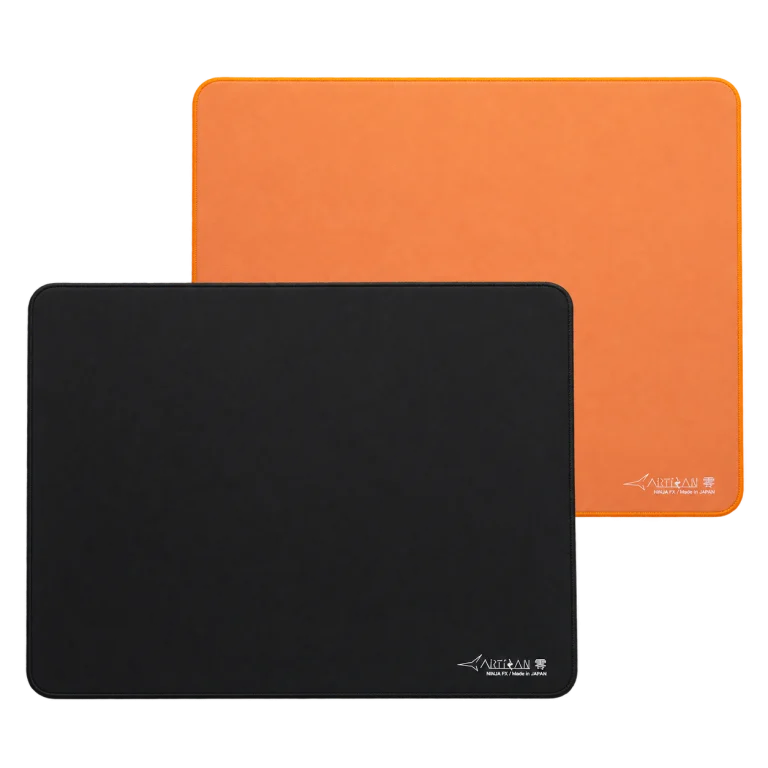
Zero is a useful first shortlist when you want an ARTISAN cloth pad with controlled stopping and an accessible start to movement. It gives a concrete baseline for someone who plays several games and has not yet identified a need for a specialised faster or slower surface.
Compare it with the pad you already use. If the current problem is insufficient desk space, a different surface alone may not solve it. If the problem is stopping consistency, evaluate both the surface and the pressure you apply to the base.
Hien: choose the texture intentionally
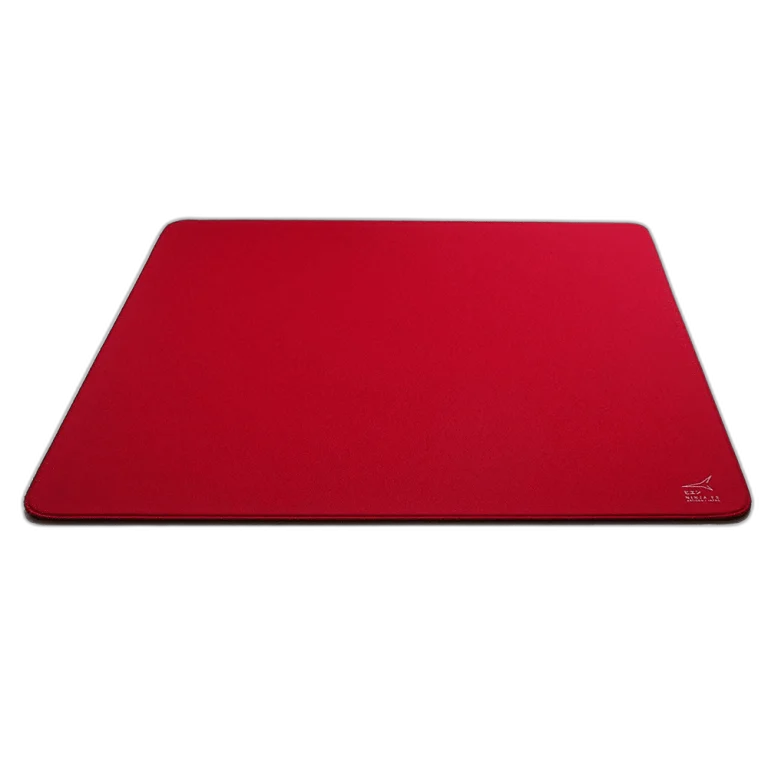
Hien belongs on the shortlist when the quick initial start and strong surface feedback are what you want. Its rougher texture is also a physical feeling under the arm, which should be part of the purchase decision.
Do not reduce Hien to a universal fastest-pad label. ARTISAN places surfaces into relative groups and describes Hien around the combination of start and texture. Choose it because that character suits your movement, rather than assuming a faster initial feel automatically improves every aiming task.
Type-99: choose stopping emphasis intentionally
Type-99 is the control-focused comparison when you want stronger stopping and a slower surface direction. The AX link identifies the actual Matcha SOFT XL listing rather than a generic or outdated product address.
A control surface can be a useful preference for deliberate stops, but the right feel is personal. If small corrections already feel difficult on your present pad, compare the whole movement rather than assuming more friction is always the answer. Keep the mouse and sensitivity stable during the comparison.
SOFT, XSOFT and MID are a separate choice
The base determines how much the pad yields under pressure. ARTISAN describes XSOFT as very soft, SOFT as a versatile moderately soft starting point, and MID as firmer with a more consistent glide direction. The surface family remains a separate decision.
Pay attention to hand pressure. A player who presses down while stopping can interact with a soft base differently from a light-touch player. Compare the exact combinations available on each AX listing; this guide explains the choices, not a promise that every base is stocked for every surface.
Choose size from usable desk space
Measure the clear mouse area after the keyboard, microphone arm and other objects are in position. ARTISAN’s size guide lists XL at 490 × 420mm and XXL at 500 × 490mm. The extra depth is a physical space decision, not a change in surface family.
Leave room for full turns and comfortable corrections. If you repeatedly hit the keyboard or edge, consider the desk layout as well as the sensitivity. Check thickness for the exact base and size rather than copying one thickness across all ARTISAN products.
How to choose without changing everything at once
- Write down what your current pad does well and what you want to change.
- Choose a surface direction: balanced control, pronounced textured start or stronger stopping.
- Choose the base around hand pressure.
- Measure the desk and select size.
- Keep the same mouse, feet and sensitivity while evaluating the new pad.
- Follow ARTISAN’s current care instructions.
The base-firmness guide covers that decision in more depth, the care guide covers maintenance, and the DPI and cm/360 guide helps establish a repeatable movement baseline. Each answers a different part of the same buying decision.
Frequently asked questions
Is FX a separate surface from Zero and Hien?
NINJA FX is the series name. Zero, Hien and Type-99 identify surfaces within the range; base firmness and size are separate parts of the product name.
Which one should I shortlist first?
Zero is a useful balanced-control starting comparison. Hien suits someone deliberately seeking a quick start and pronounced rough texture; Type-99 suits someone seeking stronger stopping emphasis.
Does XSOFT mean the same surface feels identical to SOFT?
No. Base firmness changes how pressure interacts with the pad. The same surface on different bases can feel different.
Will a new mousepad guarantee better aim?
No. It changes the physical control surface. Fit, settings, mouse feet, practice and individual preference remain part of the result.
Continue planning your setup
- ARTISAN XSOFT vs SOFT vs MID: Choose the Right Mousepad Base
- How to Clean an ARTISAN Mousepad Without Guesswork
- DPI, eDPI and cm/360: Set Your Mouse Sensitivity
Related guide: Wooting keyboard buying guide.
Shop the equipment in Kuwait
AX price check, 26 October 2026: ARTISAN NINJA FX ZERO Gaming Mousepad – SOFT/XSOFT, XL/XXL — KWD 39.900 (in stock); ARTISAN Ninja FX hien XSoft XL Wine Red Mousepad — KWD 39.900 (out of stock). The product cards show the current price and availability when you shop.
Explore Artisan at AX Kuwait for the rest of the range.
AS


Build a setup that fits how you use it
Tell AX your exact models and what you want to do. We can help match the equipment and connections.