
BUYING GUIDES
Same-day delivery · Official warranty · Taly & Deema
DPI, eDPI and cm/360 describe different parts of mouse sensitivity; use the right measure to build a repeatable setting in the game you play.
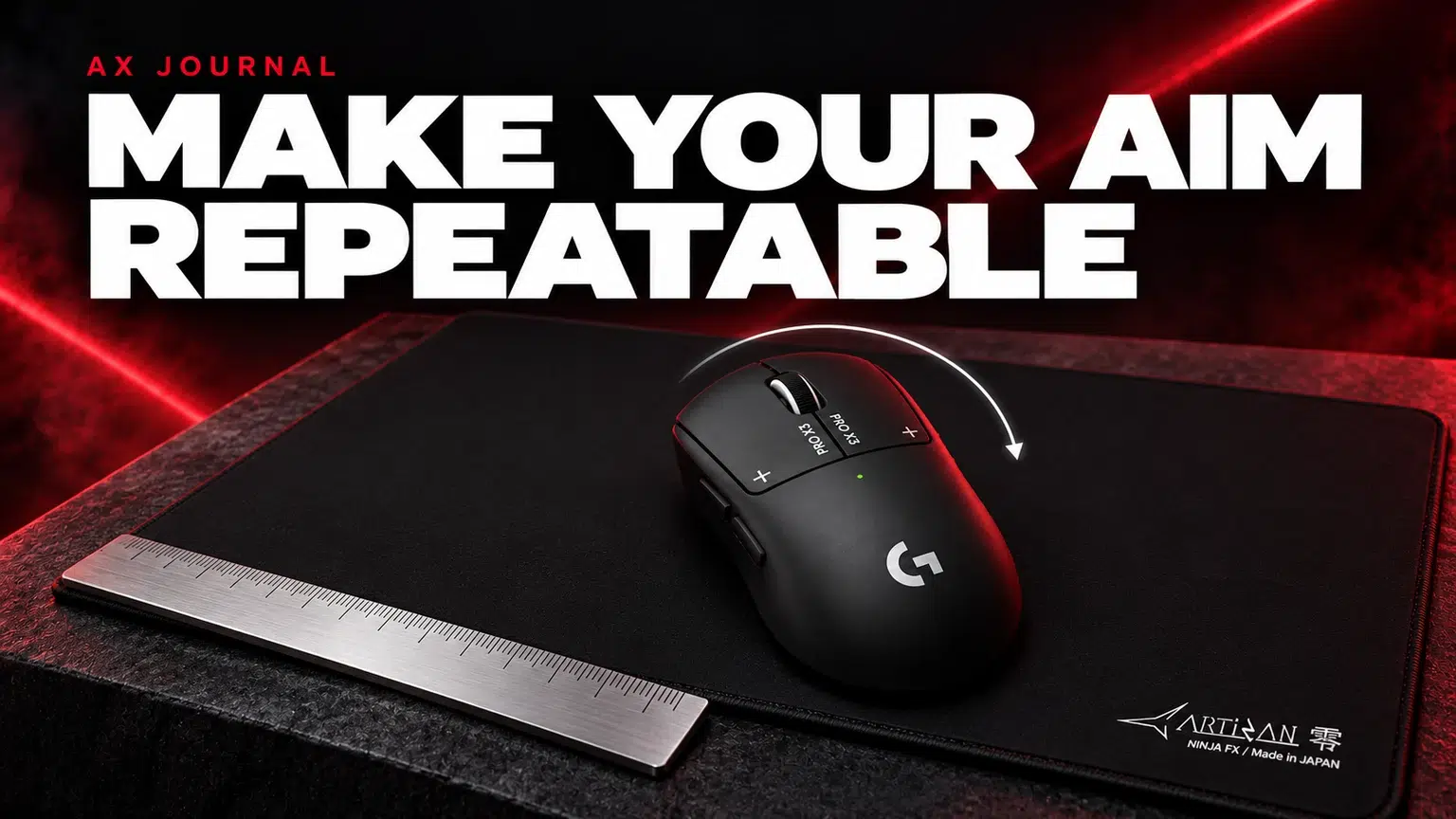
DPI, eDPI and cm/360 describe different parts of mouse sensitivity; use the right measure to build a repeatable setting in the game you play.
| Term | What it describes | Useful for |
|---|---|---|
| DPI | The mouse sensor sensitivity setting | Identifying the configured device level |
| eDPI | DPI multiplied by the game sensitivity number | Comparing settings within the same game and sensitivity scale |
| cm/360 | Physical mouse travel needed for a full in-game turn | Describing movement distance in a particular configuration |
These are configuration tools rather than aim-quality scores. A larger number is not inherently better. The useful question is whether you can turn, track and make small corrections predictably with the space and grip you use.
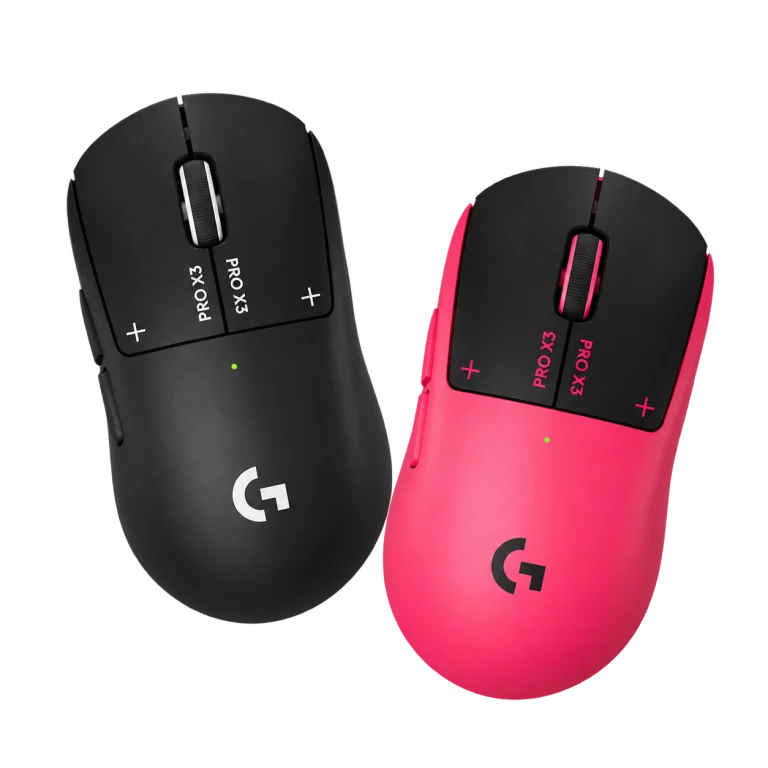
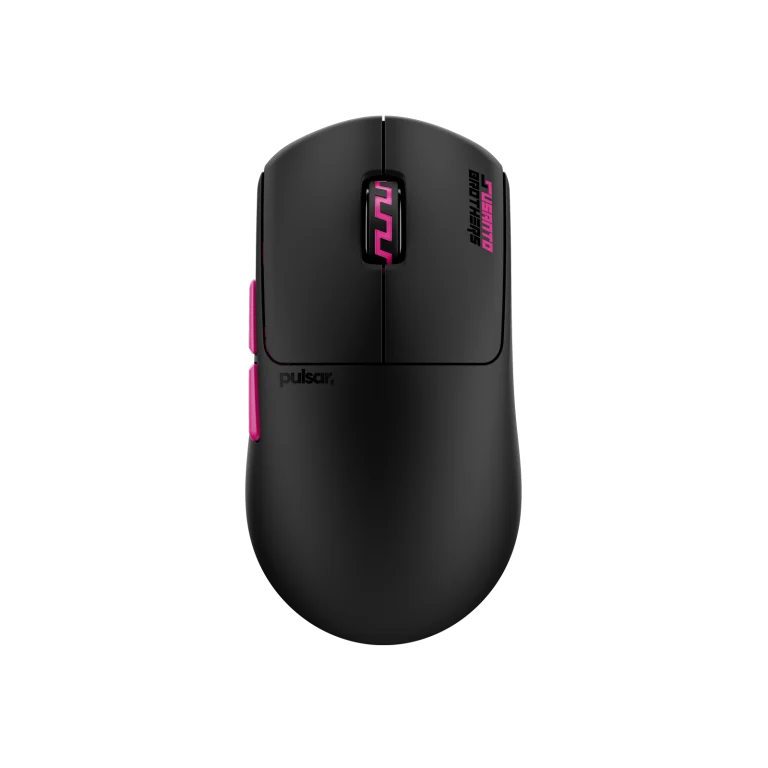
The SUPERSTRIKE X3 and Pulsar Susanto-X provide configurable sensitivity within their documented capabilities. Their maximum sensor numbers describe a ceiling, not a suggested setting for every game.
Begin from a value you can identify and reproduce in the manufacturer’s supported software. Check whether a profile or assigned button changes it during play. A sensitivity that unexpectedly changes can be a profile-selection problem rather than a problem with your technique.
The arithmetic is DPI × in-game sensitivity. For an illustrative game using a simple sensitivity scale, 800 DPI at 1.0 gives 800 eDPI; 1600 DPI at 0.5 also gives 800 eDPI. This example explains the calculation, not a universal recommended profile.
Different games use different sensitivity scales and aiming systems. Identical eDPI numbers across unrelated games do not prove identical turning behaviour. Scope multipliers, aiming modes and other configuration choices can also change what a simple number describes.
For a practical cm/360 check, use a safe repeatable practice area and align the view with a clear reference. Mark the mouse’s starting position, move it across a sufficient straight section of the pad until the view completes one full turn, then measure the travelled distance. Repeat and compare the result.
This is a simple manual observation, not a precision sensor test. Keep the same aiming mode and settings, and avoid lifting the mouse during the measured motion. If the surface is too short for the turn, do not treat a broken multi-lift measurement as one continuous travel distance.
A Zero or Type-99 pad should leave enough usable room for the movement you intend. Measure the clear area after positioning the keyboard, not just the advertised pad dimensions.
If the keyboard or a desk object repeatedly interrupts a turn, consider the layout as well as the setting. The right sensitivity should fit a comfortable usable area. Our ARTISAN guides explain surface and base choices separately from the physical size question.
A single excellent or poor match is not a controlled comparison. Repeatedly changing a profile in reaction to each result makes it difficult to learn its behaviour.
Aim-down-sights or scoped sensitivity can use a separate multiplier or behaviour. Record the relevant mode when measuring and compare it separately. A hip-fire setting alone cannot describe every aiming state in a game.
Likewise, inspect the game’s input and acceleration options instead of assuming a desktop pointer setting changes every game identically. Games using raw input can behave differently from desktop applications. Use the game’s current official settings information where available and verify the result in practice.
Polling rate describes reporting frequency, a different setting from DPI and game sensitivity. Keep it stable while establishing the movement baseline, then compare supported rates in the actual game if needed.
Read the polling-rate guide for that decision and the mouse fit guide if the mouse shape makes control uncomfortable. The SUPERSTRIKE generation guide explains the hardware choice. A known profile, a suitable shape and clear pad space make later tuning easier to understand.
No. The calculation is useful within the same game and sensitivity scale. Different games can translate the same number into different motion.
There is no universal reason to use the maximum. Choose a stable known setting and match the in-game configuration to your control and space.
Not necessarily. Aiming modes and scope multipliers can change the behaviour. Record and test the particular mode.
Related guide: ARTISAN surface buying guide.
AX price check, 26 October 2026: Logitech G PRO X3 SUPERSTRIKE Wireless Mouse — KWD 79.900 (in stock); Pulsar Pro Series Susanto-X Wireless Gaming Mouse Size 2, 50g — KWD 44.900 (in stock). The product cards show the current price and availability when you shop.
Explore Logitech at AX Kuwait, Pulsar at AX Kuwait, Artisan at AX Kuwait for the rest of the range.
KEEP READING
All Buying Guides guides

Build a setup that fits how you use it
Tell AX your exact models and what you want to do. We can help match the equipment and connections.
Added to cart
Subscribed
We'll email you as soon as it's back in stock.
Saved to wishlist

