Logitech
Logitech G PRO X3 SUPERSTRIKE Wireless Mouse
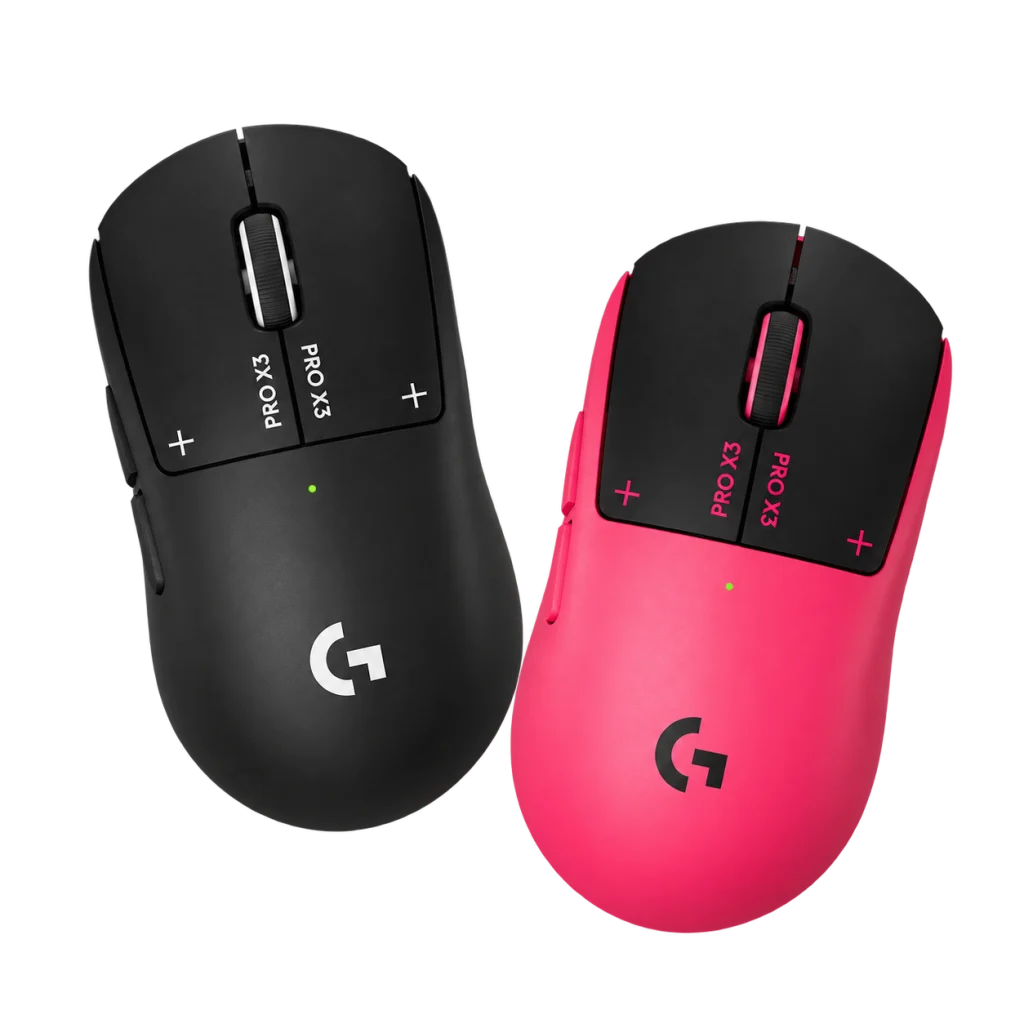
The Logitech G PRO X3 SUPERSTRIKE combines adjustable HITS clicks, a HERO 2 sensor with up to 48,000 DPI and 8,000 Hz reporting in a lightweight 59 g design. Tune actuation, Rapid Trigger and haptic feedback through G HUB, with up to 135 hours of battery life and optional POWERPLAY charging. Choose Midnight Black or Magenta Eclipse.
Color
Overview
LOGITECH G / WIRELESS GAMING MICE
Logitech G PRO X3 SUPERSTRIKE: Configure Your Click
The Logitech G PRO X3 SUPERSTRIKE combines adjustable HITS clicks with HERO 2 tracking in a lightweight wireless design. Select the available finish, then configure actuation, reset and haptic response around the way you press the main buttons. Available from AX Store in Kuwait.
Choose when your main buttons activate, how quickly they reset and how the click feels. The PRO X3 SUPERSTRIKE combines HITS technology, the NxLOGI chipset and HERO 2 tracking in a 59 g body, with up to 8,000 Hz reporting through LIGHTSPEED wireless or wired USB-C.
Choose Midnight Black or Magenta Eclipse. Each order includes one mouse in the selected colour.
59 g
Lightweight mouse design
8,000 Hz
Maximum wired and wireless report rate
48,000 DPI
Maximum HERO 2 resolution
135 hours
Up to, with constant motion; runtime varies
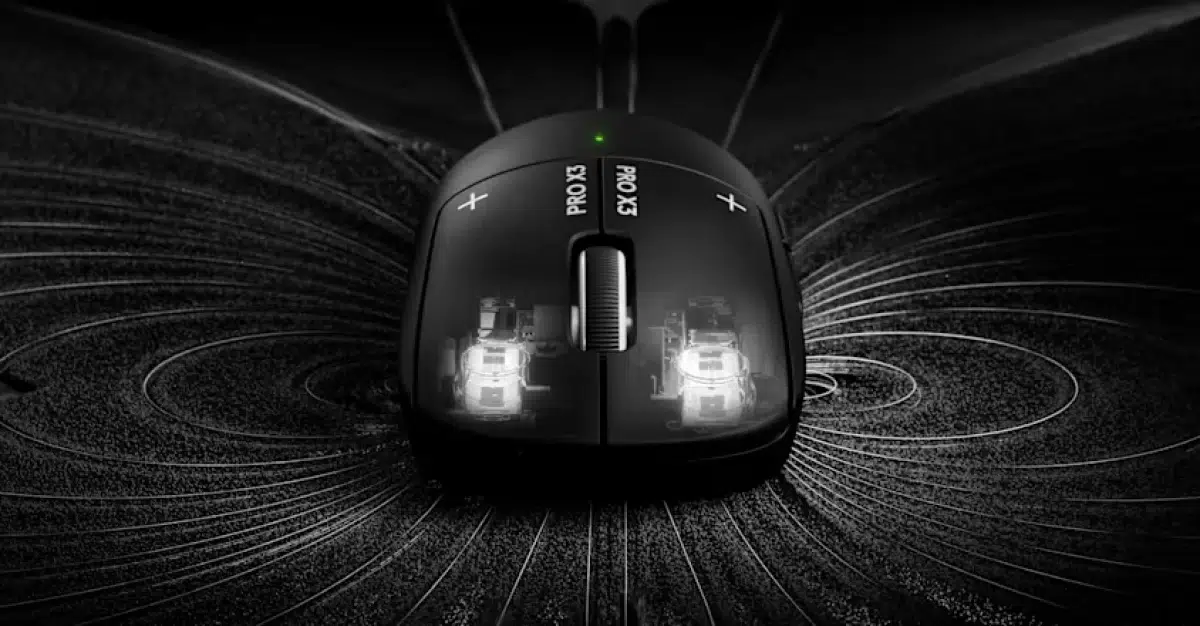
HITS / ACTUATION AND RAPID TRIGGER
Set the click around your own touch
The Haptic Inductive Trigger System detects main-button movement through inductive sensing, while haptic hardware creates the click sensation. Configure the left and right main buttons individually in Logitech G HUB.
Each button offers 10 actuation steps and 5 Rapid Trigger reset steps. Actuation controls how far you press before registration; Rapid Trigger controls how quickly the input releases as you lift your finger. Six haptic strength settings, including off, let you adjust the feedback separately.
LIGHTSPEED / WIRED USB-C
Keep 8K reporting in either connection mode
LIGHTSPEED wireless and wired USB-C both support a maximum report rate of 8,000 Hz. Sensor movement and button data are included, with reports sent at intervals of 0.125 ms at that setting.
Use the included receiver for wireless play or connect the charging/data cable for wired operation. The reporting interval describes communication with the computer; your game, system and display also affect the response you see.
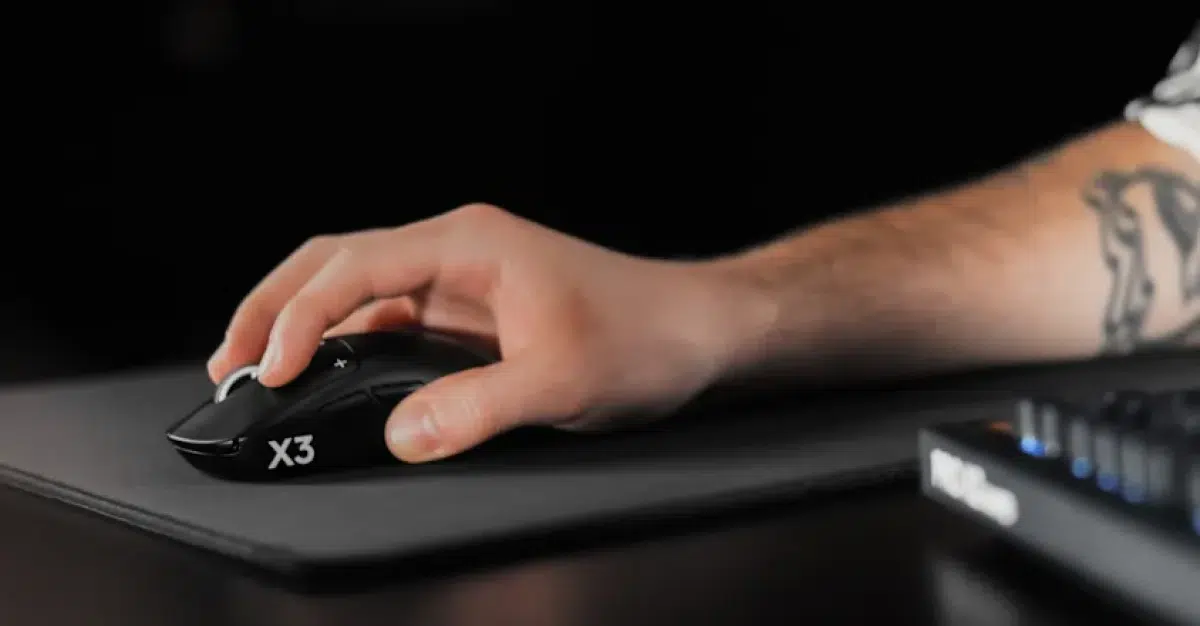
HERO 2 OPTICAL SENSOR
Choose a sensitivity that fits your movement
HERO 2 provides a resolution range of 100–48,000 DPI, with rated tracking speed above 930 IPS and acceleration above 90 G. Logitech specifies zero smoothing, acceleration or filtering, with maximum tracking figures tested on the Logitech G640 mousepad.
Use G HUB to set a comfortable sensitivity for your desk space and preferred aiming style. Keeping the same familiar sensitivity while adjusting the click settings makes each change easier to assess.
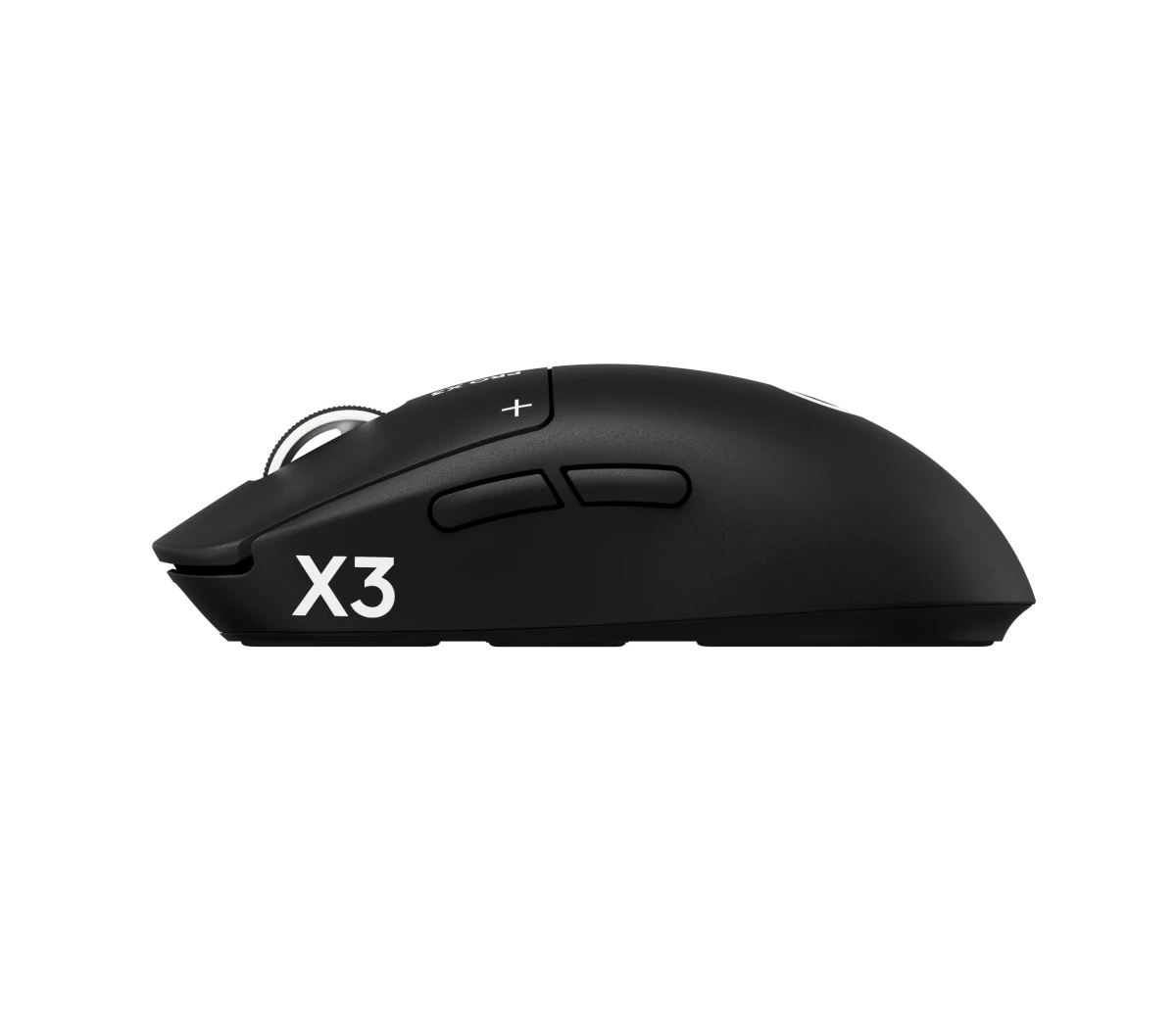
59 G DESIGN
A light body with balanced weight placement
The PRO X3 SUPERSTRIKE weighs 59 g, with internal components arranged to centre the weight. Its body measures 125 × 63.5 × 40 mm, giving you clear dimensions to compare with your current mouse.
Five buttons cover the main clicks, wheel click and two side inputs. The included grip tape gives you an optional way to change the contact feel without changing the mouse shape.
NXLOGI CHIPSET / G HUB
Configure the response and keep your profiles
The NxLOGI chipset brings improvements to power efficiency and wireless performance. G HUB gives you access to the settings that shape daily use, including click actuation, Rapid Trigger, haptic strength, DPI and report rate.
Save supported profiles to onboard memory and use HITS Codes to import or share click configurations. Start with comfortable settings, then change one adjustment at a time to find a response you can repeat consistently.
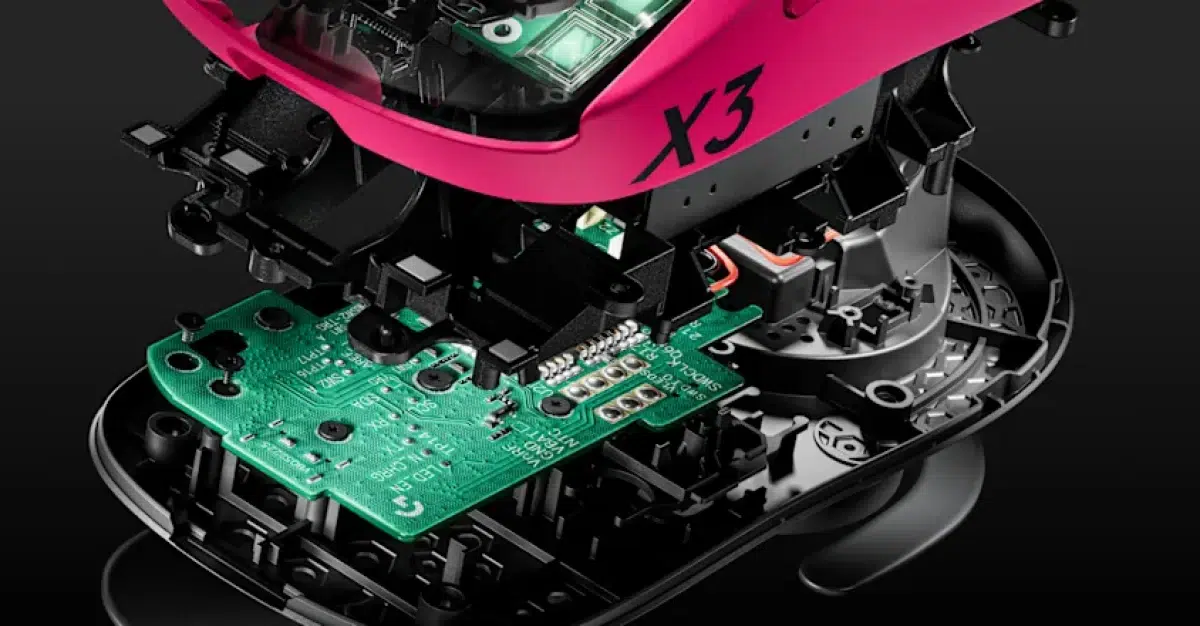
BATTERY AND CHARGING
Recharge by cable or add POWERPLAY
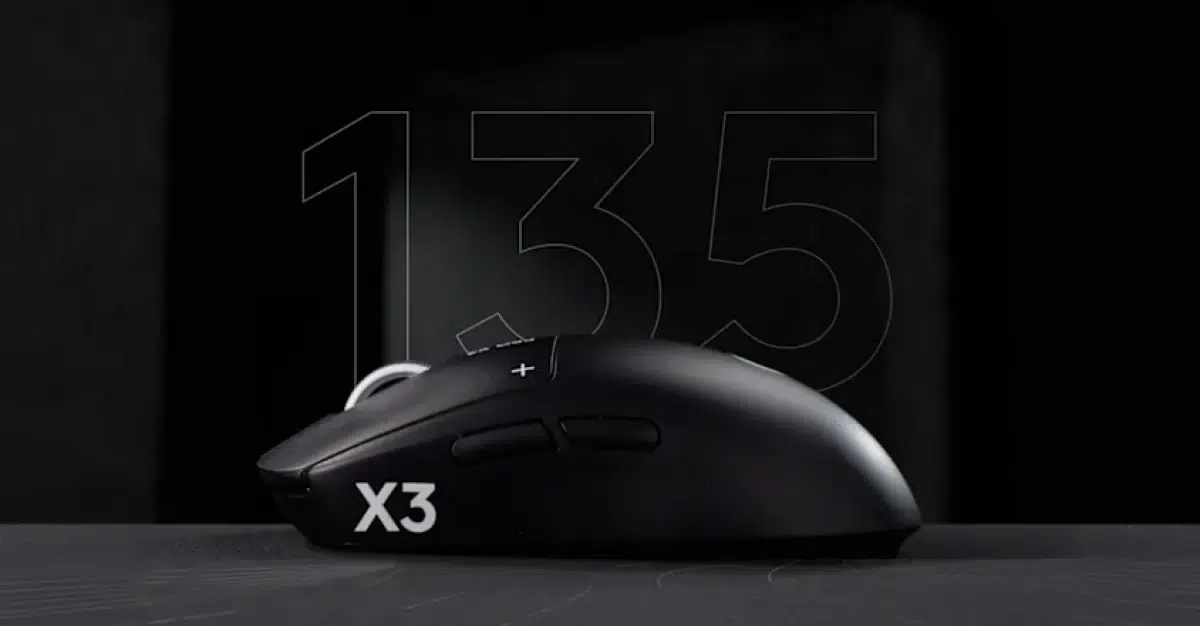
Rated battery life reaches up to 135 hours of constant motion. Actual runtime depends on use conditions and settings, and stronger haptic feedback uses more power. The included USB-A to USB-C cable handles charging and wired data.
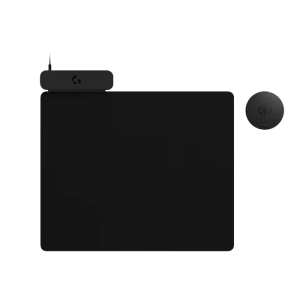
A compatible POWERPLAY system can add charging while you play. POWERPLAY 2 is sold separately and supplies power only, so the mouse still uses its LIGHTSPEED receiver for the wireless connection.
CHOOSE YOUR COLOUR
Two finishes with the same core features
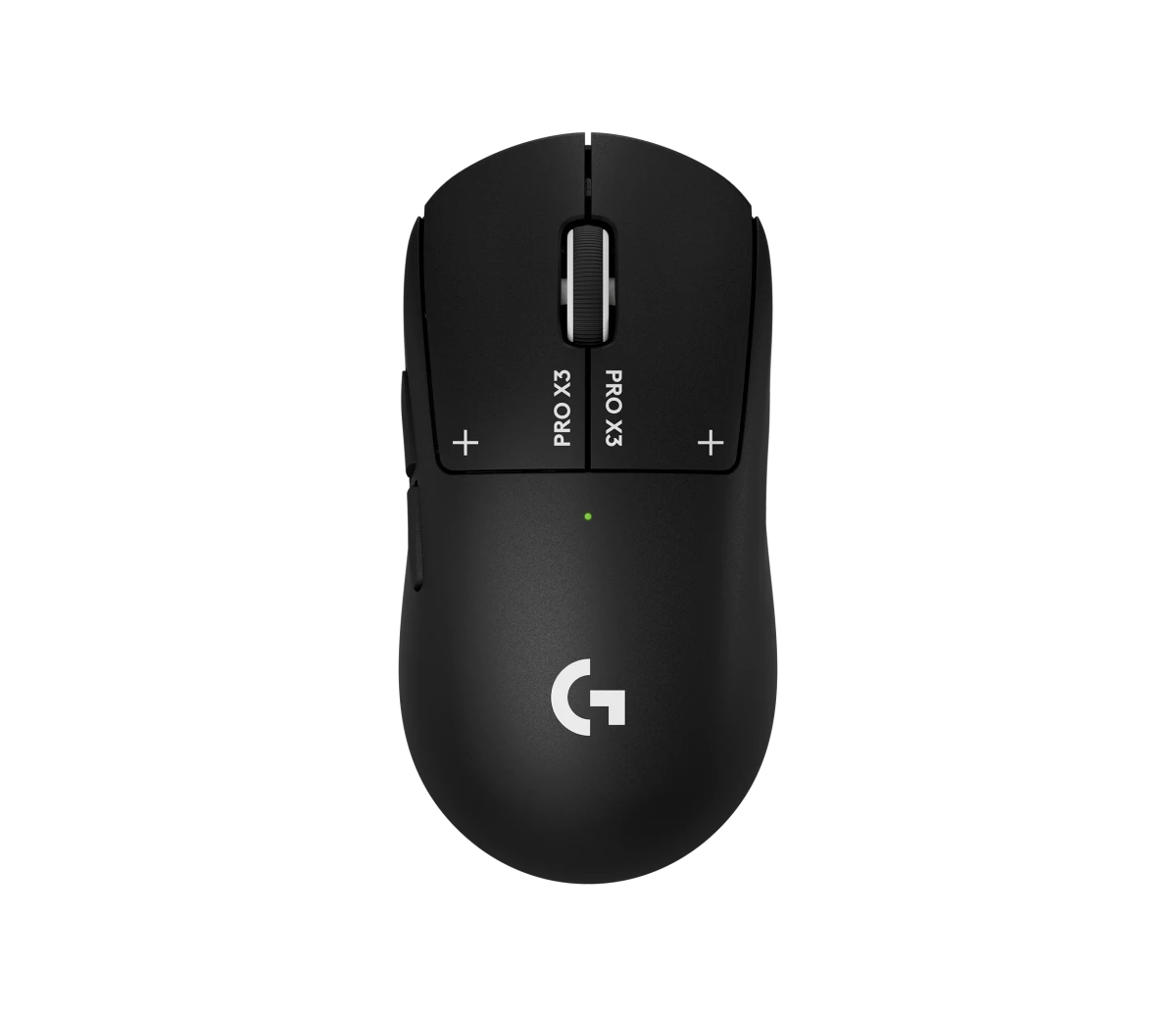
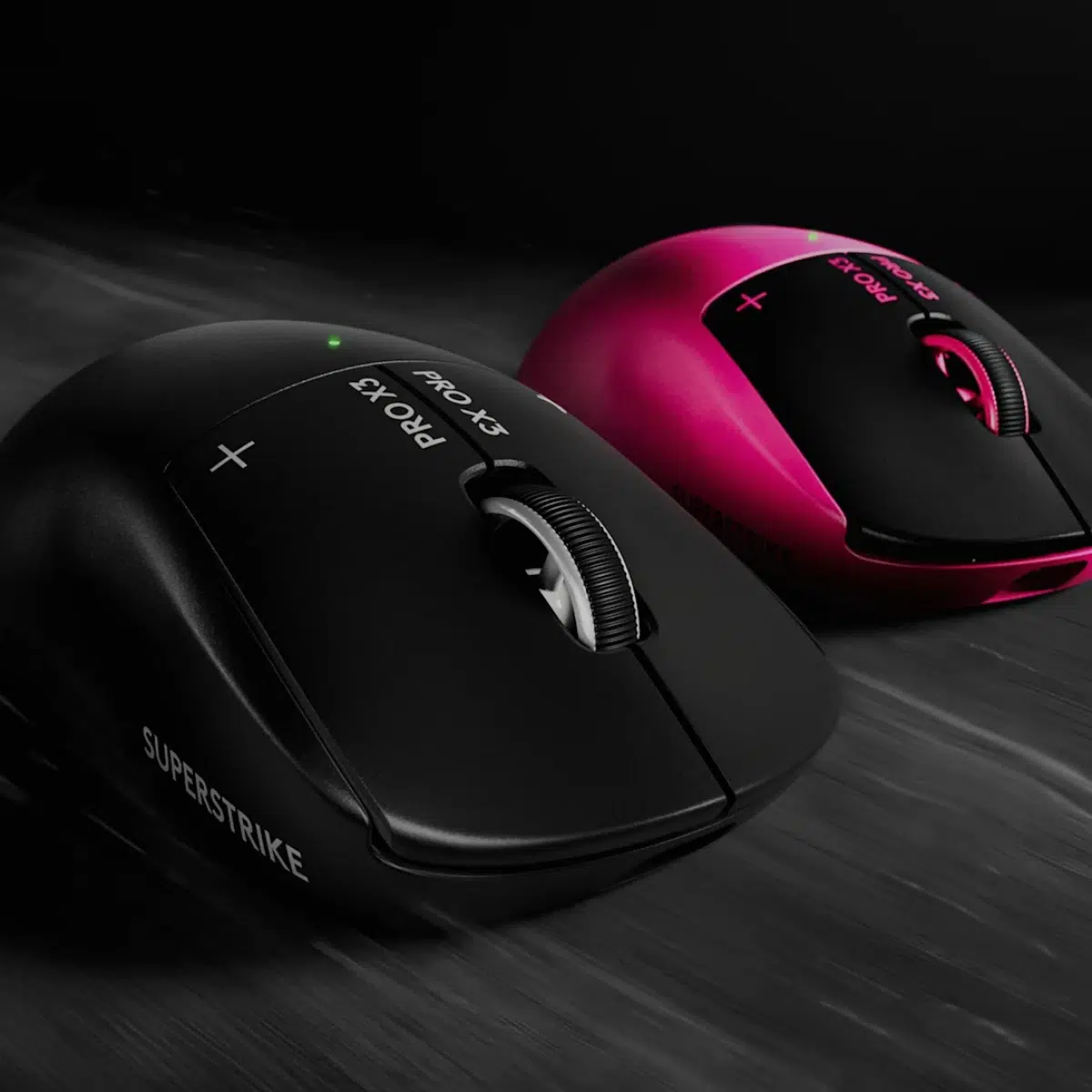
Midnight Black
Black body with contrasting light branding and wheel details.
Manufacturer part number: 910-007876
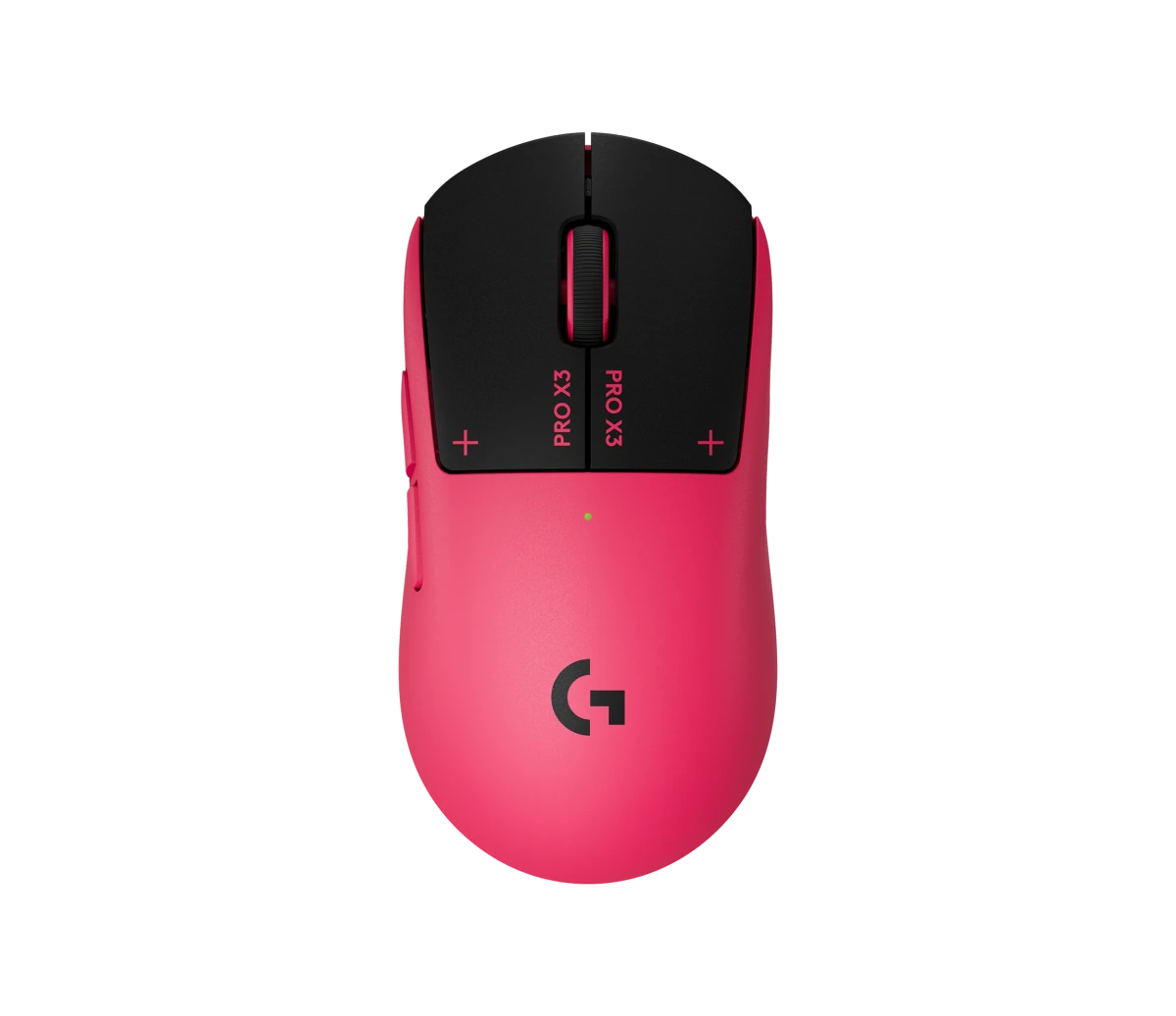
Magenta Eclipse
Pink body with dark main buttons and matching pink accents.
Manufacturer part number: 910-007826
Select one colour when ordering. The two mice shown illustrate the available finishes; they are not supplied together as a pair.
SETUP AND INCLUDED ACCESSORIES
The essentials for your first session
Connect to a Windows or macOS computer with an available USB 2.0 or higher port. Download Logitech G HUB for advanced configuration. The package includes:
- PRO X3 SUPERSTRIKE wireless gaming mouse in the selected colour
- LIGHTSPEED wireless receiver
- USB-A to USB-C charging/data cable
- Receiver extension adapter
- POWERPLAY aperture door
- Grip tape for optional application
- Cleaning cloth
- User documentation
BEFORE YOU CHOOSE
A few useful answers
What does HITS change about the main mouse buttons?
HITS uses inductive sensing to detect button movement and haptic feedback to create the click sensation. The left and right main buttons can be configured individually in Logitech G HUB.
How many actuation, reset and haptic settings are available?
Each main button offers 10 actuation steps, 5 Rapid Trigger reset steps and 6 haptic strength settings, including 0 for haptics off.
Does 8,000 Hz work in both wired and wireless modes?
Yes. The mouse supports up to 8,000 Hz through LIGHTSPEED wireless and wired USB-C, with a reporting interval of 0.125 ms at that setting.
What sensor does the PRO X3 SUPERSTRIKE use?
It uses the HERO 2 optical sensor with an adjustable resolution range of 100–48,000 DPI.
How long does the battery last?
Rated battery life is up to 135 hours of constant motion. Actual runtime varies with use conditions and settings, including haptic intensity.
Does it support POWERPLAY 2 charging?
Yes. A compatible POWERPLAY charging system is sold separately. POWERPLAY 2 supplies charging only, so you still use the mouse's LIGHTSPEED receiver for the wireless connection.
Are both colours included?
No. Choose Midnight Black or Magenta Eclipse. Each order includes one mouse in the selected colour, together with the included receiver, cable and accessories.
Is it compatible with Windows and macOS?
Yes. It requires Windows or macOS with an available USB 2.0 or higher port. Logitech G HUB is required for advanced configuration, and internet access is needed to download the software.
EXPLORE THE SETUP
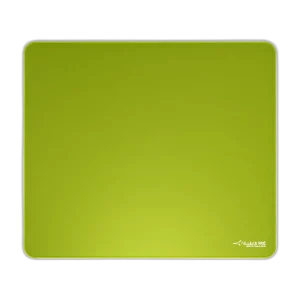
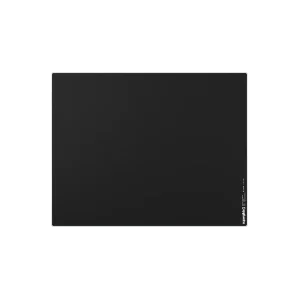
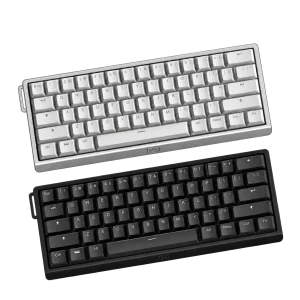
- Complete your mouse and keyboard area with the ARTISAN Zero mousepad and Wooting 60HE v2 keyboard. Browse Logitech gaming equipment at AX Store. Check the current price, availability and exact configuration on each product page before ordering.
- Add POWERPLAY 2 wireless charging, sold separately
- Find a gaming mousepad for your preferred glide
Logitech G PRO X3 SUPERSTRIKE Setup Choices
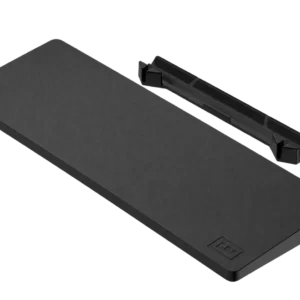
Choose a mousepad surface and keyboard layout that leave room for your normal movement. POWERPLAY is an optional charging setup, not an included mousepad. Explore ARTISAN NINJA FX TYPE-99 SOFT XL Mousepad – Matcha, Pulsar Superglide V3 Glass Mousepad - Type S, Wooting Wrist Rest 60 v2 - Just Black / Just White.
THE DETAILS
Technical specifications
Product and Colour Options
Logitech G
PRO X3 SUPERSTRIKE
LIGHTSPEED wireless gaming mouse
910-007876
910-007826
One mouse in the selected finish: Black / Midnight Black or Pink / Magenta Eclipse
HITS Click System
Haptic Inductive Trigger System (HITS)
10 actuation points per main button
5 reset points per main button
6 intensity options for both main buttons
Left and right main buttons configurable through Logitech G HUB
Sensor and Tracking
HERO 2 optical
100–48,000 DPI
Over 930 IPS; tested on Logitech G640 Gaming Mouse Pad
Over 90 G; tested on Logitech G640 Gaming Mouse Pad
Zero smoothing, acceleration or filtering
Connectivity and Performance
LIGHTSPEED wireless with included receiver
USB-C charging/data connection
NxLOGI
8000 Hz
8000 Hz
0.125 ms
Sensor and button data
5
Supported; advanced configuration requires Logitech G HUB
Dimensions and Weight
125 × 63.5 × 40 mm
59 g
Power and Charging
Up to 135 hours; varies with use conditions and settings
USB-C; USB-A to USB-C charging/data cable included
Compatible POWERPLAY charging system sold separately
Software and Requirements
Logitech G HUB for advanced features
Windows or macOS
USB 2.0 or higher
Internet access required for the optional G HUB download
Package Contents
PRO X3 SUPERSTRIKE wireless gaming mouse in the selected colour; LIGHTSPEED wireless receiver; USB-A to USB-C charging/data cable; Receiver extension adapter; POWERPLAY aperture door; Optional grip tape; Cleaning cloth; User documentation
POWERPLAY charging system and any additional mousepad
COMPLETE YOUR SETUP
Pairs well with