COMPARISON
Gaming
Logitech PRO X2 vs PRO X3 SUPERSTRIKE: What Changes?
Logitech PRO X2 vs PRO X3 SUPERSTRIKE is best approached through the exact model, button technology, shape and supported configuration rather than.
AS
AX Store
Logitech PRO X2 vs PRO X3 SUPERSTRIKE: the essentials
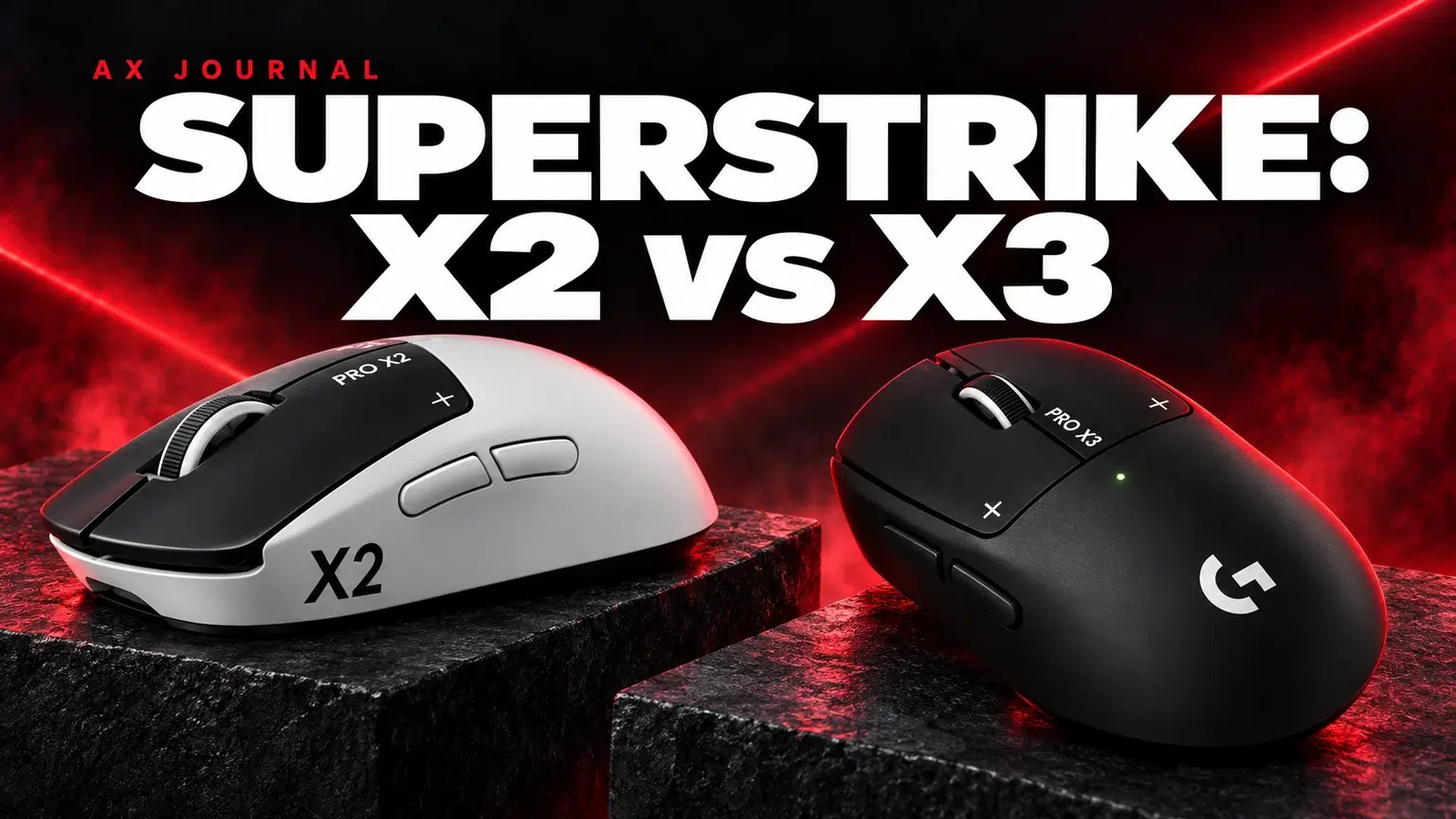
Logitech PRO X2 vs PRO X3 SUPERSTRIKE is best approached through the exact model, button technology, shape and supported configuration rather than similar-looking names.
Compare SUPERSTRIKE with SUPERSTRIKE
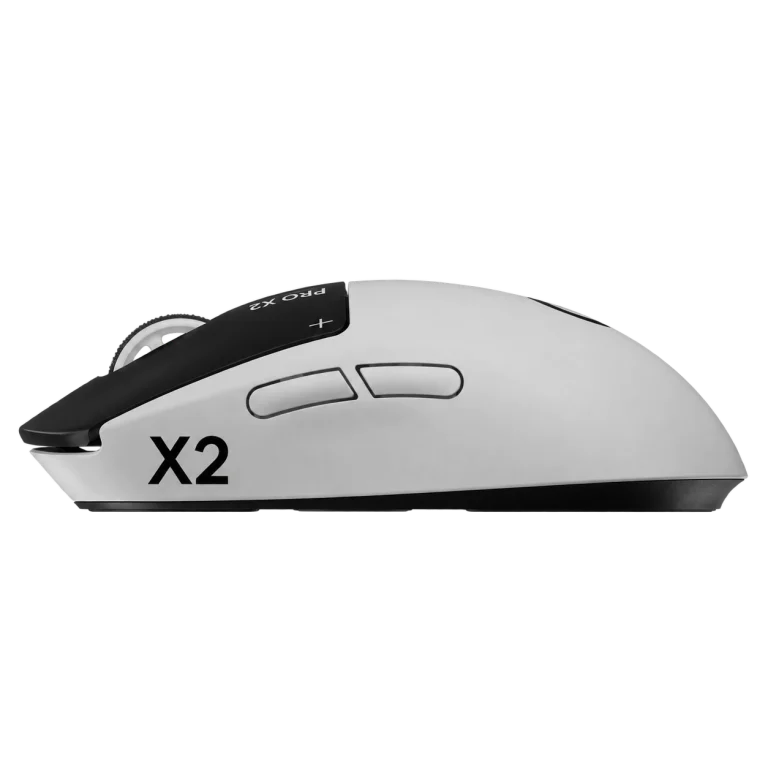
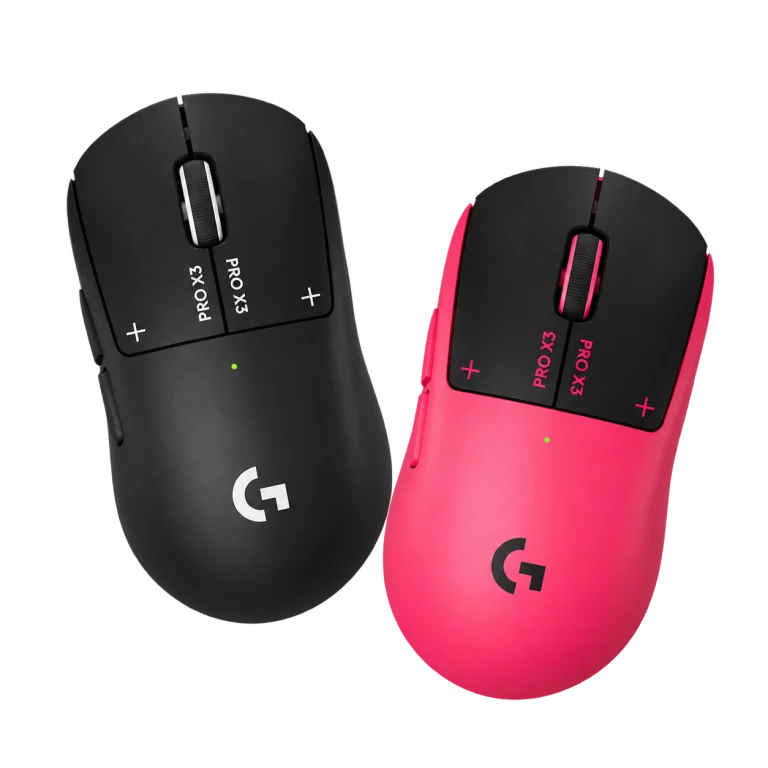
The PRO X2 SUPERSTRIKE and PRO X3 SUPERSTRIKE are the products compared here. Do not substitute a PRO X SUPERLIGHT or PRO X2 headset simply because the names look similar. Logitech uses related PRO naming across several product categories.
The headline differences
| Feature | PRO X2 SUPERSTRIKE | PRO X3 SUPERSTRIKE |
|---|---|---|
| Click system | HITS: tunable actuation, reset and haptic feedback | HITS: tunable actuation, reset and haptic feedback |
| Actuation / reset / haptic choices | 10 / 5 / 6 | 10 / 5 / 6 |
| Sensor resolution ceiling | 44,000 DPI | 48,000 DPI |
| Advertised tracking speed | Over 888 IPS | 930 IPS headline specification |
| Maximum wireless report rate | 8,000Hz | 8,000Hz |
| Maximum wired report rate | 1,000Hz | 8,000Hz |
| Advertised battery figure | 90 hours constant motion | Up to 135 hours |
| Weight note | Published figures vary with configuration / documentation | 59g headline; 61g in EMEA per Logitech announcement |
Battery figures depend on conditions and settings; do not read the maximum runtime as a promise at the highest polling rate. For weight, confirm the actual regional package and configuration rather than promising a universal two-gram difference.
Wired polling is a meaningful distinction for some users
If you spend substantial time playing with the cable connected, X3’s advertised wired 8kHz capability is a concrete difference. If you normally play wirelessly, both already have an 8kHz ceiling, so that headline alone does not distinguish the two.
The mouse polling-rate guide explains why the maximum is not always the most useful setting. Check game behaviour and system load, and keep the receiver placement sensible. Compare polling settings while leaving sensitivity and graphics settings unchanged so that the result is easier to judge.
Sensor ceilings are not recommended sensitivity settings
A higher maximum DPI is a specification difference, but it is not a recommendation to raise your in-game sensitivity. Many players use values far below either model’s ceiling. Preserve a familiar sensitivity when moving between mice, then adjust only if the new physical control calls for it.
Likewise, a high tracking-speed maximum is not a guarantee of more accurate aim. Shape, grip, surface and consistent movement remain part of the experience. Avoid replacing a comfortable setup solely because another sensor table contains a larger number.
When to keep X2 and when to shortlist X3
Keep X2 on the shortlist if you want HITS and its current price and package fit your needs. If you already own one and it works well, identify a specific limitation before upgrading. A working mouse does not lose its adjustable-click functionality because a newer generation exists.
Shortlist X3 if the extended advertised battery capability, wired report rate or available finish solves a real preference. Compare the current AX product pages for the actual offer and regional details. An upgrade makes more sense when you can explain what it changes in your normal session.
Build the rest of the desk consistently
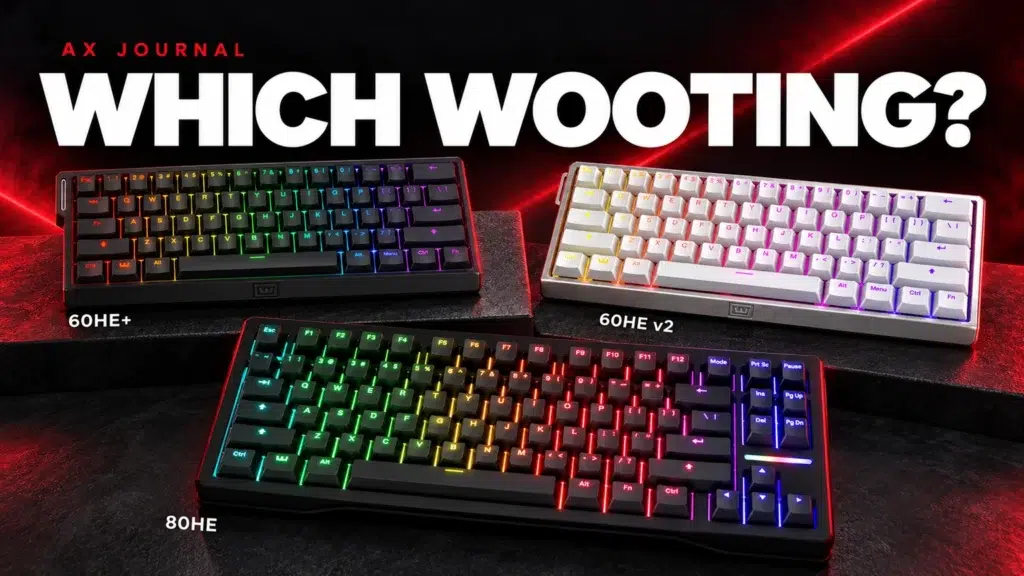
Pair either mouse with a suitable surface and a keyboard that fits the available space. The Wooting 60HE v2 provides a compact keyboard option, while ARTISAN Zero is one surface family to compare. The right pad depends on desired movement and stopping feel, not the mouse brand alone.
Our mouse shape and grip guide covers fit, and the Modern Warfare 4 setup guide brings the X3, Wooting, ARTISAN and desktop audio choices into one practical system. Change one part at a time when tuning an existing setup so the effect is understandable.
Frequently asked questions
Does only X3 have rapid-trigger clicks?
No. Both SUPERSTRIKE generations use HITS with tunable actuation, rapid-trigger reset and haptic feedback.
Are both 8kHz when wired?
The published maximum wired rate differs: X2 lists 1,000Hz while X3 advertises 8,000Hz wired and wireless. Check the current software and firmware requirements.
Will X3 guarantee better aim or more wins?
No. Specifications describe the device, not a player’s results. Fit, settings, practice, the PC and the game remain part of the outcome.
Continue planning your setup
- 1000Hz vs 4000Hz vs 8000Hz Mouse Polling: What Should You Use?
- Gaming Mouse Shape and Size: Choose for Palm, Claw or Fingertip Grip
- Modern Warfare 4 PC Setup in Kuwait: SUPERSTRIKE X3, Wooting and Desktop Audio
For the related buying decision, read our Wooting keyboard buying guide.
Explore Mice. For help matching exact model numbers, contact AX Store Kuwait.
Shop the equipment in Kuwait
AX price check, 26 October 2026: Logitech G PRO X2 SUPERSTRIKE Wireless Gaming Mouse — KWD 68.000 (in stock); Logitech G PRO X3 SUPERSTRIKE Wireless Mouse — KWD 79.900 (in stock). The product cards show the current price and availability when you shop.
Explore Logitech at AX Kuwait, Wooting at AX Kuwait, Artisan at AX Kuwait for the rest of the range.
AS


Build a setup that fits how you use it
Tell AX your equipment models and what you want to do. We can help you choose the right connections and products.