COMPARISON
Apple
MacBook Pro vs MacBook Air: Choose for Your Work in Kuwait
MacBook Pro vs MacBook Air should start with your workload, portability and connection needs, then the exact chip, memory and storage configuration.
AS
AX Store
MacBook Pro vs MacBook Air: the essentials
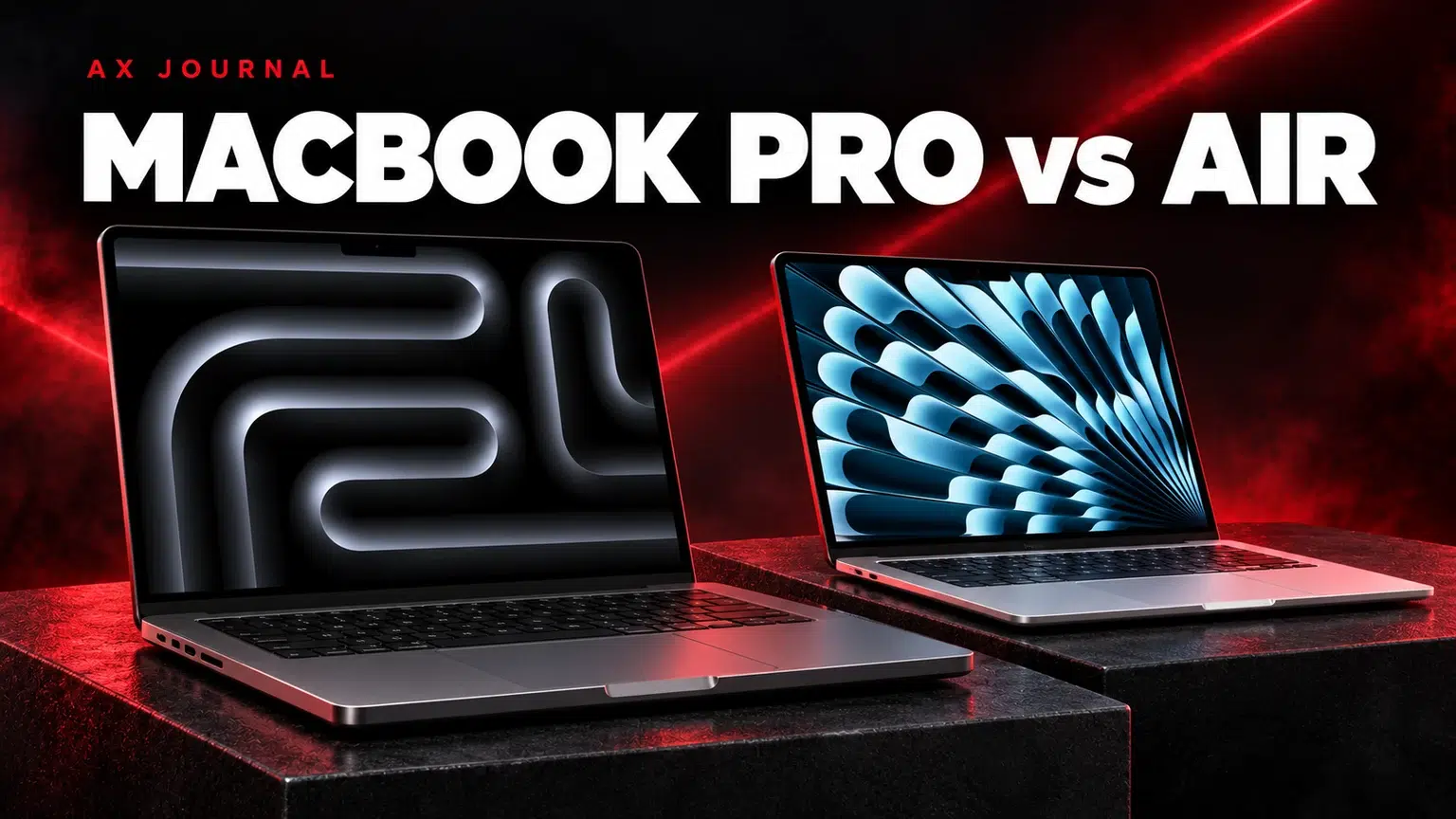
MacBook Pro vs MacBook Air should start with your workload, portability and connection needs, then the exact chip, memory and storage configuration.
Air and Pro describe families, not a single specification
Current Apple comparisons include M5 MacBook Air models and MacBook Pro configurations with M5, M5 Pro and M5 Max. Screen size, chip tier and memory configuration all affect the comparison. A product called Pro is not automatically the best purchase for every student, office user or creative task.
At AX, compare a specific MacBook Air configuration with a specific MacBook Pro configuration. Record the part number, memory, SSD and keyboard language. This makes the decision concrete and avoids comparing a base Air with an unspecified high-end Pro.
The differences that affect daily work
| Priority | Why Air can make sense | Why Pro can make sense |
|---|---|---|
| Daily mobility | A lightweight, fanless design for a portable workday | Choose when the extra capability outweighs the carry size |
| Sustained workloads | Suitable to shortlist for everyday productivity and lighter creative work | Active cooling and higher chip tiers for supported demanding work |
| Display priorities | A clear portable workspace for general use | Liquid Retina XDR / ProMotion features on the relevant Pro models |
| Connections | Plan the required adapters and exact USB / display capabilities | Relevant Pro models add useful built-in connections such as HDMI and SDXC |
| Budget allocation | Can leave more budget for memory, storage and desk equipment | Worthwhile when a specific job uses the additional capability |
The table is a buying framework, not a benchmark result. Software, project complexity and configuration change the outcome. Review the exact Apple specifications and application requirements for the machine you intend to buy.

Students, office work and everyday portability
For documents, browsing, online classes, presentations and general productivity, Air is a sensible starting shortlist. Ask whether the work requires a particular operating system, plug-in or Windows-only utility. A powerful computer with the wrong application support is a poor match for the course or job.
Choose memory around the applications you keep open together. Consider how many browser tabs, communication tools and larger documents form your normal day. Storage planning should include local files, applications and a backup routine. Cloud storage is useful, but it does not make local working space irrelevant.
Editing, development and long processing jobs
Pro becomes easier to justify when work repeatedly keeps the CPU or GPU busy for extended periods, uses larger memory requirements or depends on the stronger chip tiers. Examples include complex development projects, substantial video work or other applications that can use the available hardware.
Do not buy a Max chip solely because it is the most expensive option in a list. Check whether the software uses the additional GPU resources and whether a memory upgrade or larger SSD would solve your actual constraint more directly. A well-matched configuration is more useful than paying for a capability that stays idle.
Screen size and desk connections can change the answer
Compare the laptop open on the desk and closed in the bag. A larger screen provides more physical room for windows, while a smaller machine may fit frequent travel better. If you normally use an external display, decide how often the built-in panel will be your main workspace.
External-display support varies with the exact chip and generation. Check Apple’s model-specific limit, desired resolution and refresh rate, then include the cable or dock in the plan. A dock with several sockets does not automatically increase the number of displays a Mac can drive natively.
Compare actual AX configurations
The Air M5 16GB / 512GB and Air M5 24GB / 1TB illustrate why memory and storage deserve their own line in a comparison. On the Pro side, compare the listed M5 Pro configuration with the M5 Max configuration around the workload, rather than assuming the higher tier is necessary.
Check the exact product page for current price, keyboard layout and package details. Arabic / English keyboard preferences matter for everyday use. Regional part numbers and included power accessories should be confirmed from the individual listing rather than copied from another country’s store page.
A practical decision process
- List the applications and file sizes you work with.
- Identify the job that slows your current computer down.
- Choose the memory and local storage you need.
- Check screen size, weight and required connections.
- Compare the complete cost with any dock, backup drive or monitor.
If your tasks are modest and portability dominates, begin with Air. If sustained production work or the Pro display and ports solve a clear need, compare Pro configurations. If the budget is centred on basic everyday use, read our MacBook Neo guide as another distinct option. For a permanent desktop alternative, see the Mac mini desk setup guide.
Frequently asked questions
Is MacBook Pro always faster for every task?
The exact chip, memory, application and workload determine performance. For short everyday tasks, a more expensive configuration may not change the experience enough to justify its cost.
Should I choose more memory or a higher chip tier?
Start with the requirements of your applications and projects. Memory capacity and chip capability solve different constraints; compare exact configurations rather than choosing from the family name.
Can the same dock drive the same displays on every Mac?
No. Native display limits and supported modes depend on the Mac model and chip as well as the dock, cable and monitor.
Continue planning your setup
- MacBook Neo in Kuwait: A18 Pro, 256GB vs 512GB and Who It Suits
- Mac mini Desk Setup: Choose Displays, Audio and USB Connections
- ASUS ROG OLED Monitors in Kuwait: 4K, High Refresh and Ultrawide Choices
For the related buying decision, read our Mac mini desk setup guide.
Explore Apple. For help matching exact model numbers, contact AX Store Kuwait.
Shop the equipment in Kuwait
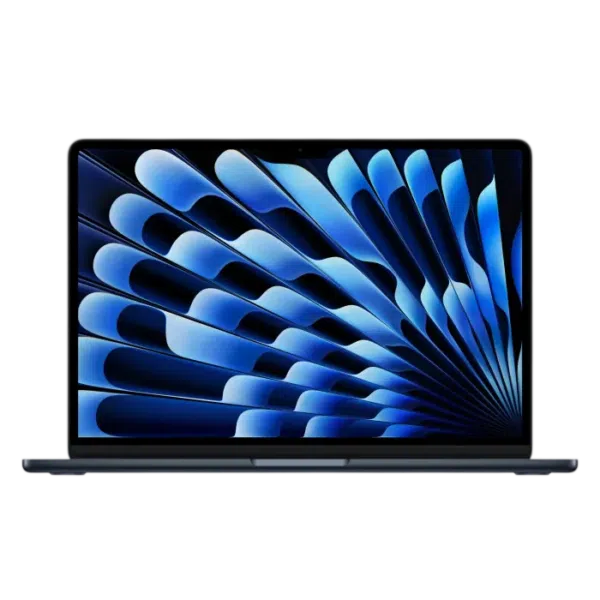
AX price check, 26 October 2026: Apple MacBook Air M5 13.6″ Liquid Retina – 16GB RAM, 512GB SSD – Sky Blue — KWD 437.000 (in stock); Apple MacBook Air M5 13.6″ Liquid Retina – 24GB RAM, 1TB SSD – Midnight — KWD 597.000 (in stock). The product cards show the current price and availability when you shop.
Explore Apple at AX Kuwait for the rest of the range.
AS


Build a setup that fits how you use it
Tell AX your equipment models and what you want to do. We can help you choose the right connections and products.