
BUYING GUIDES
Same-day delivery · Official warranty · Taly & Deema
This Pulsar mouse guide compares X2, Xlite and Susanto-X families by shape, size and grip, then explains the pad and receiver checks for your AX Kuwait shortlist.
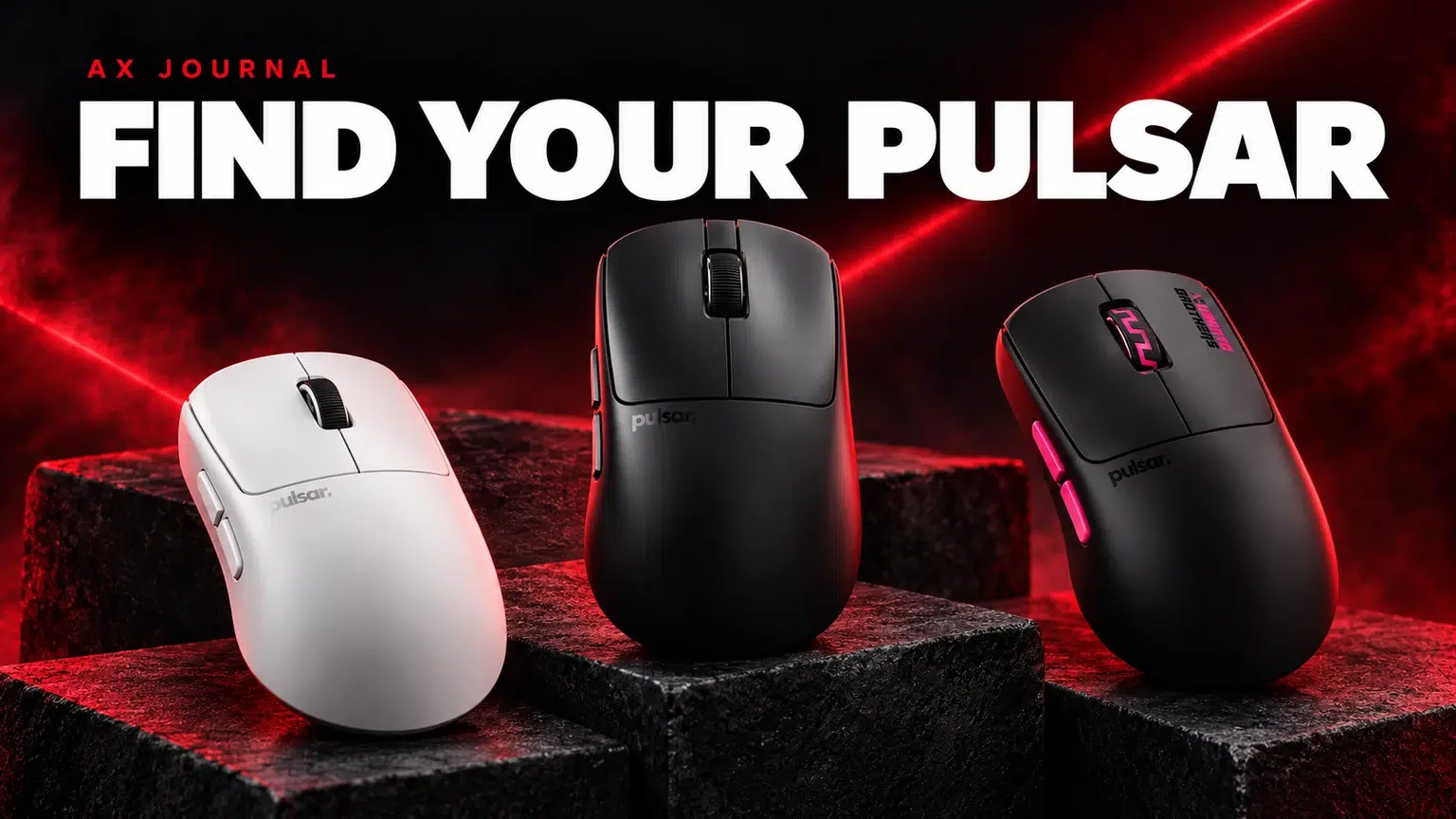
This Pulsar mouse guide compares X2, Xlite and Susanto-X families by shape, size and grip, then explains the pad and receiver checks for your AX Kuwait shortlist.
A gaming mouse should let you aim and click without constantly readjusting your grip. Length and width matter, but so do rear-hump height, side curvature and the way the front buttons sit under your fingers. Two mice with similar dimensions can therefore feel different.
Describe your current grip and what you want to change. Do you need more rear support, less pressure at the thumb, a different button reach or more room for fingertip movement? These are more useful starting questions than asking which model has the biggest sensor number.
| Family | Shape direction | Who should compare it |
|---|---|---|
| X2 v3 | A relatively low-profile symmetrical-style family | Players comparing claw and fingertip-oriented freedom |
| X2H | Higher rear-hump emphasis than the X2 direction | Players looking for additional rear support for a claw-style grip |
| Xlite v4 | Right-handed ergonomic family | Players who prefer an ergonomic palm / relaxed support shape |
| Susanto-X | A distinct compact pro-series shape | Players comparing its exact dimensions and claw-oriented support |
These are starting points, not guaranteed fits. Pulsar’s own selection guidance maps families to grip preferences, but hand size and personal technique still matter. Choose the size and generation shown on the actual product page.
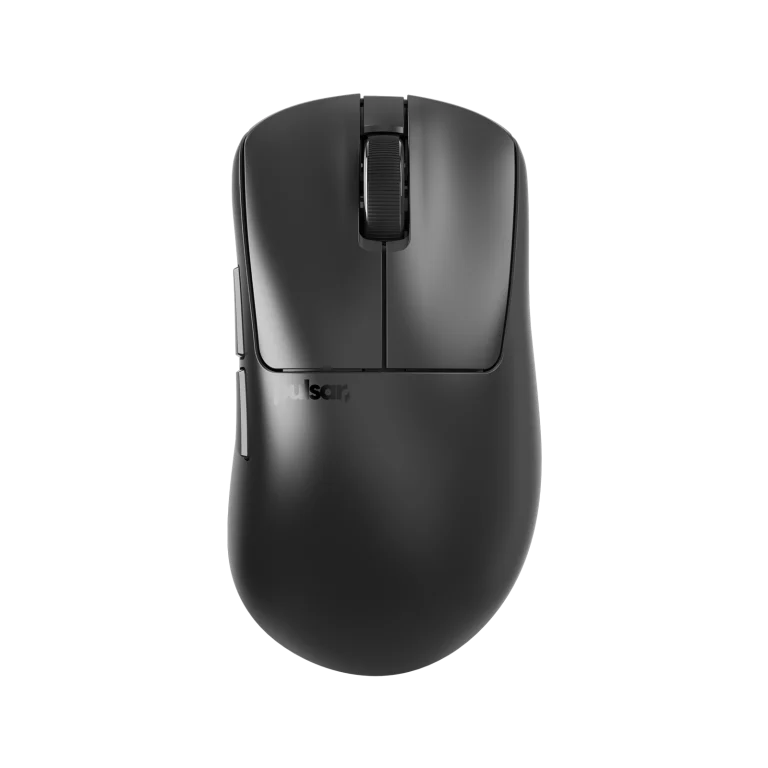
The family name helps describe the physical design. A higher hump can provide more rear contact for a claw grip, while a different profile can leave more freedom to move the mouse within the hand. Whether that is helpful depends on how you control the mouse.
If your present mouse already fits well, compare its dimensions and hump position before changing family. If it causes a specific problem, use that problem to guide the shortlist. A special-edition graphic does not tell you whether the underlying shape solves it.
Shortlist Xlite when you prefer a right-handed ergonomic shape rather than a symmetrical-style body. Compare the exact size in the generation you intend to buy. An ergonomic design can still be too long, too wide or too tall for a particular hand.
Look at the side profile as well as the top view. Consider how your ring and little fingers sit, how the thumb reaches the side buttons and whether the rear supports your palm in the intended grip. The right size is a physical fit decision, not a rule that one size is always better for a certain game.
Pulsar documents different receiver compatibility for different product generations. Its 4K and 8K dongles are not a universal interchangeable upgrade for every mouse bearing the brand name. Models using different sensor generations can belong to different compatibility lists.
Check the exact mouse SKU, its included receiver and the current official compatibility page before adding a separate dongle. Special editions can include a different accessory package. For Susanto-X, also check the individual product documentation rather than assuming an older family chart covers every later pro-series model.
Begin with a stable familiar configuration, then compare higher polling rates in your actual games. Higher rates can increase system work and change battery duration. A headline ceiling is not a requirement to use the maximum setting all the time.
Our 1000Hz, 4000Hz and 8000Hz guide explains the trade-off. Keep sensitivity, surface and game settings consistent when comparing. If you change the mouse shape, polling, sensitivity and pad together, it becomes much harder to understand which change helped.
A mousepad changes how the same mouse feels during starts, stops and small corrections. Compare your preferred speed and stopping feel before selecting an ARTISAN surface. The ARTISAN base guide explains why SOFT, XSOFT and MID are separate from the surface-family name.
Use the mouse shape and grip guide to narrow the physical fit, then check current Pulsar options at AX. A practical order is shape, size, surface, sensitivity and finally polling. That sequence keeps the purchase tied to your hand and actual play rather than a specification competition.
No. The family’s higher-hump direction changes the shape and hand support. Compare the exact generation and dimensions.
No. Check the official compatibility list and the individual model documentation. Receiver support depends on the product generation.
No. Compare stability, battery needs and actual game behaviour on your PC. A lower setting can be a sensible choice for a particular system.
For the related buying decision, read our ARTISAN surface buying guide.
Explore Mice. For help matching exact model numbers, contact AX Store Kuwait.
AX price check, 26 October 2026: Pulsar Xlite v4 Wireless Gaming Mouse — KWD 26.900 (out of stock); Pulsar X2 v3 Medium White Wireless Gaming Mouse, 52 g — KWD 34.900 (out of stock). The product cards show the current price and availability when you shop.
Explore Pulsar at AX Kuwait for the rest of the range.
For the related buying decision, explore the glass versus cloth mousepad guide.
KEEP READING
All Buying Guides guides

Build a setup that fits how you use it
Tell AX your equipment models and what you want to do. We can help you choose the right connections and products.
Added to cart
Subscribed
We'll email you as soon as it's back in stock.
Saved to wishlist

