
BUYING GUIDES
Same-day delivery · Official warranty · Taly & Deema
Gaming Mouse Shape and Size determine how naturally you can hold and control a mouse, making fit a useful starting point before sensor headlines.
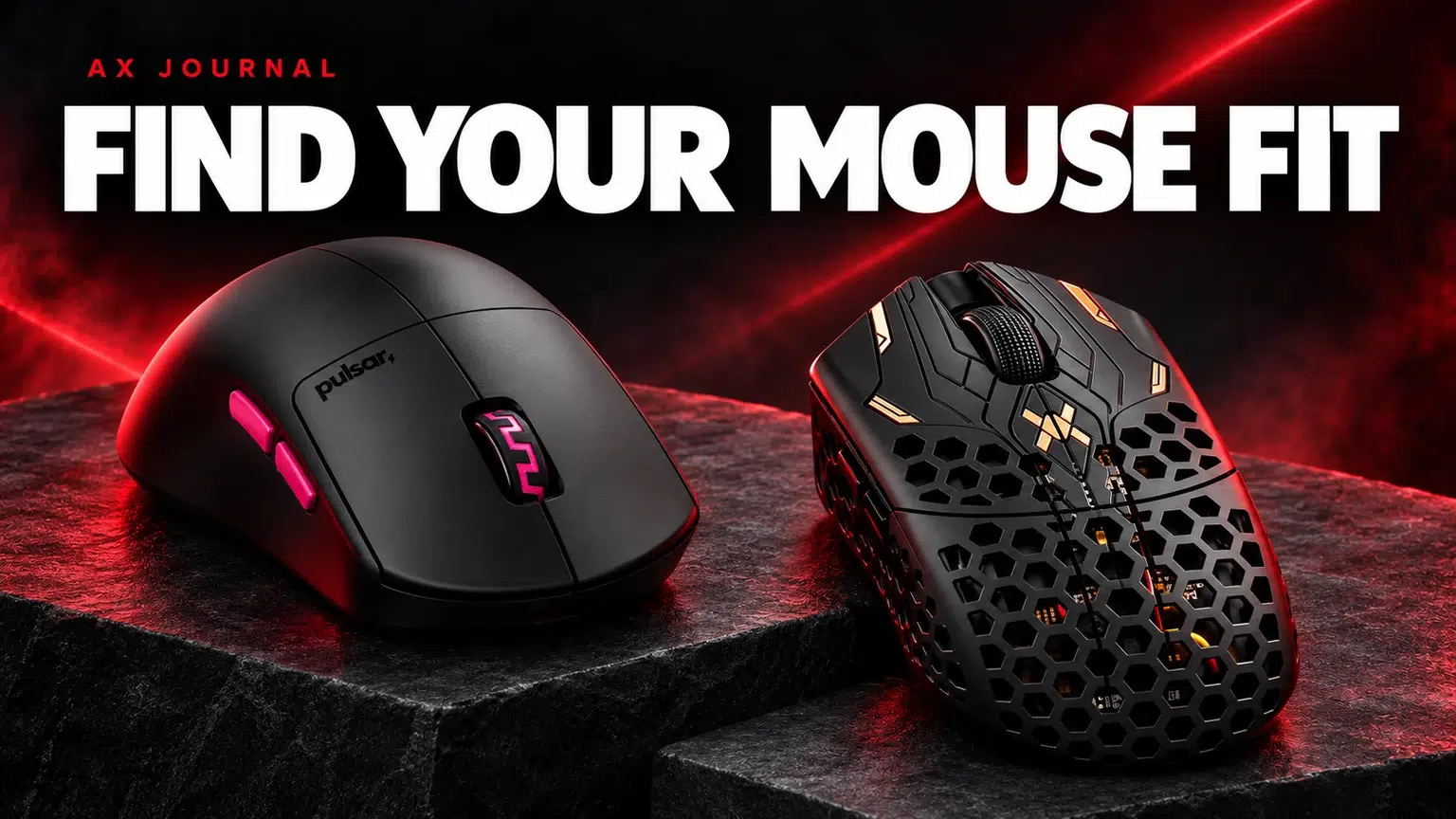
Gaming Mouse Shape and Size determine how naturally you can hold and control a mouse, making fit a useful starting point before sensor headlines.
In a palm grip, more of the hand rests on the shell. A claw grip uses more curled fingers with contact toward the rear of the hand. A fingertip grip relies more on the fingers, with little or no palm support. Many players use a relaxed mixture that changes while aiming or clicking.
Look at how you actually hold your current mouse during play. A posed photograph of a textbook grip can be misleading. Note where your palm touches, how far your fingers extend and whether you squeeze the sides to lift the mouse.
Record your hand length and width as reference information, then compare the dimensions of a mouse you have used. More importantly, write down what feels wrong: rear hump too high, front too wide, side buttons out of reach or insufficient space for finger movement.
A length measurement alone cannot describe the shape. Two similarly long mice can have different grip widths, flared sides and rear support. Avoid universal hand-size charts that assign every person in a centimetre range to one shell.
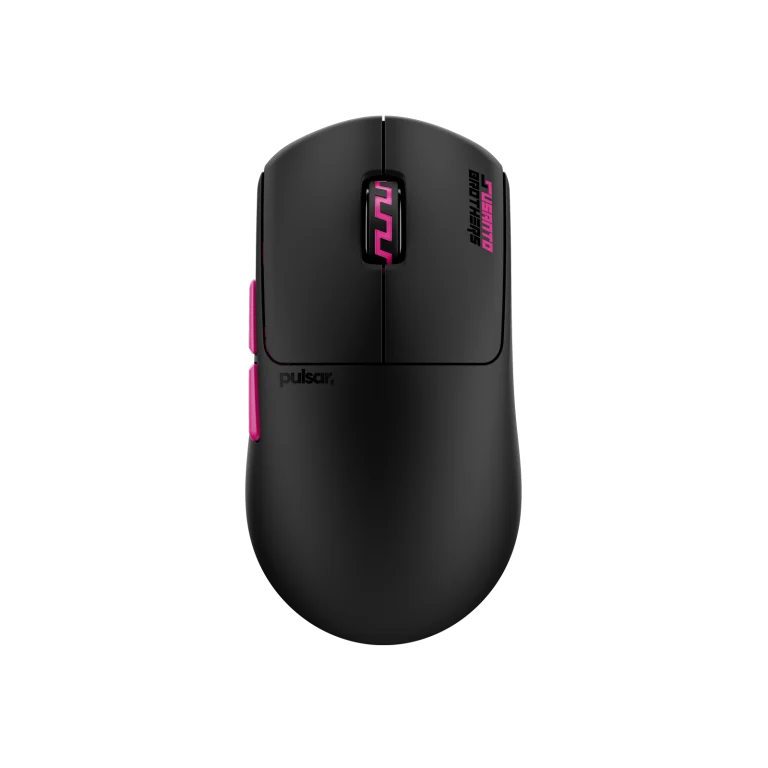
| AX example | Manufacturer positioning | Useful question for your hand |
|---|---|---|
| Pulsar Susanto-X Size 2 | Symmetrical shape, recommended for claw or relaxed claw | Does its rear support suit your contact points? |
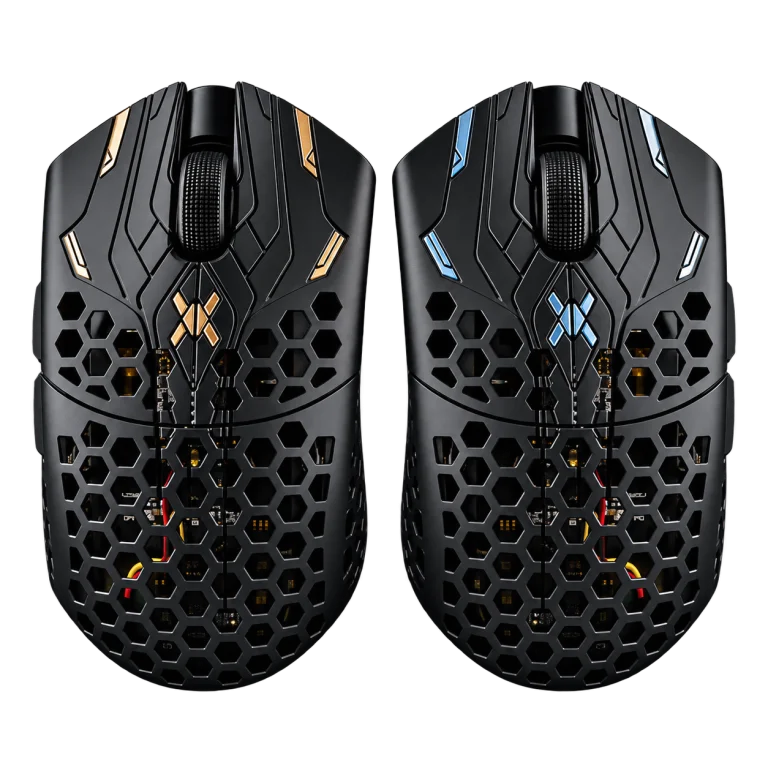
| Finalmouse UltralightX Lion | Lion is the medium member of the ULX size family | Is medium actually the fit you need, relative to a known mouse? |
Pulsar lists the Susanto-X at approximately 118.7 × 62.3 × 38.6 mm and 50 g ±1 g. Those figures describe the product, not a guarantee that it fits a particular hand. Finalmouse identifies Cheetah, Lion and Tiger as small, medium and large in the relevant ULX range; confirm the exact edition before applying dimensions or weight claims.
If your palm anchors strongly, check whether the rear hump supports it without pushing the hand too far forward. If you use fingertip adjustments, check whether the shell leaves space to pull the mouse inward and move it sideways without hitting the palm.
For claw grip, look at side control and how securely the shell lifts without excessive squeeze. A mouse can be light yet uncomfortable if you need constant tension to hold it. Buttons should be reachable without moving your whole grip out of position.
A lighter mouse may feel easier to start and stop, but the result also depends on balance, skates, pad and hand pressure. Do not assume a small weight difference will fix a shape problem. Likewise, a larger shell may offer support that matters more to you than the lowest available mass.
Use your current mouse as a baseline and change one main variable if possible. Switching to a much smaller shell, different sensitivity and faster pad together makes adaptation harder to assess.
Do not ignore discomfort because a model is used by a professional player. Their hand, grip and movement habits are not yours. If a shape requires persistent strain, choose a different fit rather than expecting specifications to compensate.
The mouse and pad form one contact system. Skate size, pad softness and pressure can change the amount of resistance you feel. A pad such as ARTISAN Zero should be chosen around control preferences and available space, not only to match a brand name.
Tell AX the current mouse you like or dislike and the exact fit issue. That gives us a much better starting point than asking for the lightest mouse in stock.
For the related buying decision, read our ARTISAN surface buying guide.
No. Grip and preferred support matter. A smaller hand using palm contact may prefer a different shell from the same hand using fingertip grip.
No. Check button placement and manufacturer hand support; a symmetrical shell alone does not establish complete left-handed functionality.
It may introduce a suitable option, but it does not establish fit or guarantee performance. Choose around your own control and comfort.
Check current configurations, included accessories and availability on the linked AX product pages. Ask AX about your exact setup.
AX price check, 26 October 2026: Pulsar Pro Series Susanto-X Wireless Gaming Mouse Size 2, 50g — KWD 44.900 (in stock); Finalmouse UltralightX Lion Wireless Gaming Mouse – Medium — KWD 69.000 (in stock). The product cards show the current price and availability when you shop.
Explore Pulsar at AX Kuwait, Finalmouse at AX Kuwait, Artisan at AX Kuwait for the rest of the range.
Build a setup that fits how you use it
Tell AX your equipment models and what you want to do. We can help you choose the right connections and products.
Added to cart
Subscribed
We'll email you as soon as it's back in stock.
Saved to wishlist


