Finalmouse
Finalmouse UltralightX Lion Wireless Gaming Mouse – Medium
The Finalmouse UltralightX Lion combines a carbon fiber composite honeycomb shell with the medium ULX shape, wireless connectivity and Ultralight Click Tensioning. Its PixArt sensor features on-chip motion synchronization, while Finalmouse XPANEL provides browser-based configuration. Choose Guardian with gold accents or Phantom with blue accents.
Color
Overview
FINALMOUSE / ULTRALIGHTX
Finalmouse UltralightX Lion
Finalmouse UltralightX Lion: Carbon composite construction. The medium ULX shape. Explore this model at AX Store in Kuwait.
The UltralightX Lion brings together a carbon fiber composite honeycomb shell, wireless connectivity and a light primary-click mechanism. Lion is the medium size in the original ULX family, with Guardian and Phantom finishes offering different accent colors. Configure the mouse through Finalmouse XPANEL to suit your setup.

Lion
Medium ULX size
Carbon Composite
Honeycomb shell construction
Wireless
ULX receiver connection
XPANEL
Browser-based configuration
CARBON FIBER COMPOSITE
A shell built around low weight
The UltralightX uses carbon fiber composite for its honeycomb chassis. The material and open structure are central to its lightweight design, including the cutouts across the rear shell and sides.
That construction gives the ULX its distinctive appearance and contact feel. Consider the shell texture alongside the shape when choosing a mouse for your usual grip.

LION / MEDIUM
Choose the shape that fits your grip
Lion sits between the smaller Cheetah and larger Tiger in the original UltralightX range. This product uses the medium Lion shape in both Guardian and Phantom finishes.
Compare the outline with a mouse you already find comfortable. Finger placement, palm contact and the way you lift the mouse all help determine whether the shape suits you.
ULTRALIGHT CLICK TENSIONING
Light action at your fingertips
Finalmouse's Ultralight Click Tensioning mechanism focuses on reducing resistance around the primary buttons. It complements the lightweight shell by giving the main clicks a light actuation feel.
Click preference is personal. Your finger position and usual pressure are useful points to consider alongside the mouse's size and shell shape.


WIRELESS AND TRACKING
From mouse movement to PC input
The ULX receiver uses two microcontrollers, with one handling radio communication and the other handling USB communication. This separates the wireless and USB tasks within the receiver.
A PixArt sensor with on-chip motion synchronization handles tracking inside the mouse. Pair it with a suitable mousepad and keep the sensor opening and mouse feet clear of debris.
FINALMOUSE XPANEL
Configure your mouse in the browser
XPANEL provides browser-based configuration for the UltralightX. Connect through a supported browser to access the settings available for your mouse and installed firmware.
Start with familiar settings, then adjust one option at a time. This makes it easier to judge how a change feels during tracking, quick turns and everyday desktop use.
GUARDIAN AND PHANTOM
Two finishes for the same Lion shape
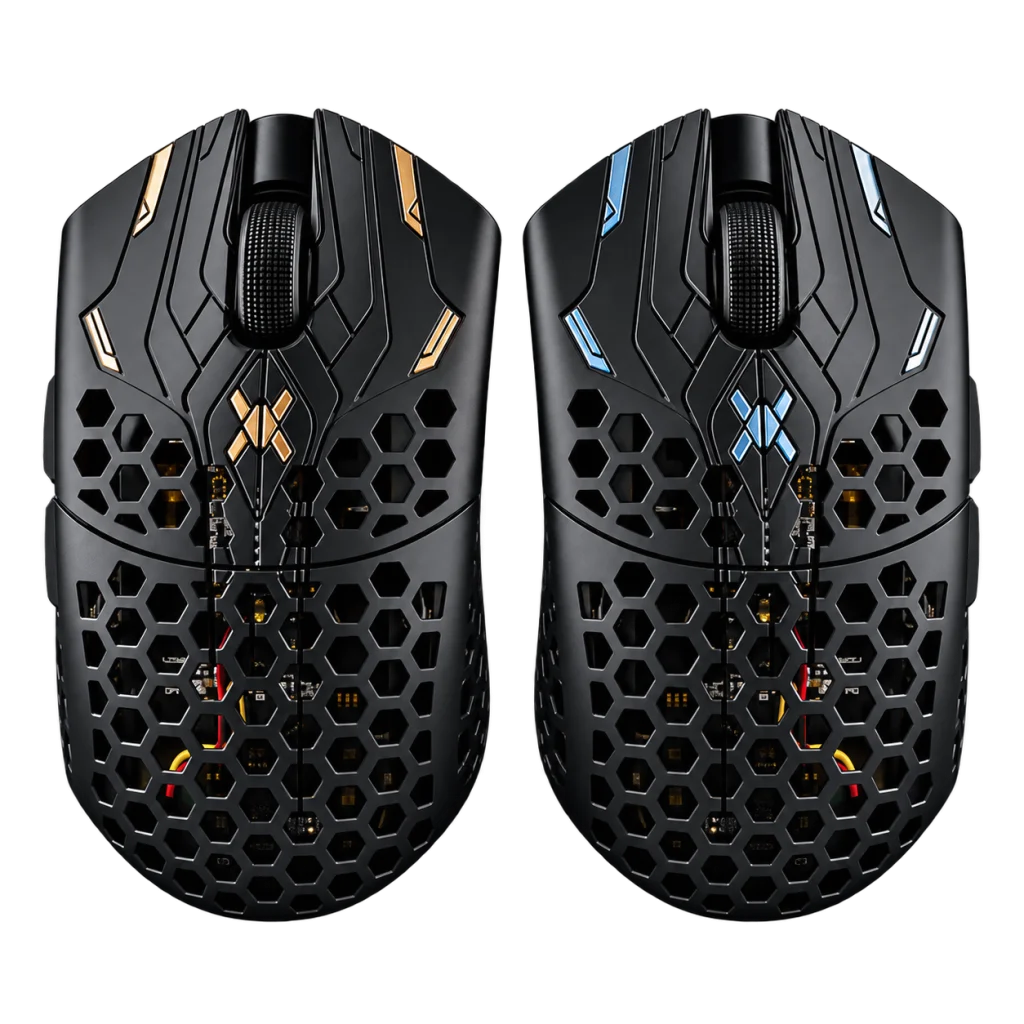
Guardian combines the dark shell with gold detailing, while Phantom uses blue detailing. Both options in this listing use the medium Lion shape. Select your preferred finish when ordering; images showing both colors illustrate the choices.
BEFORE YOU CHOOSE
A few useful answers
What size is the UltralightX Lion?
Lion is the medium size in the original UltralightX family, between the smaller Cheetah and larger Tiger.
What is the difference between Guardian and Phantom?
Guardian has gold accents and Phantom has blue accents on a dark shell. Both options in this listing use the Lion medium shape.
What is the shell made from?
The UltralightX uses a carbon fiber composite shell with honeycomb cutouts.
How do I configure the mouse?
Use Finalmouse XPANEL through a supported browser and device connection. Available settings depend on the connected mouse and installed firmware.
Does the image showing two mice mean a two-pack?
No. The image shows the Guardian and Phantom finish options. This listing is for one mouse in your selected finish.
EXPLORE THE SETUP
Finalmouse UltralightX Lion Setup Choices
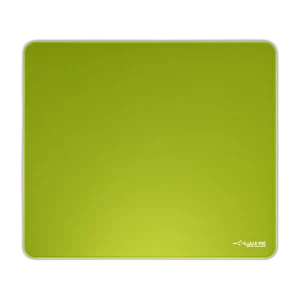
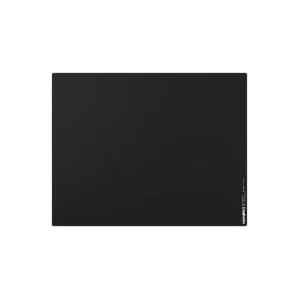
Compare shell size, grip and connection before choosing a mouse. Check the receiver or cable arrangement for the exact model and leave enough mousepad area for your normal movement. Explore ARTISAN NINJA FX ZERO Gaming Mousepad – SOFT/XSOFT, XL/XXL, ARTISAN NINJA FX TYPE-99 SOFT XL Mousepad – Matcha, Pulsar Superglide V3 Glass Mousepad - Type S. Browse the Finalmouse range at AX.
Compare Microsoft Arc Mouse Wireless, Black. Match the exact model, connection and configuration to your setup.
THE DETAILS
Technical specifications
Platform and Design
Finalmouse
UltralightX
Lion / Medium
Guardian; Phantom
Carbon fibre composite; honeycomb construction
Wireless
Dual microcontrollers for radio and USB handling
PixArt; on-chip motion synchronisation
Ultralight Click Tensioning
Finalmouse XPANEL browser application
Manufacturer-Documented ULX Platform Capability
Up to 8000 Hz; requires a supported firmware, receiver and XPANEL configuration
Manufacturer describes an average of two months with intermittent use; continuous-use hours vary with polling rate. Actual runtime depends on use and settings.
Product identification
Finalmouse
FINALMOUSE-ULTRALIGHTX-LION
850002857238
850002857214
COMPLETE YOUR SETUP
Pairs well with