
BUYING GUIDE
Audio
DT 990 PRO for Gaming: FPS Audio and Streaming Setup
DT 990 PRO for Gaming makes sense for players who want an open-back headphone arrangement and have the room and source equipment to support it.
AS
AX Store
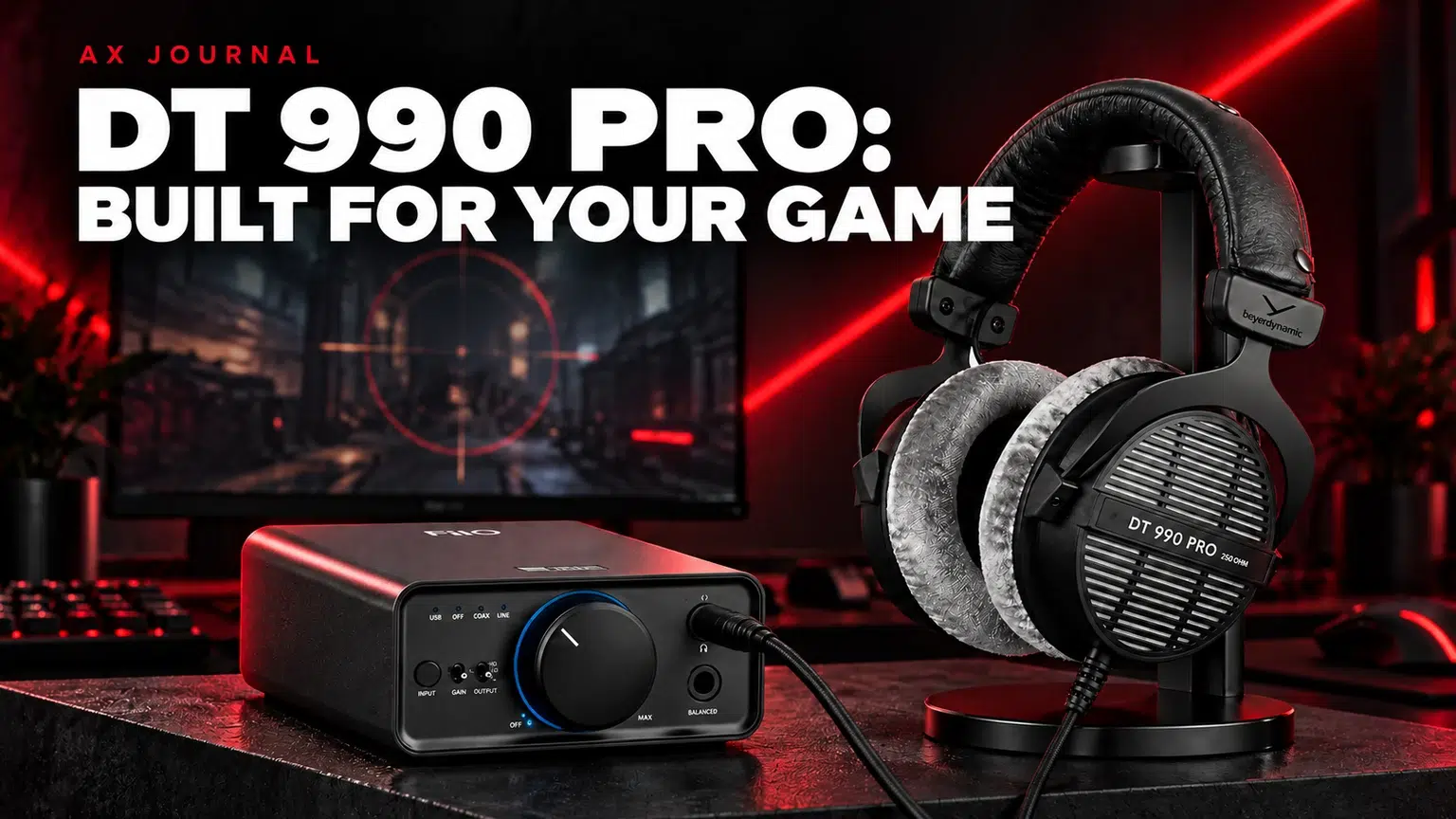
DT 990 PRO for Gaming: the essentials
DT 990 PRO for Gaming makes sense for players who want an open-back headphone arrangement and have the room and source equipment to support it.
Why a studio headphone belongs on a gaming shortlist
The DT 990 PRO 80-ohm and 250-ohm version are wired open-back studio headphones. beyerdynamic itself includes the DT 990 PRO among models suitable for gaming and streaming. That supports considering the model for a gaming desk, while the right purchase still depends on the room and source.
The manufacturer describes a spatial, detailed presentation and replaceable velour ear pads. Those design priorities explain the attraction for people who also listen to music or work with audio. They do not establish that it is the most-used headphone among professional players, or that a particular player will locate every opponent more accurately.
Open-back sound starts with the room
Open-back construction lets sound escape and allows outside sound to enter. Choose it when the room is reasonably quiet and other people will not be disturbed. If loud air-conditioning, conversation or a television competes with the game, closed-back isolation may be more useful than an open design.
Sound leakage also matters for streaming. A microphone can pick up headphone playback depending on its position, your listening level and the room. Check a recorded sample at your normal settings. The headphone and microphone must work as a pair in the actual space.
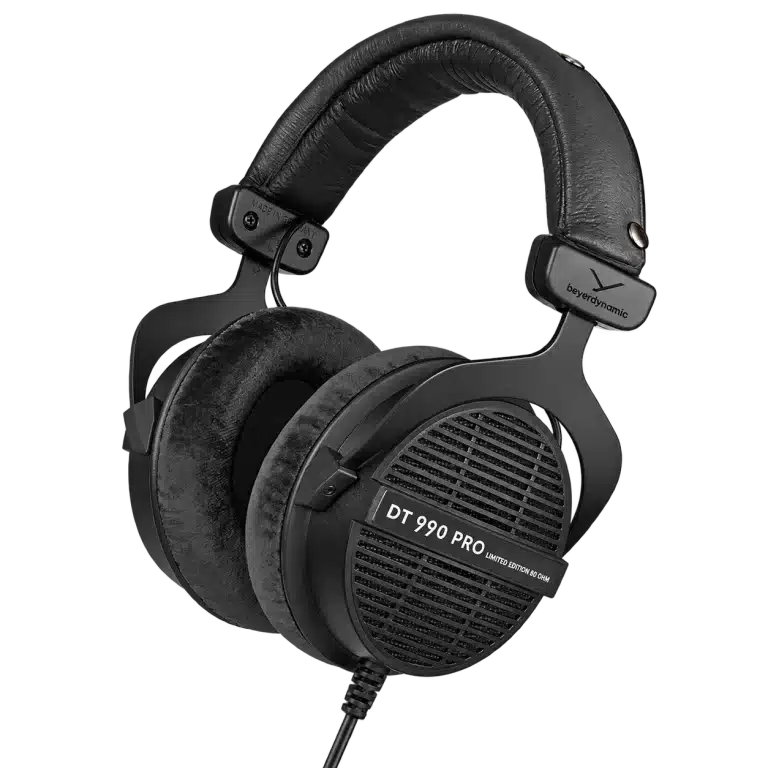
80 ohms or 250 ohms?
| Version | Practical difference to check | Buying approach |
|---|---|---|
| DT 990 PRO 80Ω | Source compatibility and the straight cable configuration | Compare with the actual interface, PC or amplifier you will use |
| DT 990 PRO 250Ω | Higher voltage demand relative to the lower-impedance version, plus coiled cable | Check usable output and listening headroom |
| DT 990 PRO X | A separate 48Ω model with a detachable cable | Do not copy its specifications onto the classic PRO |
The impedance number alone is not a sound-quality rating. Source capability and headphone sensitivity help determine the level available. Avoid buying an amplifier from the ohm figure alone, and avoid assuming every laptop or motherboard output performs the same way.
A straightforward FiiO K7 playback chain
For a desktop using FiiO K7, the simple route is computer USB → K7 → the compatible single-ended headphone connection. Select K7 as the playback device in Windows and in applications that retain an independent output choice.
Use the headphone’s proper 6.35mm adapter where required, begin with a low volume and gain setting, then increase only as needed. The classic fixed cable is not a balanced headphone cable. Do not force it into a balanced output using an unsuitable adapter. If you already have a capable interface, assess its headphone output before adding another box.
Voice chat needs its own microphone path
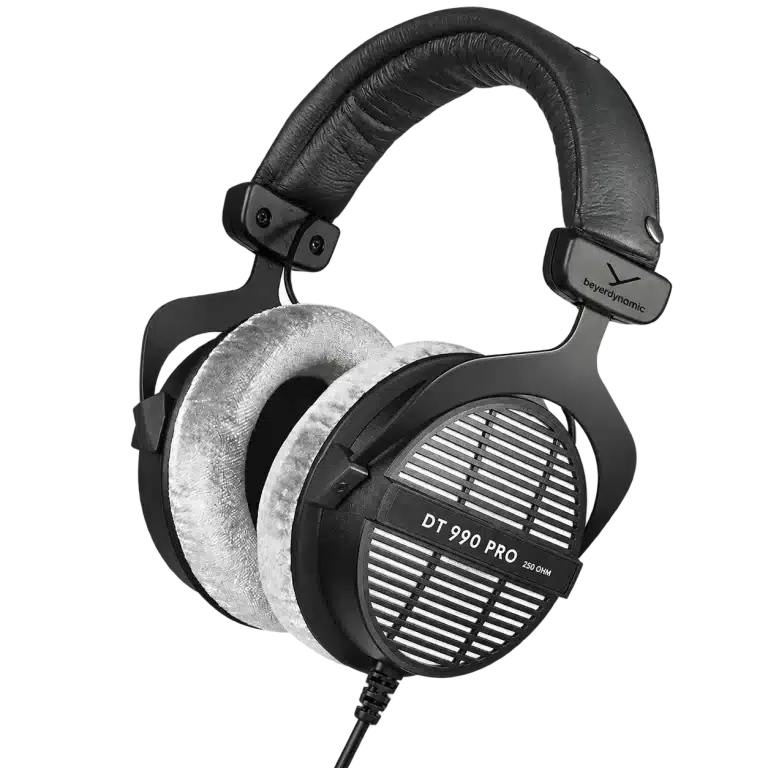
DT 990 PRO has no integrated chat microphone. A Shure MV7+ can provide a separate USB recording path, while an XLR microphone needs an appropriate interface or mixer. K7 handles playback rather than microphone capture.
Choose the microphone input and headphone output separately in the game, Discord and streaming software. Record normal speech while the game runs, then listen to the saved result. This reveals leakage, keyboard noise and missing or duplicated routes more clearly than watching a level meter alone.
Build a useful FPS audio baseline
Start with a clean playback route and one deliberate spatial-processing choice. Compare the game’s audio options in repeatable situations before adding another virtual-surround layer or a strong EQ preset. Several processors stacked together can make the result harder to understand.
Give voice chat enough level for clear callouts while leaving the game intelligible. Directional cues depend on the game mix, the situation and the listener as well as the headphone. Consistent settings and familiarity are more useful than changing every slider after each match.
Comfort and ownership beyond the first session
Adjust the headband and earcups so the pads contact evenly, then evaluate a normal session length. Replace worn pads with the appropriate part when necessary; pad condition can change fit and listening behaviour. Keep the cable routed so it does not pull on the headphone when you turn.
The classic PRO is a serviceable wired design, but cable construction and replacement procedures differ from the PRO X family’s detachable arrangement. Check the exact model when ordering pads, cables or other accessories. Similar names are not a compatibility guarantee.
Complete the decision
- Confirm that an open-back design fits the room.
- Choose the exact 80Ω or 250Ω listing.
- Check the source output and required connector.
- Plan a separate chat microphone.
- Test game playback, chat and a saved stream recording.
Read the beyerdynamic model guide for the wider range and the impedance and sensitivity guide for source matching. The Modern Warfare 4 setup guide shows how the headphone can fit a complete AX gaming desk.
Frequently asked questions
Is DT 990 PRO suitable for shooters?
It is a reasonable open-back shortlist for a quiet gaming room, and beyerdynamic identifies it as suitable for gaming and streaming. It does not guarantee better aim or every positional cue.
Is it the most-used headphone among professional gamers?
This guide does not make that statistical claim. A reliable current usage dataset would be needed to rank adoption across players and streamers.
Do I always need K7?
No. First assess the output you already have. Add a suitable DAC or amplifier when its connections or usable output solve a real need.
Does it include a chat microphone?
No. Plan a separate USB microphone or a suitable XLR microphone chain.
Continue planning your setup
- beyerdynamic Headphones in Kuwait: DT Series, PRO X and MKII Explained
- Headphone Impedance and Sensitivity: How to Choose an Amplifier
- Modern Warfare 4 PC Setup in Kuwait: SUPERSTRIKE X3, Wooting and Desktop Audio
Related guide: Open-back and closed-back headphones.
Shop the equipment in Kuwait
AX price check, 26 October 2026: beyerdynamic DT 990 PRO 80 Ohm Open-Back Studio Headphones — KWD 79.900 (in stock); beyerdynamic DT 990 PRO 250 Ohm Open-Back Studio Headphones — KWD 65.000 (out of stock). The product cards show the current price and availability when you shop.
Explore Beyerdynamic at AX Kuwait, FiiO at AX Kuwait, Creative at AX Kuwait for the rest of the range.
AS


Build a setup that fits how you use it
Tell AX your exact models and what you want to do. We can help match the equipment and connections.