Skip to content
BUYING GUIDE Streaming

PS5 Capture Card Guide: Streaming, Audio and Connections

A PS5 Capture Card connects your console video to a computer-based streaming workflow; choose it around the display mode, audio path and software you use.

AS
AX Store
Updated 27 October 2026 5 min read
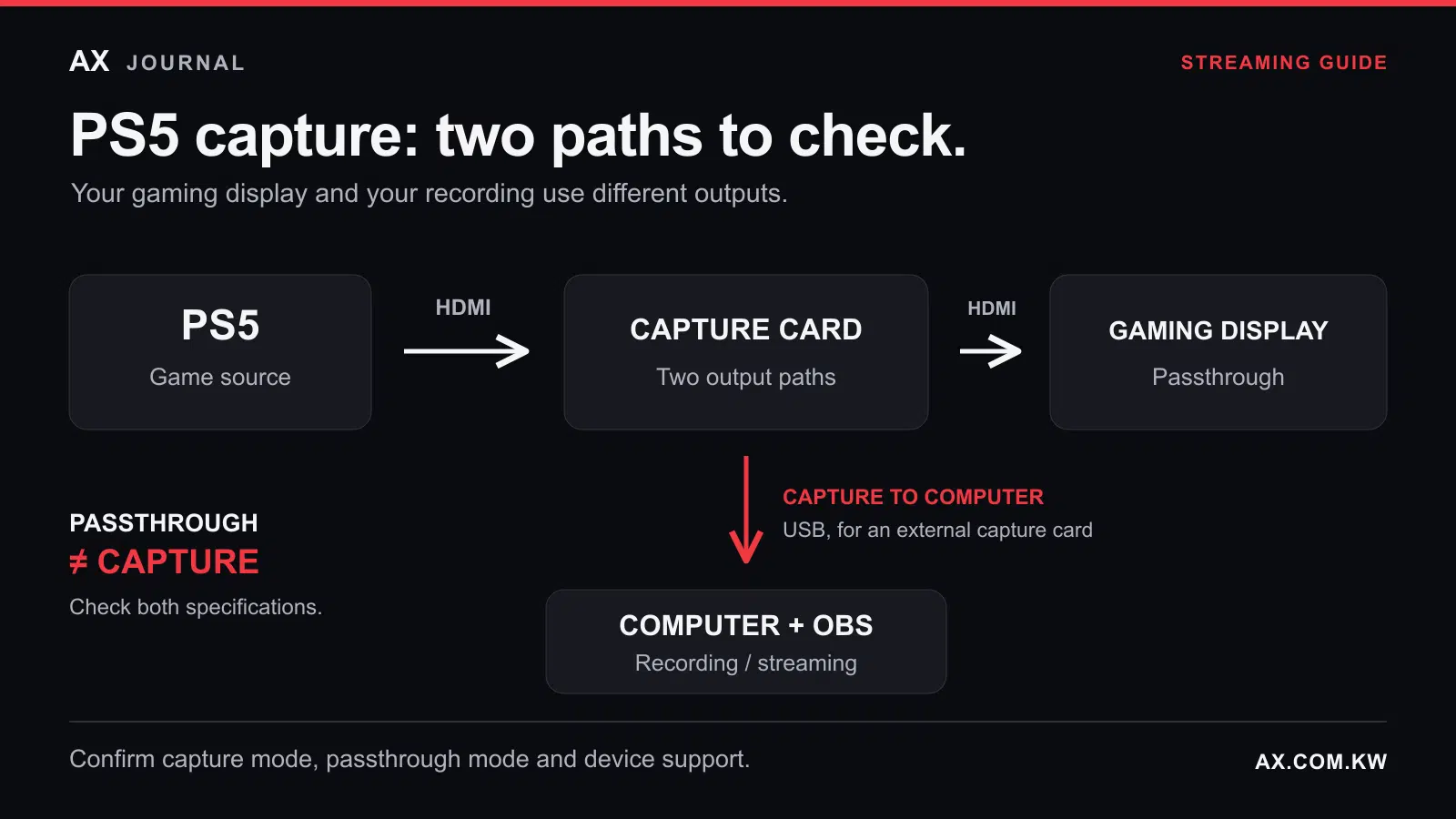
PS5 signal path through a capture card to a gaming display, with a separate USB capture path to an OBS computer.

PS5 Capture Card: the essentials

A PS5 Capture Card connects your console video to a computer-based streaming workflow; choose it around the display mode, audio path and software you use.

Start with your streaming goal

You do not need a capture card for a straightforward PS5 livestream. The console can broadcast to services such as YouTube and Twitch after you link your account. A card becomes useful when you want computer-based production: custom scenes, a separate camera, alerts and more control over audio. Start with the stream you want to make, rather than the “4K” label on a box.

Choose your streaming route

Your goal Suitable route Check before starting
Try streaming gameplay with commentary PS5’s built-in broadcast Linked account, microphone and connection
Build custom scenes, camera layouts and alerts in OBS Capture card and compatible computer Card, software and computer compatibility
Keep playing at 4K120 while recording A card explicitly supporting that passthrough mode Display, cables, game mode and capture settings

For direct broadcasting, press Create, choose Broadcast and select your service. PS5 provides settings for microphone and party audio, plus supported camera options; available broadcast resolutions depend on the service. Try this route before adding hardware.

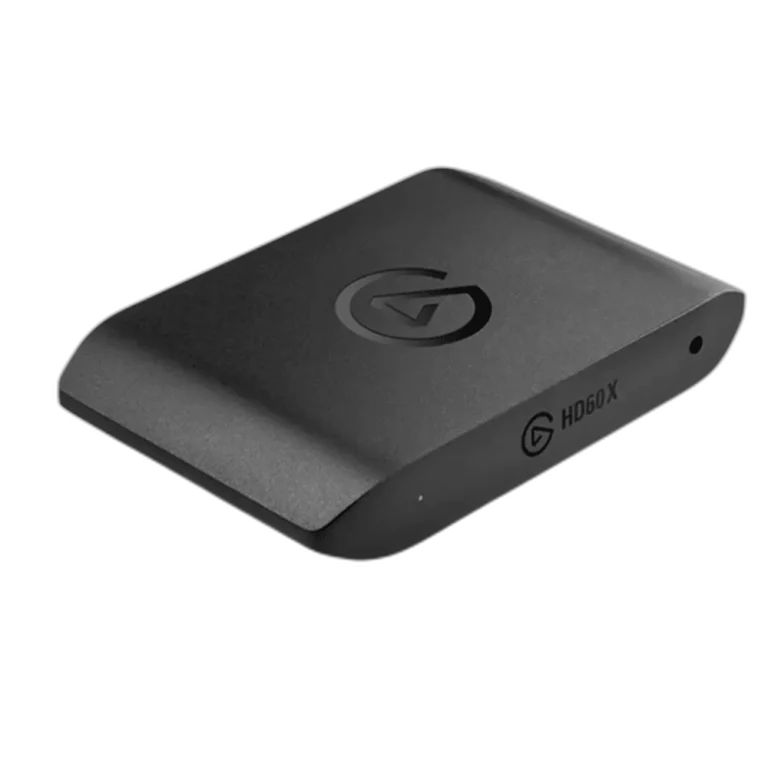
Elgato HD60 X External Capture Card — product view
Elgato HD60 X External Capture Card

What a capture card adds

A card sends the console’s HDMI picture and sound to a computer. OBS can combine that feed with a camera, text and alerts, making it useful for a channel with an opening scene, gameplay and a break screen.

The usual connection runs from PS5 to the card’s HDMI input, then from its HDMI output to your gaming display. USB connects the card to the computer. Play on the passthrough display: the software preview follows a different processing path and can add delay.

Passthrough, capture and stream resolution are different

Passthrough describes the signal reaching your gaming display. Capture describes the video delivered to your software. Your stream is the encoded output sent to the platform. Playing at a higher resolution than you broadcast is normal when the hardware supports that combination.

For example, the Elgato HD60 X supports 4K60 passthrough, but its 4K capture reaches 30fps. It also supports 1080p60 capture. These are manufacturer specifications, not AX test results.

To preserve 4K120 gameplay, consider a suitable model such as the Elgato 4K X, then confirm the exact resolution and frame-rate combinations you need. HDR and VRR support does not mean every resolution, frame rate and recording format works together. A card cannot increase what your game or display supports.

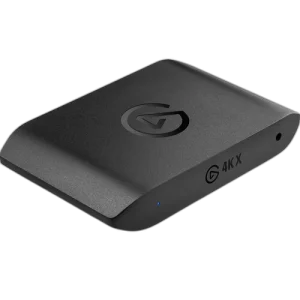
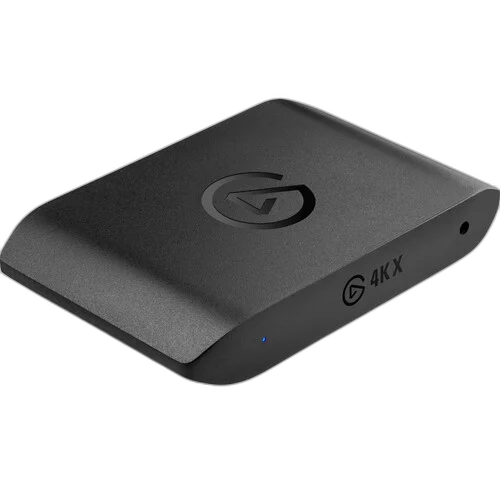
Elgato Game Capture 4K X USB Capture Card, 4K144 with HDR10 — product view
Elgato Game Capture 4K X USB Capture Card, 4K144 with HDR10

Check the computer before buying

A USB-C socket does not identify its data speed. HD60 X uses a 5Gbps USB connection; Elgato recommends 10Gbps for full 4K X performance, with available formats affected by slower connections. Check the port, cable, operating system, processor, graphics and software. OBS can have different requirements from Elgato’s own software.

Budget for the whole setup: suitable cables, a microphone if needed and recording storage. A more expensive capture card will not fix an unreliable upload connection or make an unsuitable computer capable of stable production.

Plan party chat separately

Hearing friends in your headset does not prove their voices reach the recording. Routing depends on PS5 settings and the headset. With a compatible wired headset connected to the controller, Chat Link Pro can route audio to a compatible card’s 3.5mm analog input. Select Analog Audio in the appropriate Elgato utility when using that connection; leaving the source set to HDMI can omit the chat audio. USB and wireless headsets do not directly use that path.

Your headset microphone also does not normally reach the card through Chat Link Pro. Elgato recommends a separate computer microphone for your voice. Let participants know their voices will be included.

Add the card to OBS as a Video Capture Device. On macOS, HD60 X also needs a separate Audio Input Capture source selecting the card; add your computer microphone as its own source. Check game and microphone levels, and make a short test recording. Listen for missing voices, echo and audio arriving twice. Always test before going live.

Frequently asked questions

Do I need a card for my first stream?

No. Try direct broadcasting first. Buy when you can name a production feature you need and have a suitable computer to run it.

Will any 4K card preserve 120Hz gameplay?

No. Confirm 4K120 passthrough specifically, then separately check capture resolution, HDR, VRR and software support.

Why is my capture preview black?

Possible causes include unsupported settings, cables or HDCP. PS5 gameplay capture requires HDCP to be turned off in the console settings. This is for gameplay capture; protected media signals cannot be captured, and a card should not be used to bypass content protection.

Should I buy a card just for short clips?

Try PS5’s built-in recording tools first. Upgrade when you need a workflow they cannot provide, rather than simply adding equipment.

Choose around your actual setup

Browse capture devices at AX Kuwait. Have your display, computer and headset models, USB speed and desired recording resolution ready when requesting advice. Review the product page for current price and availability.

Shop the equipment in Kuwait

AX price check, 26 October 2026: Elgato HD60 X External Capture Card — KWD 65.000 (out of stock); Elgato Game Capture 4K X USB Capture Card, 4K144 with HDR10 — KWD 91.000 (out of stock). The product cards show the current price and availability when you shop.

Explore Elgato at AX Kuwait for the rest of the range.

AS

WRITTEN BY

AX Store

All guides from this desk

Build your stream around your display and computer

Tell us your display, computer and headset models, plus the resolution you want to record. Compare capture cards around those requirements.

Added to cart

View cart

Subscribed

We'll email you as soon as it's back in stock.

Saved to wishlist

View wishlist