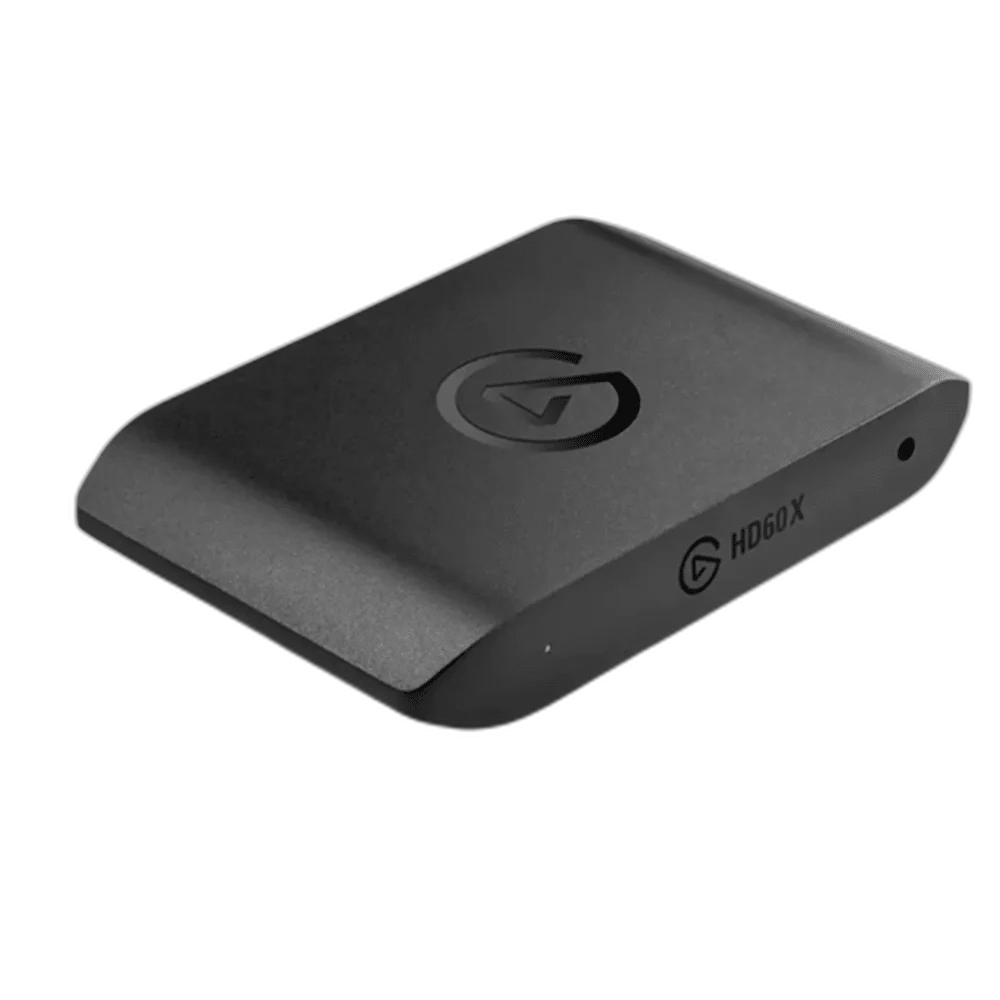
Elgato
Elgato HD60 X External Capture Card
Elgato HD60 X. Elgato HD60 X is an external USB capture card for unencrypted HDMI sources. Record up to 4K at 30fps or 1440p at 60fps, with passthrough up to 4K60, 1440p120 or 1080p240 for your gaming display.
Regular price
68.500 KWD
or 4 payments of 17.125 KWD with
Pay with card & save


65.000 KWD
Save 3.500 KWD
Overview
ELGATO HD60 X
Capture your gameplay, keep your display responsive
Elgato HD60 X is an external USB capture card for unencrypted HDMI sources. Record up to 4K at 30fps or 1440p at 60fps, with passthrough up to 4K60, 1440p120 or 1080p240 for your gaming display.
4K30
Maximum UHD capture mode
1440p60
Supported capture mode
4K60
Maximum UHD passthrough
VRR / HDR
Supported passthrough features
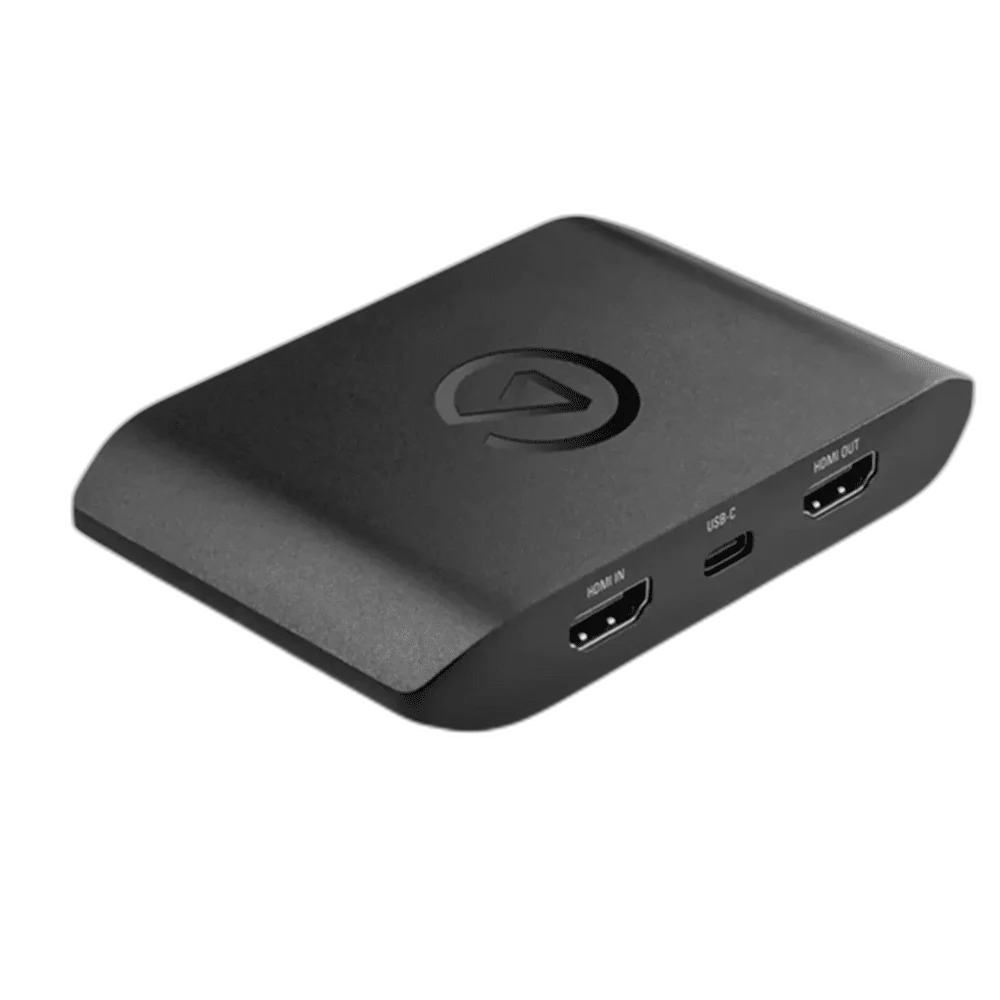
Separate capture from passthrough
HD60 X passes the incoming video to your display while sending capture video to your computer. HDMI passthrough supports VRR and HDR, and HDR capture is available up to 1080p60 on Windows; supported capture modes depend on your input and software.
Connect console or PC gameplay
HDMI 2.0 input and output connect the source and gaming display, while USB 3.0 sends footage to your computer. A stereo 3.5mm line input supports analogue audio, and OBS Studio is supported on Windows and macOS.
Choose the Host Connection Before the Source
Connect to a suitable USB 3.0 port on the supported computer. Use the correct data connection rather than a charge-only cable, then select the capture device in compatible recording software. The computer and application must support the format actually supplied by the HDMI source.
Keep Capture and Display Routing Distinct
HDMI passthrough sends a compatible source to the gaming display while the computer captures video. The passthrough limit and capture format are separate specifications. Choose a supported combination for the source, display, cable and software instead of treating a high-resolution display signal as proof of the recording format.
Plan the Commentary Audio Separately
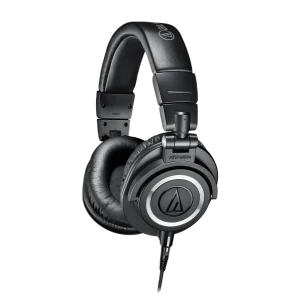
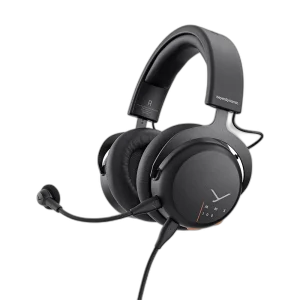
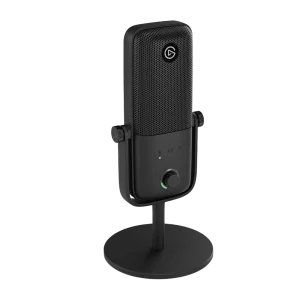
A compatible USB microphone provides a direct commentary input to the recording computer. HDMI source audio and microphone commentary remain separate sources to balance in the application. Use suitable monitoring headphones and a short test recording to confirm which signals the audience actually hears.
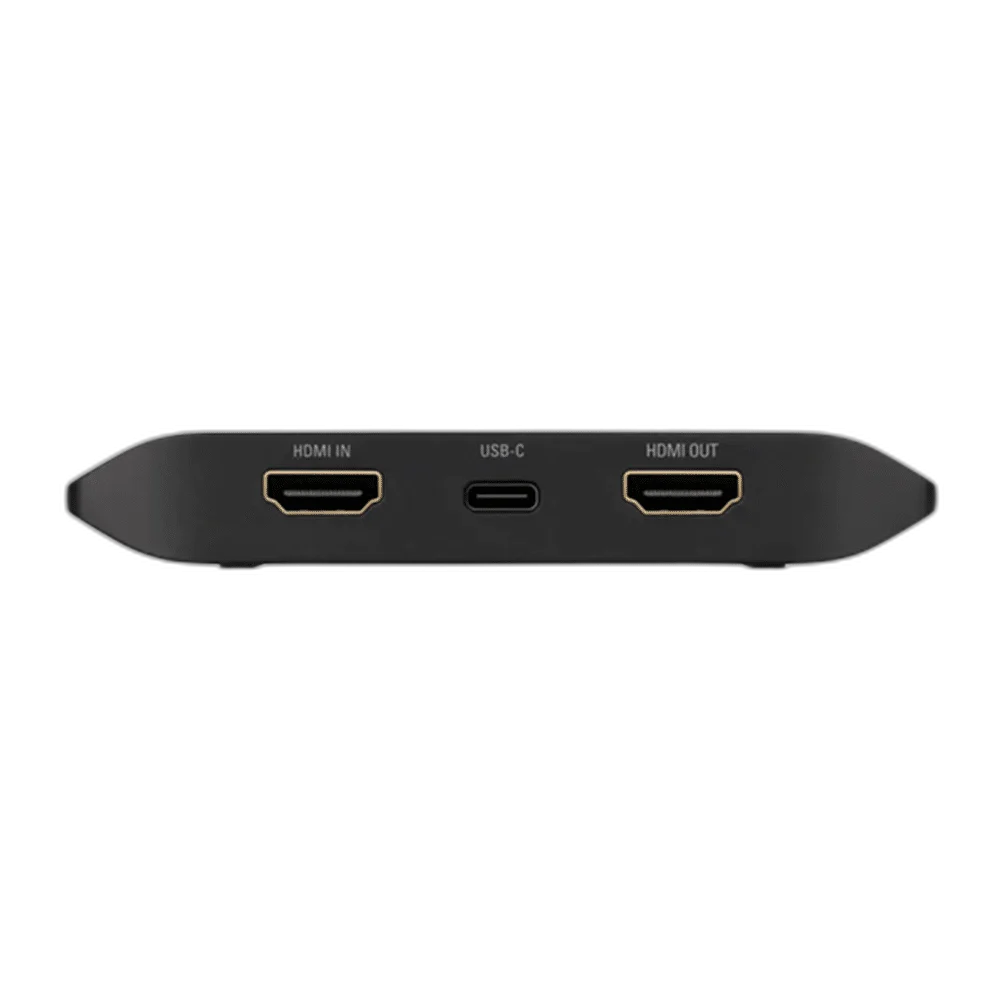
Build the Scene Around the Actual Inputs
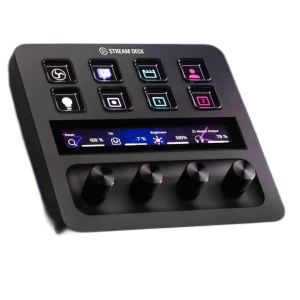
Frame the camera or gameplay source, choose the recording format and check the complete signal path before starting the session. A Stream Deck can add supported software actions, while mounting hardware and microphones serve separate production tasks. None of those accessories replaces the capture device’s required host connection.
Complete Your Workspace
Choose a microphone for the recording path and suitable monitoring headphones. Stream Decks and mounting accessories add optional control and positioning. The recommendations are alternative setup choices; check the exact generation, connection and supporting mount.
Frequently Asked Questions
Does recording need a computer?
This is an external USB capture device. Use a supported computer or specifically compatible capture host, with the port speed required for the selected mode.
Which capture and passthrough limits apply?
HD60 X captures up to 2160p30 or 1440p60; passthrough includes 2160p60, 1440p120 and 1080p240. HDR capture is up to 1080p60 on Windows.
Can it capture protected streaming-service video?
The specified input is unencrypted HDMI. HDCP-protected content is not a supported capture source.
What is listed in the capture package?
HD60 X, a USB 3.0 C-to-A cable and an HDMI 2.0 cable.
Does a microphone connect to an HDMI input?
A microphone needs its own appropriate recording connection. A suitable USB microphone can provide computer commentary alongside video capture; an HDMI input is not an XLR microphone preamp.
What should I check before going live?
Confirm the source format, device selection, recording computer requirements and commentary routing. Make a short test and review both picture and sound before the full production.
Build Your Setup with AX Store Kuwait
Explore computers, displays and accessories for your workspace at AX Store Kuwait. For help choosing the right model or checking an accessory, contact AX Store.
THE DETAILS
Technical specifications
Product specifications
Elgato
Game Capture HD60 X
10GBE9901
External USB capture card
USB 3.0, 5Gbps; Type-C connector
HDMI 2.0; unencrypted sources
HDMI 2.0 passthrough
2160p60; 1440p120; 1080p240
Variable Refresh Rate (VRR); HDR
2160p30; 1440p60; 1080p60 HDR; 1080p30; 1080i; 720p60; 576p; 480p
Up to 1080p60; Windows only
3.5mm TRS stereo line-in
PS5; PS4; Xbox Series X/S; Xbox One X/S; Nintendo Switch; PC; other unencrypted HDMI sources
OBS Studio on Windows/macOS; Elgato 4K Capture Utility 1.7.6 or later on Windows
HD60 X; USB 3.0 C-to-A cable; HDMI 2.0 cable
COMPLETE YOUR SETUP