Elgato
Elgato Chat Link Pro Audio Adapter Cable, 2.5m
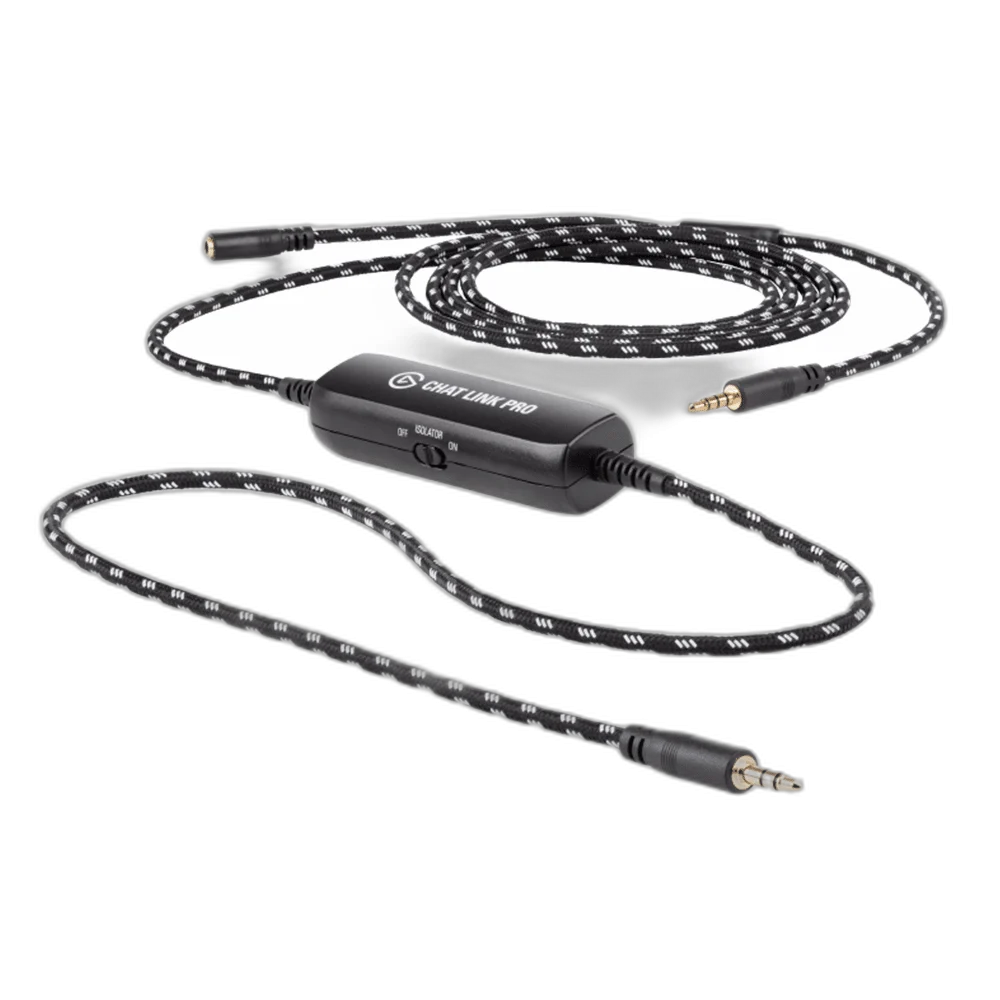
Elgato Chat Link Pro. Chat Link Pro connects your compatible controller, analogue headset and capture device so game and incoming chat audio reach your recording setup. Its long braided cable gives you room to play, with a switchable isolator to tackle ground-loop hum while charging your controller.
Regular price
7.500 KWD
or 4 payments of 1.875 KWD with
Pay with card & save


7.000 KWD
Save 0.500 KWD
Overview
ELGATO CHAT LINK PRO
Elgato Chat Link Pro
Elgato Chat Link Pro: Chat Link Pro connects your compatible controller, analogue headset and capture device so game and incoming chat audio reach your recording setup. Its long braided cable gives you room to play, with a switchable isolator to tackle ground-loop hum while charging your controller. Available from AX Store in Kuwait.
2.5 m
Cable length
3.5 mm TRRS
Compatible headset route
Switchable isolator
Ground-loop control
Separate mic
Direct commentary recording
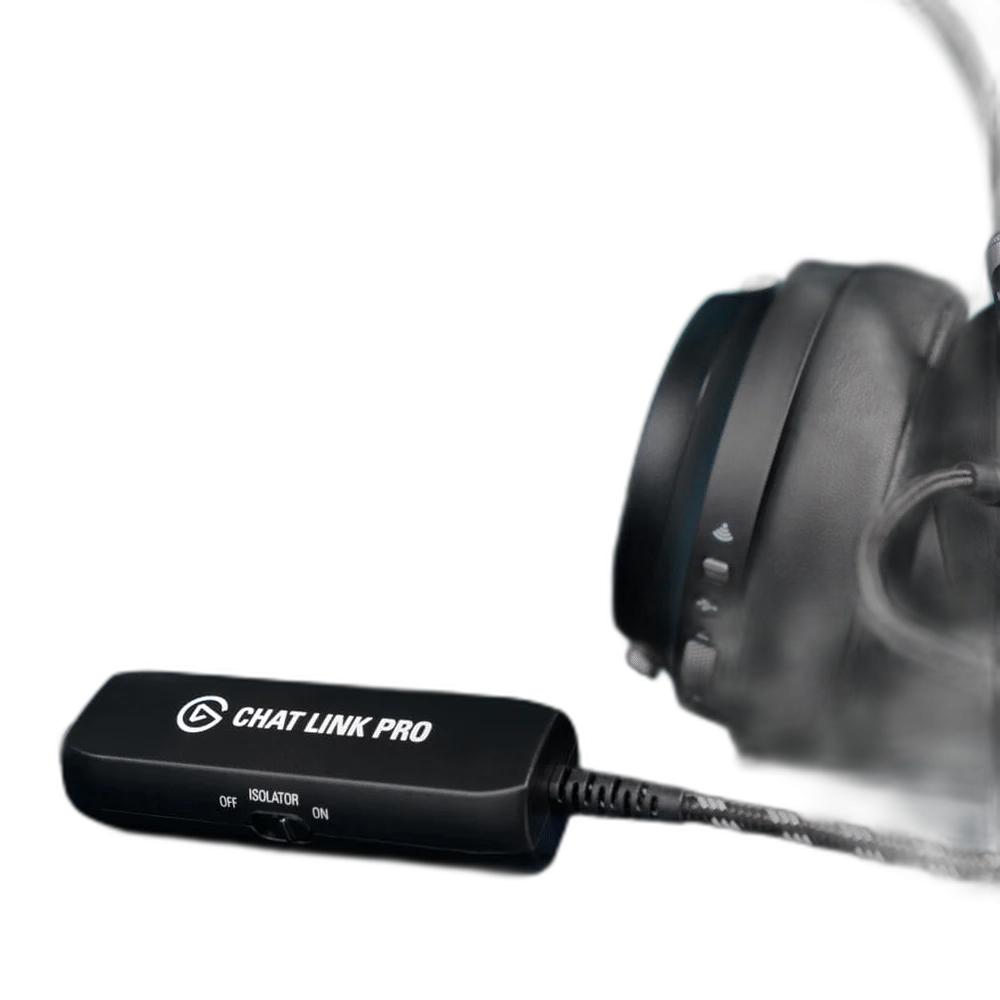
Simple analogue audio routing
Connect a 3.5 mm headset to the female socket, the controller plug to your PS5 or PS4 controller, and the recording plug to your capture card's analogue input or a computer line-in. Nintendo Switch is also supported. USB-only and wireless-only headsets do not connect directly.
Built for the streaming desk
The 2.5 m cable combines a protective braided jacket with gold-plated connectors. Switch on the line isolator if controller charging causes buzzing. To add your own commentary to a recording, use a separate microphone connected to your computer; the headset microphone is routed to the controller.
Choose a Compatible Analogue Headset
Chat Link takes a single-plug analogue stereo headset through the four-pole socket. A headset that connects only through USB or wireless does not use this analogue route. A dual-plug PC headset needs an appropriate combiner adapter to bring headphone and microphone contacts together.
Keep Your Own Commentary as a Separate Source
The headset microphone passes back to the controller for chat. It is not directly split into the capture feed for commentary recording. Use a separate computer microphone when the production needs a clear recorded version of your own voice alongside incoming party chat and game audio.
Choose the Actual Capture Input
The recording feed needs a suitable analogue audio input on the capture device or computer. Some internal capture cards have HDMI ports without a dedicated analogue jack, so the computer audio path must be planned separately. A USB-only socket does not accept a passive analogue plug by itself.
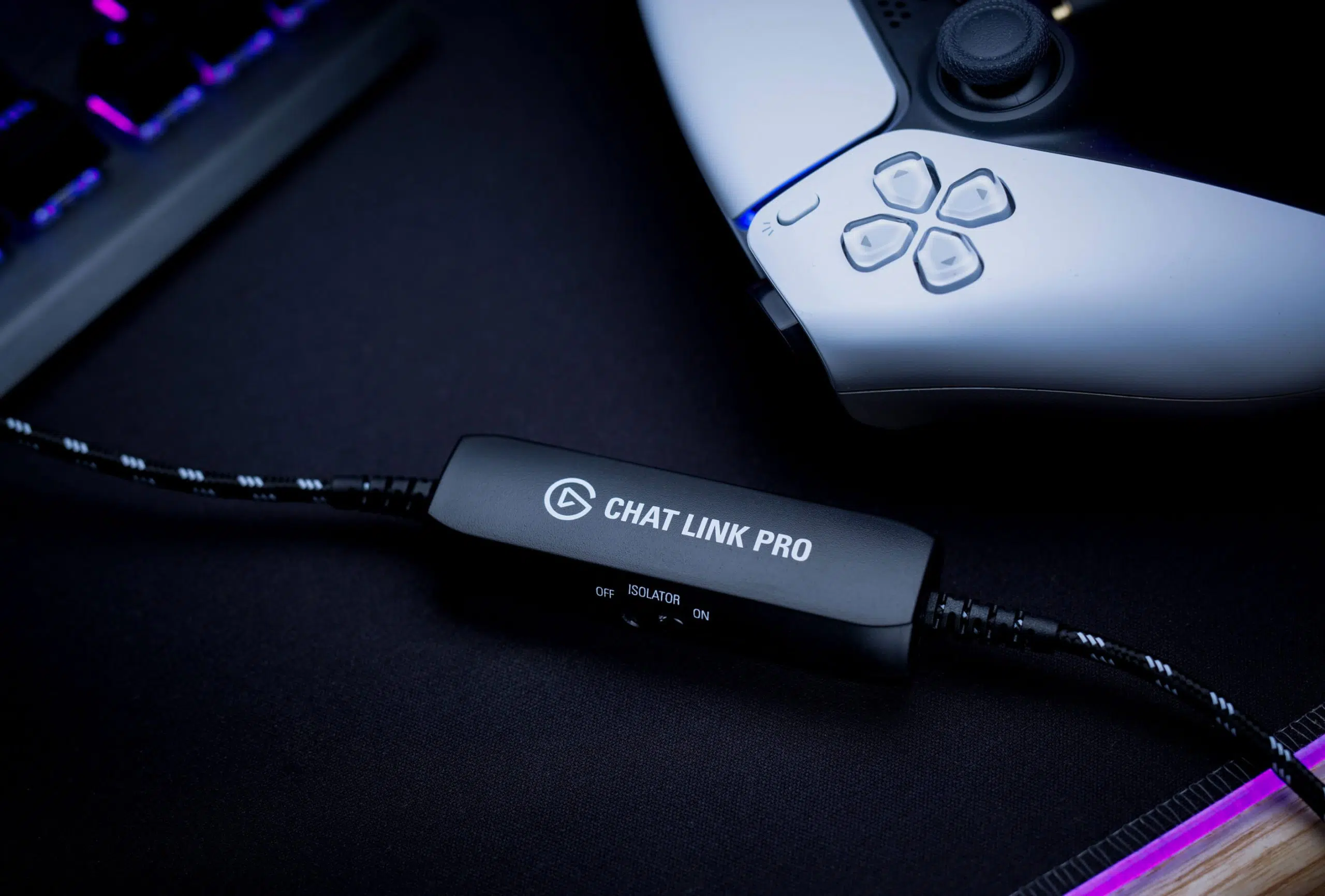
Use the Switchable Line Isolator
Chat Link Pro includes a switchable line isolator to help address ground-loop hum associated with the controller charging arrangement. Use the control around the actual audio connection and listen to a short test. It does not replace correct gain, a suitable input or the separate commentary microphone.
Complete Your Console Capture Route
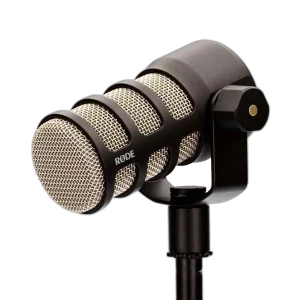
Plan three separate parts: compatible analogue headset audio, the capture device’s analogue input and your own commentary microphone. Chat Link Pro routes game and incoming chat audio toward the recording input while the headset microphone returns to the controller. For a separate computer commentary track, choose RØDE PodMic USB or Elgato Wave:3 MK.2 rather than assuming the cable records your headset microphone directly. A Stream Deck + can add optional production controls after the audio route is working. Explore Elgato capture and streaming equipment to match the rest of the recording setup.
Elgato Chat Link Pro Setup Choices
Use an analogue controller headset and a capture device with the required analogue input. Chat Link Pro does not capture your own headset microphone for commentary; use a separate commentary microphone.
Frequently Asked Questions
Does Pro record my own headset microphone directly?
The headset mic goes to the controller. Use a separate computer microphone to record your own commentary directly.
Which audio connection is required?
Use a compatible analogue stereo headset and the appropriate capture-card analogue input or computer line input.
What does the isolator do?
The switchable line isolator helps address ground-loop hum in the connected setup, including controller charging situations.
Does it work with USB-only or wireless headsets?
The specified connection is analogue 3.5 mm. A USB-only or wireless headset uses a different signal path.
Is Nintendo Switch listed?
Yes. Pro is the model recommended for the supported Nintendo Switch audio arrangement; follow the actual setup guidance.
Does an HDMI-only capture card accept the cable directly?
No. A suitable separate analogue computer input is needed where the capture card lacks a compatible analogue jack.
Build Your Setup with AX Store
Explore computers, displays and accessories for your workspace at AX Store. For help choosing the right model or checking an accessory, contact AX Store.
Complete Your Setup
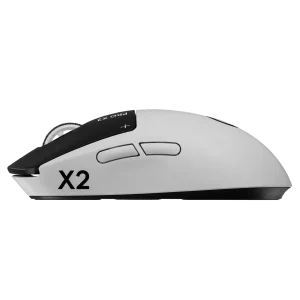
Explore equipment for your workspace: Wooting 60HE v2 60% Gaming Keyboard, Aluminium, Logitech G PRO X2 SUPERSTRIKE Wireless Gaming Mouse, ARTISAN NINJA FX ZERO Gaming Mousepad – SOFT/XSOFT, XL/XXL.
THE DETAILS
Technical specifications
Product specifications
Elgato
Chat Link Pro
10GBC9901
2.5 m / 250 cm
3.5 mm male
3.5 mm male; capture-card analogue input or computer line-in
3.5 mm female; analogue stereo headset
Single 4-pole TRRS plug; dual-plug PC headsets require a separate combiner adapter
PS5, PS4 and Nintendo Switch
Braided jacket; gold-plated connectors
Switchable line isolator
Separate computer microphone required to record your own voice directly
Chat Link Pro cable
Product identification
Elgato
10GBC9901
840006644064
COMPLETE YOUR SETUP