RAZER
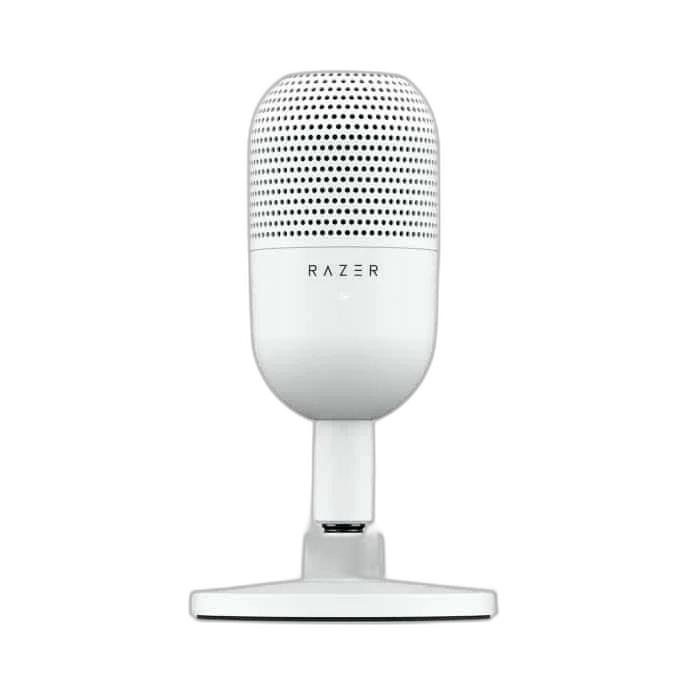
Razer Seiren V3 Mini USB Microphone, White
Add a compact white microphone to your gaming or work desk with the Razer Seiren V3 Mini. High-resolution USB capture, a supercardioid capsule and tap-to-mute control keep everyday voice recording simple.
Regular price
19.000 KWD
or 4 payments of 4.750 KWD with
Pay with card & save


18.000 KWD
Save 1.000 KWD
Overview
RAZER SEIREN V3 MINI USB MICROPHONE, WHITE
Razer Seiren V3 Mini White
Razer Seiren V3 Mini White: Add a compact white microphone to your gaming or work desk with the Razer Seiren V3 Mini. High-resolution USB capture, a supercardioid capsule and tap-to-mute control keep everyday voice recording simple. Available from AX Store in Kuwait.
Condenser
Microphone Type
Supercardioid
Pickup Pattern Options
Up to 24-bit / 96 kHz
USB Recording Format
USB
Microphone Connection
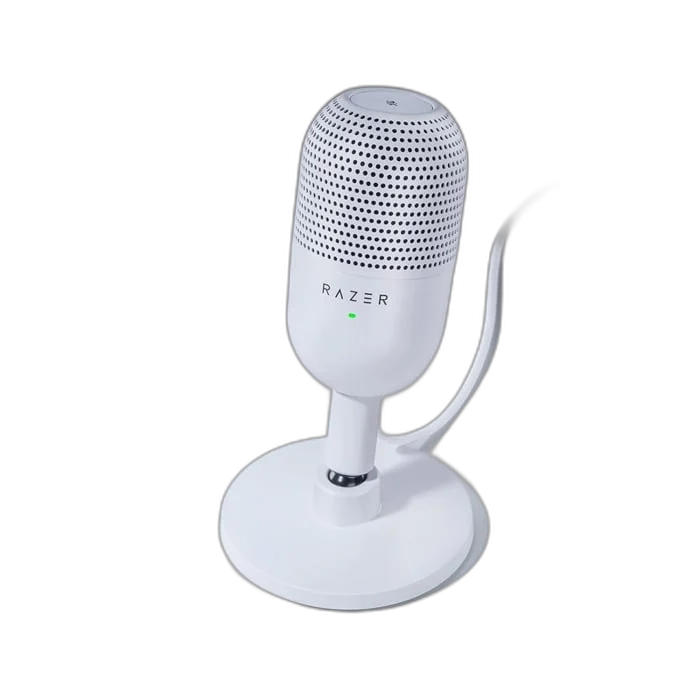
Focused voice pickup
The 14 mm condenser capsule uses a supercardioid pattern to favor sound in front of the microphone. Position it toward your voice for calls or solo content.
Tap once to mute
The top touch sensor provides quick mute control, while the LED lets you check microphone status at a glance. Choose a comfortable speaking position, then check the selected input and recording level in the application before beginning the session.
High-resolution USB-C recording
Capture audio at up to 24-bit/96 kHz with compatible software settings. Connect the microphone by USB and select it in your preferred application. Choose a comfortable speaking position, then check the selected input and recording level in the application before beginning the session.
A flexible compact stand
Tilt the microphone to find a comfortable position. Its built-in shock absorber helps reduce vibration reaching the capsule. Choose a comfortable speaking position, then check the selected input and recording level in the application before beginning the session.
Select the Recording Format for Your Session
The USB recording format is Up to 24-bit / 96 kHz. Choose a supported setting in the host and recording application, checking firmware requirements where stated. Leave enough input headroom for changes in speaking level rather than treating format resolution as protection against every overload.
Match the Connection to the Recording Setup
Connect the microphone through its stated USB cable route, then select it as the input in the supported application. Check the computer’s recording device and gain settings before the session so the application captures this microphone rather than another available input.
Build a Direct Computer Recording Setup
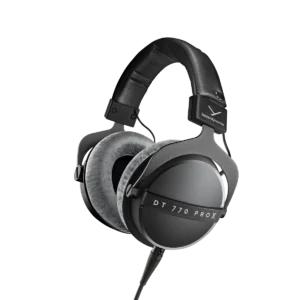
Check the supported computer connection, microphone controls and headphone-monitoring arrangement. Set the intended input in your recording application and choose a mount with the correct thread and supported load. Compare related options such as ASUS C501 ROG CARNYX RGB Wired Gaming Microphone, White or HyperX QuadCast 2 S USB Gaming Microphone, RGB Lighting, keeping the exact model and configuration in the decision. For the wider setup, explore beyerdynamic DT 770 PRO X Closed-Back Studio Headphones 48 Ohm and check the connection, size or mounting requirements before pairing accessories. Browse the RAZER range at AX for more choices.
Razer Seiren V3 Mini White Setup Choices
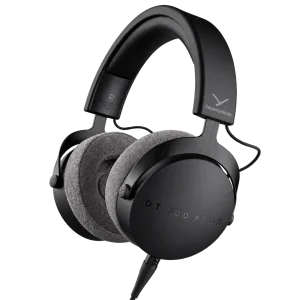
Check the supported computer connection, microphone controls and headphone-monitoring arrangement. Set the intended input in your recording application and choose a mount with the correct thread and supported load. Explore beyerdynamic DT 700 Pro X Studio Headphones, Pulsar Pro Series Susanto-X Wireless Gaming Mouse Size 2, 50g, ARTISAN NINJA FX ZERO Gaming Mousepad – SOFT/XSOFT, XL/XXL.
Frequently Asked Questions
How does this microphone connect?
Connect the microphone by USB to a supported computer and select it in the recording application. USB provides the microphone’s digital audio route and power; a separate XLR microphone input is not required for that connection.
Which pickup patterns are available?
Supercardioid. Choose the pattern and speaking position for the session. Directional pickup does not remove every room sound; distance, gain and placement still matter.
Which recording format should I select?
Up to 24-bit / 96 kHz. Use a supported host, firmware and recording application setting. A maximum USB format does not by itself promise unclippable recording or eliminate the need to set levels.
How can I monitor my recording?
Check the selected microphone input and listen through the supported computer or recording setup. Do not assume a USB connection also provides a headphone jack on the microphone.
What mounting or supplied-item details should I check?
Tilting desktop stand; built-in shock absorber. Match any separate support to the exact thread, microphone and mount weight, and desk clearance.
Build Your Setup with AX Store
Explore computers, displays and accessories for your workspace at AX Store. For help choosing the right model or checking an accessory, contact AX Store.
THE DETAILS
Technical specifications
Microphone
14 mm condenser
Supercardioid
20 Hz–20 kHz
-36 dB (1 V/Pa at 1 kHz)
110 dB
96 kHz
24-bit
Connections and controls
USB-C
5 V, 350 mA
Tap-to-mute sensor
LED
Tilting desktop stand
Built-in shock absorber
White
COMPLETE YOUR SETUP