
BUYING GUIDES
Same-day delivery · Official warranty · Taly & Deema
PS5 Party Chat Audio reaches the stream only when the console, headset and capture connections send it to the destination you are recording.
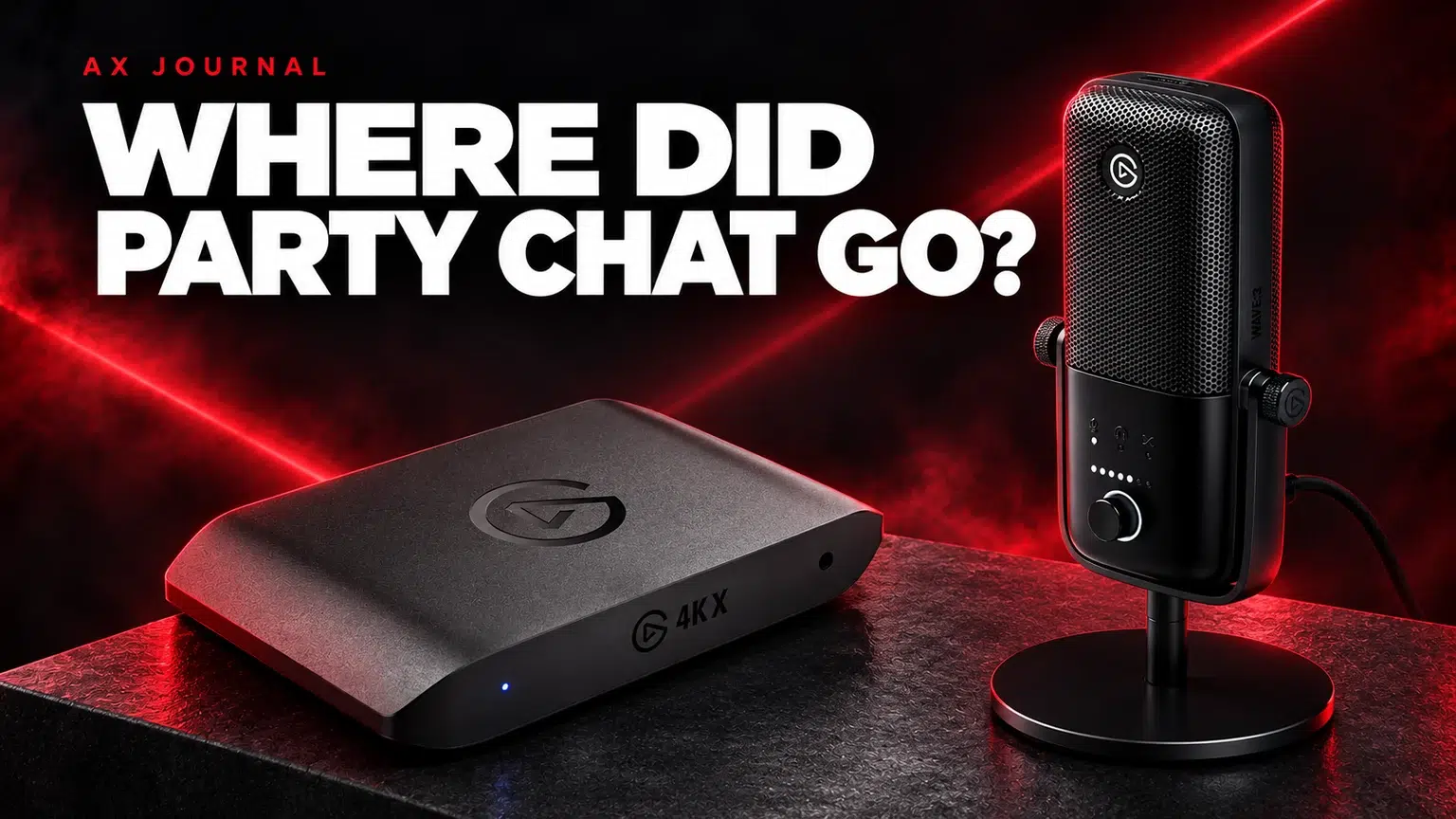
PS5 Party Chat Audio reaches the stream only when the console, headset and capture connections send it to the destination you are recording.
List game audio, other players’ voices and your own voice separately. Then identify which device receives each one: the TV or monitor over HDMI, a headset connected to the controller, a USB headset or the streaming computer.
The common mistake is assuming that a capture card records everything you hear in your headset. Console output settings can route audio differently once a headset is connected. An analogue controller-headset path and an HDMI path are not automatically duplicates.
| Symptom | First check | Likely missing part of the plan |
|---|---|---|
| Video but no game audio | Console output destination and capture audio input | HDMI versus analogue route |
| Game audio but no friends | Party / chat destination and permissions | The chat feed may be going only to a headset |
| Friends are recorded but you are not | Computer microphone source and recording track | Your own mic is a separate capture path |
| Echo or doubled audio | Duplicate capture and monitoring sources | The same signal is being heard or recorded twice |
Ask a friend to help with a short test and confirm that they are comfortable being included. Check the relevant console and chat-app sharing settings as well as the physical connections.
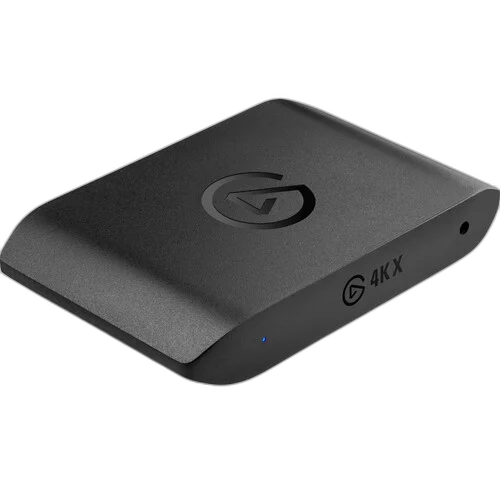
For a compatible wired 3.5mm controller headset, Elgato Chat Link or Chat Link Pro can split audio coming out of the controller toward the headset and an appropriate analogue capture input. It is not a universal adapter for USB or wireless headsets.
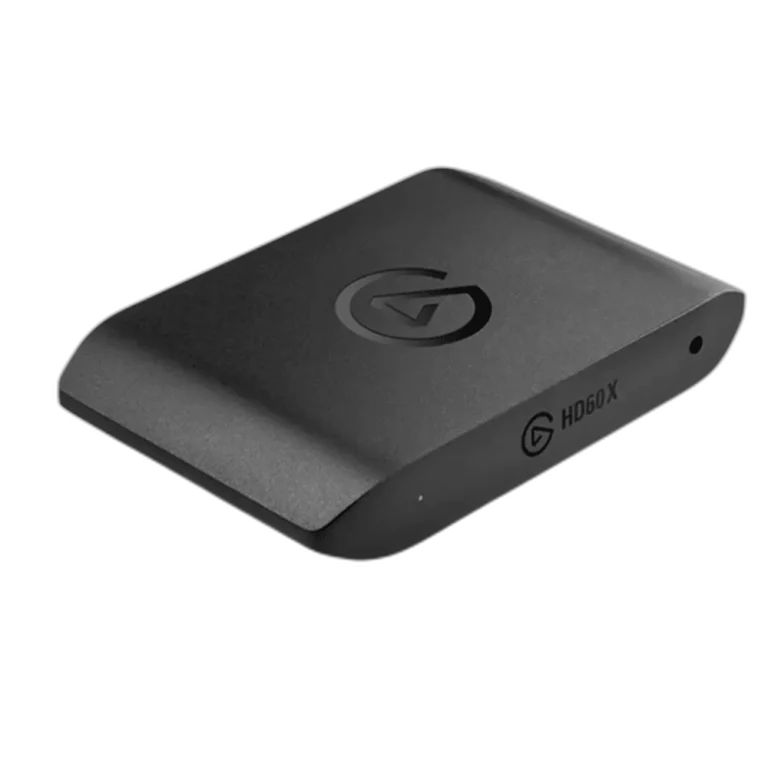
Check the exact capture card. Products such as Elgato 4K X and HD60 X have their own input and software requirements. Other devices may lack an analogue input, in which case a suitable separate computer line input or another documented route is needed.
If the console audio is connected to an analogue capture port, the capture software must be listening to that port rather than expecting HDMI audio. The control name and where it is set vary with the capture device and software version; follow the current model-specific instructions.
For an analogue Chat Link path, use the stereo / Linear PCM arrangement specified by Elgato where applicable. Do not leave an unsupported surround format selected and then treat distortion or silence as a faulty cable.
Elgato troubleshooting explains that the headset microphone normally returns to the console rather than being routed to the capture card. Some monitoring arrangements can loop it back, but that can also make you hear your own voice.
A separate computer microphone is the straightforward recording route Elgato recommends. An Elgato Wave:3 is one USB example. Add it as the intended microphone source, check that it is assigned to the recorded or streamed audio track and avoid capturing it twice through a second route.
A moving meter is useful but not sufficient. A source can appear on a mixer without being enabled on the output track you are actually recording.
Check headset connection type, analogue-input availability, the audio destination and software input selection first. A more expensive capture card will not automatically reroute a USB headset microphone or change console chat settings.
If you use an A50 X base station or another specialist headset system, follow its documented routing rather than assuming the controller Chat Link diagram applies. Send AX the console, headset and capture-card model numbers so the advice matches the real chain.
For the related buying decision, read our PS5 capture-card buying guide.
Normally it sends that microphone back to the console, not to the capture card. Elgato recommends a separate computer microphone for your own recorded voice.
Not directly. It is designed around compatible analogue controller audio; some headsets offer a supported wired mode, which must be checked individually.
Your headset and recording may receive different audio routes. Check the console output, analogue versus HDMI input and the recording-track assignments.
Check current configurations, included accessories and availability on the linked AX product pages. Ask AX about your exact setup.
AX price check, 26 October 2026: Elgato Game Capture 4K X USB Capture Card, 4K144 with HDR10 — KWD 91.000 (out of stock); Elgato HD60 X External Capture Card — KWD 65.000 (out of stock). The product cards show the current price and availability when you shop.
Explore Elgato at AX Kuwait for the rest of the range.
KEEP READING
All Buying Guides guides
Build a setup that fits how you use it
Tell AX your equipment models and what you want to do. We can help you choose the right connections and products.
Added to cart
Subscribed
We'll email you as soon as it's back in stock.
Saved to wishlist

