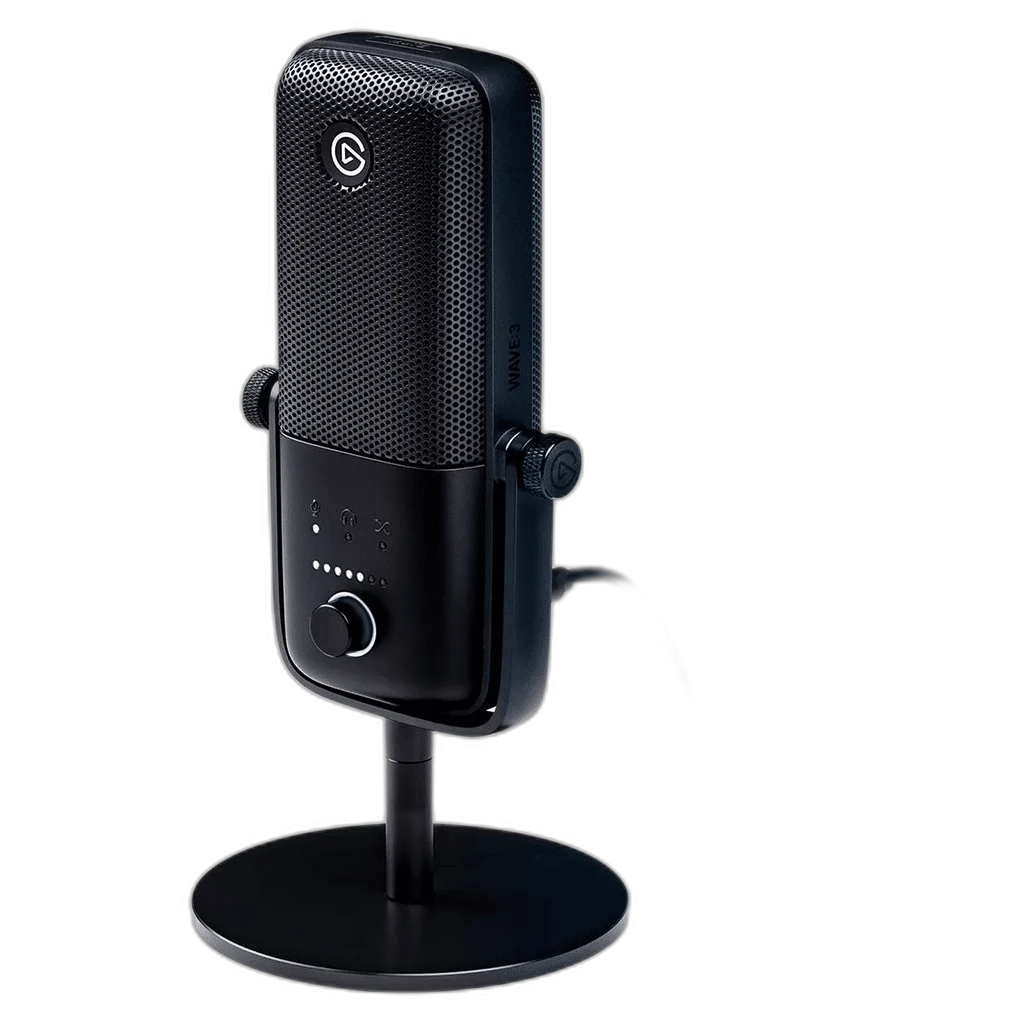
Elgato
Elgato Wave:3 Digital Mixing Microphone, USB
Elgato Wave:3 MK.1. Elgato Wave:3 combines a cardioid condenser capsule, USB connectivity and Clipguard protection in a compact desktop microphone. Speak into the front of the grille for voice capture suited to streaming, recording and online calls.
Regular price
59.000 KWD
or 4 payments of 14.750 KWD with
Pay with card & save


56.000 KWD
Save 3.000 KWD
Overview
ELGATO WAVE:3 MK.1
Elgato Wave:3 MK.1
Elgato Wave:3 MK.1: Elgato Wave:3 combines a cardioid condenser capsule, USB connectivity and Clipguard protection in a compact desktop microphone. Speak into the front of the grille for voice capture suited to streaming, recording and online calls. Explore this model at AX Store in Kuwait.
17 mm
Condenser capsule
Cardioid
Front-facing pickup
24-bit / 96 kHz
Maximum recording format
Touch mute
Capacitive control
Capture detail, control sudden peaks
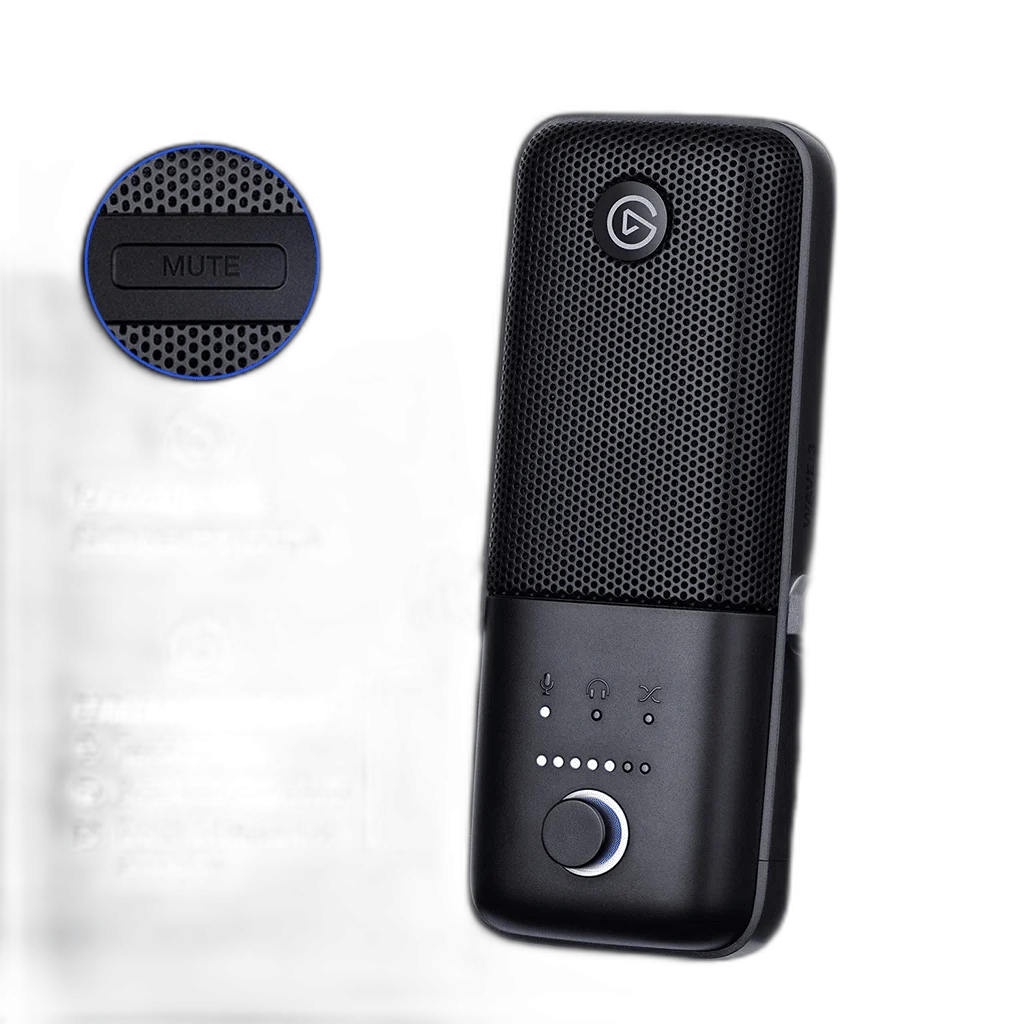
The 17 mm electret capsule captures audio at 24-bit resolution with 48 or 96 kHz sample rates. Its cardioid pattern focuses pickup toward the front, while the internal pop filter and Clipguard help manage plosives and sudden loud sounds. Position the mic close and use an appropriate gain level for your room.
Monitor and adjust from the microphone
Use the multifunction dial to adjust microphone gain, headphone level and the mic/computer monitor blend. The capacitive mute control lets you silence the microphone without pressing its body. Connect headphones to the 3.5 mm output for real-time monitoring and use Wave Link for software mixing.
Use the USB Recording Path
Connect the microphone to a suitable computer USB data port and select it in the recording application. This generation records over USB rather than using a separate XLR output. A headphone DAC or analogue XLR cable is not required to establish that USB microphone connection.
Treat Clipguard as One Part of Level Setting
Clipguard helps manage sudden loud input within the microphone’s recording design. Position the sensitive front toward the voice, set sensible input gain and check the loudest expected speech before recording. It does not make microphone distance, room reflections or level monitoring irrelevant to the result.
Match Accessories to the Original Wave Generation
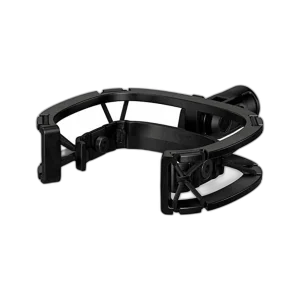
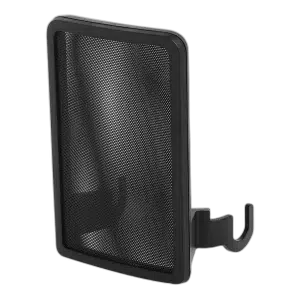
The listed magnetic Wave Pop Filter is specified for Wave:1 and Wave:3 MK.1. Wave Shock Mount has a different compatibility list that also includes Wave:3 MK.2. Check the exact accessory and microphone generation rather than assuming every item named Wave fits identically.
Choose the Support for the Mounted Assembly
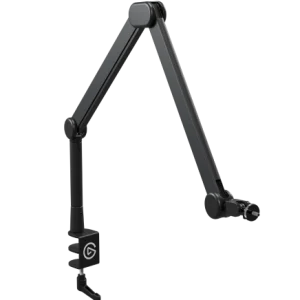
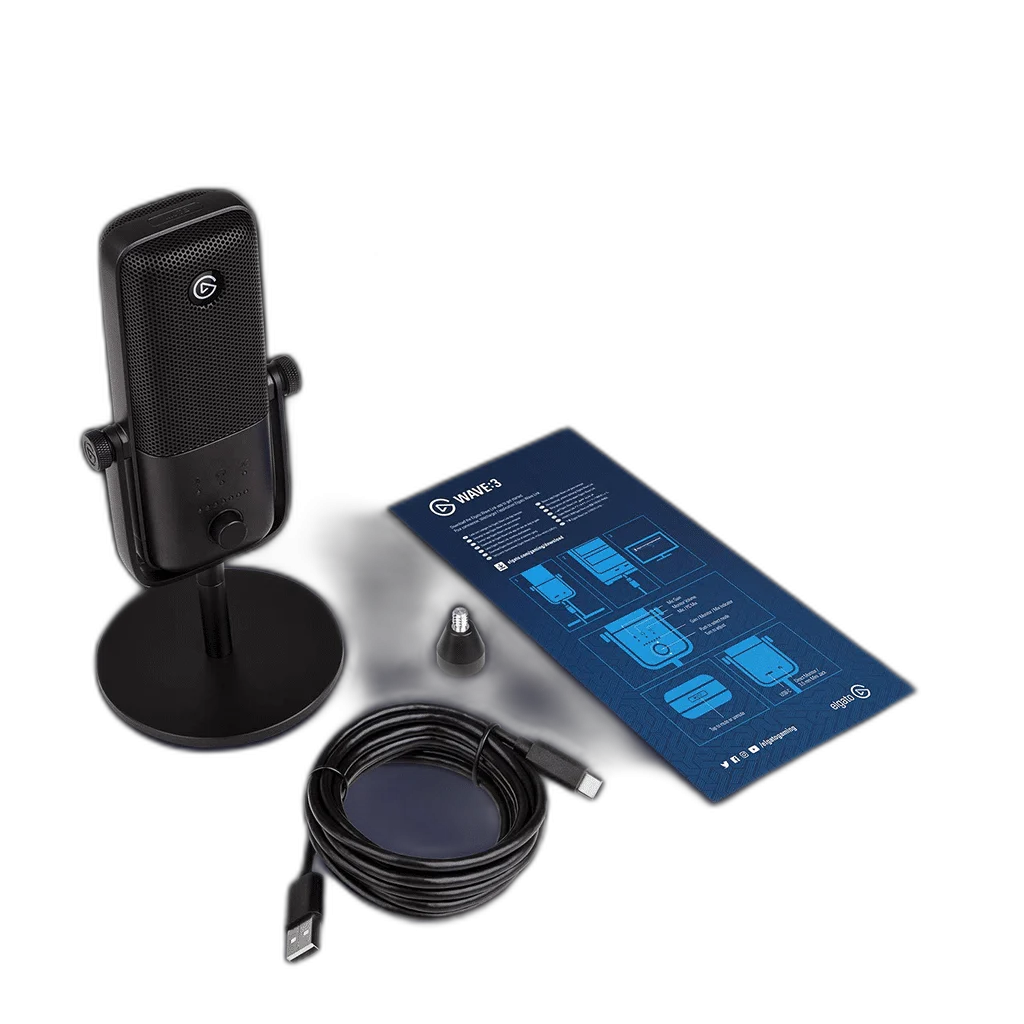
The desktop base and the microphone/U-mount are separate parts of the listed weight. When moving the microphone to an arm, calculate the parts actually mounted on that arm together with any shock mount or adapter. Choose the support’s complete load range and matching thread.
Build a Direct Computer Recording Setup
Check the supported computer connection, microphone controls and headphone-monitoring arrangement. Set the intended input in your recording application and choose a mount with the correct thread and supported load. Compare related options such as ASUS C501 ROG CARNYX RGB Wired Gaming Microphone, White or HyperX QuadCast 2 S USB Gaming Microphone, RGB Lighting, keeping the exact model and configuration in the decision. For the wider setup, explore beyerdynamic DT 700 Pro X Studio Headphones and check the connection, size or mounting requirements before pairing accessories. Browse the Elgato range at AX for more choices.
Elgato Wave:3 MK.1 Setup Choices
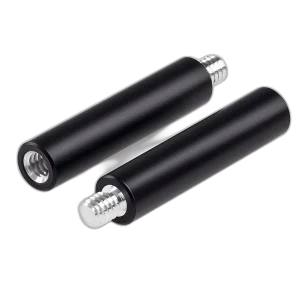
Check the supported computer connection, microphone controls and headphone-monitoring arrangement. Set the intended input in your recording application and choose a mount with the correct thread and supported load. Explore elgato Wave Pop Filter, Custom Microphone Filter, Elgato Wave Shock Mount for Wave Microphones, Elgato Wave Extension Rod for Wave Mic Stand.
Frequently Asked Questions
Is this the original Wave:3 or the newer MK.2?
This is the original Wave:3 / MK.1, part number 10MAB9901. Wave:3 MK.2 is a separate microphone with its own hardware features.
Does it connect by XLR?
This microphone uses USB for recording and has a separate 3.5 mm headphone output. Do not treat the listening socket as an analogue microphone output.
Where should I speak into it?
Speak toward the front of the grille at a consistent distance, then set gain while checking the actual recording. It is a side-address cardioid microphone.
How is mute controlled?
Use the capacitive touch-mute control on Wave:3 MK.1.
Is the newer Wave:3 compatible with the same pop filter?
The separately listed original magnetic Wave Pop Filter is specified for Wave:1 and Wave:3 MK.1. The shock mount’s broader generation support should not be copied to the pop filter.
Does Wave Link have permanent operating-system requirements?
Software support depends on the Wave Link version. Check the current supported operating system and microphone support before installing or upgrading the software.
Build Your Setup with AX Store
Explore computers, displays and accessories for your workspace at AX Store. For help choosing the right model or checking an accessory, contact AX Store.
Compare AVerMedia AM310 USB Microphone. Match the exact model, connection and configuration to your setup.
THE DETAILS
Technical specifications
Product specifications
Elgato
Wave:3 (original / MK.1)
10MAB9901
17 mm electret condenser
Cardioid
24-bit
48 / 96 kHz
70 Hz–20 kHz
-25 dBFS at minimum gain; 15 dBFS at maximum gain
120 dB; 140 dB with Clipguard engaged
95 dB; 115 dB with Clipguard engaged
USB-C microphone connector
3.5 mm stereo
16/24-bit
48 / 96 kHz
75 mW at 16 Ω
153 × 66 × 40 mm
280 g
305 g
2.5 m
Wave Link; operating-system requirements depend on software version
USB 2.0 port
Capacitive touch mute
COMPLETE YOUR SETUP
Pairs well with