Elgato
elgato Wave Pop Filter, Custom Microphone Filter
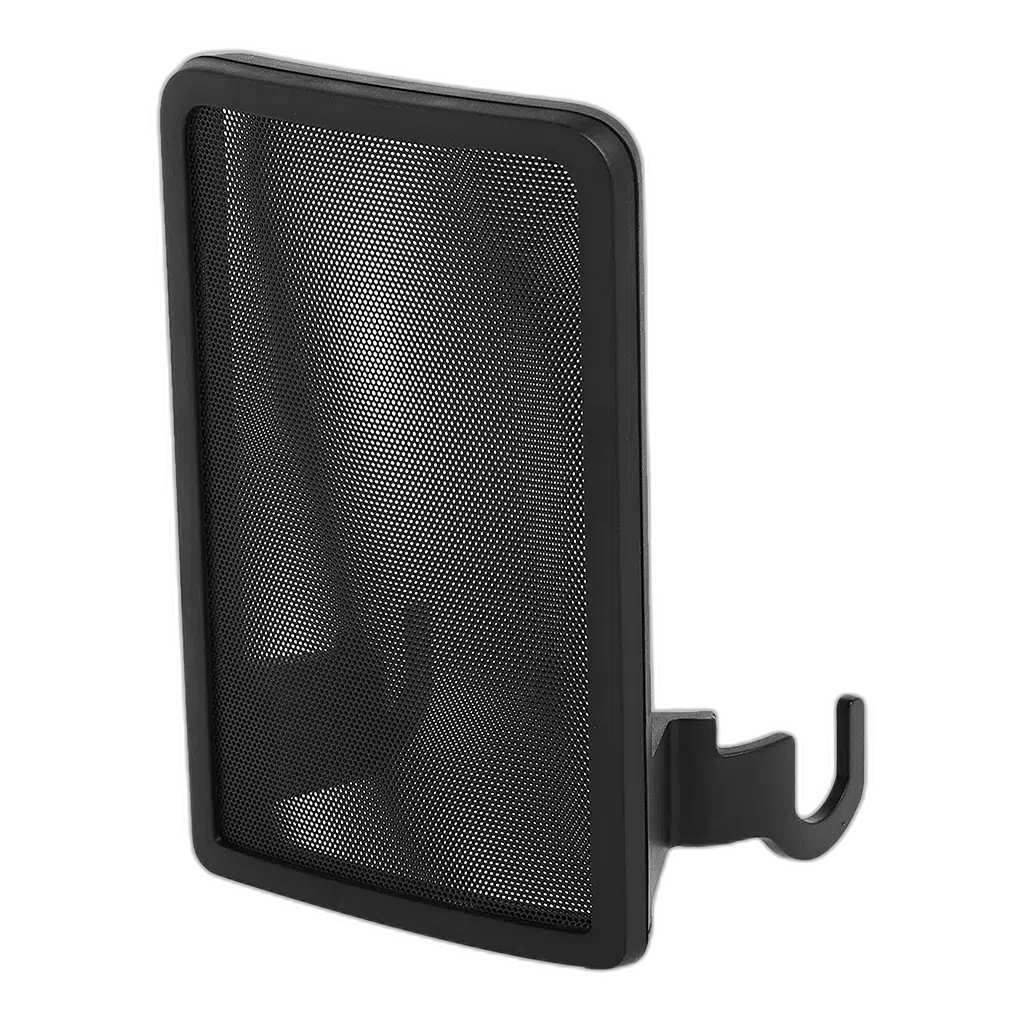
Elgato Wave Pop Filter. Add a fitted pop filter to your Elgato Wave:1 or original Wave:3 MK.1 microphone. Dual-layer steel mesh helps diffuse breath bursts, while magnetic attachment points make the filter quick to fit and remove.
Regular price
12.500 KWD
or 4 payments of 3.125 KWD with
Pay with card & save


12.000 KWD
Save 0.500 KWD
Overview
ELGATO WAVE POP FILTER
Elgato Wave Pop Filter
Add a fitted pop filter to your Elgato Wave:1 or original Wave:3 MK.1 microphone. Dual-layer steel mesh helps diffuse breath bursts, while magnetic attachment points make the filter quick to fit and remove.
Dual-layer
Steel mesh filter
Magnetic
Attachment points
30 g
Filter weight
MK.1 / Wave:1
Specified microphone generation
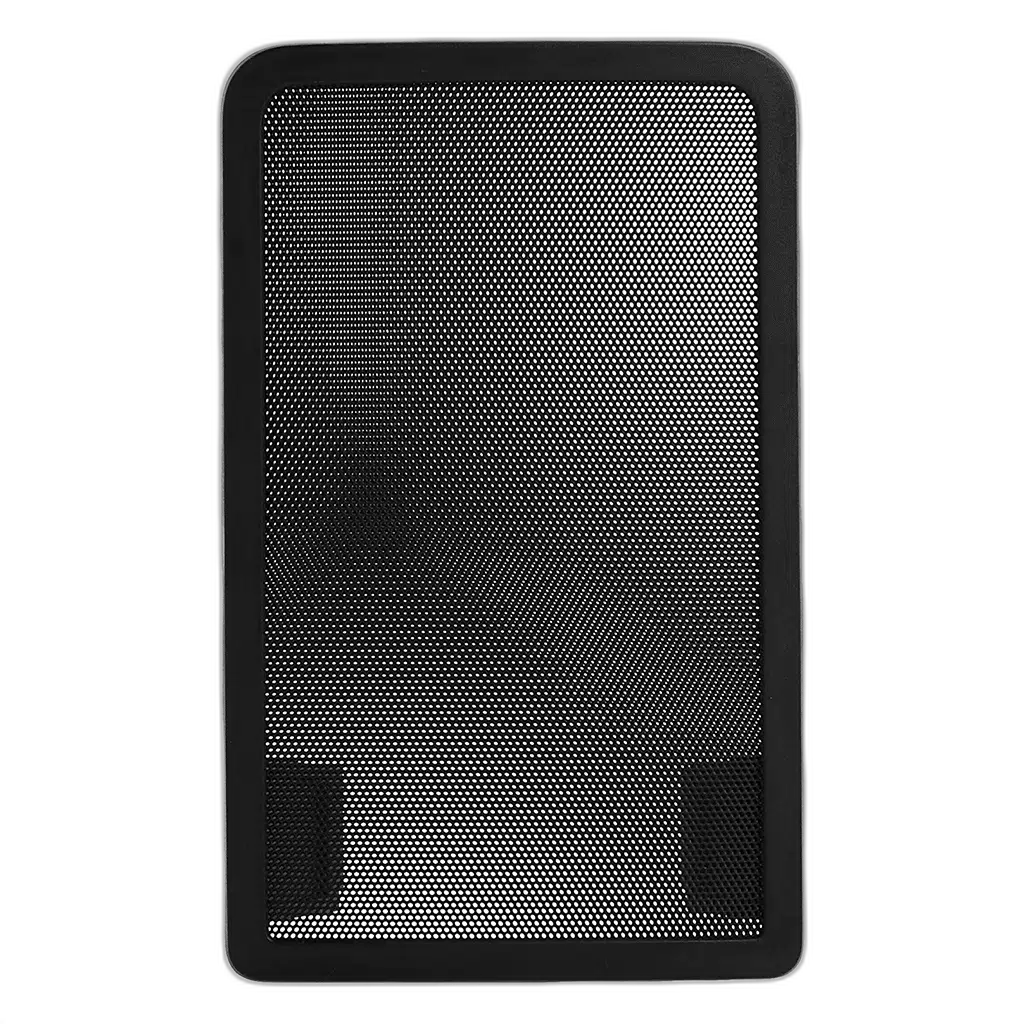
Control plosive speech sounds
Two layers of steel mesh diffuse airflow from spoken p and b sounds before it reaches the microphone. Check the intended equipment position and connections before the session, keeping the controls and cable route accessible from the normal working position.
Magnetic fitting
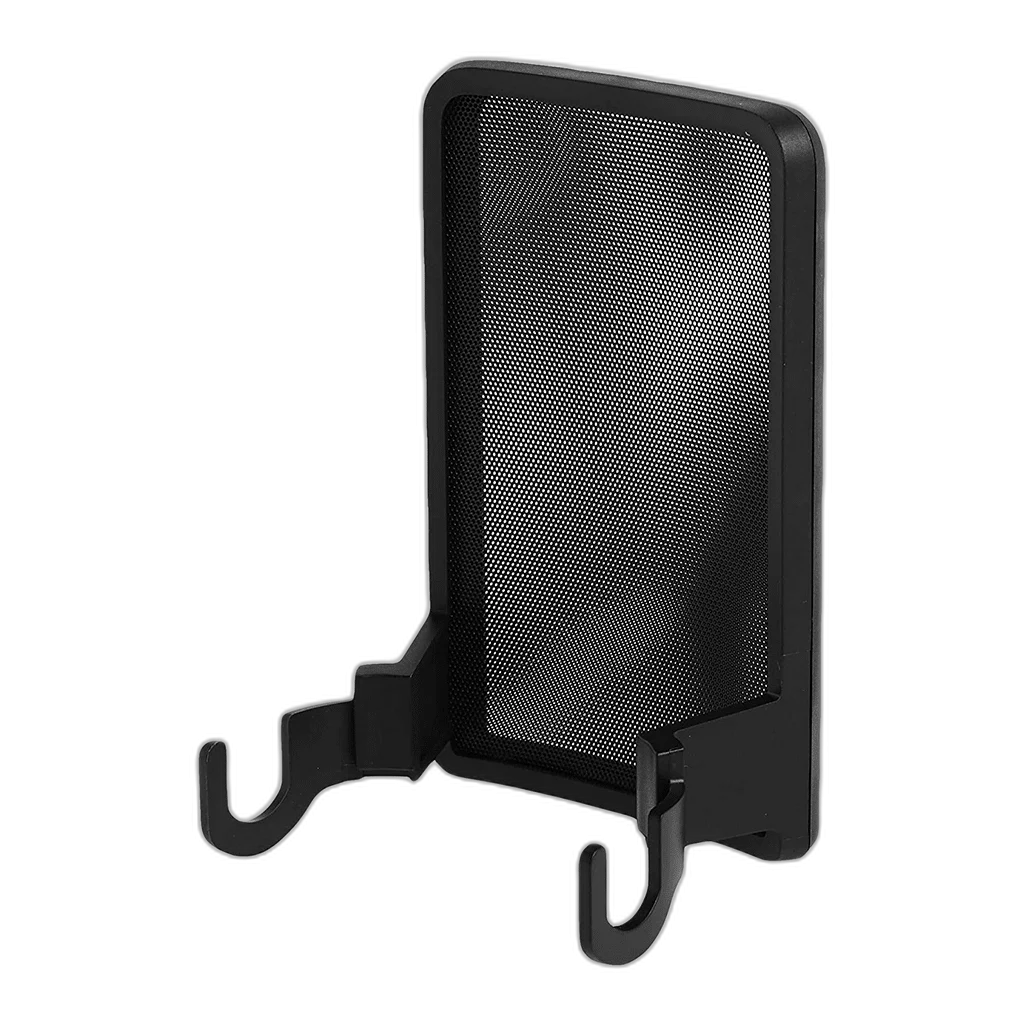
Align the attachment points and let the filter snap into place. The design follows the microphone’s shape without adding a separate support arm. Check the intended equipment position and connections before the session, keeping the controls and cable route accessible from the normal working position.
Check your Wave generation
This model, SKU 10MAD9901, is specified for Wave:1 and Wave:3 MK.1. The microphone is sold separately. Check the intended equipment position and connections before the session, keeping the controls and cable route accessible from the normal working position.
Choose the Exact Wave Accessory
The original magnetic pop filter fits Wave:1 and Wave:3 MK.1. Compatibility belongs to this accessory’s actual mounting design, rather than the Wave name alone. Check the microphone generation and support before changing the setup or buying another part.
Keep Positioning and Recording Functions Separate
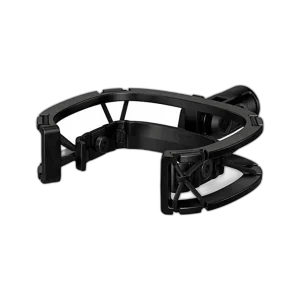
This is a physical recording accessory rather than a microphone, preamp or software mixer. Fit it to the supported hardware, then check the actual voice position and recording level. The microphone, arm or base shown in setup photographs is separate unless the package explicitly includes it.
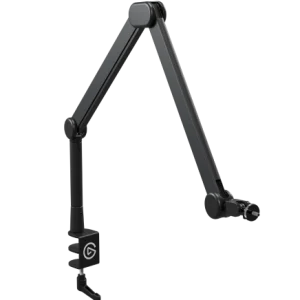
Plan the Complete Microphone Support
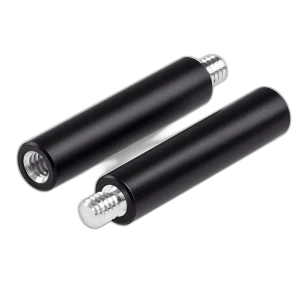
Include the microphone and attached mounting accessories when choosing a stand or arm. A mount’s own weight is not the support’s maximum payload, while height-extension rods change the position of the microphone on its existing stand. Match the actual thread and assembly rather than appearance alone.
Complete Your Workspace
Choose a microphone for the recording path and suitable monitoring headphones. Stream Decks and mounting accessories add optional control and positioning. The recommendations are alternative setup choices; check the exact generation, connection and supporting mount.
Frequently Asked Questions
Which microphone generations are specified?
Wave:1 and Wave:3 MK.1 are specified for the original magnetic Wave Pop Filter.
Is the microphone included?
This listing supplies the accessory. The microphone and any separate support shown in use photographs are separate purchases.
What recording problem does it address?
The mesh filter helps diffuse plosive breath at the microphone.
Does it replace room treatment?
Microphone positioning, room reflections and acoustic treatment remain separate parts of a recording setup. Fit this accessory for its own physical purpose and check the result through a test recording.
How should the mounted weight be checked?
Count the parts actually attached to the chosen support, including microphone, mount and adapters where used. Compare that assembly with the stand or arm’s full load range.
Does it need an audio cable?
The accessory itself is mechanical. Keep the microphone’s own USB or other recording connection with the microphone and leave cable slack for the intended position.
Build Your Setup with AX Store Kuwait
Explore computers, displays and accessories for your workspace at AX Store Kuwait. For help choosing the right model or checking an accessory, contact AX Store.
THE DETAILS
Technical specifications
Design and compatibility
Microphone pop filter
Elgato Wave:1 and Wave:3 MK.1
Dual-layer steel mesh
Magnetic attachment points
Steel mesh and ABS
30 g
67 × 55 × 104 mm
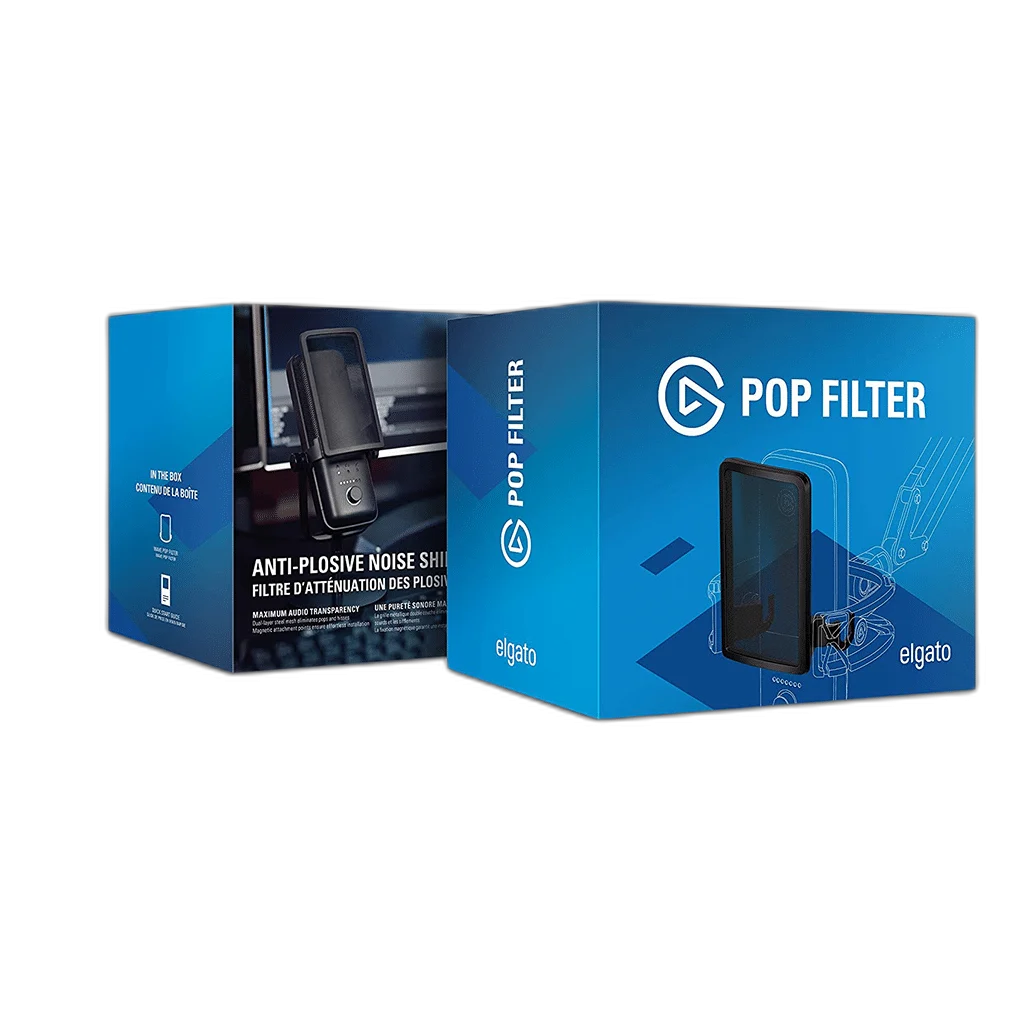
Wave Pop Filter and quick start guide
COMPLETE YOUR SETUP
Pairs well with