Elgato
Elgato Wave Mic Arm LP Low Profile Microphone Arm
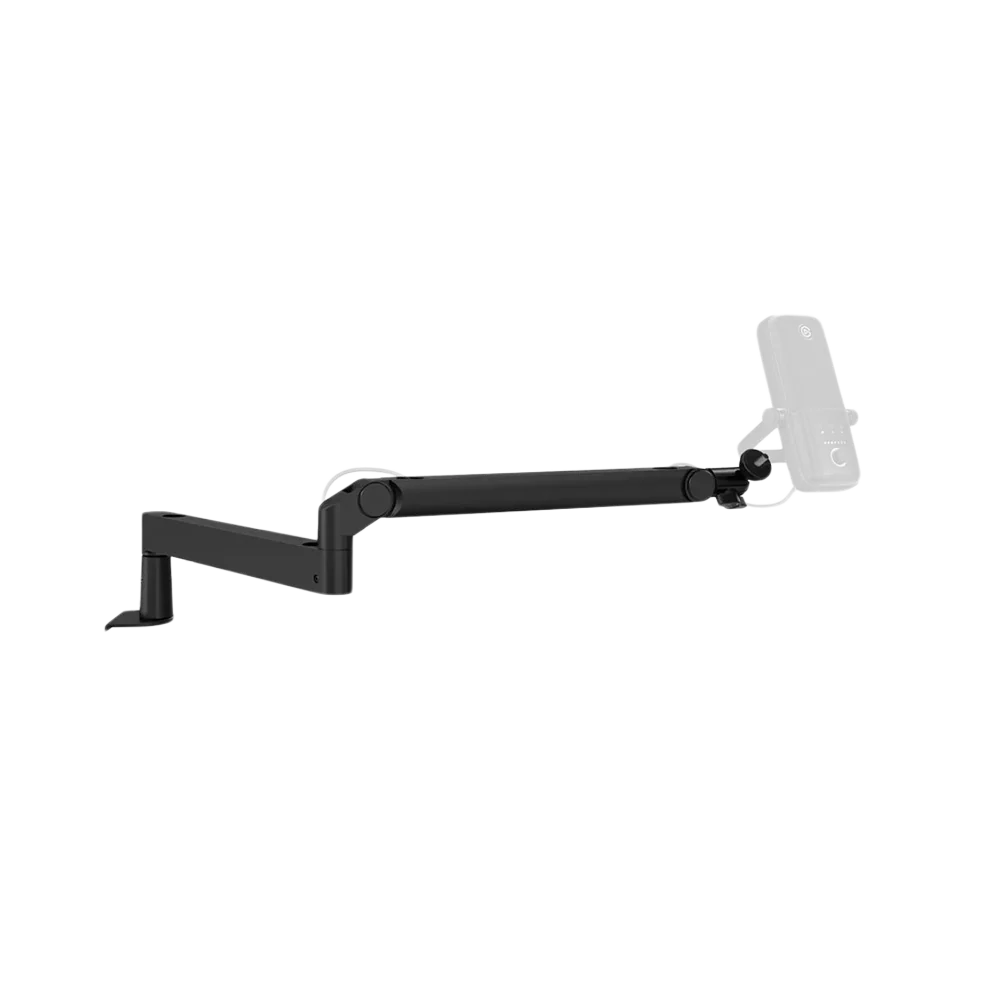
Elgato Wave Mic Arm LP Black. Bring your microphone into position without filling the space in front of your monitor. Wave Mic Arm LP Black runs low across the desk and swings aside when you need room for other work.
Regular price
37.000 KWD
or 4 payments of 9.250 KWD with
Pay with card & save


35.000 KWD
Save 2.000 KWD
Overview
ELGATO WAVE MIC ARM LP BLACK
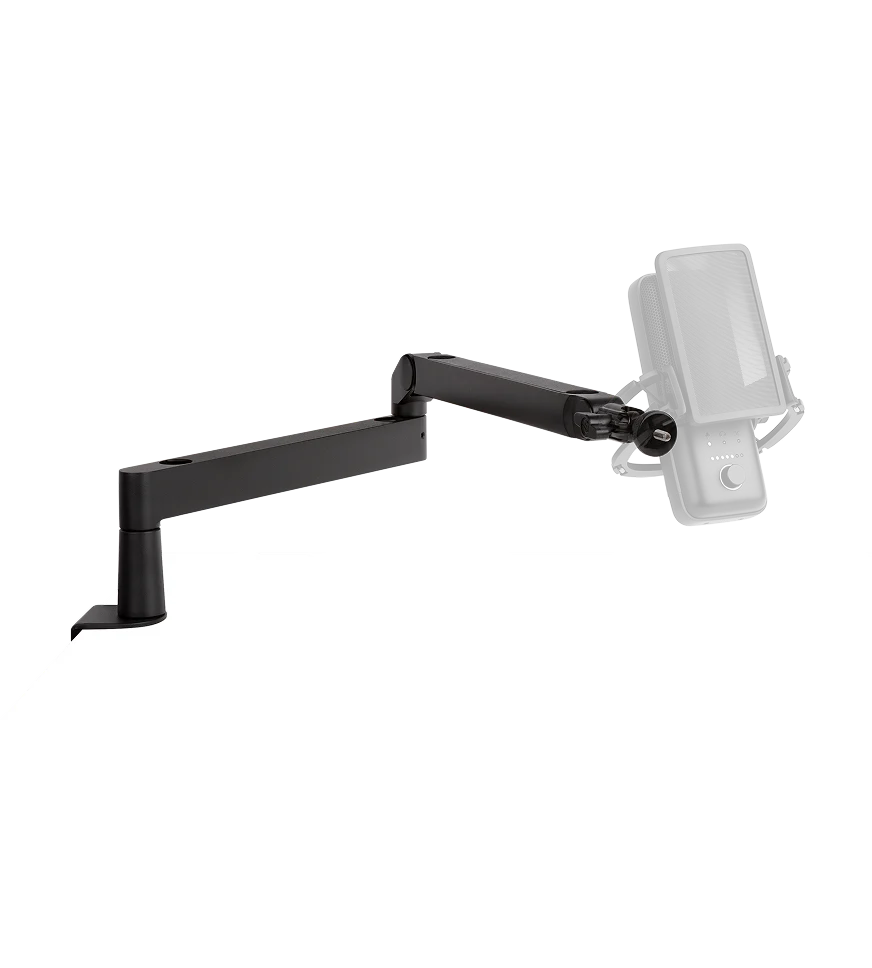
Elgato Wave Mic Arm LP Black
Elgato Wave Mic Arm LP Black: Bring your microphone into position without filling the space in front of your monitor. Wave Mic Arm LP Black runs low across the desk and swings aside when you need room for other work. Explore this model at AX Store in Kuwait.
2 kg
Maximum combined load
740 mm
Horizontal reach
Low profile
Desk-level positioning
Magnetic covers
Cable-channel access
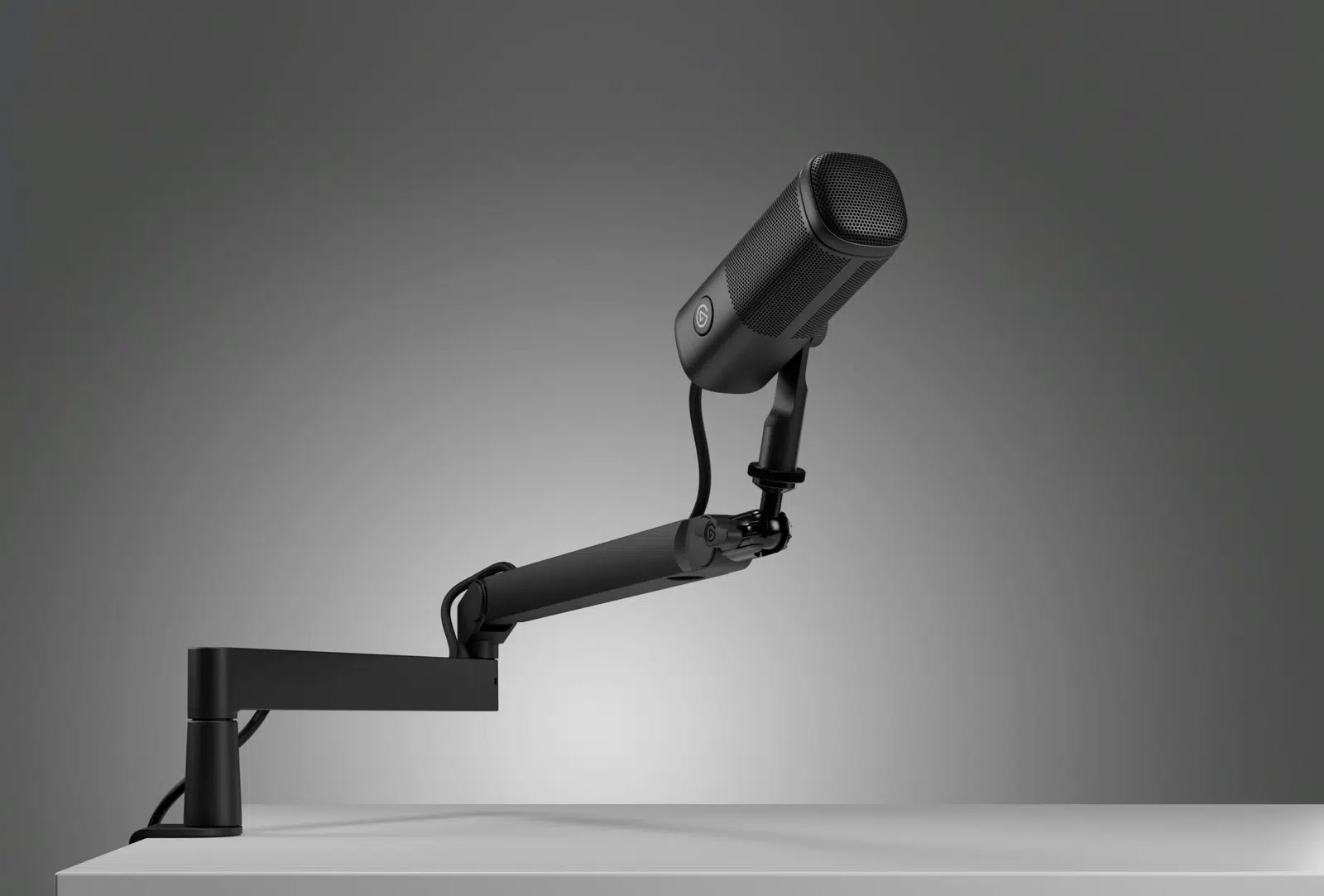
A lower profile on camera
The lower section sits 70 mm above the desk, while the upper section has 160 mm clearance. Its horizontal design makes it easier to position the microphone without an upright boom across your view.
Put the mic where you need it
The base and elbow rotate through 360° horizontally. A ball head gives precise final positioning, while the elbow moves 90° upward and 60° downward. Check the actual equipment position and complete connection before the session, then confirm the result with the intended recording setup.
Keep the cable contained
Route your microphone cable through the integrated channels and close the magnetic covers. The metal construction and adjustable tension help keep the setup organized and stable.
Fit your microphone and desk
The padded clamp opens up to 60 mm. A 1/4-inch mount and included 3/8-inch and 5/8-inch adapters support compatible microphone mounts, with a total load limit of 2 kg including accessories.
Check the Complete Mounted Weight
Add the microphone, mount and attached accessories before checking the arm’s rating. The original Wave Mic Arm supports a defined minimum and maximum, while LP has its own stated maximum combined load. Keep those separate specifications with the exact model rather than copying one arm’s range to another.
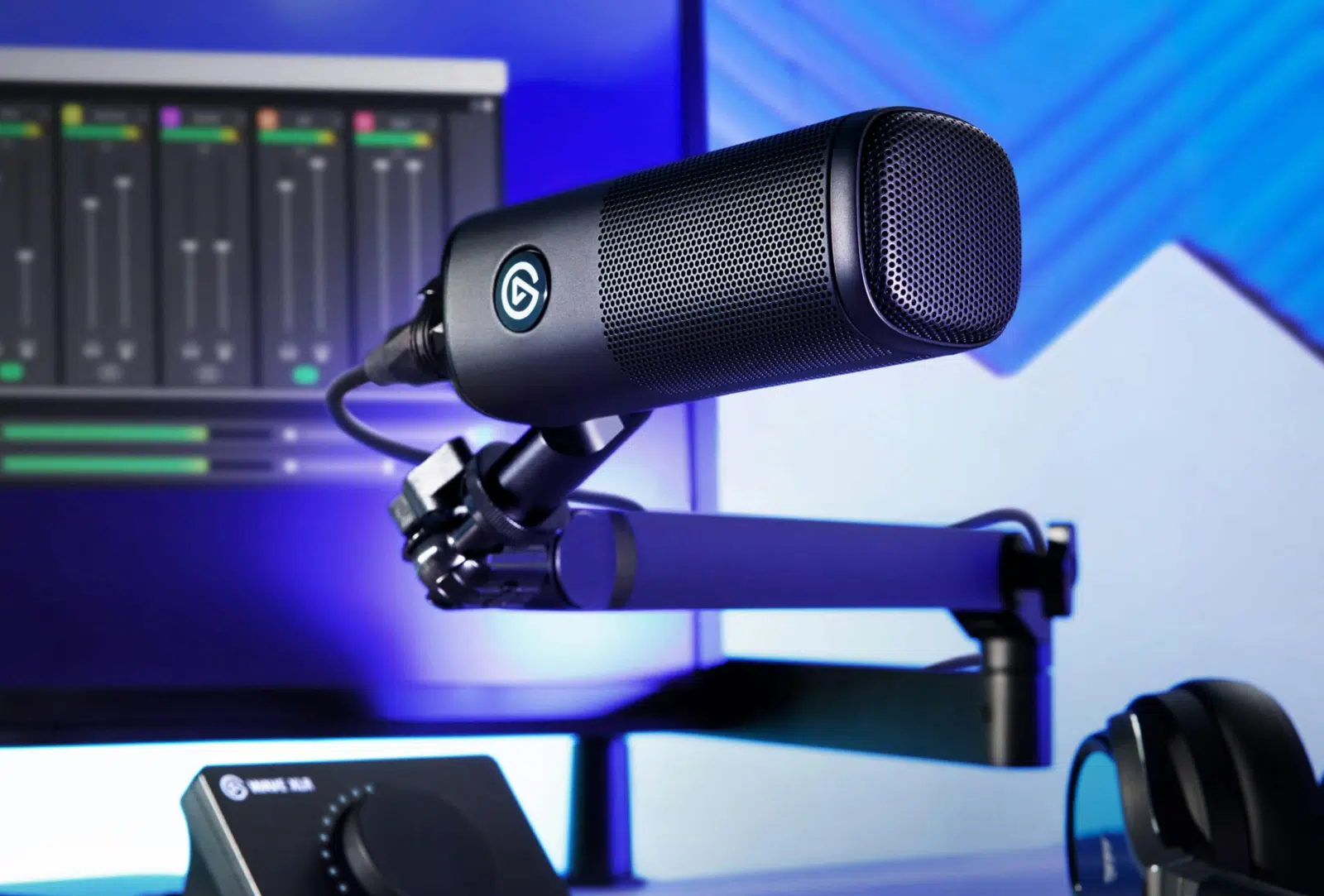
Position Around the Actual Desk
Check the clamp opening and desk thickness before choosing the final microphone position. Leave enough room for the arm movement, monitor and keyboard, with cable slack at each joint. The supplied adapters support the listed microphone thread arrangements; microphone and any separate shock mount are additional equipment.
Check the Microphone and Desk Mount
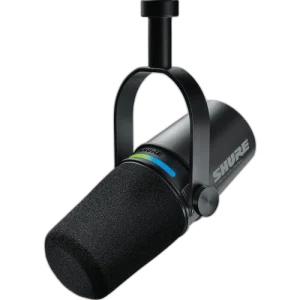
Match the microphone weight and mounting thread to the stand or arm, including any adapter or accessory. Check clamp clearance and reach so the microphone can move into position without pulling its cable. Compare related options such as RØDE DS2 Desktop Studio Arm for Broadcast Microphones, Adjustable Design or RØDE DS3 Desktop Studio Arm – 1.5kg Capacity, 360° Ball Head – Black, keeping the exact model and configuration in the decision. For the wider setup, explore SHURE MV7X Dynamic Broadcast Microphone (XLR Only) and check the connection, size or mounting requirements before pairing accessories. Browse the Elgato range at AX for more choices.
Elgato Wave Mic Arm LP Black Setup Choices
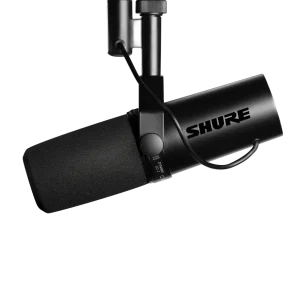
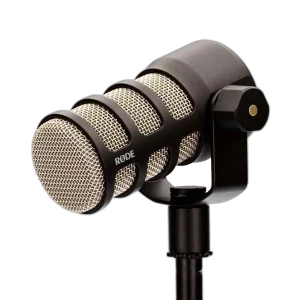
Match the microphone weight and mounting thread to the stand or arm, including any adapter or accessory. Check clamp clearance and reach so the microphone can move into position without pulling its cable. Explore RØDE PodMic Dynamic Podcasting Microphone, XLR, RØDE PodMic USB Dynamic Microphone – USB-C & XLR – Black / White, Shure SM7B Dynamic Microphone, XLR.
Frequently Asked Questions
What is the supported load?
LP has a listed maximum combined microphone/accessory load of 2 kg. Do not copy the original upright arm’s minimum weight to LP.
How is the original counterweight used?
LP is a different low-profile design. The original upright arm’s counterweight instructions should not be transferred to it.
How thick can the desk be?
The listed clamp opening is up to 60 mm. Check the actual edge and clearance for the complete mounting arrangement.
Does it include a microphone?
No. The microphone and other equipment shown in demonstration setups are separate purchases.
Which microphone threads are supported?
The main connection is 1/4-inch, with the listed 3/8-inch and 5/8-inch adapters included. Check the microphone or mount connection before fitting it.
Are the recommended microphones all needed?
They are alternative voice setups. Choose the actual microphone, recording input and total support load; the arm does not require multiple microphones together.
Build Your Setup with AX Store
Explore computers, displays and accessories for your workspace at AX Store. For help choosing the right model or checking an accessory, contact AX Store.
Compare ULANZI LS26 Low Profile Microphone Boom Arm Stand. Match the exact model, connection and configuration to your setup.
THE DETAILS
Technical specifications
Arm and movement
Elgato
Wave Mic Arm LP
Black
10AAN9901
Metal
740 mm
70 mm
160 mm
360° at base and elbow
90° up / 60° down
Ball head for microphone positioning
Integrated channels with magnetic covers
Mounting and package
2 kg; microphone plus accessories
Up to 60 mm
1/4 inch
1/4 to 3/8 inch; 1/4 to 5/8 inch
Wave Mic Arm LP, desk clamp, thread adapters, Allen wrench and Quick Start Guide
Sold separately
COMPLETE YOUR SETUP
Pairs well with