COMPARISONS
Same-day delivery · Official warranty · Taly & Deema
OBS Separate Audio starts with individual sources and a deliberate track plan for the game, Discord and microphone, with duplicate capture paths removed.
OBS Separate Audio starts with individual sources and a deliberate track plan for the game, Discord and microphone, with duplicate capture paths removed.
| Track | Example contents | Purpose |
|---|---|---|
| 1 | Game + Discord + microphone | A combined track for ordinary playback |
| 2 | Microphone only | Independent voice editing |
| 3 | Game only | Control game level separately |
| 4 | Discord only | Adjust conversation separately |
This is a proposed starting map, not a required numbering standard. Keep the map beside the project. Consistent track names are especially helpful when another person edits the recording or when you return to it weeks later.
OBS documents per-application audio capture on supported Windows versions. That can provide separate application sources for a game and Discord without requiring a physical mixer. Confirm the current OBS and operating-system requirements before following a Windows-specific procedure on another platform.
Add only the applications you need, then speak and play a test sound separately. Rename each source clearly. A source showing activity while the expected application is quiet is a reason to inspect the selection before continuing.
Add the intended microphone or interface endpoint as a separate input. A USB microphone such as MV7+ and a mixer input are different source routes, even when both arrive through a USB connection.
Check whether a hardware endpoint contains the microphone alone or a complete broadcast mix. If it contains everything, assigning it to the microphone track will also store those other sounds there. A descriptive endpoint name is useful, but a saved test is the final confirmation.
In OBS Advanced Audio Properties, assign each source to the planned combined track and its individual editing track. Then enable the intended recording tracks in Settings → Output. Follow the current OBS recording guide for the output mode and supported container options.
For the example map, the microphone belongs on tracks 1 and 2, game on 1 and 3, and Discord on 1 and 4. Check every source against the map. A missing tick can create an apparently successful recording with a missing editing track.
If desktop audio already captures everything, adding separate application sources can capture the same game or call again. Choose a deliberate capture method and remove or exclude duplicate routes. Listen for a louder, echoing or coloured result during the test.
Monitoring is another route to inspect. Sending an OBS source back to a device that OBS is also capturing can create duplication or a loop. Decide what the headphones should hear separately from what the file should store, and keep a clean baseline configuration.
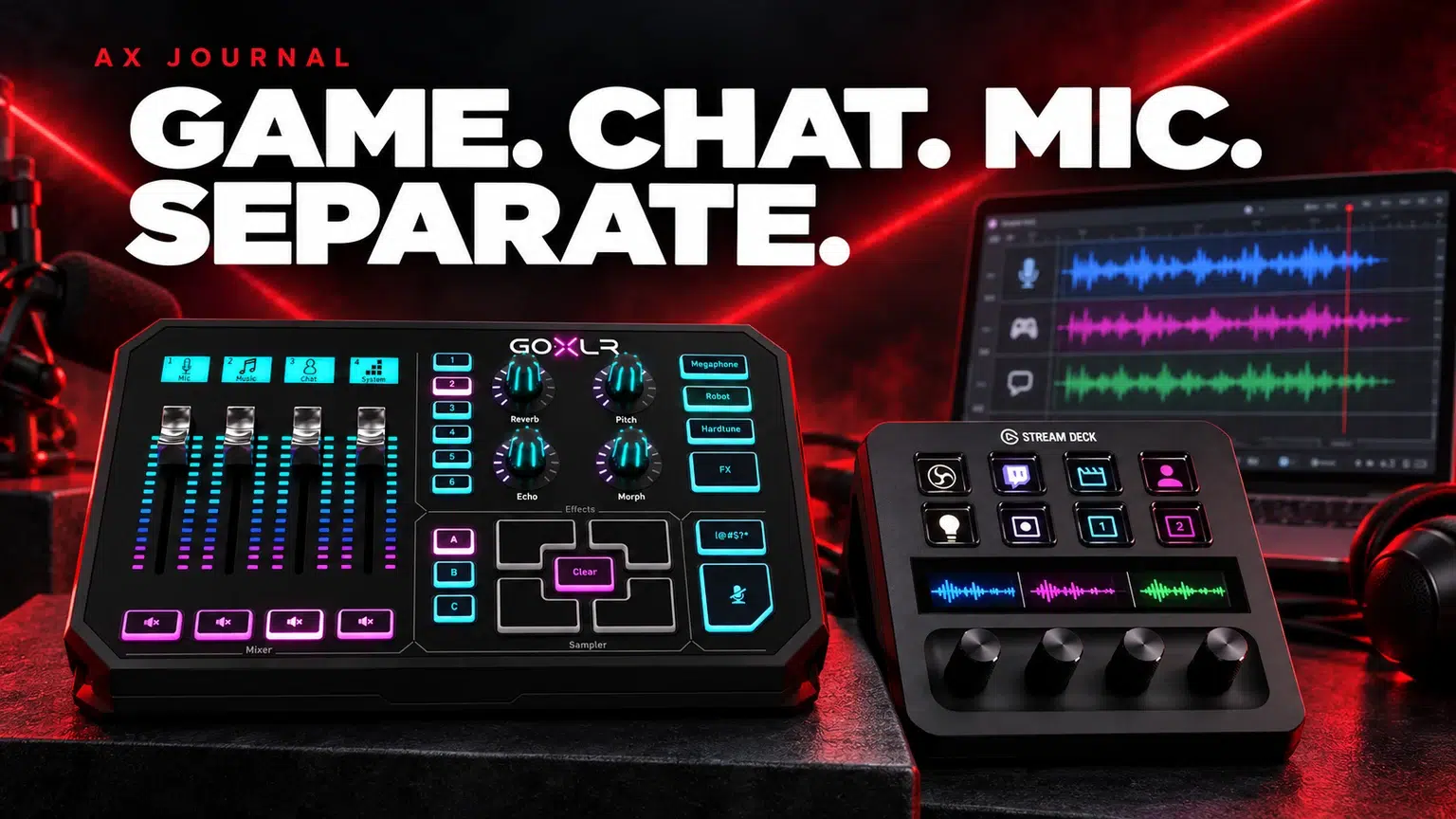
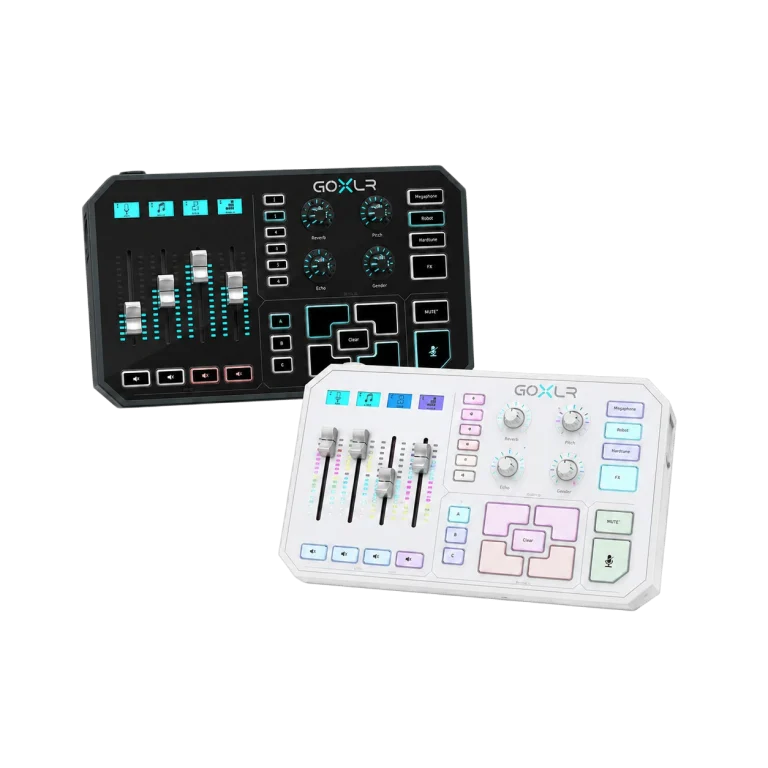
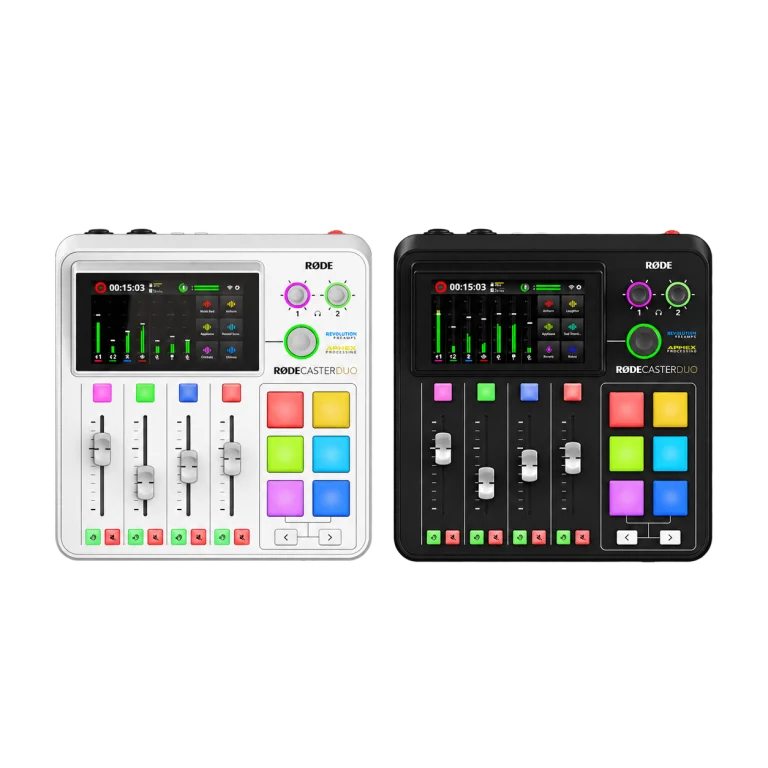
A GoXLR or RØDECaster Duo can provide hands-on control and routing, but the chosen USB endpoint still determines what OBS receives. A physical fader does not automatically correspond to a separate recording track.
A Stream Deck Plus can make configured actions easier to reach during a session. Set up and test the audio route first, then add shortcuts. A convenient button should trigger a known working action rather than hide an uncertain signal path.
A normal player presenting only one track does not prove the others are missing. Conversely, a meter moving during recording does not prove the correct track was enabled. The saved file is the evidence that matters for the editing workflow.
A live output, a local recording and a platform VOD can have different routing needs. Configure only the destinations you use and verify each one. Separating a track also does not grant permission to broadcast copyrighted music.
For microphone problems, use the USB and Discord troubleshooting guide. For a production console, use the Duo setup guide. Once the basic split works, document it so that a new game or communication-device change can be checked quickly.
Standard players usually play one audio track at a time. Open the recording in an editor that exposes all tracks and check the intended combined track for ordinary playback.
Not automatically. OBS provides application-capture options on supported systems. Hardware can add useful routing and controls, but the workflow determines what is needed.
Inspect duplicate capture and monitoring paths. A game captured through desktop audio and an additional application source may be recorded twice.
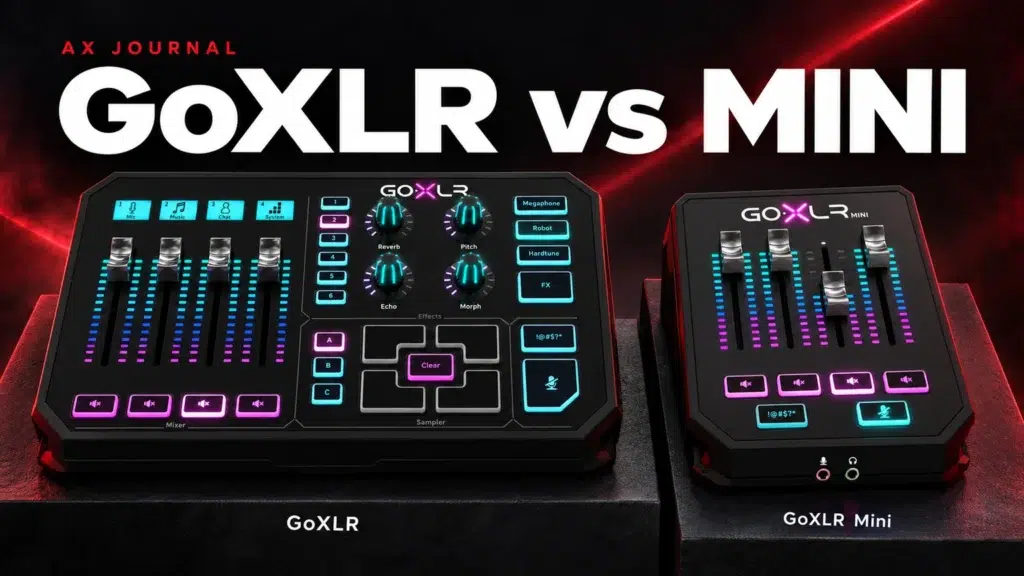
Related guide: GoXLR and GoXLR Mini guide.
Explore Audio Interfaces & Mixers or ask AX Store Kuwait about your setup.
AX price check, 26 October 2026: TC-Helicon GoXLR 4-Channel USB Streaming Mixer — KWD 119.900 (in stock); RODE RODECaster Duo Integrated Audio Production Studio — KWD 169.900 (in stock). The product cards show the current price and availability when you shop.
Explore TC-Helicon at AX Kuwait, RODE at AX Kuwait, Elgato at AX Kuwait for the rest of the range.
Build a setup that fits how you use it
Tell AX your exact models and what you want to do. We can help match the equipment and connections.
Added to cart
Subscribed
We'll email you as soon as it's back in stock.
Saved to wishlist


