BUYING GUIDE
Audio
RØDECaster Duo Setup: Microphones, USB and Recording
RØDECaster Duo Setup starts with a written signal plan for microphones, computer audio, headphone monitoring and the recording destination.
AS
AX Store
RØDECaster Duo Setup: the essentials
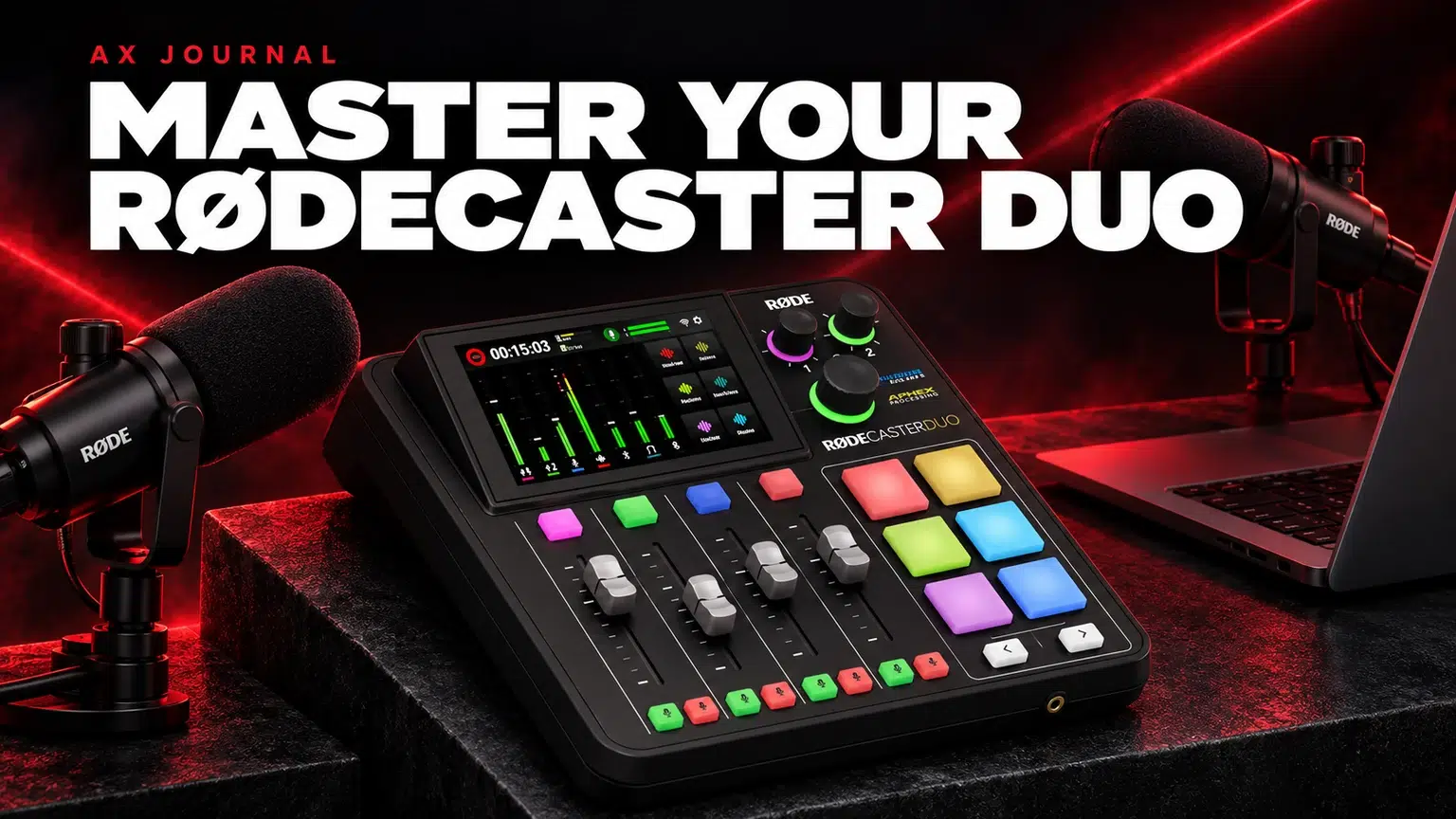
RØDECaster Duo Setup starts with a written signal plan for microphones, computer audio, headphone monitoring and the recording destination.
Know what the Duo can connect
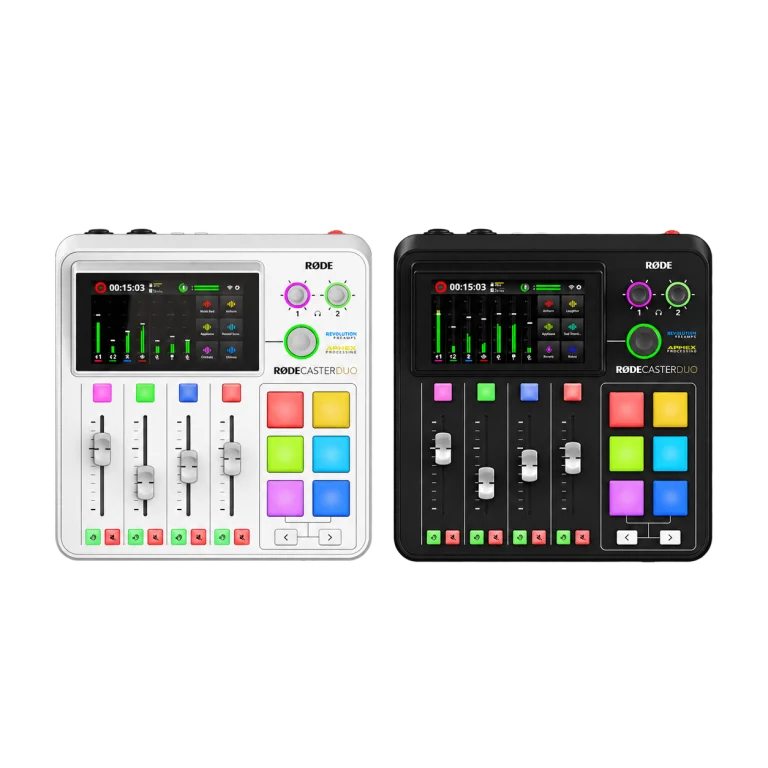
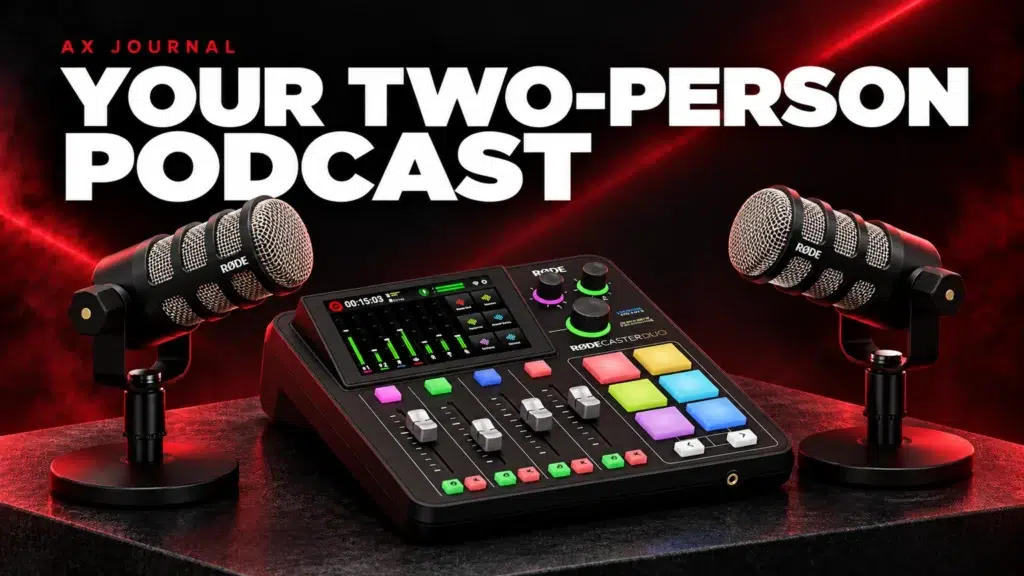
The RØDECaster Duo combines microphone preamps, a USB audio interface, headphone monitoring, processing and recording. Its two analogue combo inputs suit a solo creator or a two-microphone conversation. Four physical faders provide immediate control, with additional virtual channels available through the touchscreen.
A wireless receiver or a virtual USB channel is not automatically an additional physical XLR socket. Assign sources deliberately and check the current RØDE channel documentation when using wireless microphones. If you need four independent local XLR microphones and four headphone feeds, compare the larger Pro II before building around adapters.
Connect the first microphone before everything else
- Connect the supplied power adapter and update using the official RØDE procedure when necessary.
- Plug one microphone into input 1 using a balanced XLR cable.
- Select the correct microphone preset or a suitable manual configuration.
- Speak at your real recording distance and normal presentation level.
- Adjust input gain while watching the channel meter. Leave room for laughter and louder words.
- Listen through headphones before enabling a gate, compressor or extra effects.
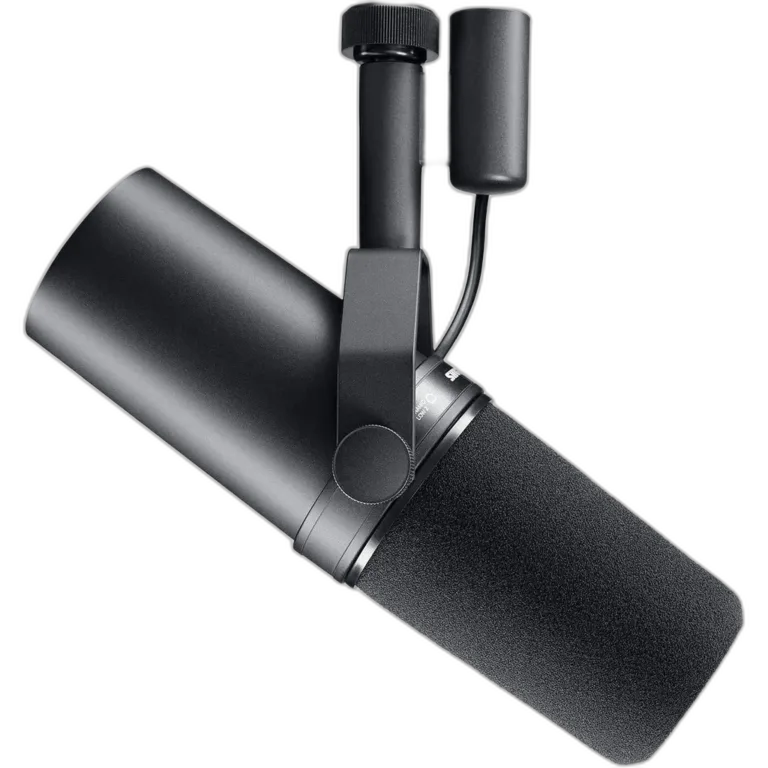
The passive PodMic and Shure SM7B do not need phantom power to operate. The SM7dB requires phantom power when using its built-in preamp; its bypass mode is a separate setting. Follow the microphone instructions and check gain and distance before adding processing.
Separate headphone monitoring from speaker output
Connect headphones to a headphone output, then set a comfortable listening level with its own control. Balanced line outputs are for suitable active speakers or an amplifier. They are a different connection from a headphone socket.
Use headphones during an open-microphone recording. Loud speakers can feed playback back into the microphones. For two people, check both headphone feeds individually; one participant hearing clearly does not confirm the other feed is correct. RØDE documents that the Solo/Listen function is heard through headphone output 1, which matters when one person is engineering the session.
Plan USB audio by destination
| Source | Typical destination | What to verify |
|---|---|---|
| Main computer playback | Headphones and the intended recording mix | A single playback route without doubling |
| Remote call return | Local headphones and recording | Remote guest receives a mix without their own delayed voice |
| Microphone | Call app, recording and monitoring as required | Correct input endpoint selected in each application |
| Second computer | A deliberate USB connection and routing assignment | The second machine receives only the intended mix |
The Duo has two USB-C audio connections. Decide which computer performs each job before selecting endpoints in applications. A device name appearing in an operating system does not prove that the intended microphone or mix has been assigned to it. Test the actual destination with a short recording.
Use mix-minus to prevent a remote guest hearing an echo
Mix-minus means sending a guest the conversation while leaving their own incoming voice out of the return feed. It solves a routing problem; it is different from acoustic echo caused by speakers near a microphone. Follow the Duo routing guide for the USB or communication channel you use.
Ask the guest to speak while you remain silent. Then speak while they remain silent. Finally, speak together briefly. This simple sequence helps reveal a duplicated return, missing microphone or gate that cuts quieter speech. Repeat it after changing call applications or connecting a second computer.
Choose stereo or multitrack recording intentionally
A stereo recording captures a finished mix. Multitrack recording preserves separate channels for later editing when the chosen recording destination and configuration support it. Enable the appropriate mode before the session, check the destination storage and confirm the recording has actually started.
Record one minute, stop, then open the saved file or files. Check both voices, computer audio, duration and channel assignment. Seeing meters move is not a substitute for checking saved audio. For important sessions, maintain an independent backup suited to the workflow and available equipment.
Build a repeatable starting scene
Position the microphone close enough to keep your voice clear without forcing extreme gain. A compatible PSA1+ arm helps keep that distance stable while allowing keyboard access. Save a clearly named setup for the task, then document any unusual routing.
Our complete RØDE setup guide covers the shopping list; the two-person podcast checklist covers the session plan. After the basic paths work, add one processing change at a time and compare at a similar listening level. Keep a clean starting configuration available for troubleshooting.
Frequently asked questions
Does Duo need a computer to record?
It supports recording without a computer to a suitable supported storage destination. Configure the recording mode and confirm a saved test before relying on it.
Can I connect two computers?
Yes, the Duo provides two USB audio connections. Routing and application endpoint selection still need to match what each computer should send and receive.
Do I need a Cloudlifter for an SM7B?
Not automatically. The Duo has a high-gain preamp; first check microphone distance, gain and recording level. An inline booster solves a specific gain requirement rather than being a mandatory accessory.
Continue planning your setup
- Two-Person Podcast Setup: The Complete Equipment and Recording Checklist
- Build a Complete RØDE Audio Setup: Microphone, Mixer, Monitoring and Cables
- RØDECaster Duo vs GoXLR: Podcast Recording or Windows Stream Control?
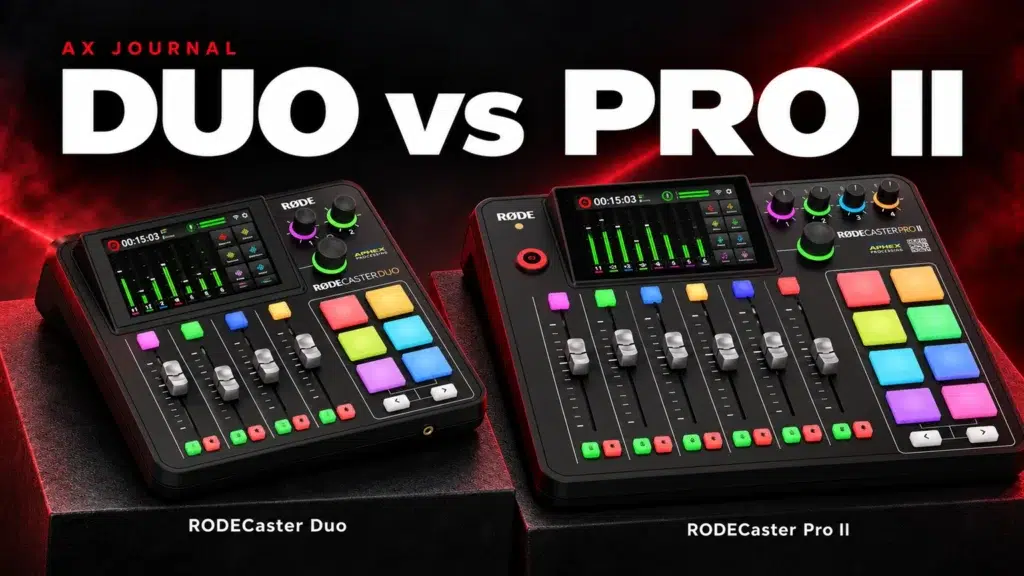
For the related buying decision, read our RØDECaster Duo vs Pro II.
Explore Audio Interfaces & Mixers. For help matching exact model numbers, contact AX Store Kuwait.
Shop the equipment in Kuwait
AX price check, 26 October 2026: RODE RODECaster Duo Integrated Audio Production Studio — KWD 169.900 (in stock); Shure SM7B Dynamic Microphone, XLR — KWD 155.000 (in stock). The product cards show the current price and availability when you shop.
Explore RODE at AX Kuwait, SHURE at AX Kuwait for the rest of the range.
AS


Build a setup that fits how you use it
Tell AX your equipment models and what you want to do. We can help you choose the right connections and products.