BUYING GUIDE
Audio
Two-Person Podcast Setup: Equipment and Recording Plan
A Two-Person Podcast Setup needs two usable microphone paths and a clear monitoring and recording plan, not simply a second microphone added to a solo setup.
AS
AX Store
Two-Person Podcast Setup: the essentials
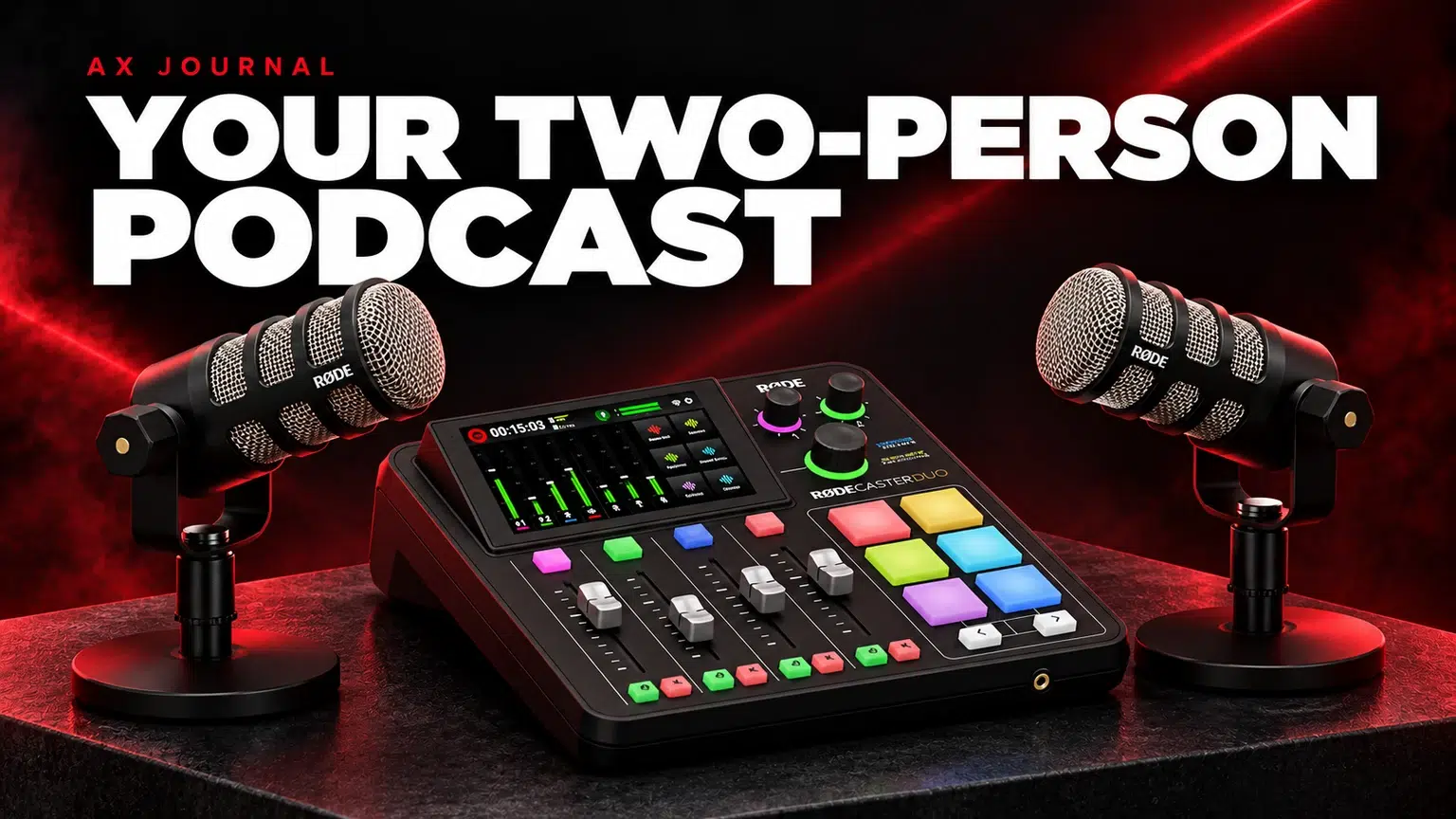
A Two-Person Podcast Setup needs two usable microphone paths and a clear monitoring and recording plan, not simply a second microphone added to a solo setup.
Build the equipment list around two separate voices
Give each person a microphone at a comfortable close speaking position. Sharing one microphone across a table usually forces both voices farther from it, raises the room contribution and makes level control harder when one person is much louder.
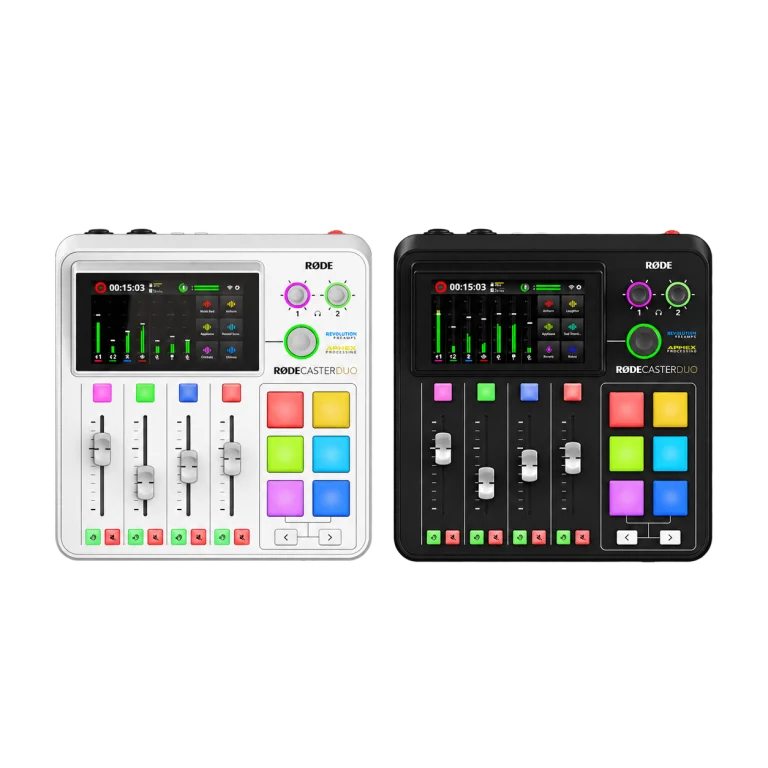
A RØDECaster Duo is an example of a console built around two local microphone inputs with separate headphone outputs. A two-input computer interface can also work if its recording software and headphone arrangement meet your requirements. The right choice depends on how you want to record, not only how many faders are visible.
A complete two-person checklist
| Item | Quantity / requirement | Reason |
|---|---|---|
| Microphones | Two, suited to close speech | Independent placement and level control |
| XLR cables | One per XLR microphone | A separate connection to each input |
| Arms or stable stands | One per microphone | Repeatable position without hand-held noise |
| Headphones | One pair per person | Monitoring without loudspeaker spill |
| Interface or console | Two independent microphone channels | Separate gain and recording options |
| Recording destination | Computer or supported storage | A planned place to capture and back up the session |
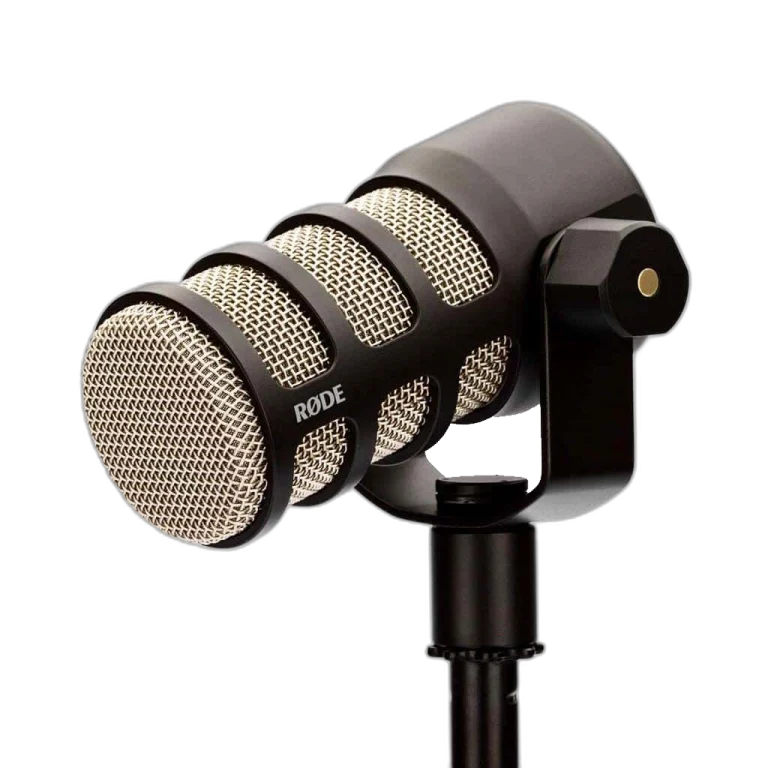
Two PodMics and suitable PSA1+ arms illustrate the component list, but confirm the full mounted weight, desk layout and cable reach before treating any list as a ready-to-fit installation.
Give each person a usable headphone mix
People speak more naturally when they can hear themselves and the other participant clearly without delay. Independent headphone volume controls help because two listeners may need different levels. A basic splitter does not provide independent gain and may not behave like two dedicated outputs.
Closed-back headphones such as the DT 700 PRO X are worth considering where playback spill into microphones matters. Keep playback at a sensible level and check a quiet recording passage for leakage before starting the real conversation.
Record a mixed track and separate tracks deliberately
A stereo mix is convenient for quick sharing. Separate microphone tracks are useful when editing uneven levels, coughs or interruptions. Verify that the recording application or console is actually set to capture the channels you want; owning a multitrack-capable device does not enable every recording option automatically.
Do a short recording and open the resulting files before the first full episode. Confirm both voices are present, the tracks are named or identifiable and the destination has sufficient free space. Keep a backup copy after recording.
Remote guests need routing, not just another cable
A remote caller should hear the local participants and any intended programme audio without hearing a delayed copy of their own voice. That is the purpose of mix-minus. Check the exact USB, Bluetooth or other caller connection and its output mix.
The Duo offers configurable routing documented by RØDE. Do not assume a single main-mix setting is suitable for every call application. Ask the guest to use headphones and test both directions, including music or clips you intend to play.
Set up the room before polishing the sound
Choose a quieter part of the room, avoid placing microphones far from the speakers and reduce strong reflections where practical. Position the two microphones so each prioritises its own speaker. Set gain with each person speaking normally and then laughing or speaking more loudly.
Use processing conservatively. A hard gate can cut off a quiet guest, while heavy compression can make room noise more obvious. Make a sample that includes overlap and quiet speech; those moments reveal problems that a loud mic check misses.
A pre-recording routine you can reuse
- Confirm both microphones, cables and headphone outputs.
- Set independent gains and leave headroom.
- Test remote-guest mix-minus if used.
- Record and play back a short sample from the actual destination.
- Check that all intended tracks are present.
- Save the working routing and processing settings.
AX audio bundles can simplify component shopping, but check the listed quantities: a one-microphone bundle is not a two-person setup until the second input, microphone, monitoring path and accessories are accounted for.
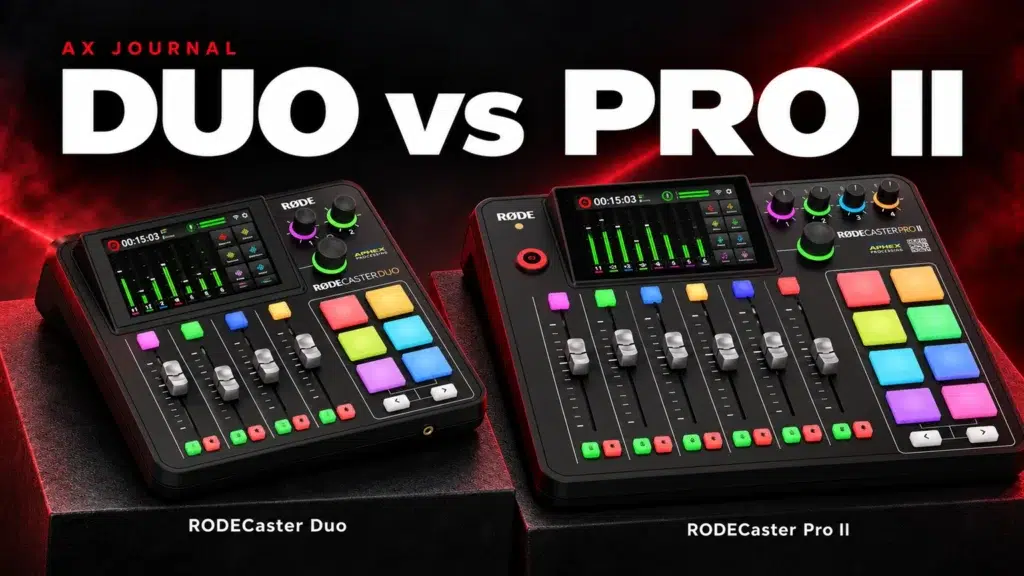
For the related buying decision, read our RØDECaster Duo vs Pro II.
Frequently asked questions
Can I use two USB microphones on one computer?
Some software and operating systems can combine devices, but clocking, routing and monitoring become more complicated. A single two-input recording device is often a simpler starting point.
Do I need four inputs for two people?
Not for two local microphones alone. More inputs may be useful for future guests or instruments; count the sources you will actually connect.
Why does a remote guest hear an echo?
Check for a returned copy of the guest audio, speaker leakage or duplicate software monitoring. Correct mix-minus addresses the returned-audio path.
Continue planning your setup
- How to Reduce Microphone Background Noise at a Gaming Desk
- RØDE PSA1 vs PSA1+: Check Microphone Weight, Reach and Desk Fit
- How to Choose an XLR Microphone Cable: Connectors, Length and Noise
Check current configurations, included accessories and availability on the linked AX product pages. Ask AX about your exact setup.
Shop the equipment in Kuwait
AX price check, 26 October 2026: RODE RODECaster Duo Integrated Audio Production Studio — KWD 169.900 (in stock); RØDE PodMic Dynamic Podcasting Microphone, XLR — KWD 39.000 (in stock). The product cards show the current price and availability when you shop.
Explore RODE at AX Kuwait, Beyerdynamic at AX Kuwait for the rest of the range.
A useful next guide
Continue with First Podcast Episode: Plan, Record and Publish in Kuwait to plan the related part of your setup.
AS


Build a setup that fits how you use it
Tell AX your equipment models and what you want to do. We can help you choose the right connections and products.