COMPARISON
Audio
RØDE PSA1 vs PSA1+: Microphone Weight, Reach and Desk Fit
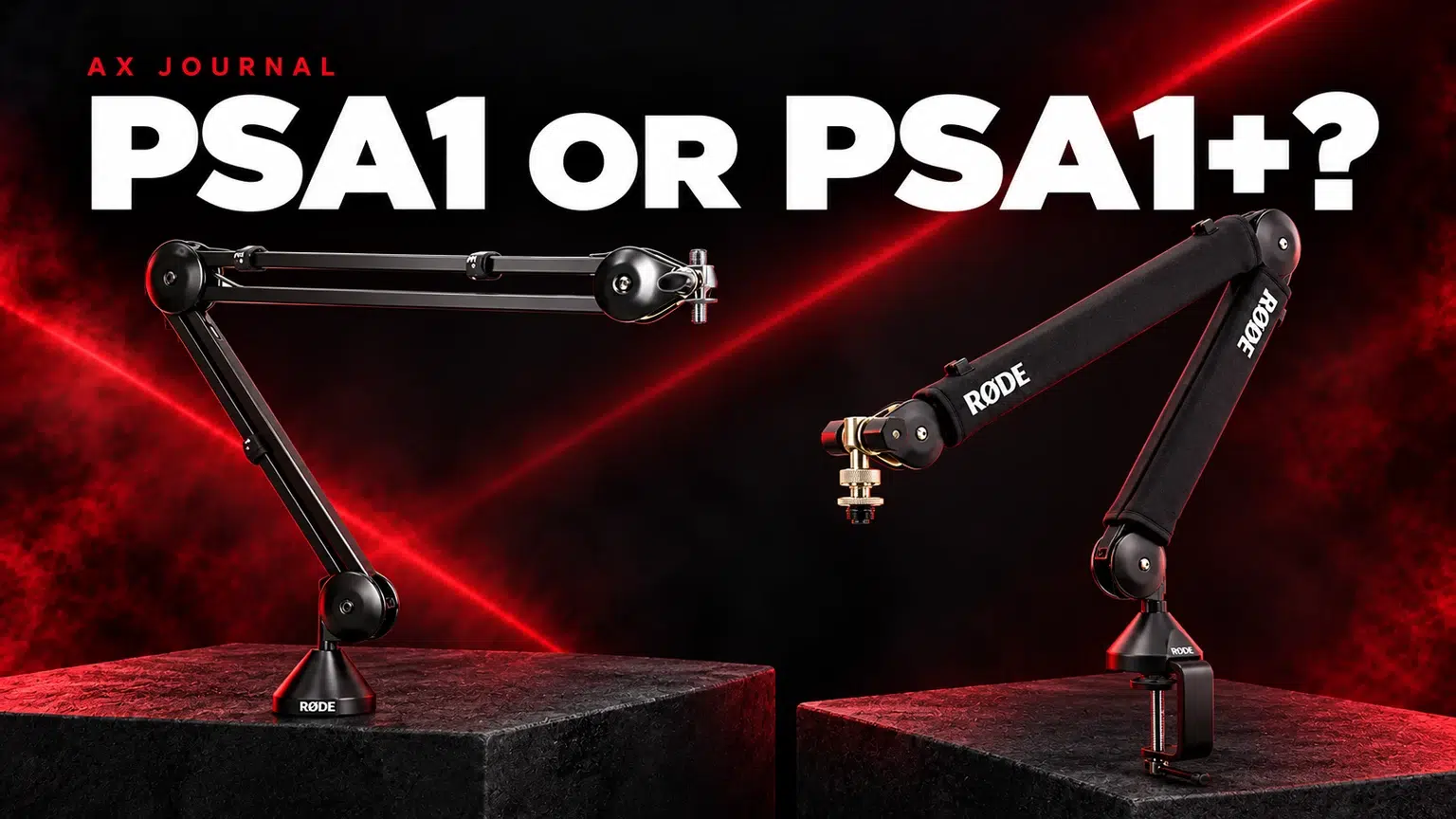
RØDE PSA1 vs PSA1+ is a practical match between microphone weight, the reach you need and the desk mounting point you have available.
AS
AX Store
RØDE PSA1 vs PSA1+: the essentials
RØDE PSA1 vs PSA1+ is a practical match between microphone weight, the reach you need and the desk mounting point you have available.
Add up everything the arm must support
Use the combined mass of the microphone, shock mount, adapter and any accessory physically supported at the end of the arm. Do not compare the arm specification with the microphone body alone if you intend to add a heavy mount.
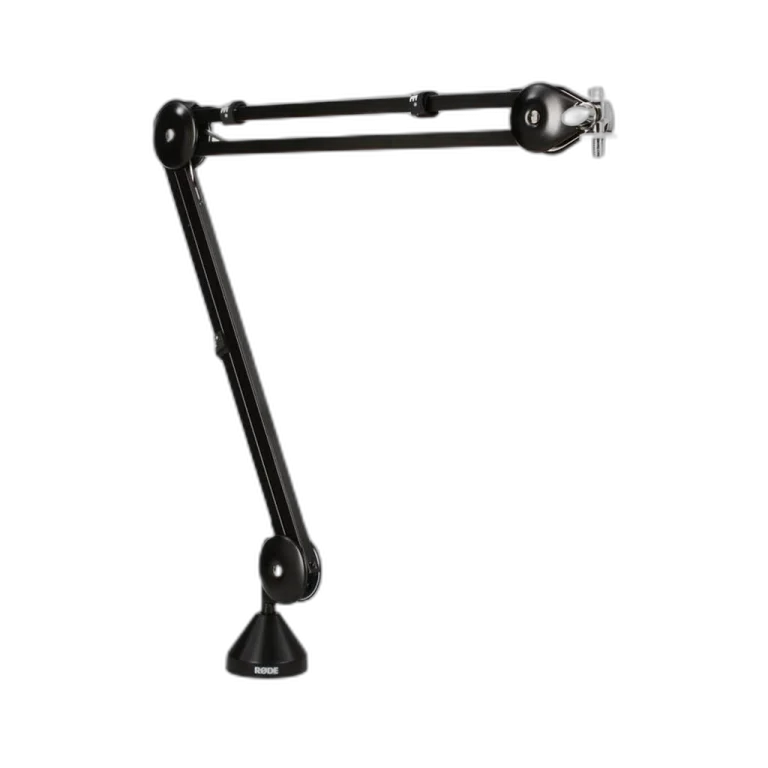
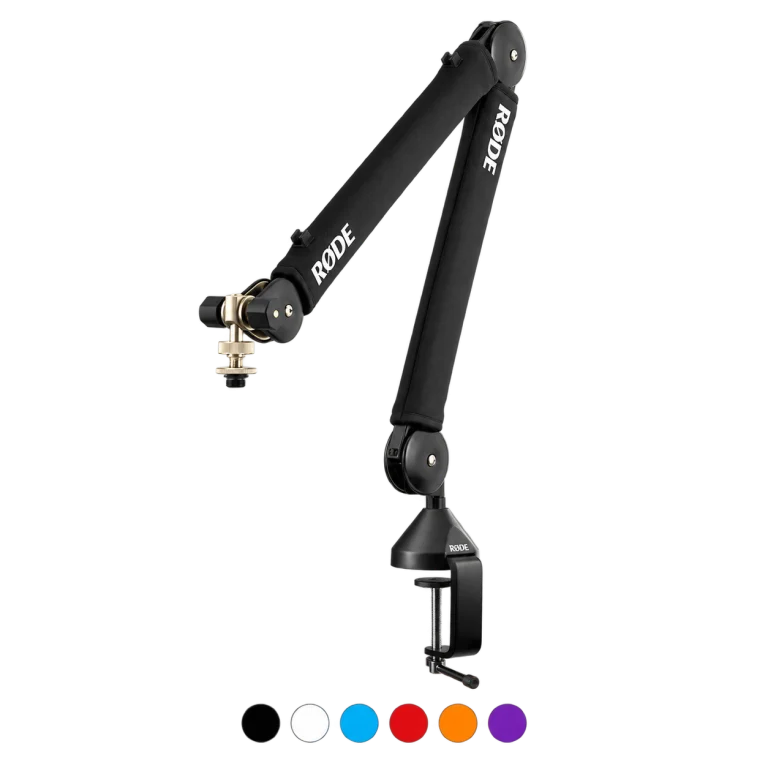
RØDE gives the classic PSA1 a supported load range of 700 g to 1.1 kg. The PSA1+ supports approximately 94 g to 1.2 kg. That lower minimum matters for lightweight microphones: an arm designed for a heavier load may rise instead of staying where you put it.
Compare the parts that affect daily use
| Check | PSA1 | PSA1+ |
|---|---|---|
| Published mounted-weight range | 700 g to 1.1 kg | 94 g to 1.2 kg |
| Lightweight microphone use | Confirm total load meets minimum | Broader supported lower-weight range |
| Movement and cable management | Check the classic arm arrangement | Check the redesigned arm and cable-routing arrangement |
| Desk suitability | Verify clamp / insert dimensions for the exact package | Verify clamp / insert dimensions for the exact package |
Do not choose solely because a product name has a plus sign. If the existing arm supports the complete load and moves smoothly through the positions you need, replacing it may not be your highest-priority audio improvement.
Check desk thickness and the clamping surface
Measure the desk where the clamp will sit, including any reinforcing lip or cable tray underneath. A desk can be thin at the front but obstructed at the rear. Make sure both clamp faces can sit flat on a structurally suitable surface.
Hollow, damaged, glass or unusually thin tops may need a different mounting solution approved for the desk. Do not assume that a wider clamp opening means the material itself is safe to clamp. Follow the desk and arm manufacturer instructions.
Reach matters only if the microphone lands in the right place
Plan where you sit, where the microphone needs to be while speaking and where the arm should park when unused. The arm must reach the speaking position without blocking your display, colliding with a monitor arm or pulling the cable tight.
For a PodMic or SM7dB desk, use the actual microphone dimensions and mounting position in your plan. A side-entry mount, cable plug or windscreen may add clearance requirements beyond the microphone body.
Cable routing and desk vibration
Leave a little free movement at the microphone connector and at arm joints. A cable pulled tight can change how the arm moves and transmit handling sounds. Use the intended cable-management points without crushing the cable or forcing sharp bends.
An arm helps you hold a consistent microphone position; it does not guarantee isolation from desk impacts. If every keyboard hit becomes a thump, inspect the mounting path, cable contact and any compatible shock-mount options rather than assuming a stronger arm will automatically fix it.
Install and test before the first stream
- Read the installation guide and confirm the complete mounted load.
- Secure the clamp or insert as instructed.
- Support the arm while attaching the microphone and accessories.
- Route the cable with slack at the moving points.
- Test the full movement slowly, then record yourself repositioning it.
- Check that your ordinary posture stays comfortable and the arm clears the screen.
Choose PSA1+ when its broader load compatibility and daily movement arrangement solve a real need. Choose PSA1 when its supported range and mounting fit are appropriate. Either purchase should begin with measurements, not a photograph of someone else’s desk.
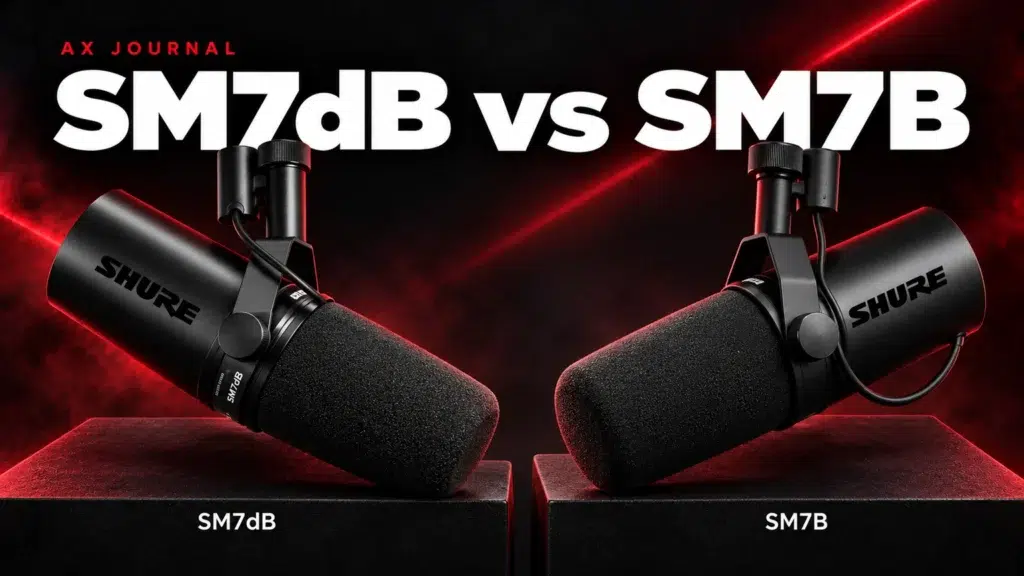
For the related buying decision, read our SM7dB vs SM7B.
Frequently asked questions
Will a boom arm work with every USB microphone?
No. Check mounting thread, total weight, cable clearance and any required adapter. Connection type does not establish mechanical compatibility.
Why does my arm keep rising?
A load below the arm supported minimum is one possibility. Check the complete weight and follow the model adjustment instructions.
Does the PSA1+ remove keyboard vibration?
It is not an active noise-removal device. Mounting, the desk, cable routing and microphone isolation all affect handling noise.
Continue planning your setup
- How to Reduce Microphone Background Noise at a Gaming Desk
- SM7B Too Quiet? Set Gain Before Buying a Cloudlifter
- How to Choose an XLR Microphone Cable: Connectors, Length and Noise
Explore Microphone Stands & Mounts
Check current configurations, included accessories and availability on the linked AX product pages. Ask AX about your exact setup.
Shop the equipment in Kuwait
AX price check, 26 October 2026: RØDE PSA1 Microphone Boom Arm Stand Professional Studio Arm — KWD 39.950 (in stock); RØDE PSA1+ Professional Studio Microphone Boom Arm — KWD 49.900 (in stock). The product cards show the current price and availability when you shop.
Explore RODE at AX Kuwait, SHURE at AX Kuwait for the rest of the range.
AS


Build a setup that fits how you use it
Tell AX your equipment models and what you want to do. We can help you choose the right connections and products.