
COMPARISON
Audio
Shure MV7+ vs RØDE PodMic USB: Choose Your Workflow
Shure MV7+ vs RØDE PodMic USB compares two microphone routes that can start on USB and also work in an appropriate XLR recording chain.
AS
AX Store
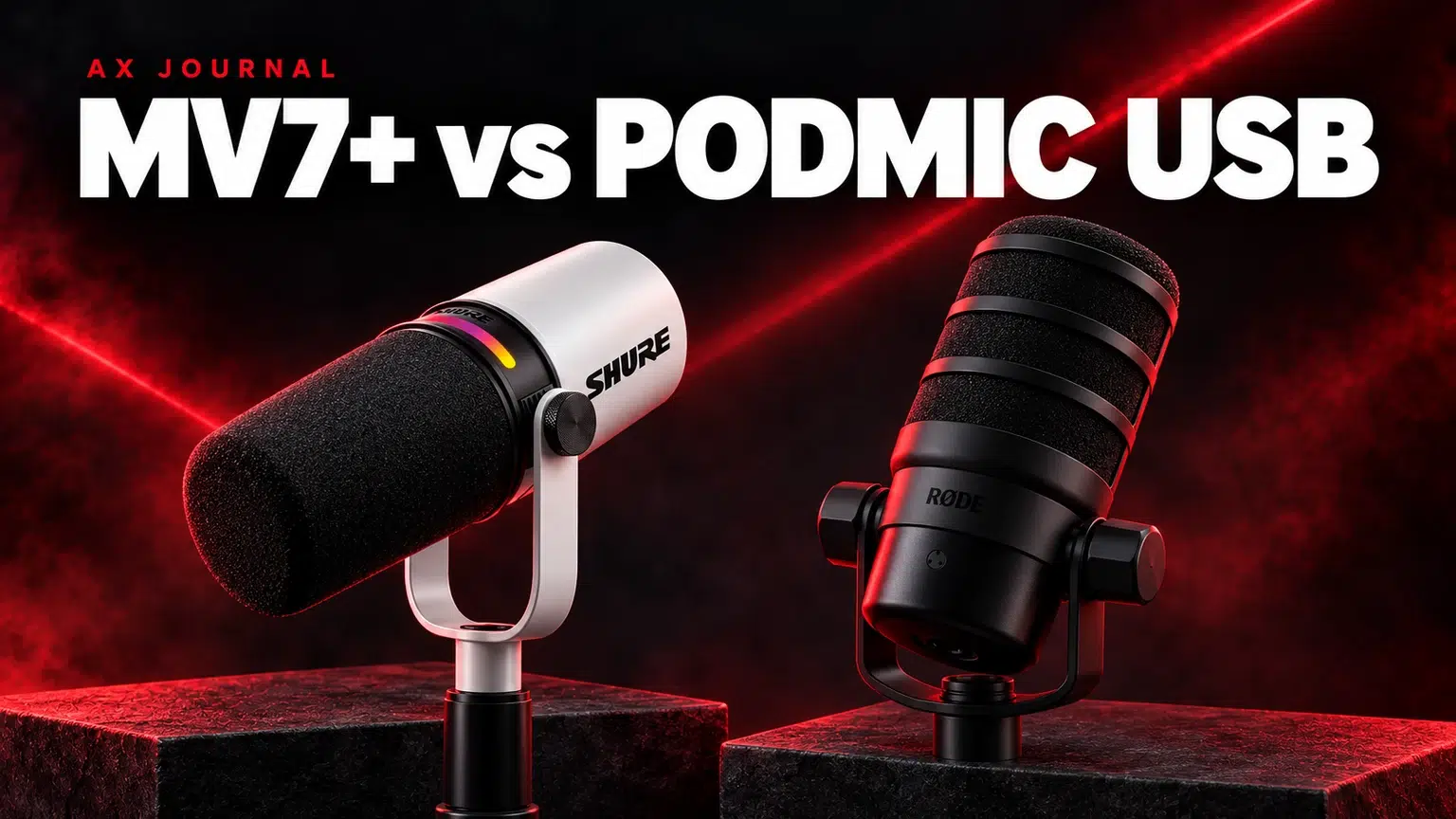
Shure MV7+ vs RØDE PodMic USB: the essentials
Shure MV7+ vs RØDE PodMic USB compares two microphone routes that can start on USB and also work in an appropriate XLR recording chain.
Two hybrid microphones, with different control systems
The Shure MV7+ combines a dynamic microphone with USB audio, monitoring and Shure’s digital tools. The RØDE PodMic USB combines USB operation and RØDE processing with a conventional XLR output. Each can suit a creator who wants a straightforward computer connection today and an interface or mixer later.
The shared connection types do not make the microphones identical. Compare the software experience, physical controls, microphone placement and complete mounting arrangement. Avoid deciding from a product photograph that shows accessories which may not be included in the selected listing.
Compare the workflow
| Question | Shure MV7+ | RØDE PodMic USB |
|---|---|---|
| Direct computer recording | USB workflow with MOTIV tools | USB workflow with supported RØDE software |
| Digital processing | Features include Auto Level, denoising and Popper Stopper | USB processing includes APHEX tools |
| Headphone monitoring | Built-in headphone connection | Built-in headphone connection |
| XLR use | Feed a suitable analogue microphone input | Feed a suitable analogue microphone input |
| What USB DSP changes | The digital path; do not assume it changes the passive XLR output | The digital path; do not assume it changes the XLR output |
Check current official software compatibility and feature instructions for the exact model. MV7, MV7X, MV7i and MV7+ are different names with different capabilities; similarly, the original XLR PodMic is not the same product as PodMic USB.
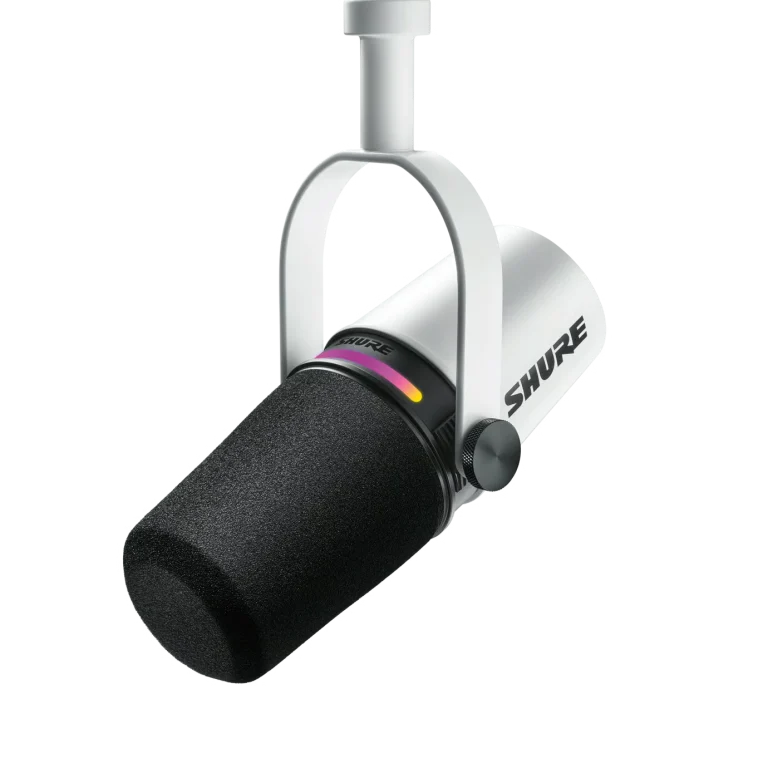
Choose USB when you want a simple first recording chain
USB is useful for one microphone connected directly to a computer. Select the microphone as the recording input and choose the intended playback output in the application. If monitoring from the microphone’s headphone socket, set the monitor blend or level using the supported controls.
Make a short test before adding strong processing. Listen for room noise, plosives, keyboard sound and inconsistent speaking distance. A software feature can help a particular problem, but it is easier to judge when the underlying microphone placement is already sensible. Keep a clean configuration available for comparison.
Choose XLR when the mixer workflow is the real goal
An XLR connection makes sense when you want the gain controls, headphone feeds or routing of a device such as RØDECaster Duo. In that arrangement, the mixer or interface becomes the main recording and processing path. Do not assume settings made in the USB application are applied to the analogue XLR signal.
Follow the microphone’s power instructions. RØDE specifically addresses phantom-power handling for PodMic USB in its user guide. A USB-capable microphone is not automatically an XLR condenser microphone, and enabling phantom power is not a universal way to fix low level.
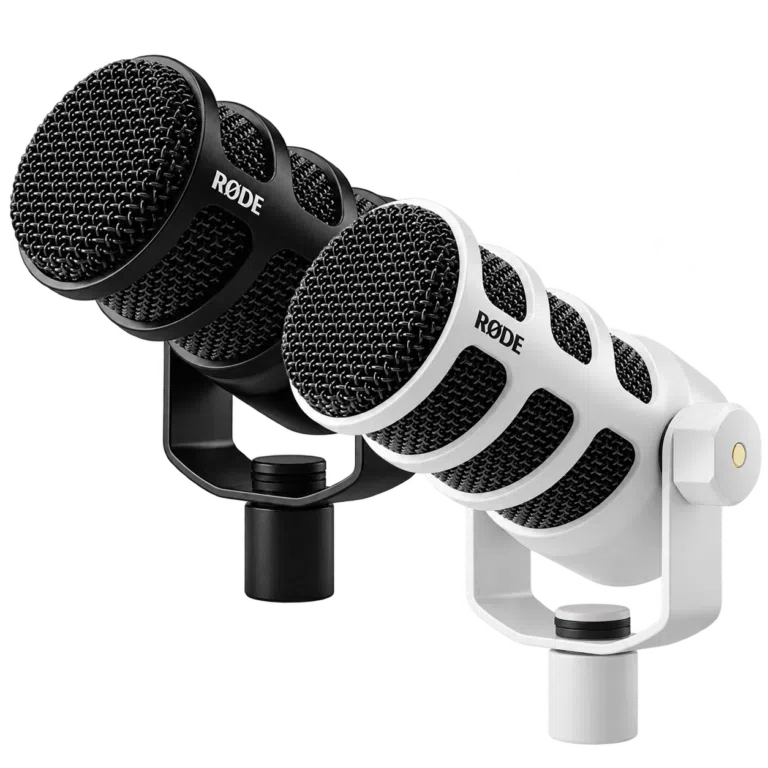
Mounting and speaking position affect the result
Choose a stand or arm that supports the complete microphone assembly, including any mount and added accessories. A PSA1+ arm is a useful option to compare against the actual combined load and desk-clamp requirements. Check the mounting thread and clearance before ordering.
Place the microphone close enough that your voice dominates the room sound, then angle and position it to reduce breath blasts without obscuring the screen. Leave enough movement for the keyboard and mouse. A heavy microphone on an unstable desk stand can be more disruptive than a smaller setup positioned correctly.
For gaming, calls and a future two-person podcast
For a single gaming microphone, a direct USB path may be the cleanest starting point. Choose the headphone playback device separately if you already use a DAC or amplifier. Check the game and call application after changing devices, because each may retain its own input selection.
For a future two-person local podcast, plan the number of independent microphone inputs and headphone outputs. Owning two USB microphones does not automatically create a simple two-channel recording system in every application. An appropriate interface or mixer can make that workflow more predictable.
A practical shortlist
Choose MV7+ when its Shure controls and digital processing fit your preferred USB workflow. Choose PodMic USB when the RØDE software and wider RØDE setup fit your plans. Then compare the current AX package, finish and mounting needs.
For the broader connection decision, read our USB-versus-XLR guide linked below. For a complete system, use the RØDE audio setup guide, and for room or keyboard noise follow the microphone background-noise guide. Buy the pieces needed for the selected chain rather than automatically adding an interface to a USB-only plan.
Frequently asked questions
Does USB noise reduction change the XLR output?
Do not assume so. The USB digital processing and analogue XLR path are different. Use the manufacturer’s documented signal path for the exact microphone.
Do both include a boom arm?
That depends on the selected package. A product photo or family name is not proof that an arm or stand is included.
Can I start with USB and move to XLR later?
Yes, both provide USB and XLR connection options. Moving to XLR adds a suitable interface or mixer and changes where gain, monitoring and processing are handled.
Continue planning your setup
- How to Reduce Microphone Background Noise at a Gaming Desk
- Build a Complete RØDE Audio Setup: Microphone, Mixer, Monitoring and Cables
- RØDECaster Duo Setup Guide: Microphones, USB Routing and Multitrack Recording
For the related buying decision, read our USB vs XLR microphones.
Explore Microphones. For help matching exact model numbers, contact AX Store Kuwait.
Shop the equipment in Kuwait
AX price check, 26 October 2026: Shure MV7+ Hybrid Dynamic Podcast Microphone, USB and XLR — KWD 99.000 (out of stock); RØDE PodMic USB Dynamic Microphone – USB-C & XLR – Black / White — KWD 69.900 (in stock). The product cards show the current price and availability when you shop.
Explore SHURE at AX Kuwait, RODE at AX Kuwait for the rest of the range.
AS


Build a setup that fits how you use it
Tell AX your equipment models and what you want to do. We can help you choose the right connections and products.