
BUYING GUIDE
Audio
RØDE Audio Setup: Build a Complete Recording Chain
A RØDE Audio Setup brings the microphone, interface or mixer, monitoring, mounting and cables together around the session you want to record.
AS
AX Store
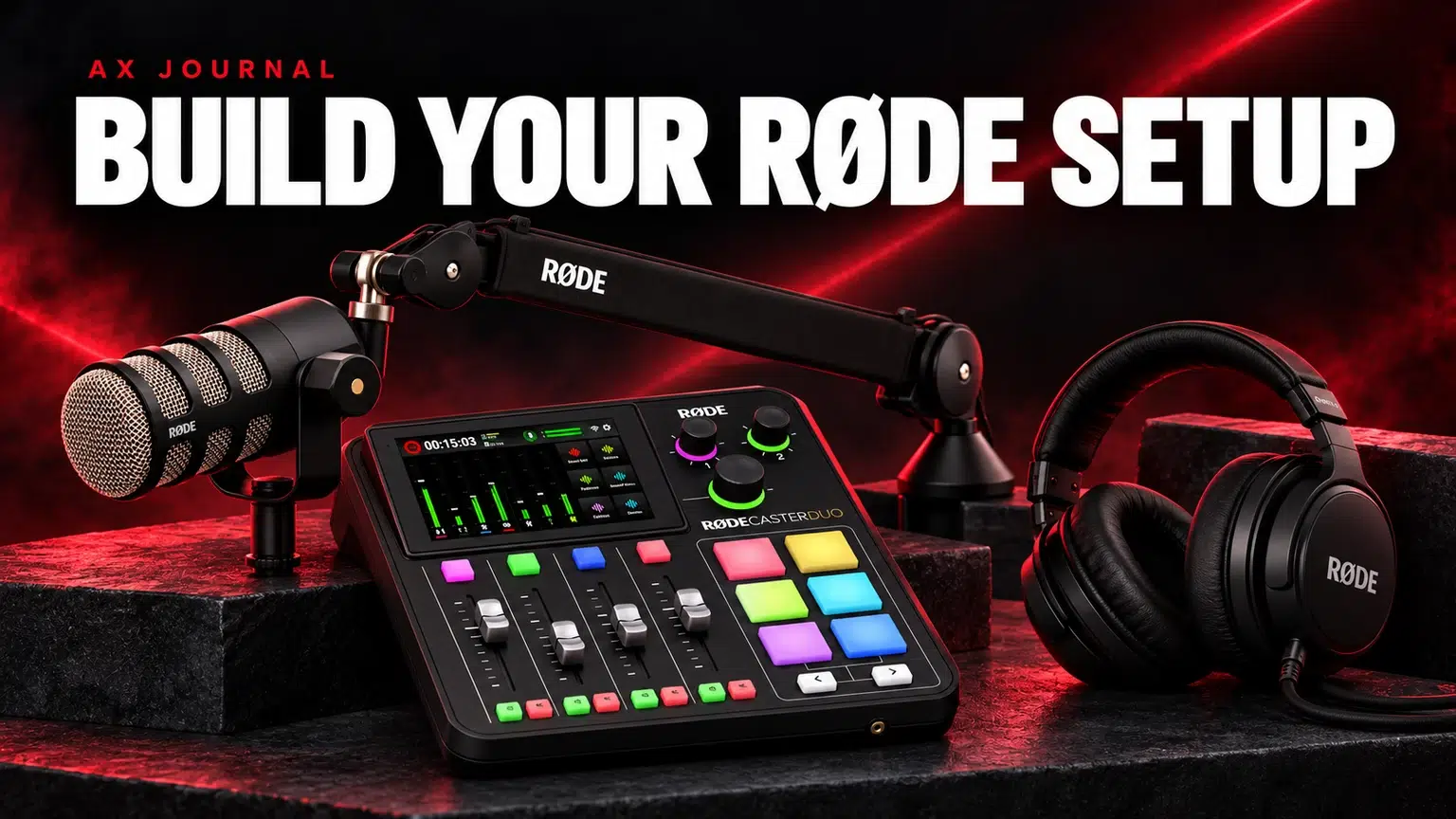
RØDE Audio Setup: the essentials
A RØDE Audio Setup brings the microphone, interface or mixer, monitoring, mounting and cables together around the session you want to record.
Choose the workflow before the microphone
Start by counting local speakers, remote guests and computers. Decide whether you will record only into a computer or also want a standalone recording destination. Then decide how each person will hear the session.
RØDE makes microphones, audio-production consoles, headphones, arms and cables, so it is possible to assemble several different systems within the range. That does not mean every component is mandatory or that using one brand removes the need to check physical and electrical compatibility.
Three complete routes to consider
| Workflow | Core audio chain | What completes it |
|---|---|---|
| One-person computer desk | PodMic USB → computer | Suitable arm, monitoring headphones and correct USB connection |
| Two local speakers | Two XLR microphones → RØDECaster Duo | Two headphone feeds, two mounts, XLR cables and a recording plan |
| Three or four local XLR microphones | Microphones → RØDECaster Pro II | A monitor feed and stable mic position for each seat |
These are workflow examples, not fixed bundles. Check the actual quantities and accessories in any AX package before assuming it contains a full two-person or four-person system.
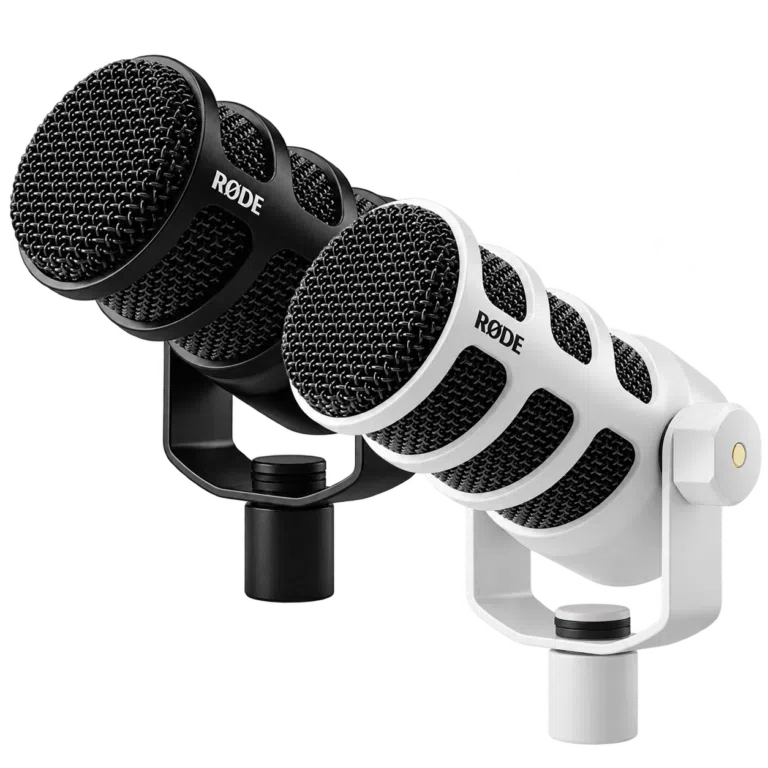
Solo recording: USB can keep the chain short
PodMic USB connects digitally to a compatible computer or mobile setup without a separate XLR audio interface. Its headphone output provides a local monitoring route, and supported RØDE software configures its digital processing.
Plan the USB cable and device compatibility, a stable mounting position and headphones before adding a mixer. A mixer may be useful later for more people or physical source control, but it is not required merely to make a USB microphone record.
XLR recording: the interface is part of the microphone purchase
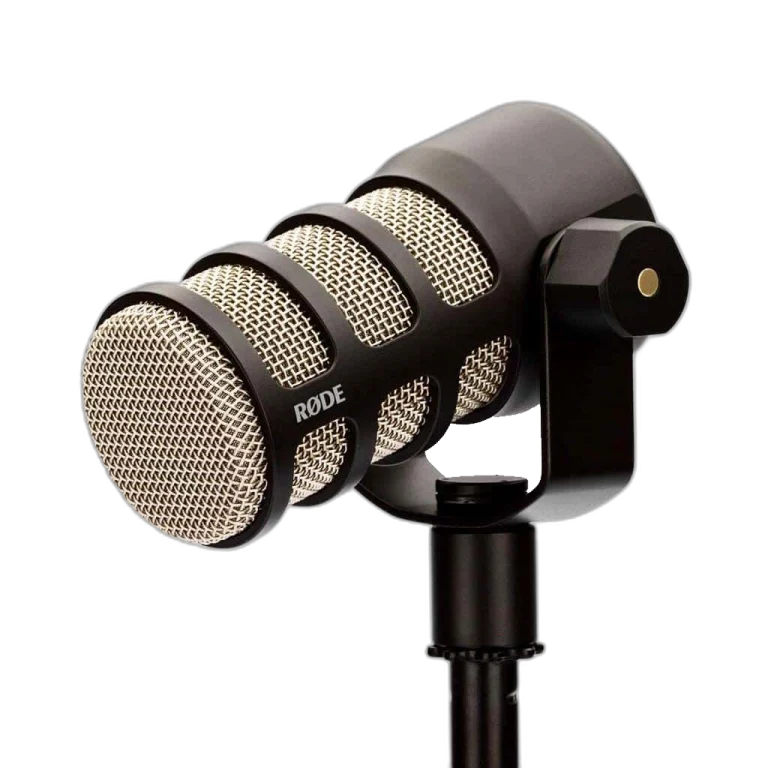
The original XLR PodMic needs an appropriate microphone input and preamp. An XLR cable does not itself convert the signal into USB audio. The interface or console performs that job.
If your system already includes a RØDECaster, compare the original PodMic with PodMic USB according to how often you will use the independent USB path. Do not pay for hybrid connectivity by habit if it will never be used; equally, it can be useful when moving between a console and a simpler computer desk.
A complete setup needs a listening plan
Each local speaker should hear the conversation at a comfortable level without loudspeakers spilling back into the microphones. RØDE NTH-100 headphones are one closed-back monitoring option; an appropriate headphone from another brand can also be part of the system.
For two people, independent headphone volume controls are useful. For a remote guest, plan mix-minus so the caller receives the programme without a delayed copy of their own voice. Hearing a good local mix does not prove that the guest or stream receives the right one.
Mounting and cables make the system usable
A PSA1+ can maintain a repeatable speaking position when the complete mounted weight and desk fit are suitable. Include the mic, any shock mount and adapters when checking the load. The arm must reach naturally without blocking the screen.
Choose one suitable XLR cable per XLR microphone and allow for the full arm route. For USB microphones, verify the data cable and any adapter rather than treating a charging-only cable as equivalent. Leave slack at moving joints and keep cable contact away from desk vibration.
Recording, backup and software are separate decisions
A RØDECaster Duo or Pro II supports documented computer and standalone recording options. Choose the intended destination and enable the recording format you need. A stereo mix is convenient; separate tracks are more flexible for editing.
Check software compatibility, available storage and whether you need raw or processed tracks. Record a sample, open the saved files and confirm every intended source before committing to a full episode. Back up finished recordings to a separate location.
Set the system up in an order you can troubleshoot
- Connect one microphone and one headphone feed.
- Set gain with normal and louder speech, leaving headroom.
- Confirm a saved recording.
- Add the second microphone or computer source.
- Check remote-guest routing and mix-minus.
- Apply processing gradually and compare with the clean baseline.
- Save the working configuration and recording checklist.
Microphone distance and room conditions come before heavy processing. Compression, gates and voice enhancement cannot repair every noisy or reflective recording.
Build the right RØDE system with AX Kuwait
Use the RØDECaster Duo setup guide for the console controls, the two-person checklist for quantities and MV7+ versus PodMic USB if you are still choosing a hybrid microphone. These guides separate the purchasing decision from the actual setup steps.
When asking AX for a complete list, include the number of local speakers, remote guests, computer models, room and whether the show is live, recorded or both. That lets us recommend a system with all the necessary connections rather than a collection of individually attractive products.
Frequently asked questions
Can I start with PodMic USB and add a console later?
Its hybrid connections provide both a compatible direct USB route and an analogue XLR route. Check the exact devices and remember that digital processing belongs to the USB path.
Do I need a RØDECaster for one USB microphone?
No. A compatible computer or mobile setup can be enough. Choose a console when its recording, routing or multi-source controls solve a real need.
Does a two-person podcast require two microphone cables?
For two separate XLR microphones, plan one appropriate cable for each, plus the rest of each person’s monitoring and mounting arrangement.
Can I use headphones from another brand?
Yes, when their connector and electrical requirements suit the source. A complete setup does not have to be limited to one brand.
Continue planning your setup
- Two-Person Podcast Setup: The Complete Equipment and Recording Checklist
- RØDECaster Duo Setup Guide: Microphones, USB Routing and Multitrack Recording
- Shure MV7+ vs RØDE PodMic USB: Choose Your USB and XLR Workflow
For the related buying decision, read our USB vs XLR microphones.
Explore Microphones. For help matching exact model numbers, contact AX Store Kuwait.
Shop the equipment in Kuwait
AX price check, 26 October 2026: RØDE PodMic USB Dynamic Microphone – USB-C & XLR – Black / White — KWD 69.900 (in stock); RØDE PodMic Dynamic Podcasting Microphone, XLR — KWD 39.000 (in stock). The product cards show the current price and availability when you shop.
Explore RODE at AX Kuwait for the rest of the range.
AS
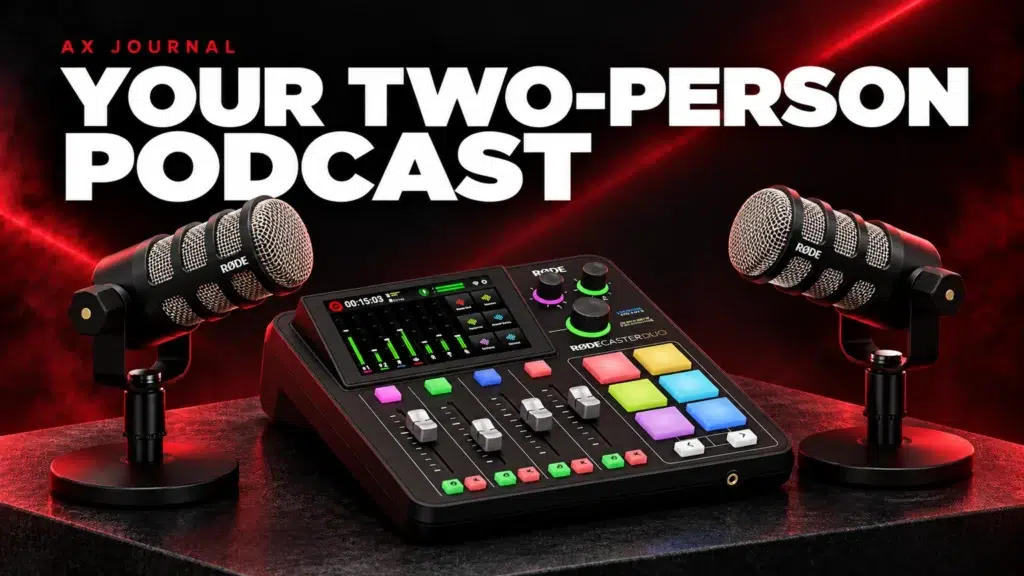


Build a setup that fits how you use it
Tell AX your equipment models and what you want to do. We can help you choose the right connections and products.