BUYING GUIDE
Audio
SM7B Gain: When Do You Need a Cloudlifter?
SM7B Gain starts with microphone distance, speaking level and the interface preamp; add a Cloudlifter when the actual chain needs more usable clean gain.
AS
AX Store
SM7B Gain: the essentials
SM7B Gain starts with microphone distance, speaking level and the interface preamp; add a Cloudlifter when the actual chain needs more usable clean gain.
Separate a quiet recording from quiet headphones
Look at the microphone recording meter and listen to a saved recording. If the recorded signal is healthy but headphone playback is too low, the issue may be the headphone mix or amplifier, not microphone gain.
Likewise, a quiet Discord call does not establish that the microphone preamp is insufficient. The operating-system input level, selected device, app gain, processing and routing can each affect what the other person hears. Test a simple recording application before changing hardware.
Check the physical chain first
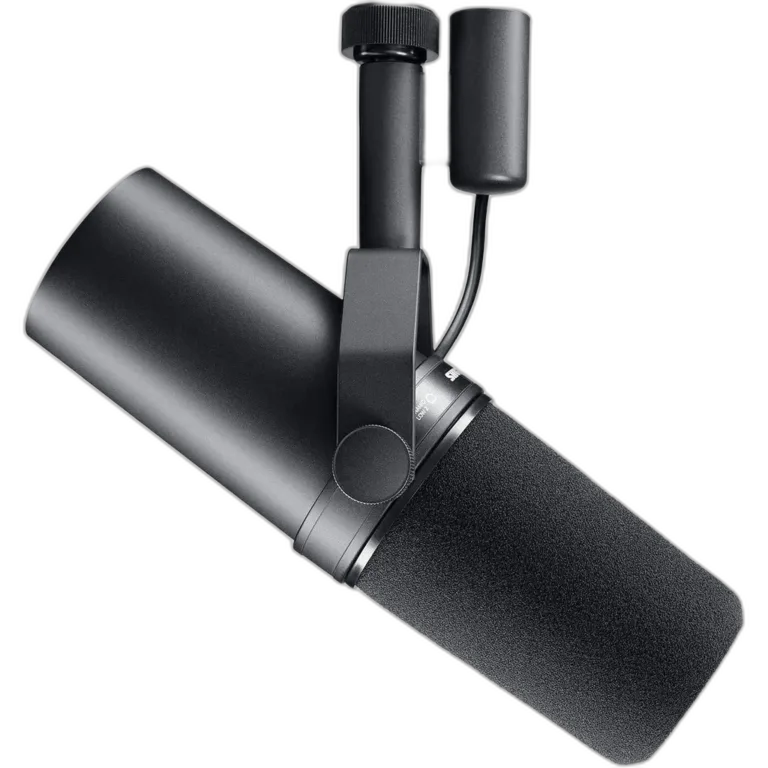
The Shure SM7B is an XLR dynamic microphone. It needs a microphone preamp and an appropriate interface or recorder to reach a computer. A passive cable into a computer line input is not a substitute for that chain.
- Confirm the XLR cable is fully latched at both ends.
- Select the interface microphone input, not a line-level or unrelated USB source.
- Speak into the front windscreen at a consistent close distance.
- Disable any input pad or unusual routing unless it is deliberately needed.
- Set preamp gain while watching the actual recording input.
Understand the gain requirement
Shure recommends substantial clean preamp gain for normal SM7B speech use and gives approximately 60 dB as a practical reference in its guidance. Your voice, distance and target recording level affect the gain you actually need.
A gain knob near its upper range is not proof of poor sound. Listen for actual hiss, distortion and useful headroom. Conversely, a meter that barely responds at a normal speaking distance deserves investigation before software amplification is used to hide the issue.
When an inline preamp helps
| Situation | Useful next step | Why |
|---|---|---|
| Correct setup, but insufficient usable gain | Assess a suitable inline preamp or different interface | The chain may need more clean microphone gain |
| Loud room or distant microphone | Fix distance and room first | A booster amplifies the captured background too |
| Recording level is fine, headphones are quiet | Check monitor mix and headphone output | A microphone booster addresses the wrong stage |
| SM7dB with built-in preamp engaged | Use its documented gain and phantom-power settings | An extra inline booster is normally unnecessary |
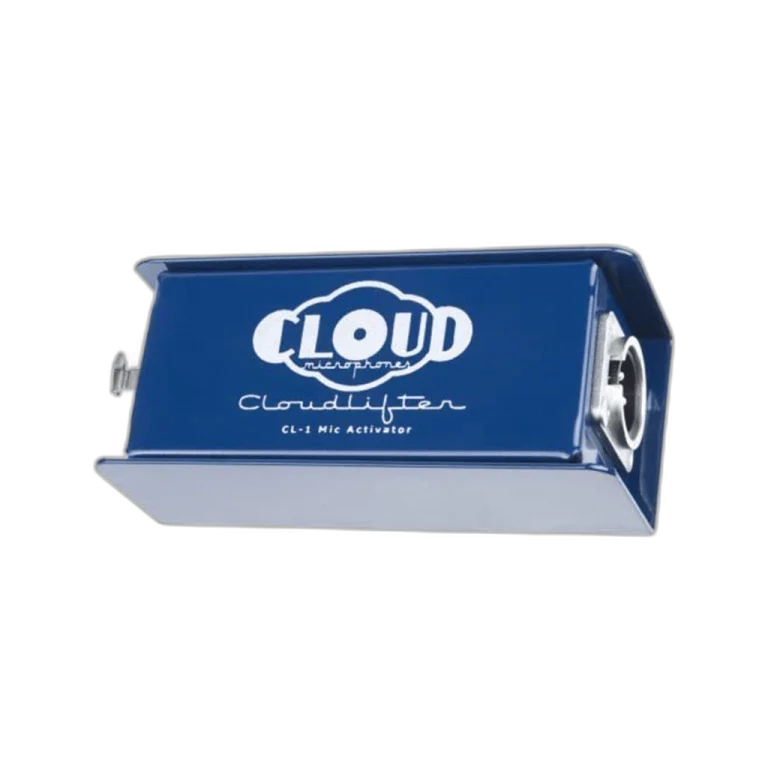
Cloudlifter CL-1 is one inline-preamp option. Check its power requirement and compatible microphone types in the manufacturer documentation. Allow for the additional XLR connection in the chain.
Cloudlifter CL-1: the actual connection and power path
Connect SM7B → XLR cable → Cloudlifter CL-1 input → second XLR cable → interface microphone input. Cloud Microphones documents up to 25dB of additional gain from the CL-1’s phantom-powered circuitry. The downstream preamp or interface must supply 48V to operate the Cloudlifter.
The manufacturer’s guide says phantom power does not pass through the Cloudlifter to the microphone. That makes the passive SM7B use case different from a microphone that itself requires phantom power. Start with gain and monitor volume down, connect the documented chain, enable the required power and then raise gain gradually.
Three common SM7B setups
| Your setup | What to try first | When to consider a booster |
|---|---|---|
| A capable high-gain interface or RØDECaster | Direct microphone input, close position, correct gain | Only if the actual recording still shows a usable-gain problem |
| An older low-gain interface | Verify input, distance and the recorded noise floor | When it needs more clean gain than the current preamp provides |
| A loud room or distant microphone | Improve placement and reduce the captured noise | A booster will also amplify the unwanted sound |
Phantom power: use it for the device that needs it
The passive SM7B does not require phantom power for ordinary operation. A phantom-powered inline preamp uses power from the interface for its own electronics. Follow the inline device instructions rather than assuming every booster passes power in the same way.
The SM7dB has a built-in preamp with selectable boost and bypass. Its active preamp requires 48V phantom power; bypass allows passive operation. Check the rear switches before diagnosing a silent or unexpectedly quiet SM7dB.
A useful 60-second level test
With headphone volume down initially, record normal speech, the loudest phrase you expect and a quiet sentence. Leave a margin before digital clipping. Record a short pause as well to assess the noise floor in the actual room.
Only after that should you apply compression or other processing. If you compare with and without a booster, compare recordings at similar playback loudness. A louder sample alone does not prove that the chain is cleaner.
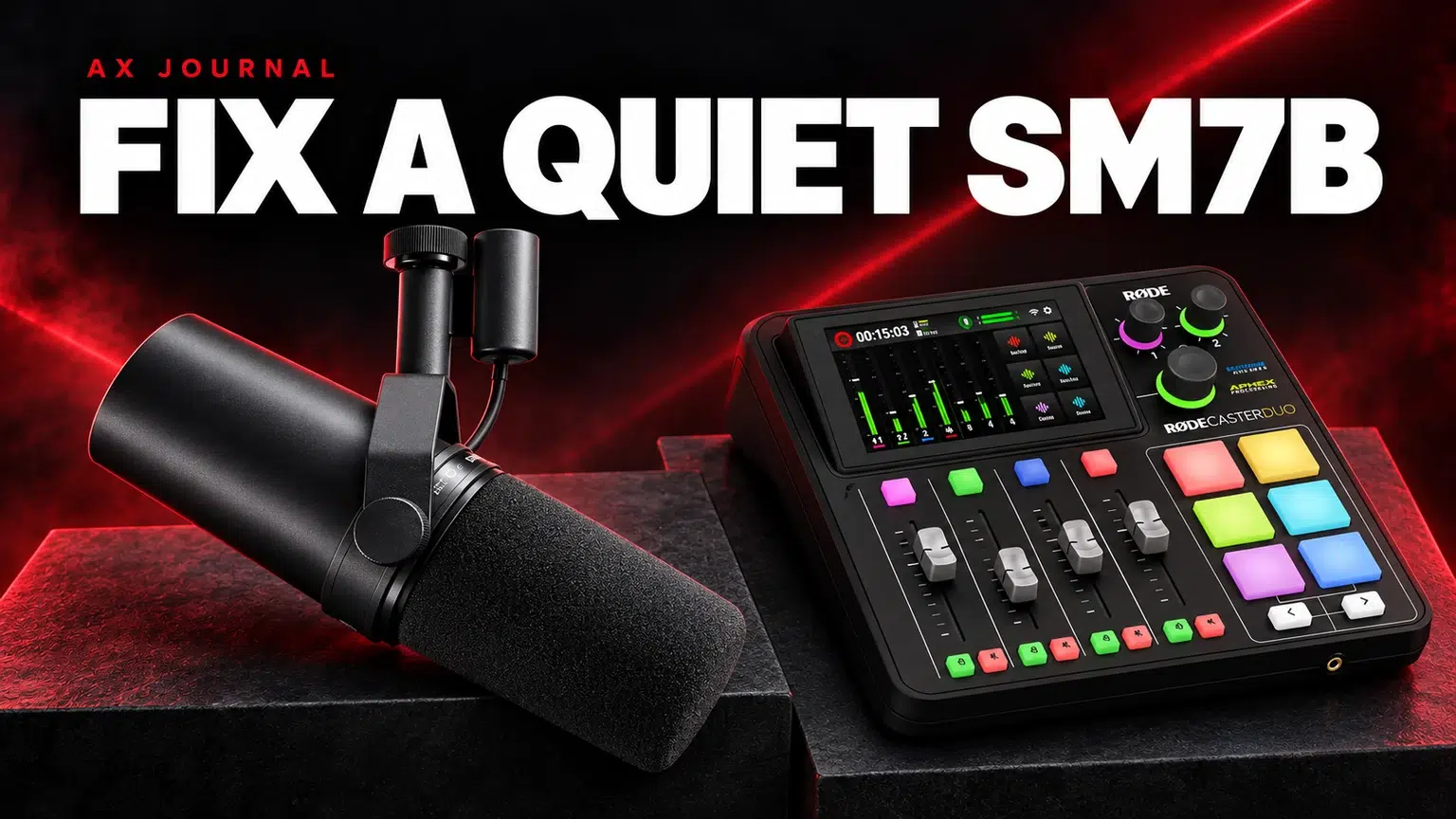
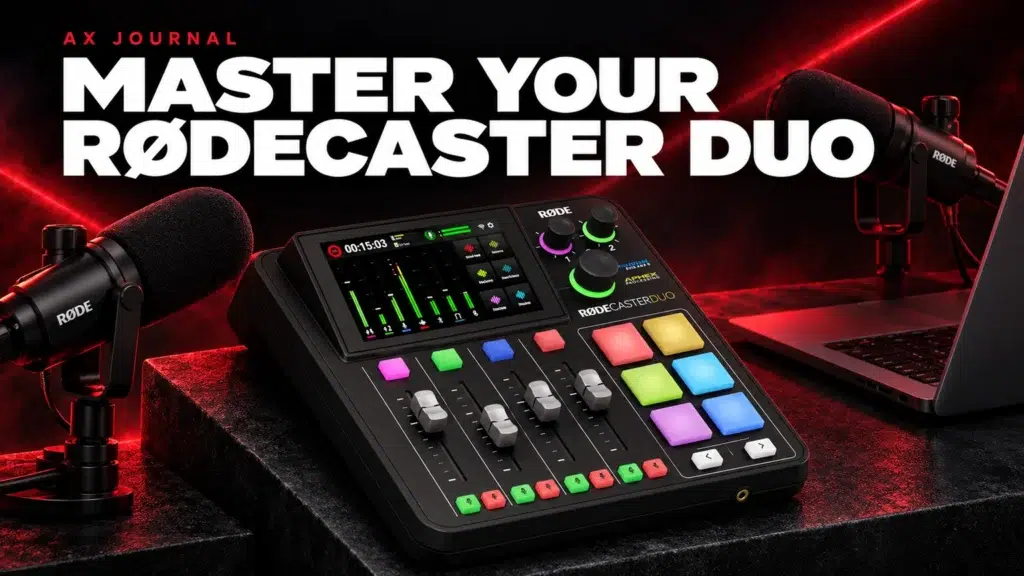
A console such as the RØDECaster Duo may already provide the gain and routing your workflow needs. Check the exact input specification before automatically adding another preamp.
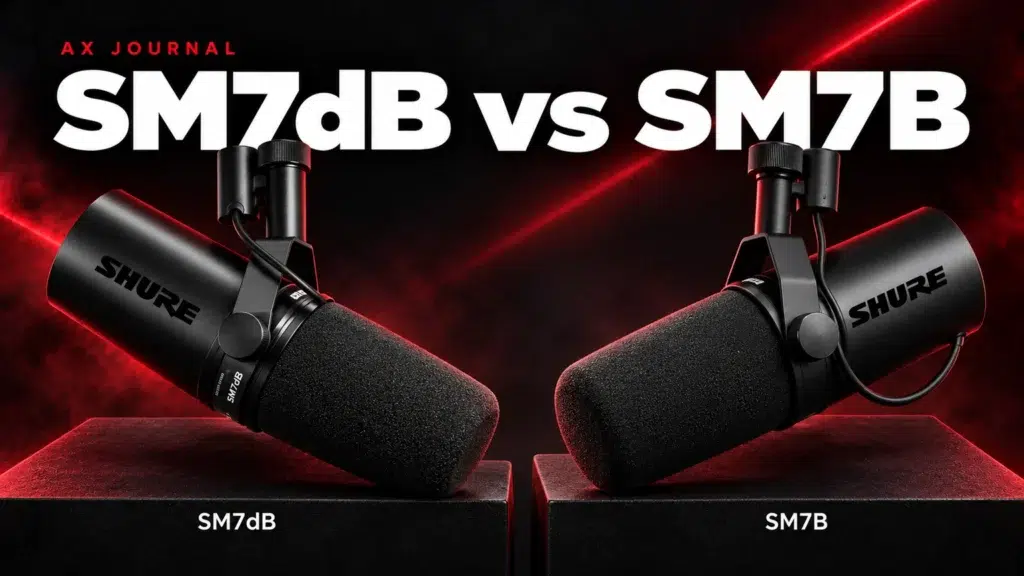
For the related buying decision, read our SM7dB vs SM7B.
Frequently asked questions
Does every SM7B need a Cloudlifter?
No. A suitable interface or preamp can provide enough clean gain without one. Assess your actual recording level and noise.
Does an inline preamp remove room noise?
No. It amplifies the microphone signal, including captured room sound. Better microphone position and a quieter room address that problem.
Can I just increase software gain?
Software gain can raise level, but it does not repair clipping, wrong routing or poor signal-to-noise captured earlier. Diagnose the input chain first.
Continue planning your setup
Shop the equipment in Kuwait
AX price check, 26 October 2026: Shure SM7B Dynamic Microphone, XLR — KWD 155.000 (in stock); Cloud Microphones Cloudlifter CL-1 Mic Activator with +25dB Gain — KWD 55.000 (in stock). The product cards show the current price and availability when you shop.
Explore SHURE at AX Kuwait, Cloud Microphones at AX Kuwait, RODE at AX Kuwait for the rest of the range.
AS


Plan your audio setup with AX
Tell us your microphone models, computers and recording plans so we can help match the connections.