
COMPARISON
Audio
DAC vs Amp vs Audio Interface: What Does Your Desk Need?
DAC vs Amp vs Audio Interface is a choice about the signal path: converting playback, driving headphones or connecting microphones to the computer.
AS
AX Store
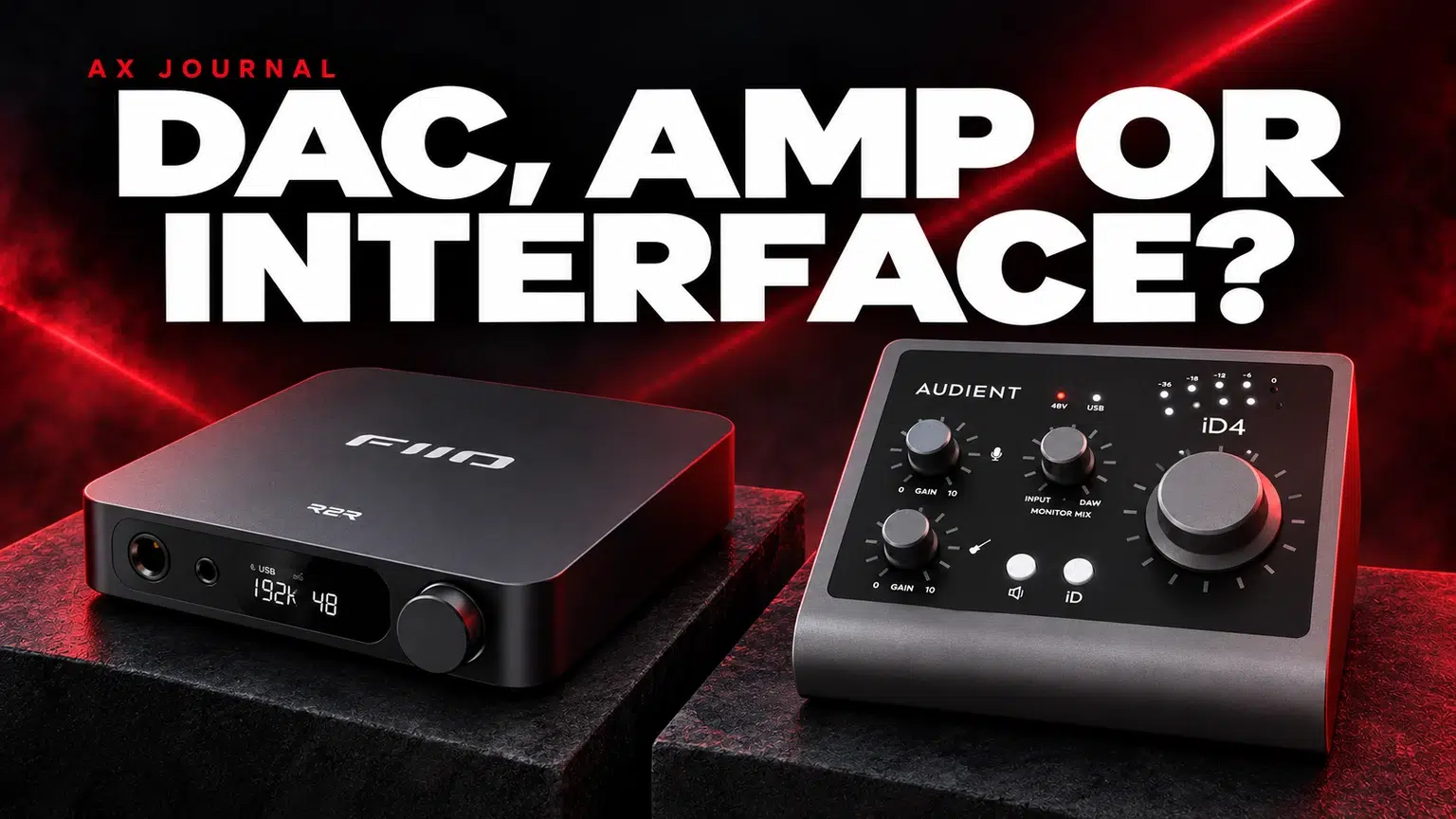
DAC vs Amp vs Audio Interface: the essentials
DAC vs Amp vs Audio Interface is a choice about the signal path: converting playback, driving headphones or connecting microphones to the computer.
Three jobs that are often confused
A DAC converts digital audio from a computer or other digital source into an analogue signal. A headphone amplifier supplies the voltage and current needed to drive headphones. An audio interface brings recording inputs and playback outputs together, normally with microphone preamps and analogue-to-digital conversion as well.
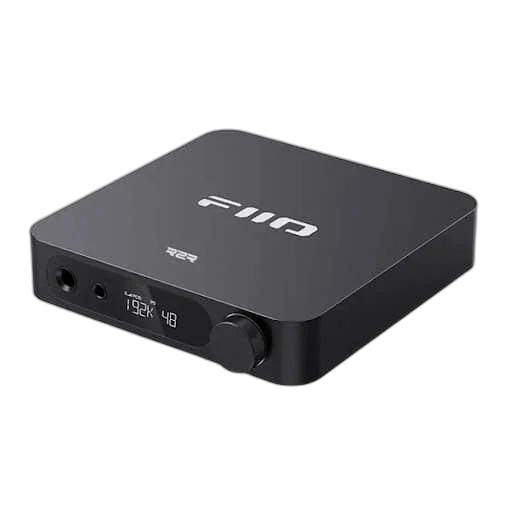
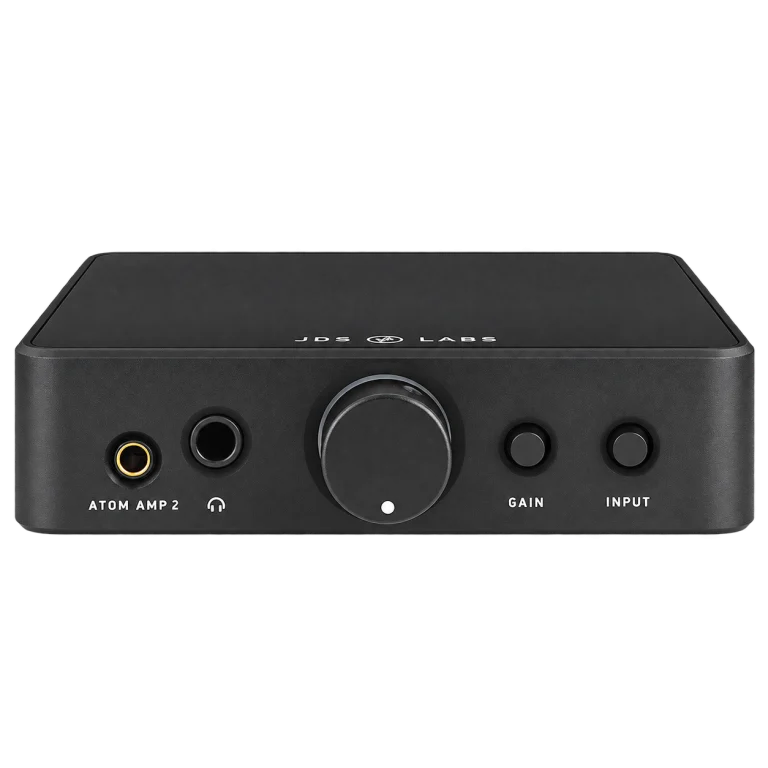
Many desktop products combine the first two jobs. FiiO K11 R2R is a DAC/headphone-amp example. By contrast, JDS Labs Atom Amp 2 is an analogue headphone amplifier: plugging a USB cable into an unrelated power socket does not make an amplifier a USB audio device. It needs an appropriate analogue source.
Choose around the task, not the product category
| Your task | Start by considering | Confirm before ordering |
|---|---|---|
| Listen through wired headphones | DAC/amp or your existing headphone output | Digital input and suitable headphone output |
| Record an XLR microphone | USB audio interface or recording console | Mic input, available gain and phantom power if required |
| Add volume headroom to an existing analogue source | Headphone amplifier | Source output level and correct input cable |
| Record two people | Interface with two independent mic inputs | Separate recording channels and headphone monitoring |
If your headphones already reach a comfortable level cleanly, an external DAC is not automatically the next useful upgrade. A better-fitting headphone, quieter room or more suitable microphone position may address the problem more directly.
Follow the complete signal path
For a listening desk, a typical chain is computer → USB DAC → headphone amplifier → headphones. A combined DAC/amp puts the middle two functions in one box. With a separate Atom DAC 2 and Atom Amp 2, allow space, power and the correct analogue interconnect between them.
For recording, the chain is microphone → XLR cable → interface mic input → computer. Headphones normally connect to the interface so you can hear both the live microphone and computer playback. An interface such as the Audient iD4 MKII is therefore a different purchase from a headphone-only DAC even if both connect over USB.
Microphone monitoring changes the decision
Listening to your own voice through recording software can introduce a noticeable delay. Hardware direct monitoring, where supported, lets you hear the input without waiting for the full software path. The exact mix controls depend on the interface.
Do not monitor the same microphone directly and through software at the same time unless you deliberately want both paths. Hearing two versions of your voice is often a routing problem, not a defective microphone. Check how much input monitoring you need before choosing a playback-only DAC.
Check compatibility in this order
- Source: PC, Mac or console; USB audio compatibility is model-specific.
- Recording: number of XLR microphones, instruments and callers.
- Playback: headphone connector, sensitivity and power needs.
- Speakers: powered monitors need suitable line or preamp outputs; passive speakers need a speaker amplifier.
- Software: operating-system support, driver requirements and app routing.
A USB-C connector describes a physical connection, not a guarantee that every console or phone will support the device. A headphone DAC also does not normally accept a headset microphone simply because an adapter fits.
Three sensible AX desk plans
Listening first: keep the existing source if it is quiet and sufficiently capable; consider a FiiO DAC/amp when you need its inputs, control or output capability. Modular listening: consider separate JDS Labs DAC and amp components when independent replacement and analogue connectivity are useful. Voice recording: start with an audio interface and correctly matched microphone, then assess its headphone output before adding another amplifier.
Make a list of the outputs you will actually use. Buying the right function once is more useful than stacking boxes that duplicate one another.
For the related buying decision, read our USB vs XLR microphones.
Frequently asked questions
Can an audio interface replace a DAC?
For computer playback, an interface already performs digital-to-analogue conversion. Its connections, headphone capability and workflow determine whether it meets your needs.
Does a headphone amplifier improve a USB microphone?
It does not increase the gain of a USB microphone. Headphone amplification and microphone preamplification are different jobs.
Should I buy the most powerful amplifier?
Choose enough clean output for your headphones and listening habits, together with usable low-level volume control. Maximum power alone is not a complete buying criterion.
Continue planning your setup
- Headphone Impedance and Sensitivity: How to Choose an Amplifier
- 4.4mm vs 6.35mm Headphone Connections: Balanced Cables Explained
- SM7B Too Quiet? Set Gain Before Buying a Cloudlifter
Check current configurations, included accessories and availability on the linked AX product pages. Ask AX about your exact setup.
Shop the equipment in Kuwait
AX price check, 26 October 2026: FiiO K11 R2R Desktop DAC & Headphone Amplifier – 24-Bit R2R — KWD 64.900 (out of stock); JDS LABS ATOM AMP 2 Headphone Amplifier — KWD 59.900 (in stock). The product cards show the current price and availability when you shop.
Explore FiiO at AX Kuwait, JDS LABS at AX Kuwait, Audient at AX Kuwait for the rest of the range.
AS


Build a setup that fits how you use it
Tell AX your equipment models and what you want to do. We can help you choose the right connections and products.