
JDS LABS
JDS LABS ATOM DAC 2 USB-C DAC
Connect your computer or optical audio source to the Atom DAC 2, then feed its RCA output to a headphone amplifier or powered speakers.
Regular price
68.500 KWD
or 4 payments of 17.125 KWD with
Pay with card & save


65.000 KWD
Save 3.500 KWD
Overview
JDS LABS ATOM DAC 2 USB-C DAC

JDS Labs Atom DAC 2
JDS Labs Atom DAC 2: Connect your computer or optical audio source to the Atom DAC 2, then feed its RCA output to a headphone amplifier or powered speakers. Available from AX Store in Kuwait.
USB-C / Optical
Digital Inputs
RCA
Line-Level Output
Up to 384 kHz
USB PCM Format
Separate Amp
Required for Headphones
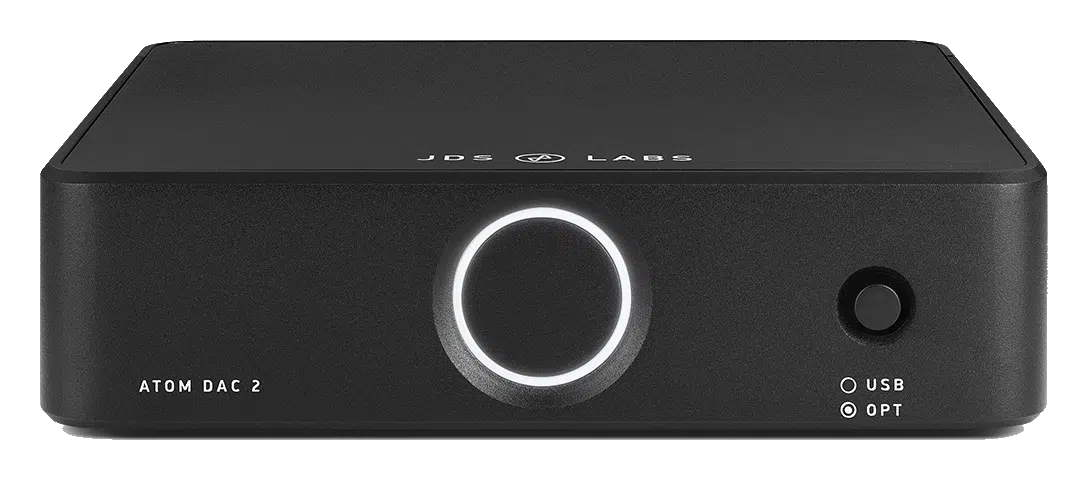
USB-C and optical input
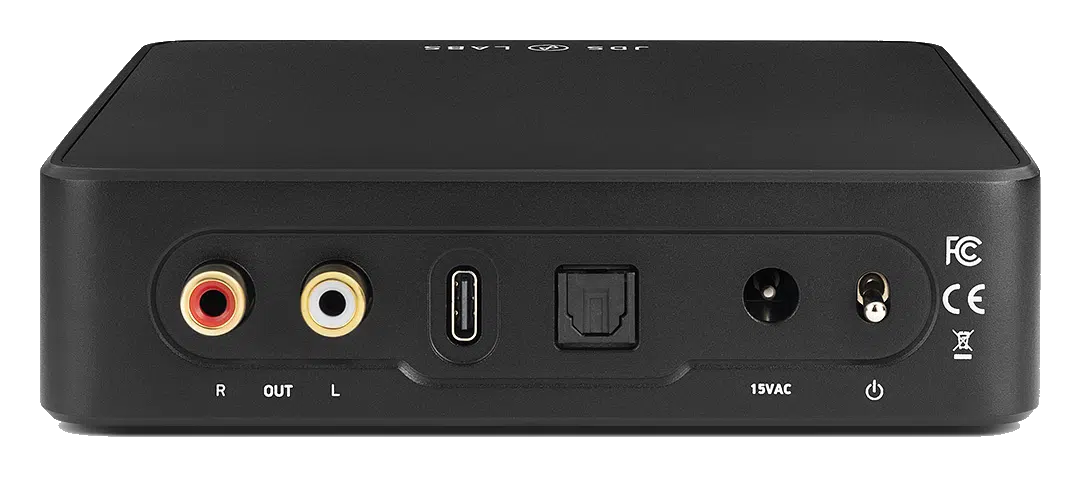
Choose USB-C for your computer or TOSLINK for a compatible digital source. USB supports PCM up to 32-bit/384kHz and DSD64–128; optical supports PCM up to 24-bit/192kHz.
Made for the Atom stack
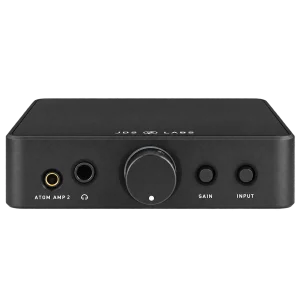
The metal chassis pairs neatly with Atom Amp 2. This unit converts digital audio to a line-level signal; headphones need a separate amplifier. Match the actual signal connection and the intended recording or listening setup, then check the relevant device controls before starting the session.
Keep the Exact Model and Signal Path Clear
Atom DAC 2 converts USB-C or optical digital audio to RCA line output. It does not provide a headphone output: connect a separate headphone amplifier or a suitable powered-speaker input.
Choose the Connected Equipment for Its Actual Role
Match the product’s stated input and output connections to the source and destination. Keep microphone preamps, digital converters and headphone amplifiers in their appropriate roles, checking cable wiring and power requirements before completing the recording or listening chain.
Plan Power and Gain for the Complete Setup
Use the model’s stated power arrangement and supported control settings for the connected devices. Choose sufficient recording headroom or a comfortable listening level, checking the source and destination rather than treating a connector shape as proof of every function.
Check the Session Before Recording or Listening
Confirm the selected device, input route and output level before a longer session. Make a short test after changing the source, cable or recording mode, and use the exact model’s supported software and power arrangement where required.
Match the Source and Headphone Output
Check the actual digital or analogue input, headphone connector and supported operating mode. Choose the source, cable and headphone together; a headphone amplifier and a microphone recording interface have different jobs. Compare related options such as iFi Audio ZEN DAC 3 DAC and Headphone Amplifier, Hi-Res Playback or JDS LABS ATOM AMP 2 Headphone Amplifier, keeping the exact model and configuration in the decision. For the wider setup, explore beyerdynamic DT 700 Pro X Studio Headphones and check the connection, size or mounting requirements before pairing accessories. Browse the JDS LABS range at AX for more choices.
JDS Labs Atom DAC 2 Setup Choices
Check the actual digital or analogue input, headphone connector and supported operating mode. Choose the source, cable and headphone together; a headphone amplifier and a microphone recording interface have different jobs. Explore beyerdynamic DT 990 PRO 80 Ohm Open-Back Studio Headphones, beyerdynamic DT 900 PRO X Studio Headphones 48 Ohm, beyerdynamic DT 770 PRO X Closed-Back Studio Headphones 48 Ohm.
Frequently Asked Questions
Which signal path and version should I plan for?
Atom DAC 2 converts USB-C or optical digital audio to RCA line output. It does not provide a headphone output: connect a separate headphone amplifier or a suitable powered-speaker input.
Can it drive passive loudspeakers directly?
Use a suitable headphone output for headphones, or a line/preamp output into compatible powered speakers or a separate amplifier. RCA line connections do not provide a passive-speaker power amplifier.
What should I check for headphone cables?
Match the actual headphone output socket, wiring and cable. A plug adapter does not convert a single-ended headphone into a balanced connection; Atom Amp 2’s 4.4 mm socket remains single-ended.
Does the highest format apply to every input?
Use the format supported by the selected input, source, driver and application. USB, optical and coaxial paths may have different limits; an advertised maximum is not the format of every recording or music file.
Build Your Setup with AX Store
Explore computers, displays and accessories for your workspace at AX Store. For help choosing the right model or checking an accessory, contact AX Store.
THE DETAILS
Technical specifications
Audio and connections
Digital-to-analogue converter; separate headphone amplifier required
USB-C and TOSLINK optical
RCA, up to 2Vrms
PCM up to 32-bit/384kHz; DSD64–128
PCM up to 24-bit/192kHz
131 × 130 × 34mm
425g
External AC power supply
COMPLETE YOUR SETUP
Pairs well with
Beyerdynamic
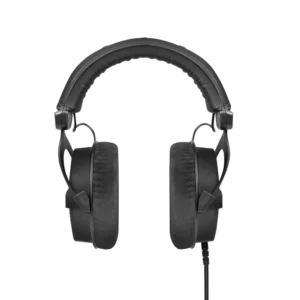
beyerdynamic DT 990 PRO Black Edition – 80 Ohm
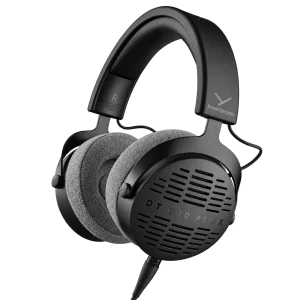
Beyerdynamic