
BUYING GUIDE
Audio
XLR Microphone Cable: Choose Length and Connectors
An XLR Microphone Cable should provide the correct balanced connection at a practical length, with a route that does not pull at the microphone or desk arm.
AS
AX Store
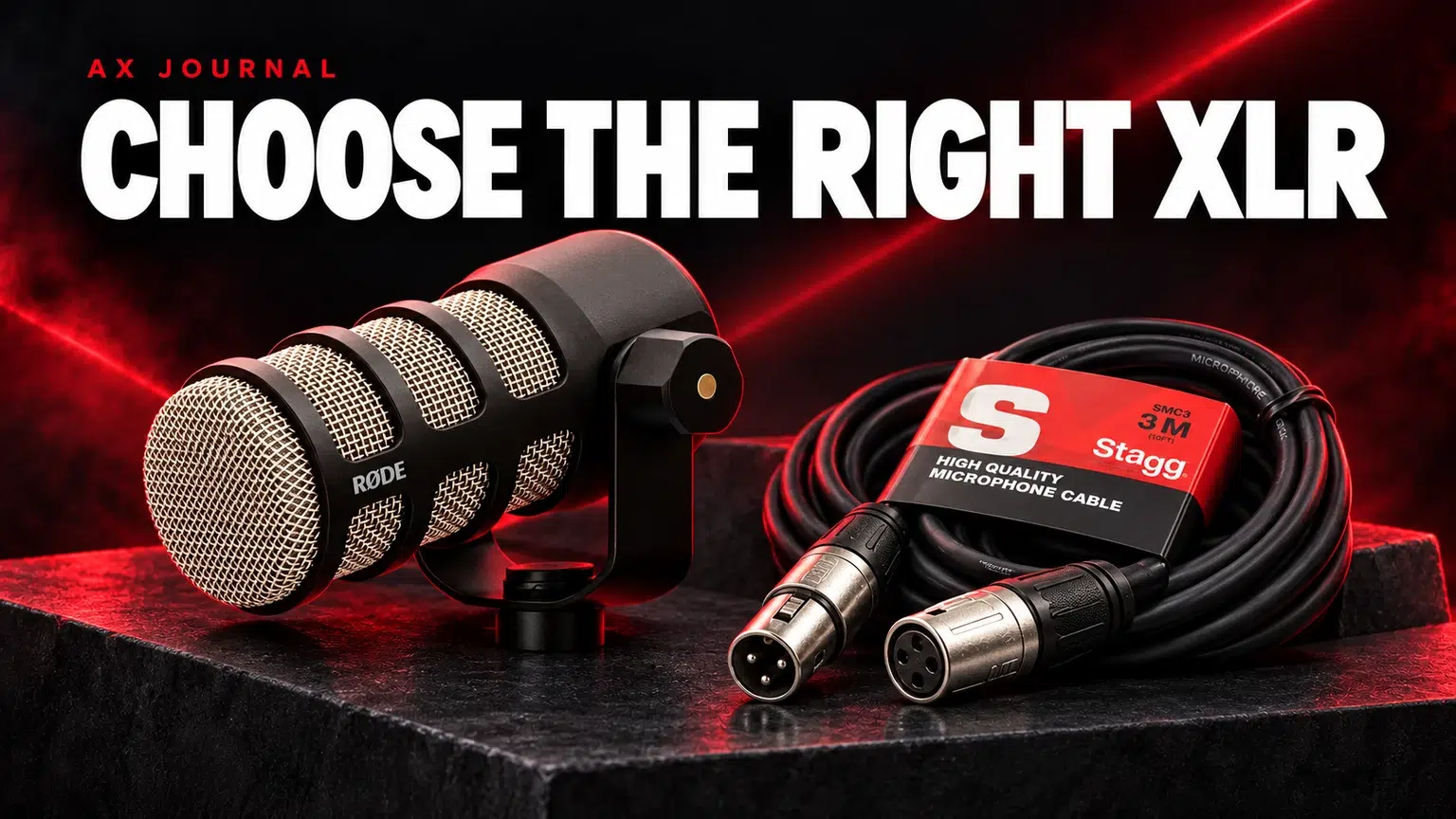
XLR Microphone Cable: the essentials
An XLR Microphone Cable should provide the correct balanced connection at a practical length, with a route that does not pull at the microphone or desk arm.
Know which end goes where
A conventional XLR microphone commonly has a male output connector, and the interface microphone input commonly accepts the male end of the cable. The cable therefore uses a female connector at the microphone and a male connector at the interface. Confirm the exact sockets if you are connecting unusual equipment.
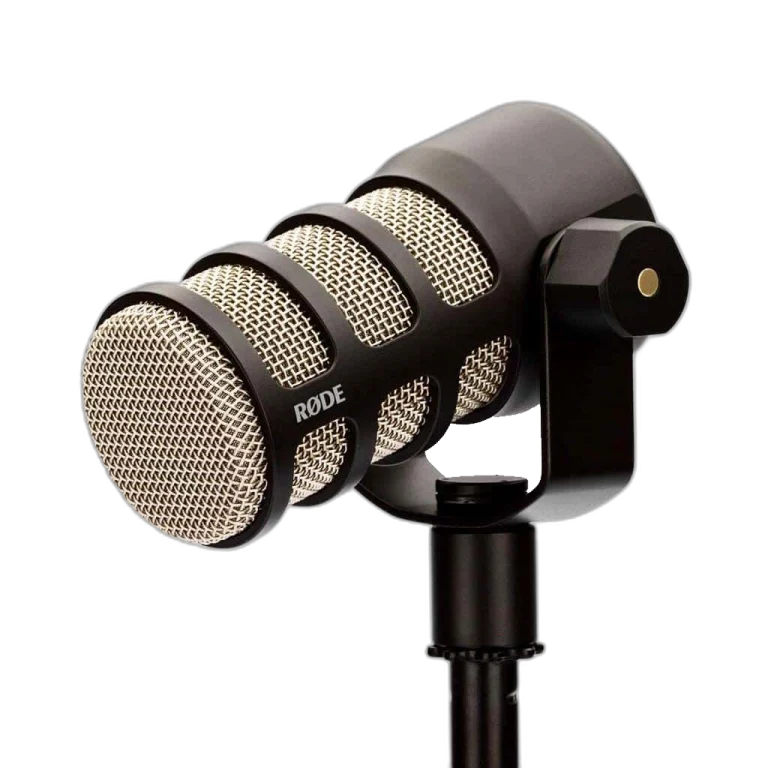
The Stagg 3m XLR microphone cable is one AX example. RØDE PodMic and Shure SM7B are examples of microphones that need a proper recording input at the other end, not merely a cable that reaches a computer.
Choose length from the route, not the straight-line distance
Measure from microphone to arm, along the arm through its full travel, down to the desk and across to the interface. Add enough slack for normal movement without leaving a large loose loop where it can catch.
A cable that reaches when the arm is parked may be too short when it is brought forward. A much longer cable may create clutter without adding useful flexibility. RØDE offers different lengths in its XLR range, illustrating why a compact desk and a larger recording space need different choices.
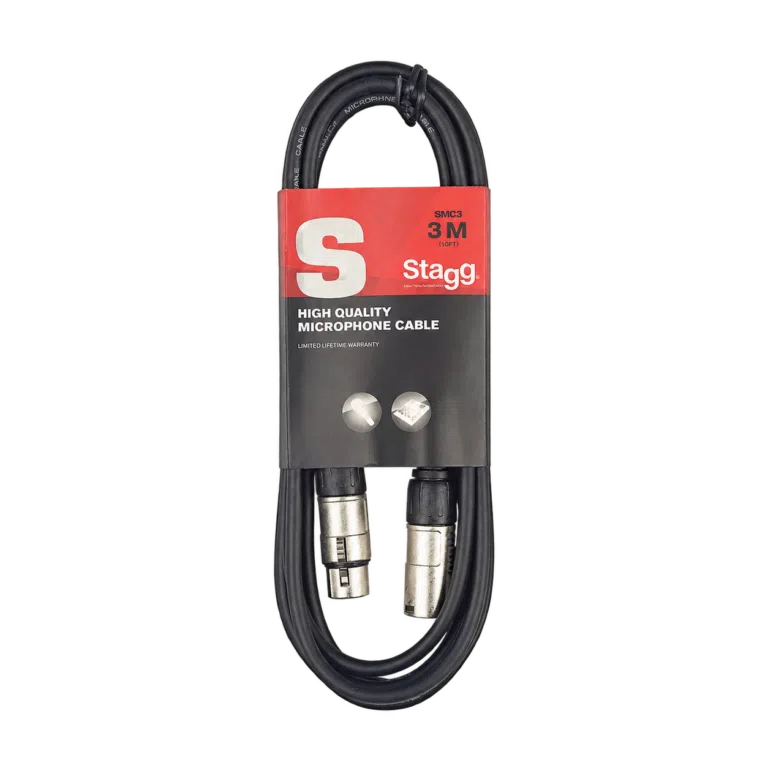
Check these details before ordering
| Detail | What to check | Practical benefit |
|---|---|---|
| Connector type | Three-pin microphone XLR female-to-male | Correct mating with the microphone and input |
| Length | Full installed route plus movement slack | No tension when the microphone moves |
| Connector clearance | Arm joint, yoke and rear-panel space | No forced sharp bend at the plug |
| Cable handling | Suitable flexibility and secure connectors | Easier routing and fewer handling issues |
| Signal destination | Mic input, not an unrelated line or instrument input | Correct gain and connection path |
A microphone cable and a digital cable with a similar-looking connector should not be assumed interchangeable for every purpose. Order for the intended analogue microphone connection.
Balanced does not mean immune to every kind of noise
A correctly implemented balanced microphone connection helps reject interference picked up along the cable. It does not remove acoustic fan noise, keyboard clicks or room reflections already captured by the microphone.
Keep signal cables sensibly routed away from troublesome power supplies where possible. Avoid pinching the cable under a clamp, sharply folding it at a connector or leaving it to rub against a vibrating desk. A PSA1+ or other arm should have cable slack at its moving points.
Phantom power and inline preamps
A suitable XLR microphone cable carries the connection needed for phantom power when the microphone or an inline device requires it. The cable itself does not generate phantom power or convert a passive microphone into a USB device.
If you insert an inline preamp between microphone and interface, account for both sides of the connection and follow that device power instructions. Use the interface manufacturer procedure when connecting powered microphone chains, with monitoring turned down to avoid sudden loud transients.
Troubleshoot before replacing the microphone
- Check that each XLR connector is fully seated and latched.
- Confirm the correct microphone input is selected.
- Try a known-working cable while keeping the rest of the chain unchanged.
- Check for intermittent sound when the cable moves gently near a connector.
- Inspect the power and USB path separately if the problem is an electrical buzz.
Replace a damaged or intermittent cable instead of repeatedly increasing gain. If the problem follows the same input with several known-good cables, investigate the interface or settings next.
Store the cable so it remains useful
Unplug by holding the connector body and releasing the latch, rather than pulling the cable. Coil it loosely without tight kinks and keep plugs from being crushed in a drawer. Label similar lengths if you move equipment between a desk and a recording space.
Choose a reliable cable that fits the route and equipment. A more expensive cable is not a substitute for correct mic placement, sufficient preamp gain or a properly configured recording device.
For the related buying decision, read our USB vs XLR microphones.
Frequently asked questions
Can an XLR-to-USB cable replace an interface?
Only a device containing the required audio conversion and preamplification can perform that job. A passive change of connector shape cannot.
Will a premium XLR cable remove AC noise in the room?
No. Acoustic AC noise is captured by the microphone. Cable shielding addresses electrical interference, which is a different problem.
Does a longer cable automatically reduce voice quality?
Length alone is not a useful quality verdict for a normal desk setup. Correct wiring, construction, routing and the connected equipment matter.
Continue planning your setup
- SM7B Too Quiet? Set Gain Before Buying a Cloudlifter
- RØDE PSA1 vs PSA1+: Check Microphone Weight, Reach and Desk Fit
- Two-Person Podcast Setup: The Complete Equipment and Recording Checklist
Check current configurations, included accessories and availability on the linked AX product pages. Ask AX about your exact setup.
Shop the equipment in Kuwait
AX price check, 26 October 2026: Stagg XLR to XLR Microphone Cable, 3m — KWD 9.900 (in stock); RØDE PodMic Dynamic Podcasting Microphone, XLR — KWD 39.000 (in stock). The product cards show the current price and availability when you shop.
Explore Stagg at AX Kuwait, RODE at AX Kuwait, SHURE at AX Kuwait for the rest of the range.
AS


Build a setup that fits how you use it
Tell AX your equipment models and what you want to do. We can help you choose the right connections and products.