TC-Helicon
TC-Helicon GoXLR 4-Channel USB Streaming Mixer
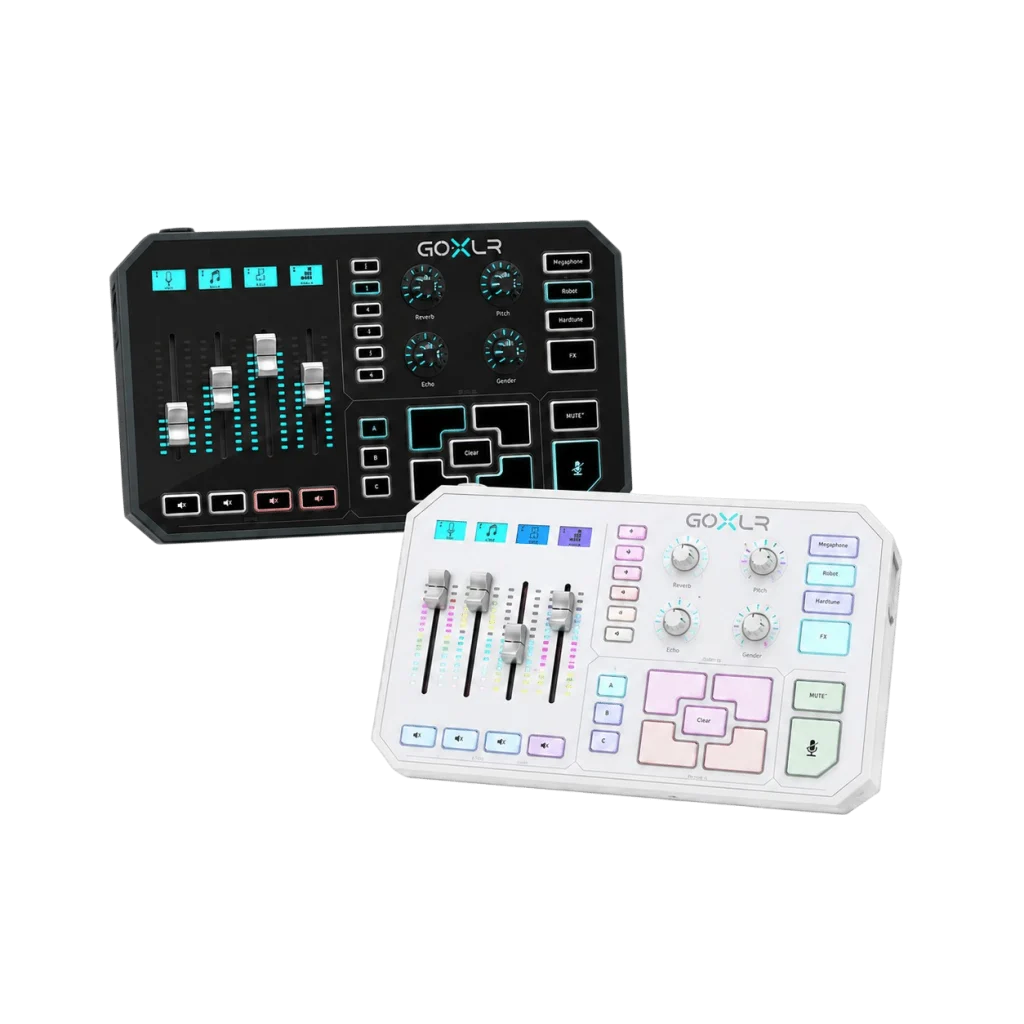
The TC-Helicon GoXLR is a four-channel USB streaming mixer with motorized faders, a low-noise Midas microphone preamp, vocal effects and a built-in sampler. Balance your audio, adjust your voice and trigger sounds through dedicated desktop controls, with routing and customization managed in the Windows GoXLR app. Choose Black or White; a 12 V power adapter is included.
Color
Overview
TC-HELICON / STREAMING AUDIO
TC-Helicon GoXLR for Hands-On Stream Audio
The TC-Helicon GoXLR brings motorised faders, voice effects and a sampler to a four-channel streaming mixer. Route microphone and computer audio deliberately, then adjust the balance without leaving the game or conversation. Available from AX Store in Kuwait.
Keep your main audio controls on the desk. The full-size GoXLR combines a four-channel mixer, motorized faders, a Midas microphone preamp, vocal effects and a sampler. Use the Windows GoXLR app to arrange your sources, then make everyday adjustments from the hardware while streaming, gaming or recording.
4 Faders
Motorized channel controls
Midas
Low-noise microphone preamp
24-bit / 48 kHz
Audio conversion
Windows
Official GoXLR app platform
FOUR MOTORIZED FADERS
Keep your audio balance under your fingers
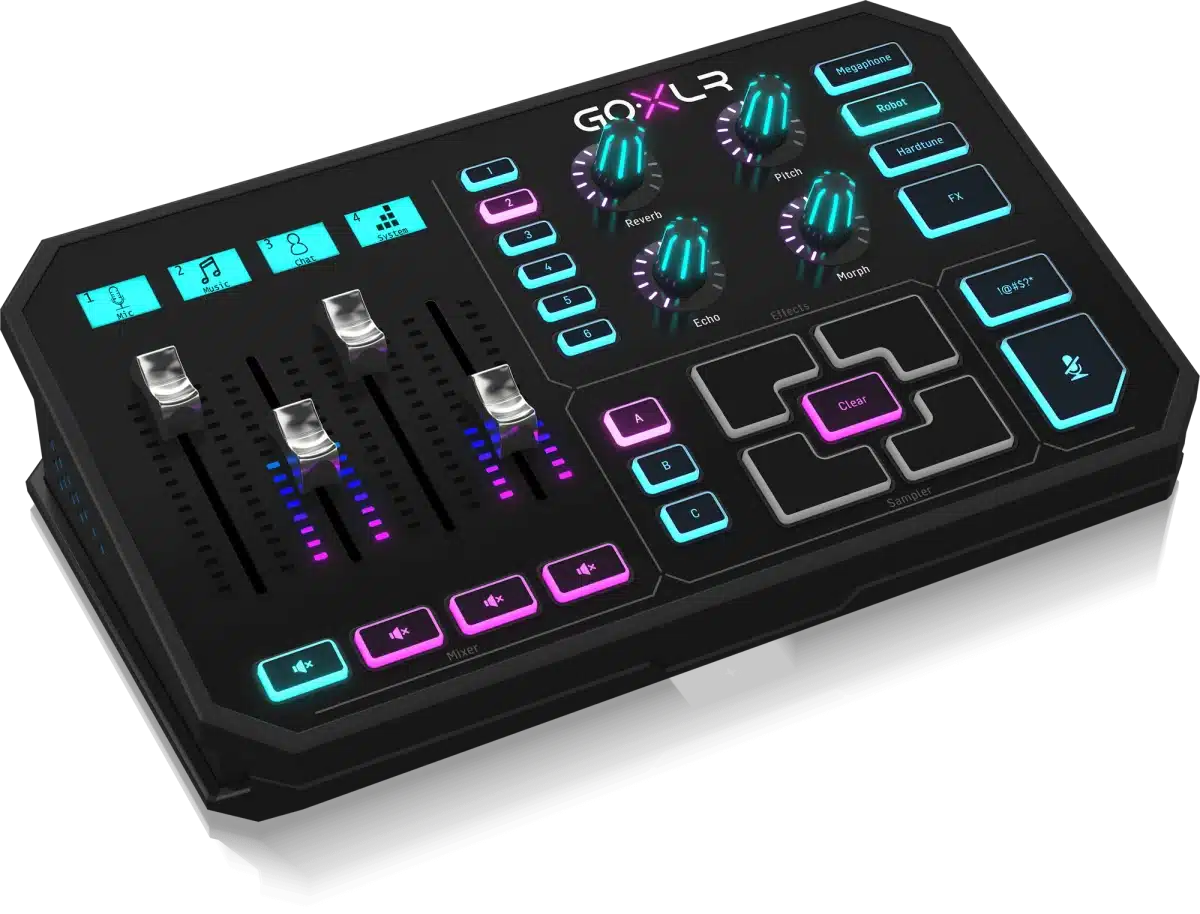
Assign the sources you use most to the four faders, then adjust their levels directly. Lower game audio during a conversation, bring music into the background or change your microphone level without searching through several software windows.
Backlit LCD scribble strips identify each channel, while the motorized faders follow recalled settings. Arrange the assignments around your usual session so the controls stay familiar when you change profiles.
MIDAS MICROPHONE PREAMP
Build your setup around your microphone
The balanced XLR input connects your microphone to a low-noise Midas preamp. For microphones that require phantom power, the GoXLR app provides a switchable 48 V setting. Set the input gain while speaking at your normal recording level, then adjust the processing to suit your voice.
A separate 3.5 mm microphone input accommodates suitable computer-style microphones. This is an alternative microphone connection: plugging a microphone into the 3.5 mm input automatically disables the XLR input.
VOICE PROCESSING AND EFFECTS
Shape your voice for the session
EQ, compression, a de-esser and a gate give you control over the tone and dynamics of your microphone signal. Start with a clear speaking voice, then make small adjustments while listening to the result.
For creative moments, GoXLR adds reverb, echo, pitch shift, formant shift, megaphone, robot and HardTune effects. Keep a familiar voice profile ready for normal conversation and use the effects when they fit your content.
SAMPLER AND LIVE CONTROLS
Keep useful sounds ready to play
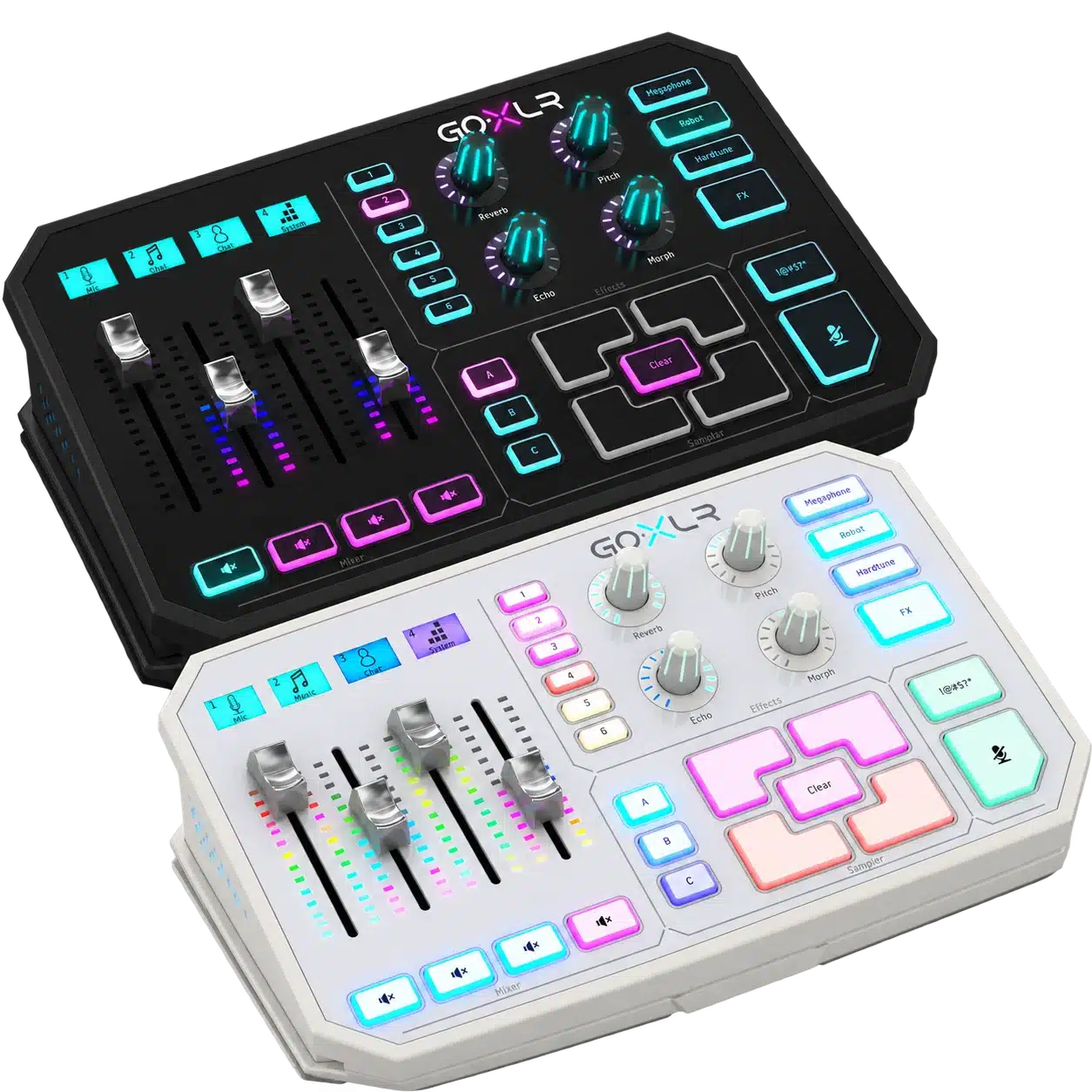
The built-in sampler and recorder let you prepare short clips or capture sounds for playback. Keep an intro, a recurring segment cue or a reaction sound within reach, then trigger it from the hardware during your session.
Dedicated controls keep common actions accessible, including a cough button for quickly muting your microphone. Organize the sounds you use regularly so you can find the right one while keeping your attention on the conversation.
USB, ANALOG AND OPTICAL
Connect the sources you actually use
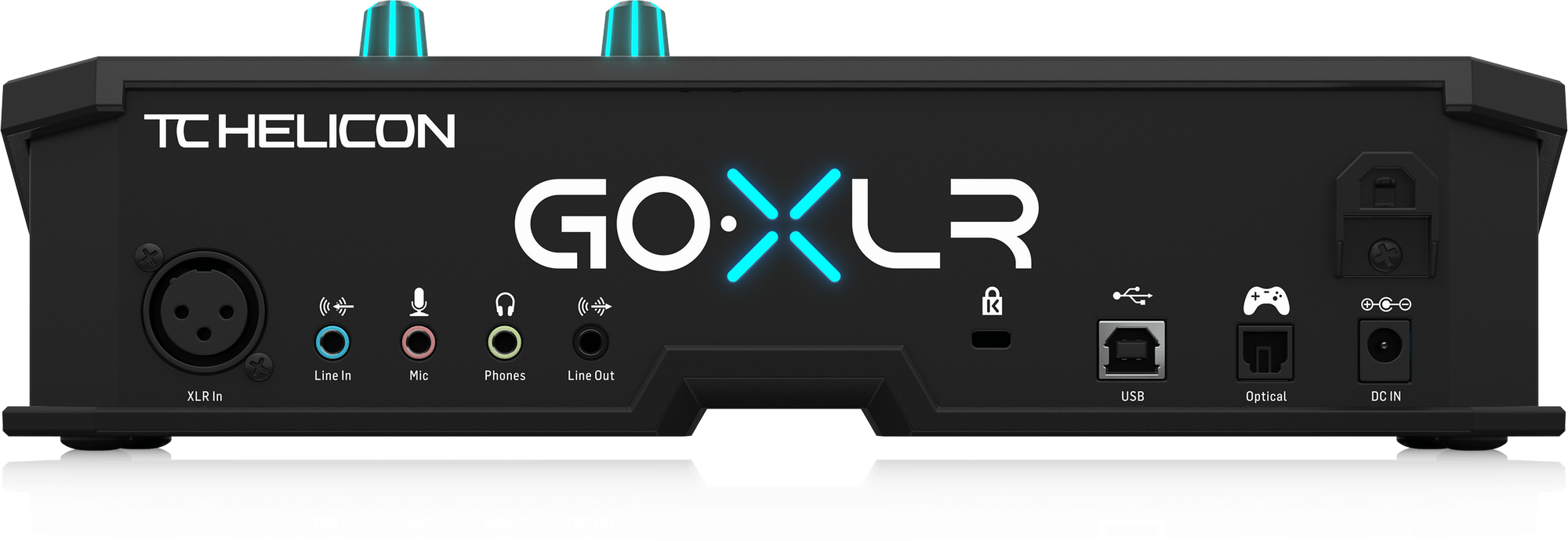
USB 2.0 Type-B connects GoXLR to your computer. Alongside the microphone connections, the rear panel includes a stereo 3.5 mm line input, a stereo headphone output, a stereo line output and a Toslink optical input for compatible equipment.
The audio converters operate at 24-bit/48 kHz. Use the app to decide where each source is heard, then check your headphone mix and broadcast mix before going live. The included 12 V DC adapter supplies power separately from the USB connection.
GOXLR APP AND RGB LIGHTING
Save a setup you can return to
Use the GoXLR app to configure routing, fader assignments, voice processing, effects and profiles. Customizable RGB lighting and channel displays help you organize the controls and match the mixer to your desk.
TC-Helicon officially lists Windows 7, 8, 10 and 11 support for the app. macOS and Linux are not officially supported. Choose the Black or White finish to suit your setup; both color options belong to the full-size GoXLR range.
BEFORE YOU CHOOSE
A few useful answers
Does GoXLR have four XLR microphone inputs?
No. GoXLR has one balanced XLR microphone input. Its four motorized faders control assigned audio sources.
Can I use the XLR and 3.5 mm microphone inputs together?
No. Connecting a microphone to the 3.5 mm microphone input automatically disables the XLR input.
Does GoXLR support condenser microphones?
Yes. The XLR input provides switchable 48 V phantom power through the GoXLR app for microphones that require it.
Does GoXLR work with macOS or Linux?
TC-Helicon officially supports the GoXLR app on Windows 7, 8, 10 and 11. macOS and Linux are not officially supported.
Can it play samples and change my voice?
Yes. GoXLR includes a sampler and recorder, plus effects such as reverb, echo, pitch shift, formant shift, megaphone, robot and HardTune.
Is GoXLR powered only by USB?
No. USB connects GoXLR to your computer, while the included 12 V DC power adapter powers the unit.
Which color will I receive?
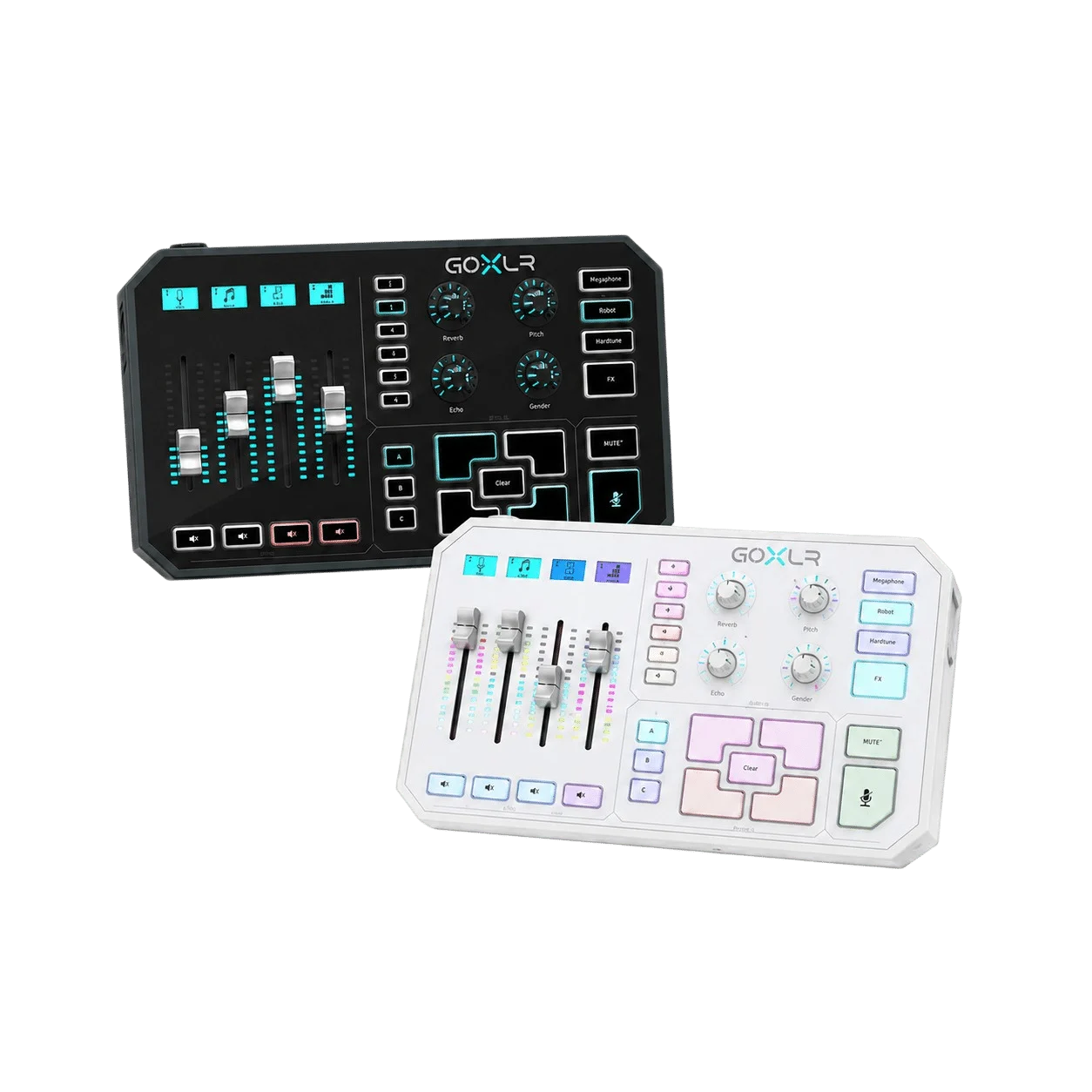
You receive one GoXLR in the Black or White option selected when ordering. Product images showing both colors are for comparison.
EXPLORE THE SETUP
TC-Helicon GoXLR Setup Choices
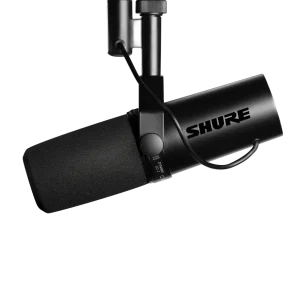
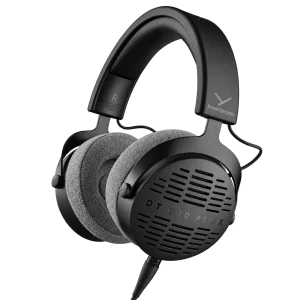
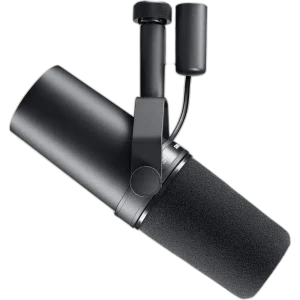
Choose one microphone input route and a monitoring headphone; add a compatible XLR cable and mount when using a broadcast microphone. Explore Shure SM7B Dynamic Microphone, XLR, Klotz Greyhound XLR Microphone Cable, 3 Meter, RØDE PSA1+ Professional Studio Microphone Boom Arm.
THE DETAILS
Technical specifications
Audio Connections
1 balanced XLR
+48 V; switchable in control app
1 ×3.5mm TRS; biased for computer microphones
1 ×3.5mm TRS stereo
1 ×3.5mm TRS stereo
1 ×3.5mm TRS stereo
USB2.0 Type-B
1 Toslink
Controls and Audio Processing
4
4
4
24
Customizable RGB
24-bit /48kHz
10Hz–20kHz,+0/-2dB
>110dB
>101dB
EQ,compression,de-esser,gate
Reverb,echo,pitch shift,formant shift,megaphone,robot,HardTune,sampler
Power and Physical Specifications
12V DC,center-negative,<1A
12V DC /1A
10W
82 ×285 ×174mm
1.55kg
Windows7,8,10,11
Not officially supported by manufacturer
Product identification
TC-Helicon
TC-HELICON-GOXLR
4033653191005
COMPLETE YOUR SETUP