BUYING GUIDE
Gaming
Wooting Rapid Trigger Settings: Build Your FPS Profile
Wooting Rapid Trigger Settings work best as a repeatable profile: start with comfortable actuation and adjust sensitivity one step at a time.
AS
AX Store
Wooting Rapid Trigger Settings: the essentials
Wooting Rapid Trigger Settings work best as a repeatable profile: start with comfortable actuation and adjust sensitivity one step at a time.
Actuation and Rapid Trigger do different jobs
Actuation determines how far a key must travel before its initial input registers. Rapid Trigger changes how reset and reactivation respond to key movement, rather than relying only on a fixed traditional reset point.
That distinction matters. Reducing actuation can make a key easier to trigger accidentally when your fingers rest on it. Making Rapid Trigger extremely sensitive can change how small lifts and movements affect an already active key. Changing both at once makes it harder to identify which setting caused a problem.
Start with a clean, saved profile
Use Wootility for your exact keyboard and firmware. Save or export your current working profile before experimenting, then create a separate FPS profile. Keep a comfortable typing profile available so gaming settings do not interfere with ordinary writing.
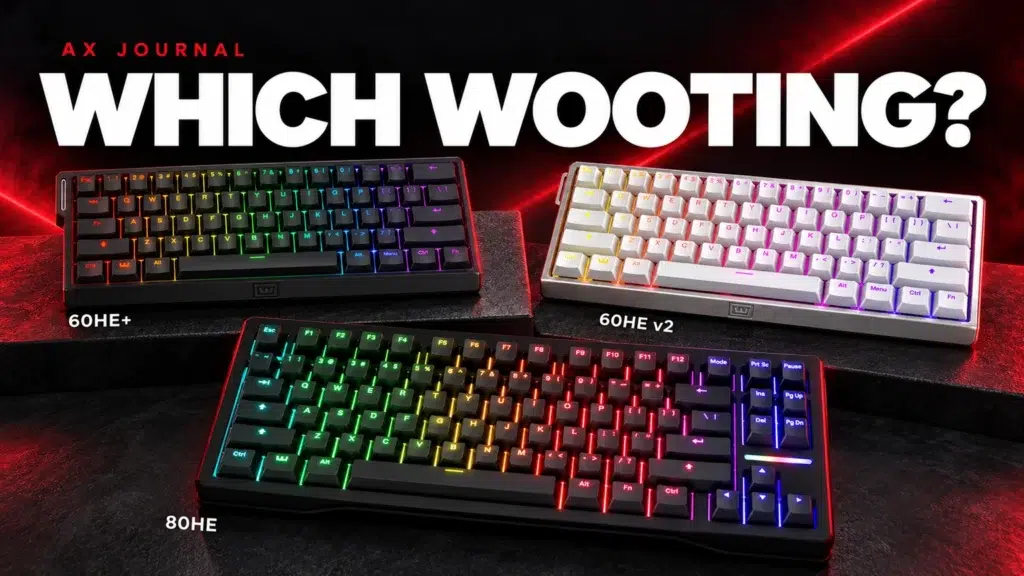
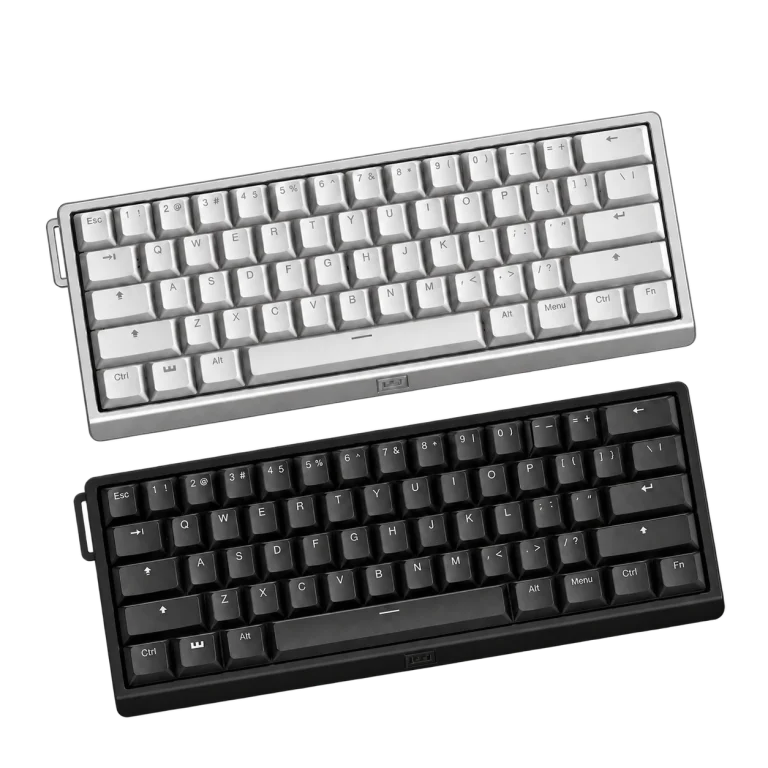
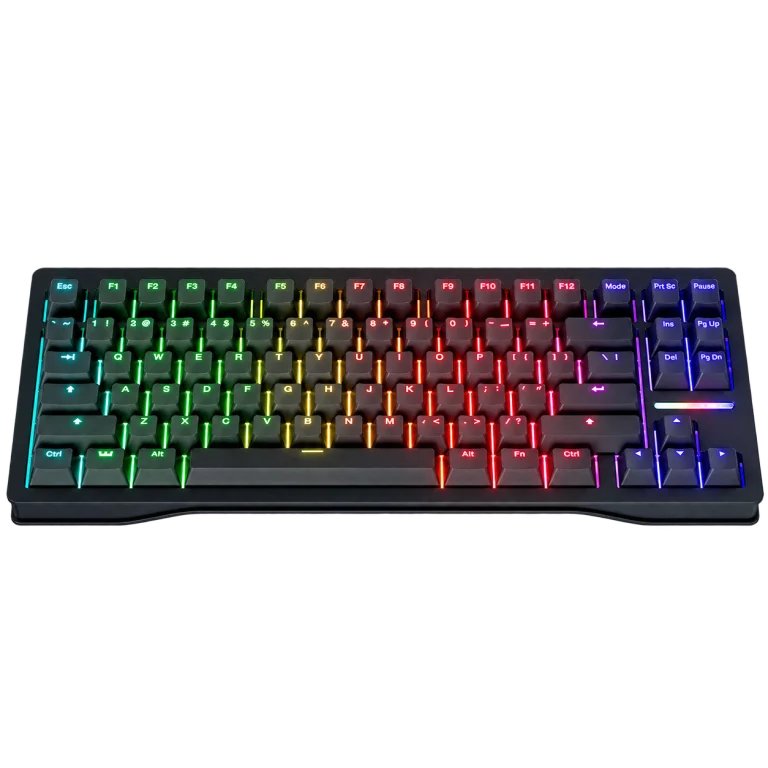
The Wooting 60HE v2, 80HE and 60HE+ belong to different hardware configurations. Follow the options exposed for your model rather than copying every setting from a screenshot of another keyboard.
A controlled setup sequence
| Step | Change | Check before moving on |
|---|---|---|
| 1 | Set comfortable initial actuation | Rest fingers naturally without unintended presses |
| 2 | Enable Rapid Trigger on movement keys | Repeated presses and releases behave consistently |
| 3 | Adjust reset sensitivity gradually | No dropped movement from normal finger tremor |
| 4 | Add other keys selectively | Crouch, walk and ability keys remain deliberate |
| 5 | Save the profile | The intended profile loads and persists |
Wooting documents global and per-key Rapid Trigger on supported Hall effect keyboards. Per-key setup is useful when WASD benefits from a responsive profile but chat, menus or other keys do not.
Use starting values as an experiment, not a promise
If you need a conservative experiment, try roughly 1 mm actuation for movement and a moderate Rapid Trigger movement threshold supported by your model, then adjust in small steps. The aim is a dependable press and release, not the smallest possible displayed number.
Use a practice area and the same movement sequence each time. If an unintended press occurs while resting your fingers, make actuation less sensitive. If movement releases unintentionally while holding a key, examine Rapid Trigger reset sensitivity. Treat these as separate symptoms.
Leave advanced options until the basics work
Continuous Rapid Trigger changes how the feature remains active during key travel. Separate upstroke and downstroke settings allow further control on supported configurations. They are useful tools, but enabling them immediately adds variables to the first setup.
Likewise, Rapid Trigger is not the same feature as opposing-key handling or input automation. Check current game and tournament rules before enabling any behaviour that resolves simultaneous inputs or automates actions. A popular player profile is not permission to use every setting everywhere.
Test the entire keyboard, not only strafing
- Rest your hand naturally and check for unwanted inputs.
- Hold movement keys while making small ordinary finger adjustments.
- Repeat short presses and full releases.
- Test crouch, walk, jump and common ability keys.
- Type a short message and navigate a menu.
- Reconnect or switch profiles and confirm the intended setup remains active.
Change only one setting between tests. If you constantly change sensitivity after every lost round, you lose the reference point needed to know whether a setting is helping.
When the profile feels wrong
Return to the saved baseline. Confirm that the correct profile is active, the keyboard is connected as intended and firmware or calibration steps follow Wooting instructions for your model. Do not diagnose a physical switch fault solely from one overly sensitive profile.
For the rest of the desk, a comfortable mouse shape and consistent pad are complementary choices. They do not require matching somebody else’s complete peripheral list. Choose a setup you can use reliably for a full session.
For the related buying decision, read our Wooting keyboard buying guide.
Frequently asked questions
What are the best Wooting settings for everyone?
There is no single reliable profile for every hand, game and typing habit. Start conservatively, test and change one variable at a time.
Should I enable Rapid Trigger on every key?
Not necessarily. Per-key settings can keep movement responsive while making other keys more deliberate.
Is Rapid Trigger the same as the keyboard polling rate?
No. Rapid Trigger describes key reset and reactivation behaviour; polling describes how frequently reports reach the host.
Continue planning your setup
- 1000Hz vs 4000Hz vs 8000Hz Mouse Polling: What Should You Use?
- Gaming Mouse Shape and Size: Choose for Palm, Claw or Fingertip Grip
- ARTISAN XSOFT vs SOFT vs MID: Choose the Right Mousepad Base
Check current configurations, included accessories and availability on the linked AX product pages. Ask AX about your exact setup.
Shop the equipment in Kuwait
AX price check, 26 October 2026: Wooting 60HE v2 60% Gaming Keyboard, Aluminium — KWD 99.900 (in stock); Wooting 80HE Rapid Trigger Gaming Keyboard, PCR Black — KWD 97.900 (out of stock). The product cards show the current price and availability when you shop.
Explore Wooting at AX Kuwait for the rest of the range.
A useful next guide
Continue with Hall Effect Keyboard Terms: Actuation and Rapid Trigger to plan the related part of your setup.
AS


Build a setup that fits how you use it
Tell AX your equipment models and what you want to do. We can help you choose the right connections and products.